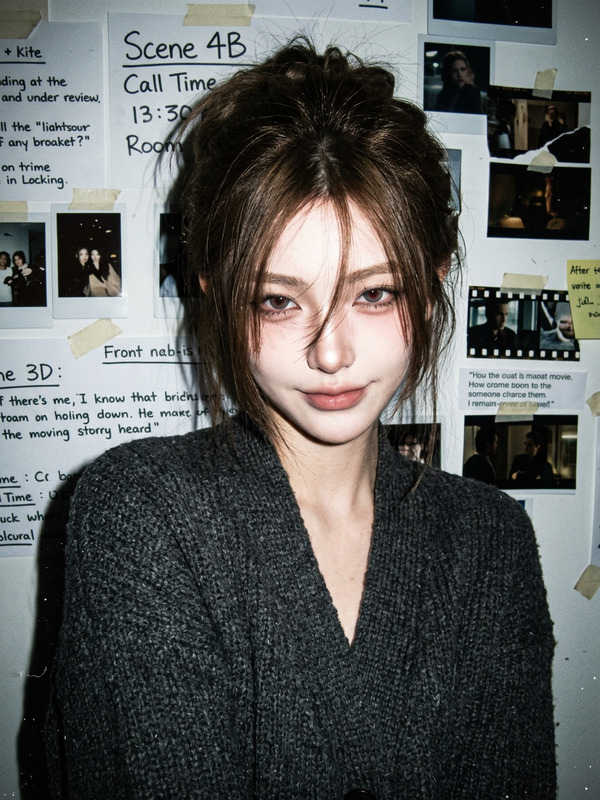
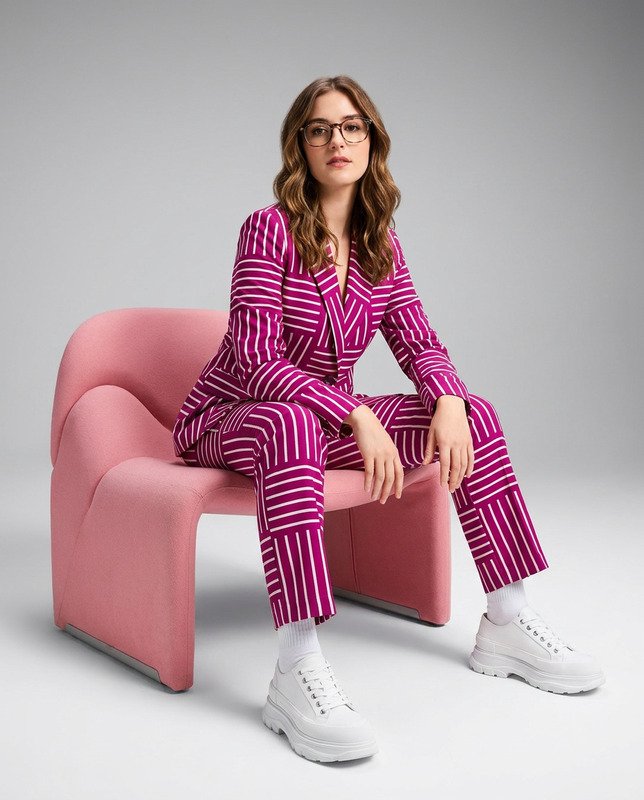
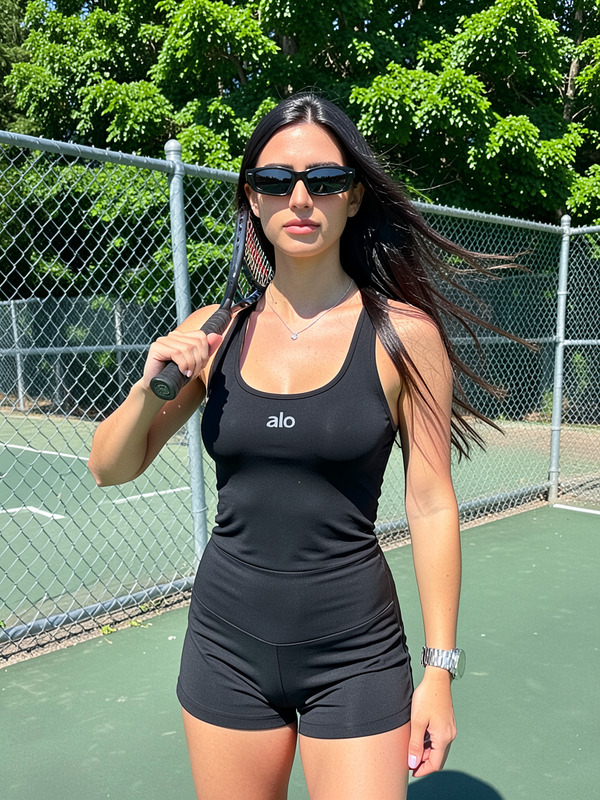
Xeeinakk New Jeans Supernatural Dance
face-swap
Any aspect ratio
Tags
tiktokXeeinakk “Supernatural” Dance – NewJeans Face Swap Template
The Xeeinakk NewJeans “Supernatural” Dance template lets you instantly drop yourself (or anyone else) into an iconic K‑pop choreography using AI face swap. Built by creator @kpop_stan on Magic Hour, this template is ideal for TikTok, Reels, YouTube Shorts, and fan edits that need to look polished but take only a few minutes to make.
This template is powered by Magic Hour’s Face Swap Video technology, so you can replace the performer’s face with your own while preserving the dance, lighting, and camera motion.
What This Template Does
- AI Face Swap on Dance Footage – Automatically maps your face onto the dancer in the Xeeinakk “Supernatural” choreography.
- Short-form ready – Optimized for TikTok/Shorts/Reels–style vertical dance clips.
- On‑model motion & sync – Keeps all the original movement and timing so you don’t have to learn the full choreography to appear in it.
- Creator‑friendly workflow – No editing software required; you run everything directly inside Magic Hour.
If you’re already using tools like Magic Hour’s Face Swap, Text to Video, or Image to Video, this template gives you a fast, preset starting point for K‑pop–style dance content.
How to Remix This Template in Magic Hour
You can either use this template as‑is, or treat it as a starting point and remix it into your own variant. Here’s the general workflow smart creators follow:
-
Start from Face Swap Video
Open Face Swap Video. This is the core tool that powers the Xeeinakk template.
Goal: Load a base “Supernatural” dance clip and prepare it for swapping. -
Choose Your Base Dance Clip
Use:- The Xeeinakk “Supernatural” template clip, or
- Any other NewJeans “Supernatural” dance performance or fancam you have rights to use.
For the best result, pick footage with:
- Clear, front or ¾ view of the dancer’s face
- Relatively stable lighting
- Minimal occlusions (hands or hair blocking the face)
-
Add Your Reference Face
Upload:- A selfie or portrait of you (good lighting, face clearly visible), or
- Another person’s face you have permission to use.
AI face swap tends to perform best when the reference face:
- Is high‑resolution and not heavily filtered
- Is looking roughly toward the camera
- Matches the general age and gender presentation of the performer for more natural results
-
Generate the Face‑Swapped Dance
Let Magic Hour’s AI Face Editor–level technology do the work. The system:- Detects the performer’s face in each frame
- Reconstructs your facial features in the correct pose
- Blends skin tone, shadows, and motion for a cohesive result
-
Add “Supernatural” Audio & Final Touches
To finish your video:
- Sync the official “Supernatural” audio (from your licensed source or platform audio library) with the dance clip.
- Optionally pre‑edit the base footage with tools like the AI Image Editor or Video Upscaler for sharper results.
- Review the final timing against the chorus and key choreo points before exporting.
Once you’ve done this once, you can quickly remix new variants by swapping in different faces, outfits, or base dance clips.
Ways to Customize and Extend This Template
Power users often extend the Xeeinakk template into full campaigns or content series. Here are practical directions you can take:
-
Swap Multiple Members
Create edits where each NewJeans member is replaced by a different friend, teammate, or character. Repeat the workflow in Face Swap Video and compile cuts in your editor of choice. -
Turn Stills Into Dance Videos
Combine:- AI Image Generator or AI Photo Generator to design stylized portraits
- Image to Video to add motion
- Face Swap Video to map those faces onto your “Supernatural” dance clip
-
Animated or Anime‑Style Versions
Use AI Anime Generator or Animated Characters Generator to create stylized faces, then swap them into the dance footage for anime/K‑pop crossover edits. -
GIFs and Memes
Export short segments of the dance and turn them into looping GIFs using the AI GIF Generator or remix them into reaction memes with the AI Meme Generator. -
Brand or Campaign Integrations
Marketers and startups can:- Swap in team members or customers for community‑driven K‑pop challenges
- Use AI Voice Generator or AI Voice Cloner for voice‑over intros/outros
- Create thumbnails and covers using the Thumbnail Maker or Album Cover Generator
Best Practices for High‑Quality Face Swap Dance Edits
- Use clean reference photos – Avoid heavy filters, sunglasses, or extreme angles. This improves facial alignment and realism.
- Match lighting where possible – If the dance clip is bright and colorful, use a bright, well‑lit reference photo.
- Stay consistent across clips – If you stitch multiple dance segments, use the same reference face set for each to avoid jarring changes.
- Respect rights and privacy – Only use faces (friends, talent, clients) where you have consent. Follow platform policies and copyright rules when using music and performance footage.
- Test on short segments first – Generate a 5–10 second section to validate the look before producing longer edits.
About NewJeans and “Supernatural”
NewJeans is a five‑member South Korean girl group under ADOR (a HYBE subsidiary), consisting of Minji, Hanni, Danielle, Haerin, and Hyein. They debuted in 2022 and rapidly gained international attention with songs like “Attention” and “Hype Boy,” noted for blending Y2K aesthetics with contemporary pop and R&B.
“Supernatural” continues that trajectory with a choreo‑driven performance that translates well into short‑form dance challenges. The template focuses on the most recognizable sections of the dance, making it ideal for fan edits and creator‑led campaigns.
Publishing and Community Use
Once your face‑swapped “Supernatural” dance is ready, you can share it across platforms like TikTok, Instagram, and YouTube Shorts. Common community tags include:
#NewJeans,#Supernatural,#KpopDance#FaceSwap,#AIVideo,#AICreator#DanceChallenge,#KpopEdit
For more advanced variations, consider combining this template with:
- Video to Video – stylize the entire dance clip (e.g., comic, anime, or 3D‑style) then apply or combine with face swaps.
- Animation – experiment with fully animated versions of the choreography featuring your face or custom characters.
- AI Talking Photo – create character intros that speak to camera before cutting into the “Supernatural” dance.
Build Your Own Version of the Xeeinakk Template
You don’t have to stop at using the original template. To build your own, template‑style remix inside Magic Hour:
- Pick your hero dance clip (any choreography you have rights to).
- Run it through Face Swap Video with your chosen test face.
- Refine until you’re happy with realism and style.
- Document your steps so your team or audience can repeat the process consistently.
- Combine with other Magic Hour tools (e.g., AI Background Generator, Background Remover, Auto Subtitle Generator) to turn it into a full content pipeline.
The Xeeinakk NewJeans “Supernatural” Dance template is a concrete example of how AI face swap can move beyond simple memes and into reusable, production‑ready creative systems for creators, developers, and marketing teams.