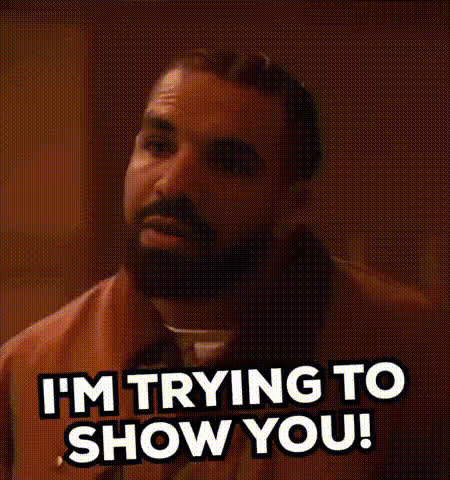
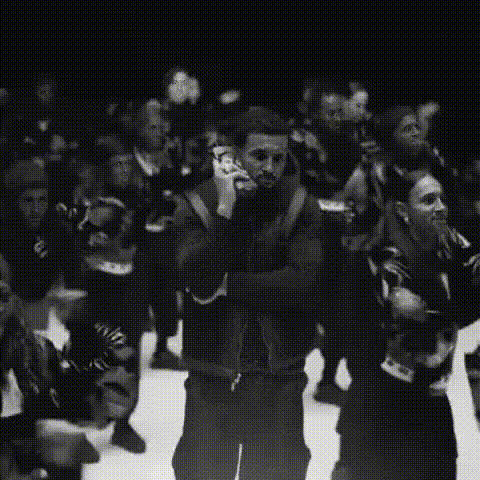
Drake - Hotline Bling
face-swap
Any aspect ratio
Tags
music videoDrake “Hotline Bling” Face Swap Video Template
Overview
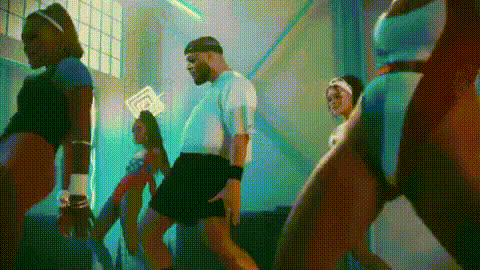
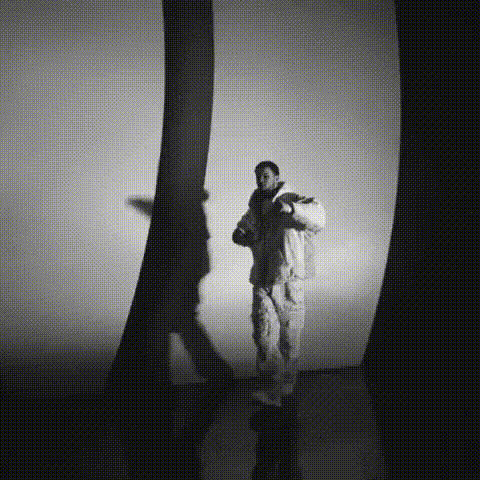
Turn the iconic “Hotline Bling” dance into a fully customized meme, reaction, or promo video with this Drake Face Swap template on Magic Hour. In a few clicks, you can swap Drake’s face with yours, a friend, a character, or a brand mascot and instantly generate share‑ready clips and GIFs—no editing experience required.
This template is powered by Magic Hour’s AI Face Swap technology, built to keep expressions, lighting, and motion consistent while replacing the face. It’s ideal for:
- Social content (TikTok, Reels, Shorts, X, Reddit)
- Memes and reaction clips
- Brand and product comparisons (“what you ordered vs what you got”)
- Campaigns, launches, and announcements with a pop‑culture hook
How to Remix This Template in Magic Hour
You can either use this Drake template directly or quickly recreate your own version by remixing it inside Magic Hour:
- Open the Face Swap creator
Go to the Face Swap Video page. This is where you’ll set up your source video and faces. - Upload the “Hotline Bling” style clip
Use the original meme clip you’re licensed to use or a look‑alike dance shot you’ve produced. For similar motion‑driven memes, you can also transform any short clip with Image to Video or Video to Video before swapping faces. - Add the face you want to swap in
Upload a clear photo or headshot of the person or character you want as “Drake.” For best results, use a front‑facing, well‑lit image. If you don’t have one, generate it first with the AI Headshot Generator or Avatar Generator. - Generate your face‑swapped meme
Let Magic Hour process your clip. It will automatically track the head, match expressions, and blend the new face into the original “Hotline Bling” dance. - Export as video or GIF
Download the result as a video for TikTok/Instagram/YouTube or turn it into a short looping meme using the AI GIF Generator.
You can iterate quickly: swap in a new face, change the source clip, or pair it with voice and subtitles using AI Voice Generator and Auto Subtitle Generator for a fully packaged meme or promo.
Why “Hotline Bling” Works So Well as a Template
Drake’s “Hotline Bling” video (2015) became a meme staple because of its clear body language, exaggerated reactions, and simple, looping choreography. These traits make it perfect for:
- Before/after and A/B comparisons – classic “disapproves vs approves” formats
- Relatable reaction content – work, dating, product, or tech memes
- Brand storytelling – “old way vs new way” narratives in a single short clip
Marketers, creators, and startups often reuse this format because audiences instantly recognize the visual joke, reducing the time needed to “set up” context and boosting engagement and watch‑through rates.
Key Features of This Template
- High‑quality AI Face Swap
Built on Magic Hour’s Face Swap engine, this template keeps Drake’s dance and body motion while replacing only the face. It’s designed to maintain:- Facial expressions and timing
- Skin tone and lighting consistency
- Perspective and head movement
- Custom captions and overlays
Add comparison captions (“What the client wanted” vs “What the client got”), product names, or call‑to‑actions. For thumbnail‑friendly layouts, you can pair your export with the Thumbnail Maker. - GIF‑ready output
Turn clips into short looping memes via the AI GIF Generator or repurpose them as animated stickers and replies on messaging platforms. - Cross‑tool compatibility
Combine this template with:- Lip Sync – have “Drake” lip‑sync to your script, product tagline, or onboarding message
- AI Voice Cloner – clone your voice and dub over the meme for branded explainers
- Video Upscaler – sharpen older “Hotline Bling” clips for modern HD platforms
Advanced Remix Ideas for Creators & Marketers
- Product comparison memes
Use “reject” vs “approve” frames to compare:- Competitor vs your product
- Old workflow vs new tool
- Bad marketing tactic vs your recommended strategy
- Character‑driven series
Generate recurring characters with the AI Character Generator or Anime Generator, then face‑swap them into the “Hotline Bling” dance for episode‑style content. - Campaign launches
Use Drake’s “approving” pose for your product, feature, or discount, and his “disapproving” pose for the old alternative. Export vertical clips for Shorts/Reels and horizontal for X/Reddit. - Internal comms & culture
Swap in your teammates’ faces for lighthearted internal memes about OKRs, deployments, or product decisions. This often drives higher engagement in Slack/Teams and internal newsletters.
Best Practices for High‑Quality Face Swaps
- Use sharp, front‑facing photos
Clear, well‑lit images (no heavy filters, sunglasses, or obstructions) produce more realistic swaps. If your source is low‑res, clean it up with the AI Image Upscaler or Unblur Image. - Match expressions when possible
If the original clip has strong reactions (surprise, laughter, side‑eye), choose or generate source faces with relatively neutral expressions so the AI can flexibly adapt them. You can create such faces via the AI Face Generator. - Keep it short and loop‑friendly
Short loops (3–10 seconds) generally perform better as memes and social snippets and are easier to reuse in campaigns and reply threads. - Respect rights and likenesses
If you’re using real people—especially public figures or clients—make sure you have permission to use their likeness. For safer experimentation, use AI‑generated faces or avatars.
Combining This Template with Other Magic Hour Workflows
To build richer, multi‑step meme or marketing pipelines, you can stack this template with other Magic Hour tools:
- Generate the “face” first with:
- AI Selfie Generator – stylized selfies you can drop into the Drake clip
- AI Outfit Generator or AI Clothes Changer – create different fashion variants of your character for multiple memes
- Style the background or supporting visuals with:
- Background Generator for campaign‑themed environments
- Background Remover and Remove Object from Photo to isolate elements for overlays
- Turn a single clip into a full content set:
- Short meme video (this template)
- Animated GIF using AI GIF Generator
- Static cover image via Album Cover Generator or Book Cover Generator
- On‑brand logo overlays via the Logo Generator
Using the Template Responsibly
Face‑swap content is powerful and highly shareable. For professional or brand use, consider:
- Disclosing that AI editing or face swap was used when relevant
- Avoiding misleading or harmful uses (e.g., impersonation, misinformation)
- Respecting copyrights, personality rights, and platform policies
Related Magic Hour Templates & Tools
If you like this Drake “Hotline Bling” Face Swap template, you may also want to explore:
- Face Swap Video – create custom face‑swap memes from any clip
- Lip Sync – turn static photos into singing or talking characters
- AI Talking Photo – animate portraits for commentary on top of your meme
- Video to Video – restyle existing memes into new visual aesthetics
- Text to Video – script meme narratives and generate video, then optionally insert “Hotline Bling” moments as cut‑ins
Get Started
To remix this Drake “Hotline Bling” template, open the Face Swap Video tool, upload your “Hotline Bling” style clip, add your face (or character), and generate. From there, iterate quickly, test variations, and plug the results into your broader content strategy across social, ads, and internal comms.