Spiral Code Chamber
- Model
- Nano Banana 2
- Image
- 843 × 1264 px
Prompt
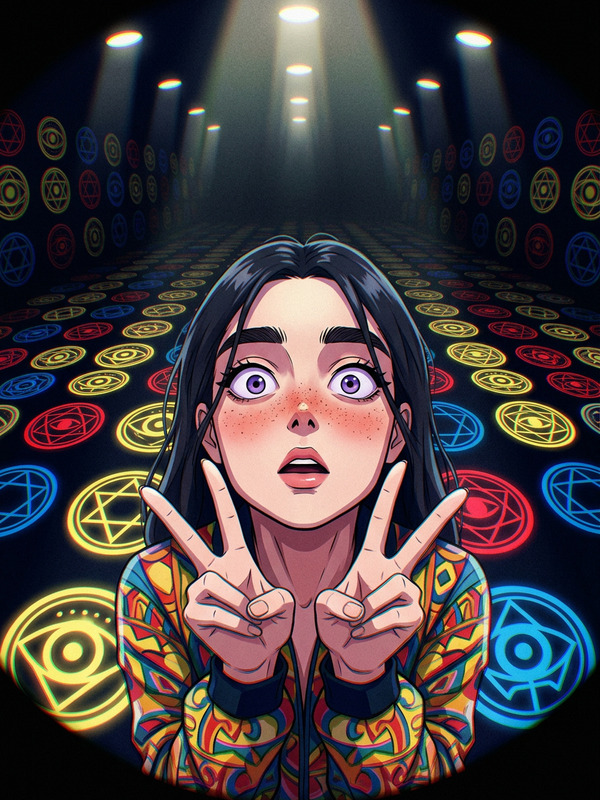
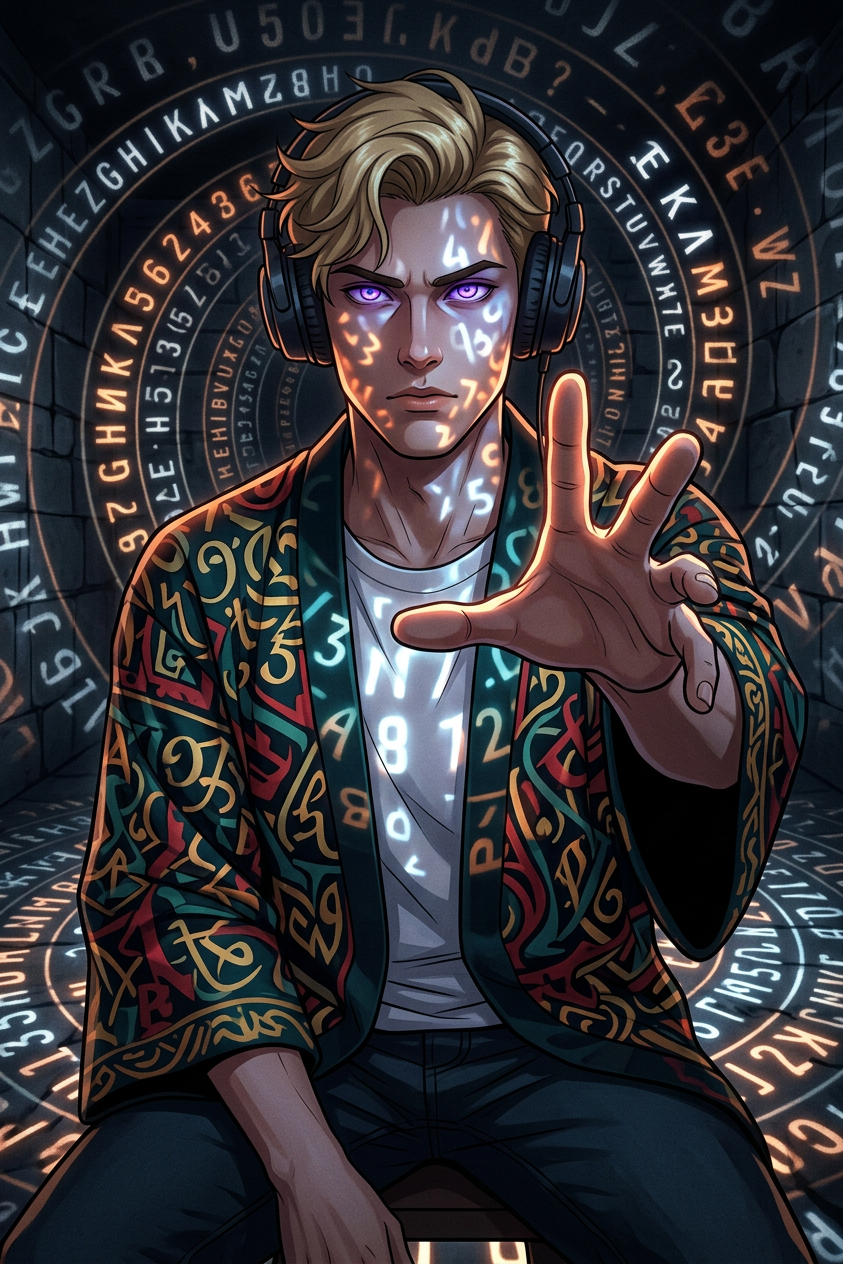
Anime-style digital portrait of a subject with intense purple eyes, reaching toward the viewer; subject wears a patterned kimono/jacket in teal, red, yellow, and black; set in a vast dark chamber filled with glowing letters and numbers forming a spiral/roulette-like projection across floor and walls; dramatic low-key lighting with bright numeric glow casting strong shadows and illuminating subject's face and hands; dark muted palette contrasted by white, orange, and blue light; high contrast, subtle grain, volumetric lighting, mysterious and slightly unsettling atmosphere.
Any aspect ratio
Overview
The Spiral Code Chamber AI Image Editor template offers an exquisite combination of anime aesthetics and digital art precision. This template immerses your subject in a vast chamber where glowing numerals form a spiraling narrative on the walls and floors. Whether you're an illustrator or a graphic designer, this tool helps you craft visually arresting portraits with a mysterious, high-contrast atmosphere.
What It Does
This template utilizes the nano-banana-2 model, renowned for its finesse in anime-style portrait creation. The AI Image Editor focuses on bringing dramatic lighting and volumetric effects to life, casting shadows and illuminating your subject's features with a glowing contrast. With its interactive canvas, you can achieve a subtle grain and high-contrast finish that elevates your visuals to a captivating level.
Who It's For
Spiral Code Chamber is perfect for digital artists, content creators, and storytellers who want to integrate a sense of mystery and drama into their imagery. Whether you're crafting content for an audience or designing a personal project, this tool is ideal for those seeking to capture attention and evoke emotions. It's also useful for game designers and illustrators who require high-concept visuals.
Summary
Step into the world of digital artistry with the Spiral Code Chamber template. By leveraging the AI Image Editor capabilities, transform ordinary portraits into anime-inspired masterpieces. The template provides seamless integration with AI Image Generator tools, allowing you to expand your creative possibilities and explore new artistic dimensions with every project.
How To
Choose Your Template

Customize Your Scene

Generate Your Portrait

Use Cases
Digital Art Portfolio
- High-contrast visual appeal
- Dramatic lighting effects
Game Design Concepts
- Evocative character imagery
- Mysterious, atmospheric backdrops
Social Media Visuals
- Eye-catching portraits
- Enhance social engagement
Best Practices
Harness Lighting Effects
Experiment with the lighting settings to achieve the perfect balance of shadows and highlights, creating a mood that complements your subject.Optimize for Contrast
Adjust the contrast levels to highlight the unique aspects of the anime style, making sure the glow elements don't overpower the subject's expression.Coordinate Color Scheme
Utilize a complementary color scheme to ensure the kimono/jacket hues harmonize with the background glow for a cohesive visual impact.