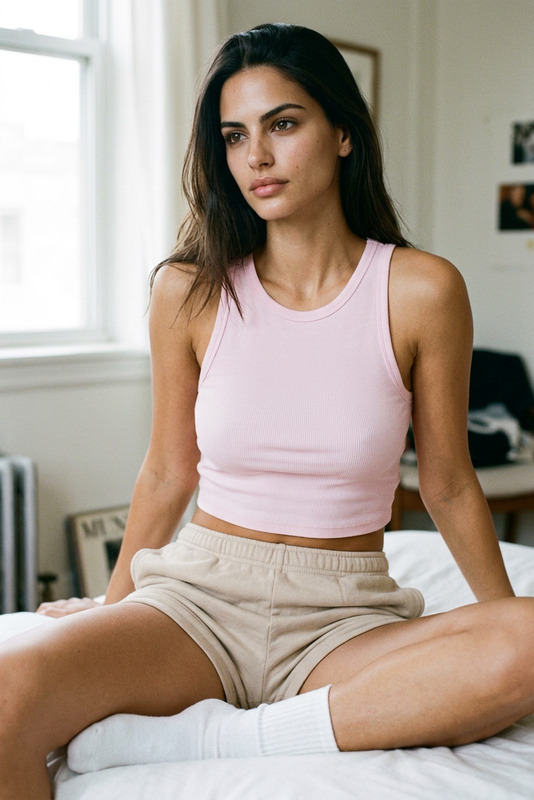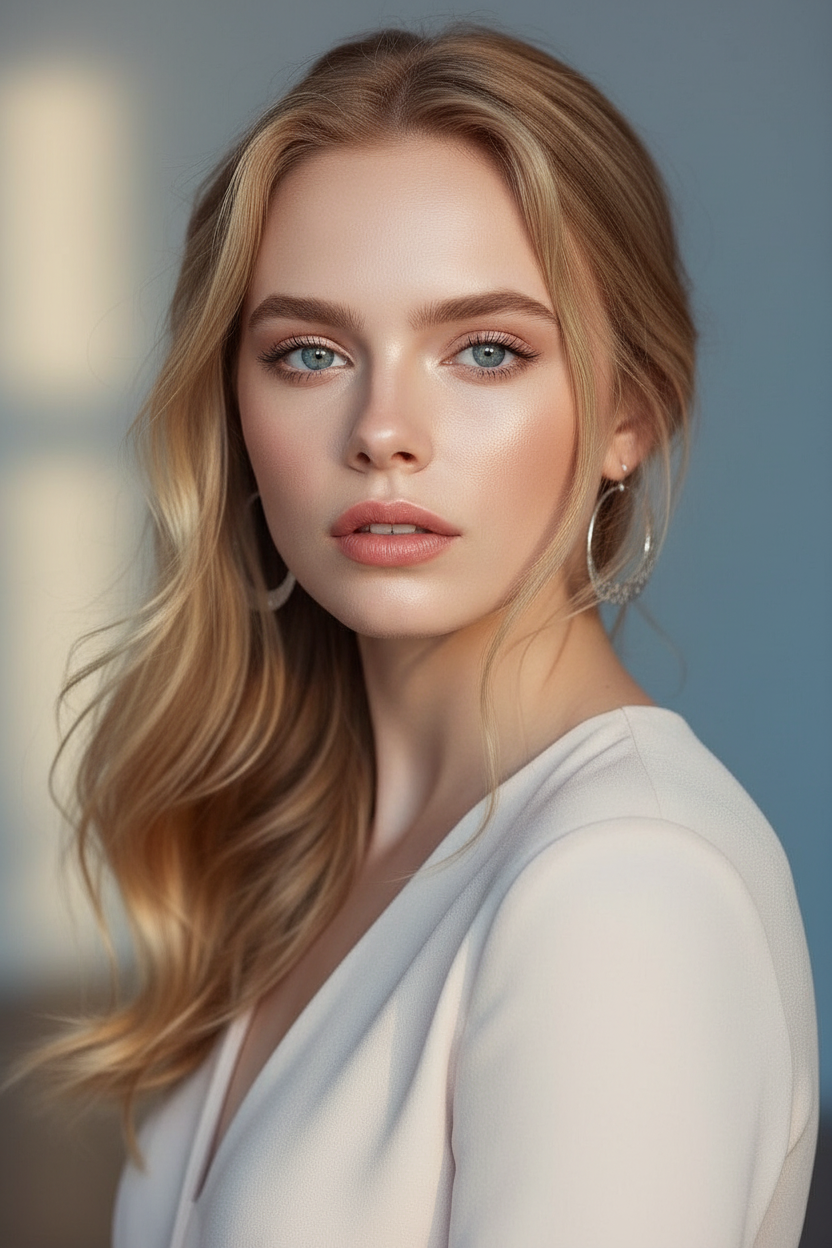
Beautiful Light

Beautiful Light

ai-image-editor

1 clip
326 uses

Any aspect ratio

Prompt

Subject with soft natural features and a calm confident expression, facing the camera in a cinematic portrait style. Long softly styled hair with gentle movement, natural makeup, and smooth skin texture. Wearing an elegant light-toned outfit with a minimal aesthetic. Soft natural lighting with a dreamy atmosphere, shallow depth of field, warm cinematic tones, slightly airy background with subtle blur, high-end editorial photography style, ultra-realistic, high detail, gentle and luminous mood.

Tags

popular

AI Image Editor Template: Edit Any Image with Precision in Seconds

Use this AI Image Editor–based template to transform any image directly in your browser—no Photoshop, no layers, no manual masking. Perfect for creators, marketers, and builders who need clean, fast, production‑ready visuals.


What You Can Do with This Template

This template is built on the AI Image Editor, and is optimized for:

  • Object removal & cleanup
    Remove distractions, people, text, logos, cables, or background clutter using AI inpainting. Ideal for:

    • Product photos and ecommerce listings
    • Social media creatives and ads
    • Portfolio shots and brand visuals
  • Background edits & replacements
    Turn raw shots into polished assets in a few clicks:

    • Swap messy backgrounds for studio-style scenes
    • Generate brand‑consistent environments for products or portraits
    • Make platform‑ready assets for Instagram, TikTok, YouTube thumbnails, and landing pages

    If you want to go further with backgrounds, pair this with:

  • Face and portrait retouching
    Use AI to gently enhance portraits without over‑editing:

    • Clean blemishes and artifacts
    • Subtly adjust facial details
    • Refine selfies for profiles, resumes, or campaigns

    For more specialized face tools, explore:

  • Visual experiments and concepting
    Quickly iterate on creative ideas:

    • Try new outfits, looks, or visual styles
    • Mock up posters, album covers, ads, or thumbnails
    • Create visual variations to A/B test with your audience

    You can also combine with:


How to Remix This Template in Magic Hour

You can treat this template as a starting point and customize it for your specific workflow. A typical remix flow:

  1. Open the template in Magic Hour

    • Start from this template within Magic Hour.
    • Upload the image you want to edit (portrait, product shot, scene, etc.).
  2. Define your editing goal clearly
    Think in terms of “jobs to be done”:

    • “Remove the person in the background and fill with natural scenery”
    • “Change the messy room into a minimal, bright interior”
    • “Clean up this product shot and make it look studio‑lit”
    • “Turn this photo into an illustrated comic‑style scene”
  3. Use targeted prompts for better results
    Helpful prompt patterns:

    • Removal / cleanup: “Remove the [object/person] in the [location] and seamlessly reconstruct the background.”
    • Background change: “Replace the background with a soft, blurred studio backdrop in neutral colors.”
    • Brand style: “Match the style of a modern SaaS landing page graphic: clean, flat lighting, minimal color palette.”
    • Stylization: “Transform this into a cinematic, dark‑fantasy illustration, high detail, dramatic lighting.”
  4. Iterate and version quickly

    • Generate several variants and choose your best candidate.
    • Duplicate the template and adapt prompts for different campaigns or clients.
    • Create separate “remix” versions for:
      • Product photos
      • Portraits/headshots
      • Social media/ads
      • Concept art or moodboards
  5. Combine with other Magic Hour tools for richer outputs
    Once you have a polished edited image, you can:


Example Use Cases for Builders and Marketers

This template is especially useful if you’re shipping content on tight timelines:


Building Your Own Custom Templates

Once you’re comfortable with this AI Image Editor template, you can spin out specialized templates tailored to your pipeline:

  • Ad creative cleanup template

    • Base it on this editor template, focus prompts on product clarity, clean backgrounds, and platform‑specific aesthetics.
    • Combine with AI Meme Generator for fast social variants.
  • Creator profile + avatar template

  • Brand illustration system

For each custom template, you can:

  • Keep a consistent “style prompt” that encodes your brand
  • Maintain small variations for different channels (web, mobile, social, ads)
  • Remix quickly for new campaigns without redesigning from scratch

Related Magic Hour Tools to Explore

To extend what you do with this AI Image Editor template, these tools integrate well into the same workflow:


Why This Template Works Well with LLM‑Driven Workflows

If you’re already using tools like ChatGPT, Claude, or other LLMs to plan campaigns or generate copy, this template fits into that loop:

  • Use an LLM to:

    • Draft structured visual briefs and style guides
    • Generate detailed prompts for the AI Image Editor
    • Brainstorm variants (e.g., “5 visual directions for a landing page hero image”)
  • Then, in Magic Hour:

    • Paste those prompts into your remixed version of this template
    • Rapidly generate, compare, and refine visual options
    • Establish reusable “prompt recipes” inside your own templates

This gives you an end‑to‑end pipeline: text planning → image editing → optional video/animation → distribution, without leaving the browser.


Use this AI Image Editor template as your base, remix it for your own brand and workflows, and connect it with other Magic Hour tools to build a repeatable, high‑leverage visual production system.

More Like This

Insufficient credits