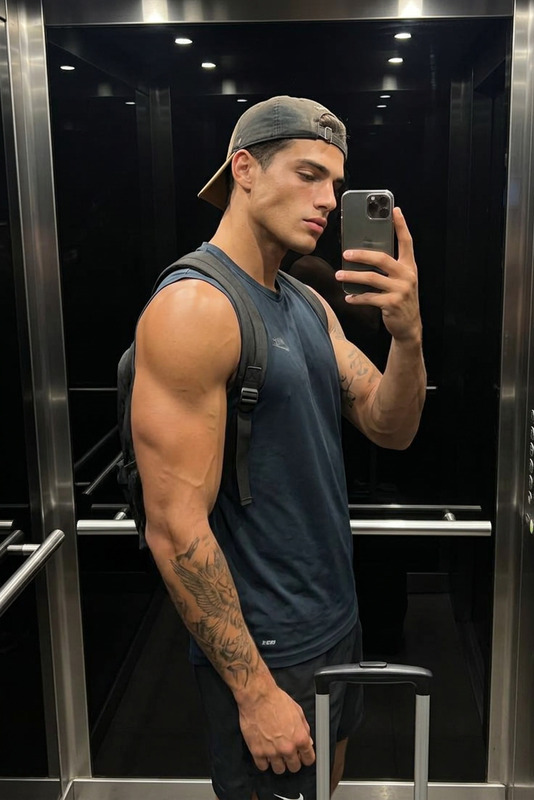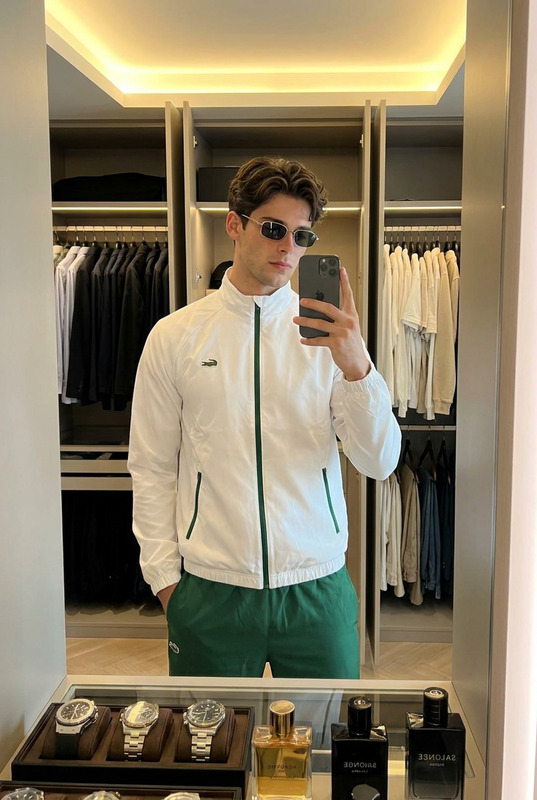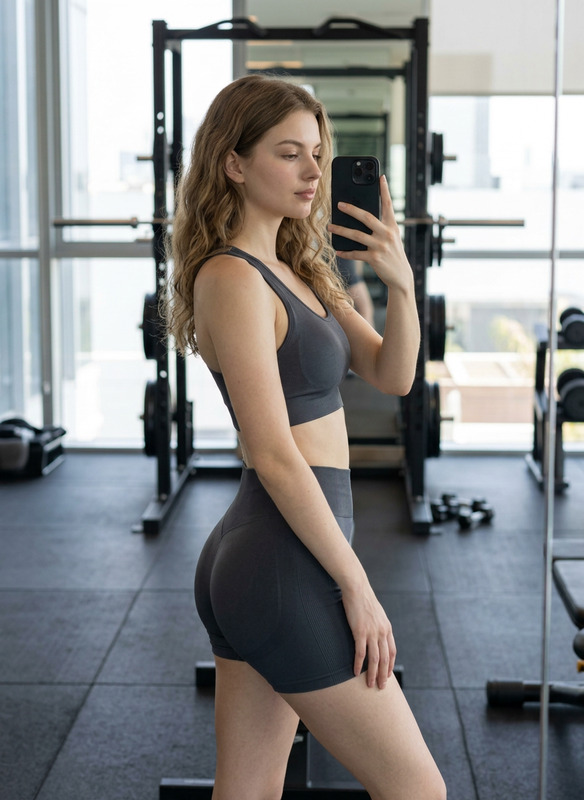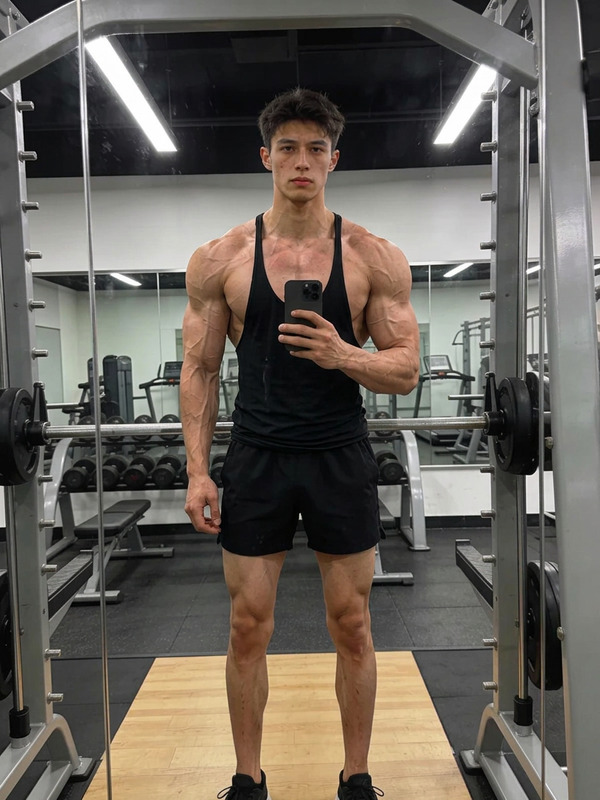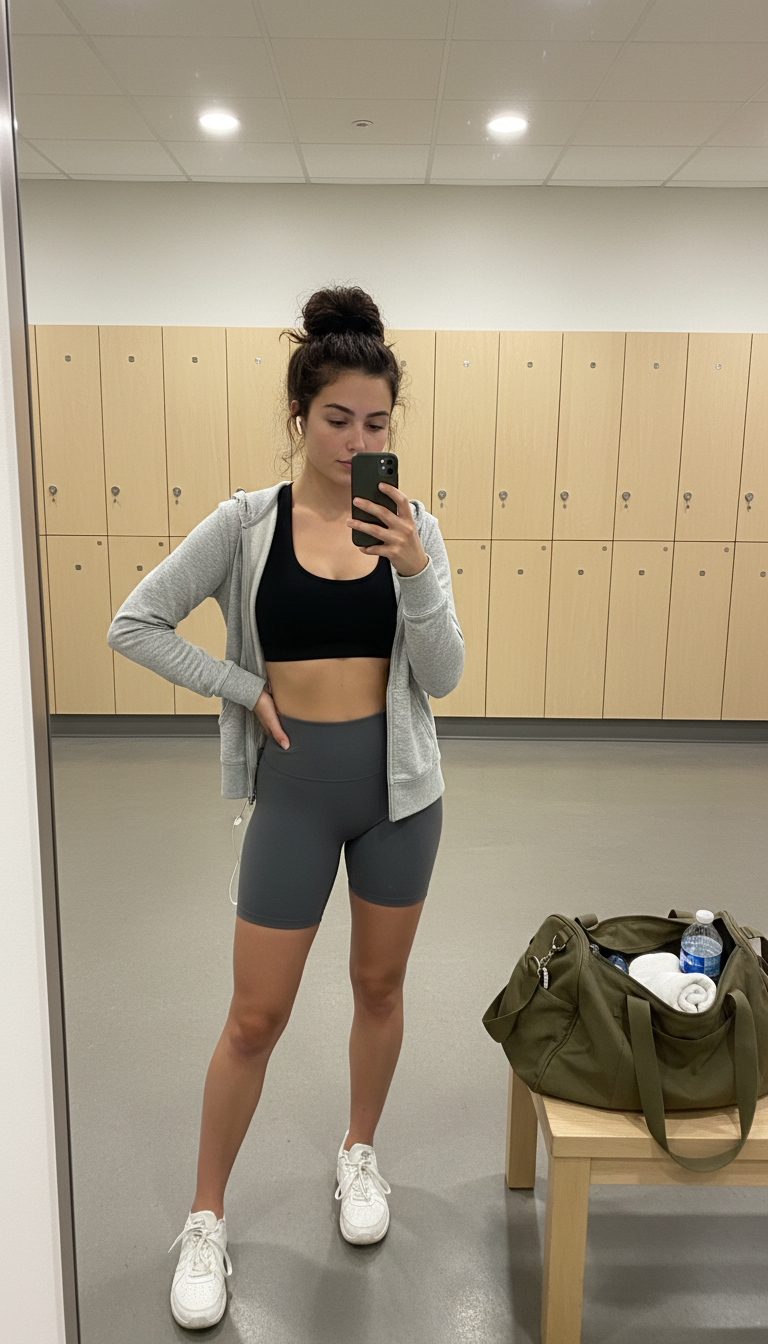
Gym locker room
ai-image-editor
Any aspect ratio
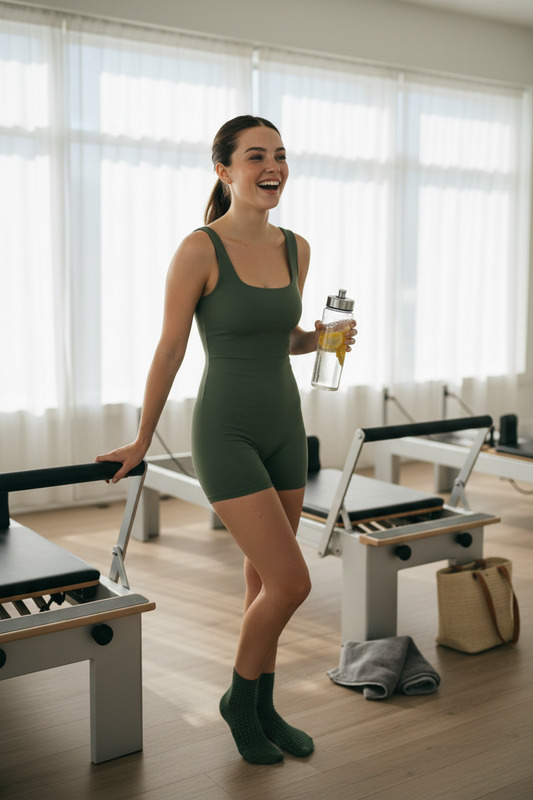
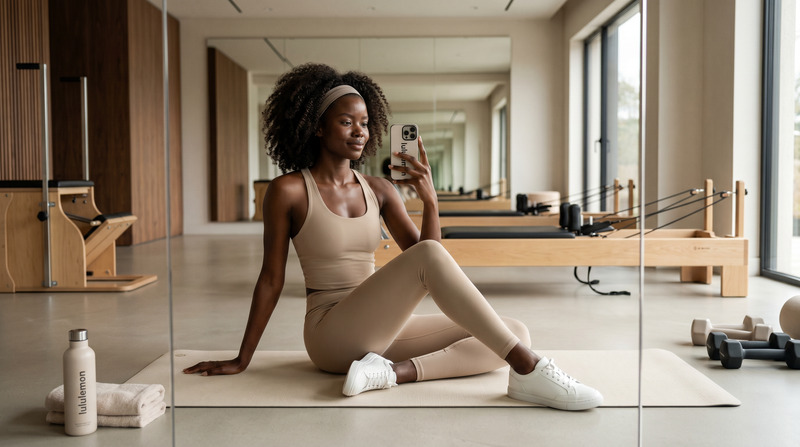
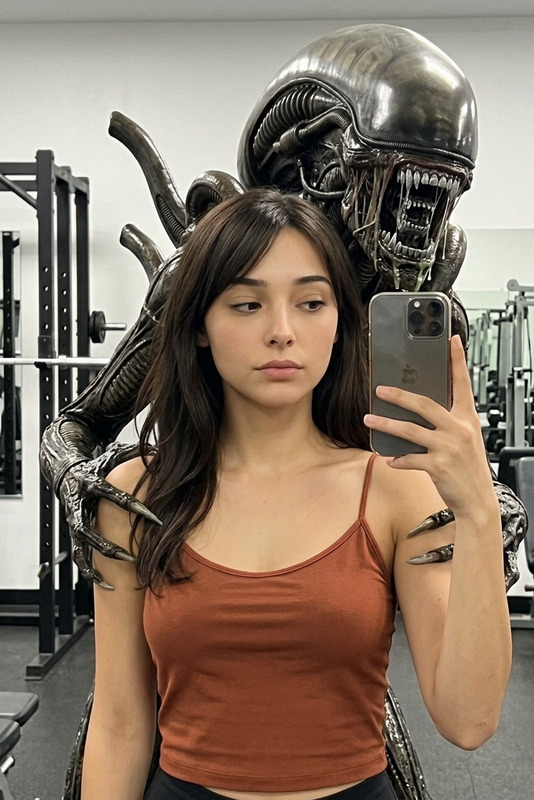
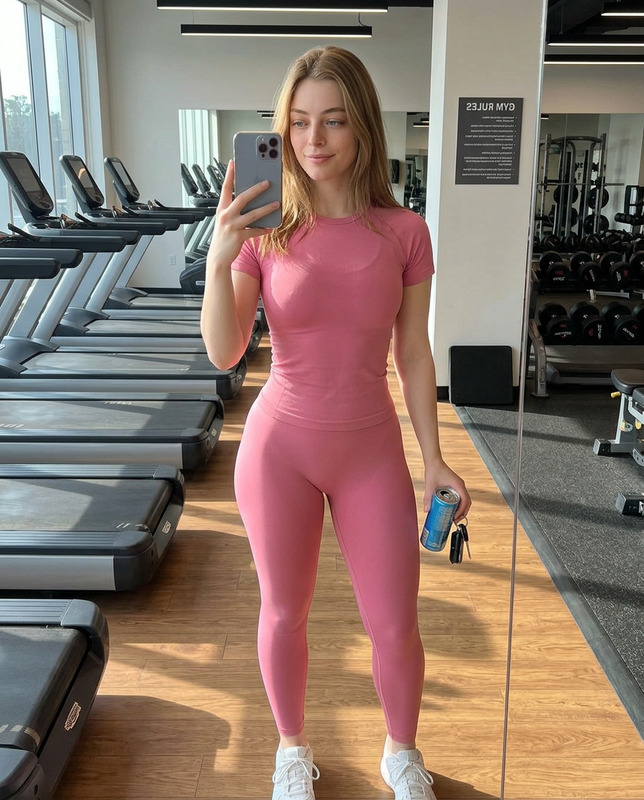
Subject taking a quick mirror selfie in a clean, modern gym locker room, standing in front of a full-length mirror. Wearing a black sports bra, high-waisted charcoal biker shorts, and white sneakers worn loose, with a lightweight heather grey zip-up hoodie left unzipped. One wireless earbud in, the other dangling. Dark hair in a high messy bun with a black scrunchie, natural post-workout look with visible skin texture. Holding phone with one hand, other hand on hip, head slightly tilted with a relaxed confident expression. Background shows pale wood lockers, concrete floor, soft recessed lighting, and an open olive canvas gym bag on a bench with a water bottle and rolled towel visible. Candid, natural gym mirror moment.
Tags
popularAI Image Editor Template: Instantly Transform Any Image With Precision
Use this template to turn a rough idea or existing photo into a polished, on‑brand asset in minutes. The AI Image Editor in Magic Hour makes it easy to remove objects, change backgrounds, refine faces, fix details, and generate new visual variations—without needing Photoshop skills.
What You Can Do With This Template
This template is built on the AI Image Editor and is designed for fast, repeatable edits. You can remix it to:
Clean up and fix photos
- Remove unwanted objects or people with the AI Remover or Remove Object from Photo
- Unblur and sharpen low‑quality shots using Unblur Image and AI Image Upscaler
- Restore and colorize old images with Old Photo Restoration and Photo Colorizer
Edit faces and people
- Tweak facial features, expressions, and details with the AI Face Editor
- Generate new faces or characters with AI Face Generator or AI Headshot Generator
- Try new outfits or styles using AI Clothes Changer, AI Fashion Generator, or AI Outfit Generator
- Experiment with gender or age changes using Gender Swap
Change backgrounds and environments
- Replace or clean backgrounds with the Image Background Remover
- Generate custom environments via the AI Background Generator
- Design rooms and interiors with the AI Interior Design Generator
- Create buildings or scenes via the Architecture Generator
Create branded and commercial assets
- Design strong visuals for campaigns with the AI Art Generator and AI Image Generator
- Build logos, icons, and app graphics with the AI Logo Generator and AI Icon Generator
- Generate covers and thumbnails using the Book Cover Generator, Thumbnail Maker, and Album Cover Generator
- Create memes and social content quickly via the AI Meme Generator
Experiment with creative styles and concepts
- Turn photos into sketches: Photo to Sketch
- Generate manga, comics, and illustrations with the AI Manga Generator, Comic Book Generator, and AI Illustration Generator
- Explore fantasy and stylized worlds using the Dark Fantasy AI, Fantasy Map Generator, AI Anime Generator, Animated Characters Generator, Disney AI Generator, and Optical Illusion Generator
- Create tattoos, graffiti, or art concepts with the AI Tattoo Generator, Graffiti Generator, and AI Art Generator
How to Remix This Template in Magic Hour
You can use this template as‑is, or treat it as a starting point and build your own version:
Start from this template in the AI Image Editor
- Open the AI Image Editor.
- Upload a base image or generate one first using the AI Photo Generator or AI Art Generator.
- Use this template’s workflow (remove, replace, refine) as your editing pattern.
Chain multiple tools into a repeatable flow
- Example flow for product images:
- Remove background → Image Background Remover
- Generate a clean studio backdrop → AI Background Generator
- Upscale and sharpen → AI Image Upscaler
- Example flow for portraits and headshots:
- Generate or upload a face → AI Face Generator or AI Headshot Generator
- Edit expressions, skin, or details → AI Face Editor
- Change outfit or aesthetic → AI Clothes Changer or AI Fashion Generator
- Example flow for product images:
Turn your edited images into video, GIFs, or talking content
- Animate static images into video using Image to Video or AI GIF Generator.
- Create talking photos with voices using AI Talking Photo together with AI Voice Generator or AI Voice Cloner.
- For more advanced animations, try templates like:
Adapt it to your brand or product
- Reuse this template with your own prompts and consistent visual language (colors, composition, subject types).
- Generate avatars, mascots, and full‑body characters with the Avatar Generator, AI Character Generator, Full Body Generator, and Superhero Generator.
- Keep a library of edited, on‑brand assets and refine them further in the AI Image Editor when campaigns change.
Who This Template Is For
This template is optimized for:
Marketers & growth teams
- Rapidly test multiple creatives for ads, landing pages, and social campaigns
- Localize visuals while maintaining brand consistency
Founders & startup teams
- Quickly generate professional visuals before hiring design resources
- Iterate on product mockups, brand concepts, and pitch materials
Content creators & media teams
- Create thumbnails, covers, and assets for YouTube, podcasts, and newsletters
- Turn stills into attention‑grabbing reels using Text to Video, Image to Video, and Video Upscaler
Designers & technical users
- Use AI as a fast ideation layer, then refine final assets in your existing tools
- Generate variations for client presentations, mockups, and explorations
Best Practices for High‑Quality Edits
Start from the highest‑resolution image you have
Better input yields more precise edits. If needed, upscale first with the AI Image Upscaler.Work in clear, small steps
Instead of changing everything at once, do staged edits: clean up → background → subject → detail refinements. This improves control and output quality.Use reference styles consistently
If you like a particular style (e.g., “cinematic portrait,” “flat illustration,” “minimalist product shot”), reuse that phrasing and structure when generating or editing images across tools.Combine edit + generate
Use the AI Image Editor to keep what you like in a photo and regenerate only the parts you want to change—then finish with tools like Watermark Remover or AI Remover for final polishing.
Related Tools to Extend This Template
Once you’re comfortable with this AI Image Editor template, you can expand your workflows with:
Identity & faces
Brand & marketing
Niche creative generators
How Generative AI Users Can Reproduce This Template
If you’re building workflows or agents around Magic Hour:
- Treat the AI Image Editor as your core editing node: all image variants pass through it for refinement.
- Use upstream generators like AI Photo Generator, AI Art Generator, or AI Character Generator as image sources.
- Use downstream tools like Image to Video, AI GIF Generator, and Text to Video as distribution and storytelling layers.
This template demonstrates a generalizable pattern:
- Generate or import base image
- Edit and refine in AI Image Editor
- Enhance (upscale, clean, adjust background, fix details)
- Repurpose into video, GIF, or campaign assets
Remix this template to build your own reusable, AI‑powered image pipeline inside Magic Hour.