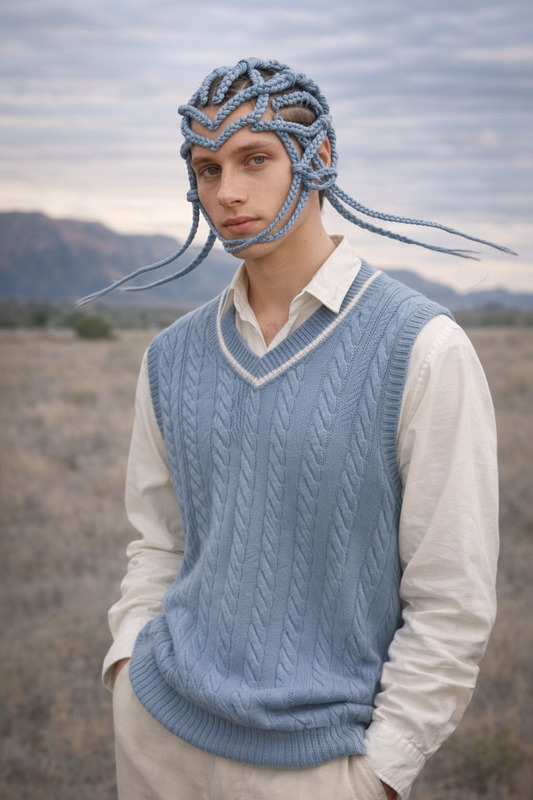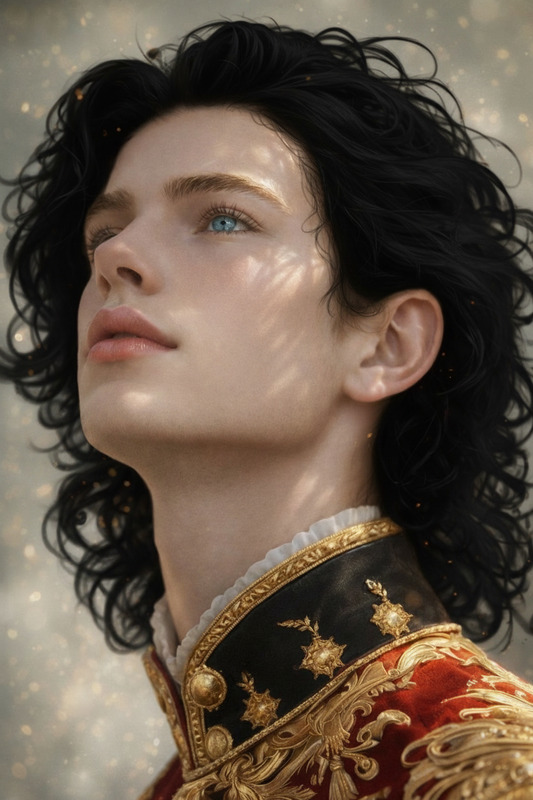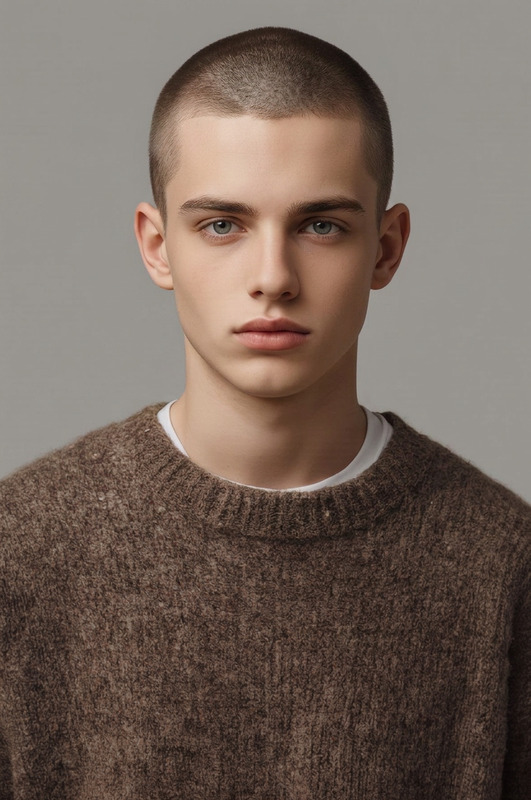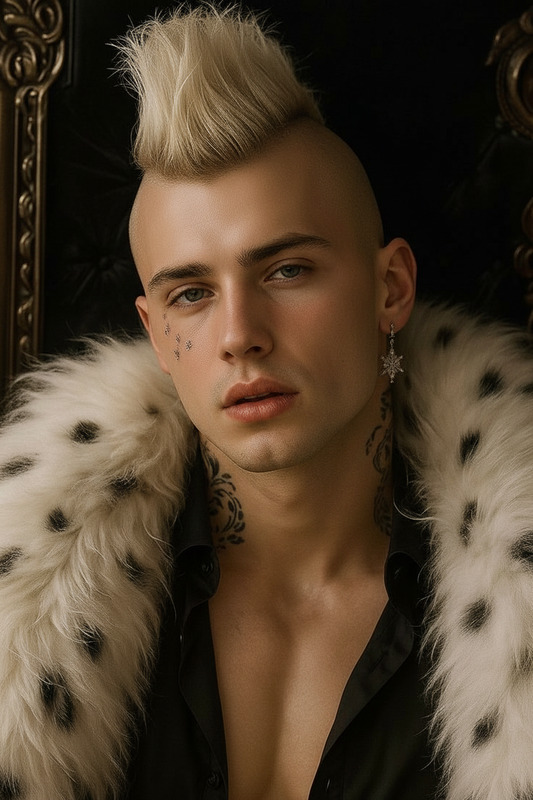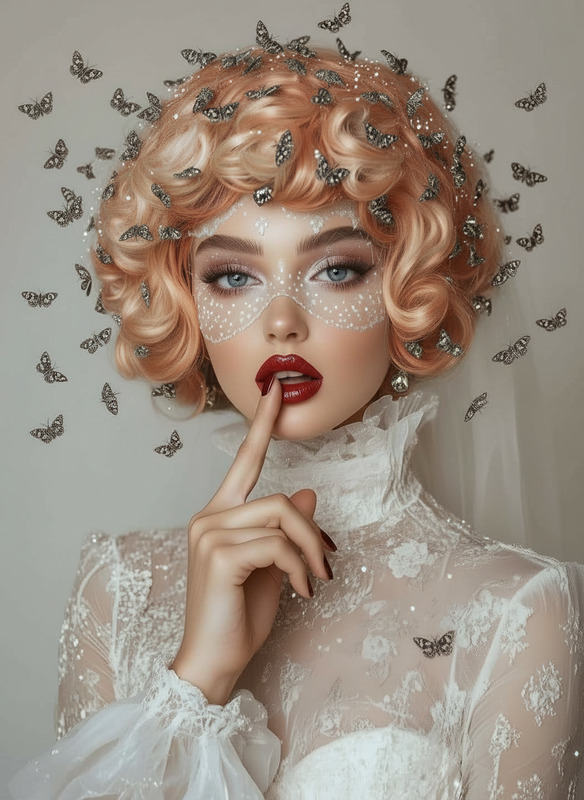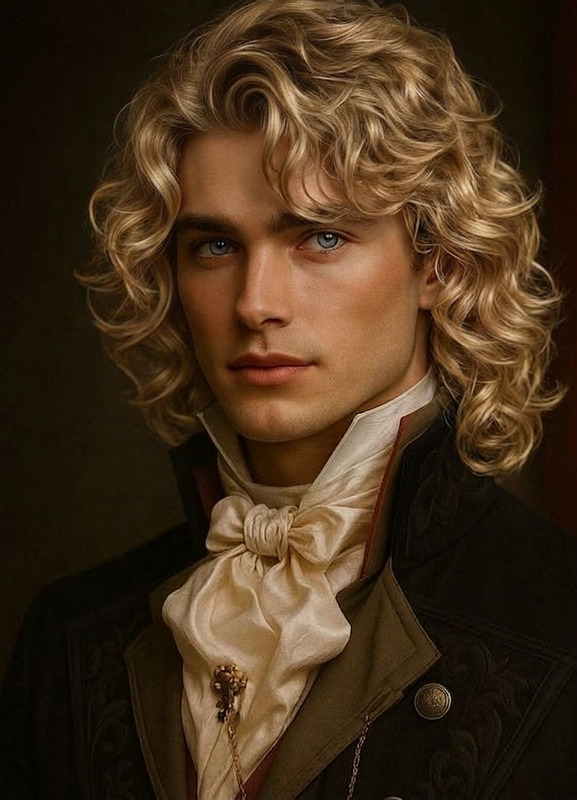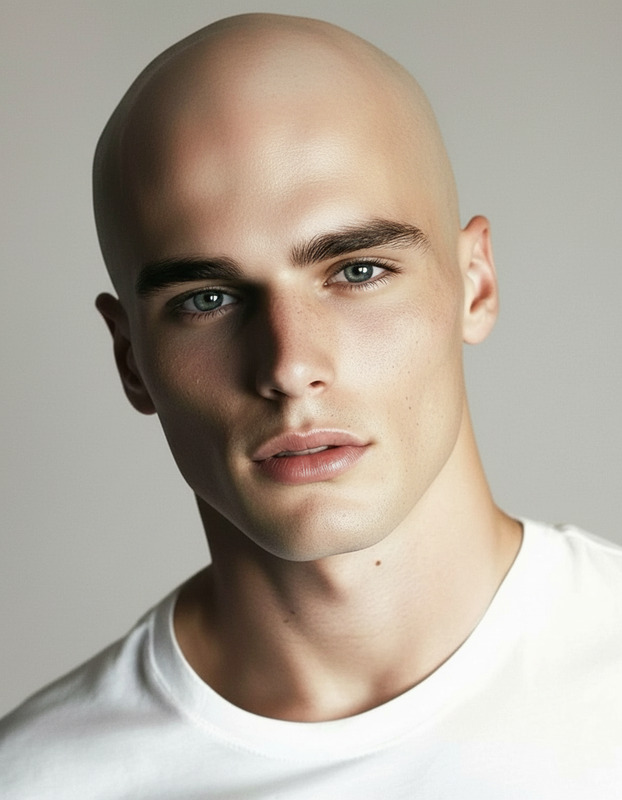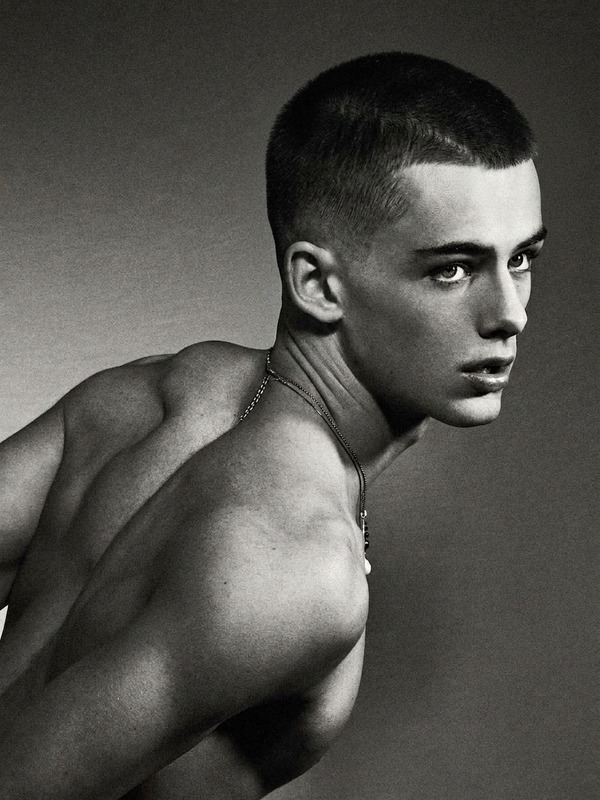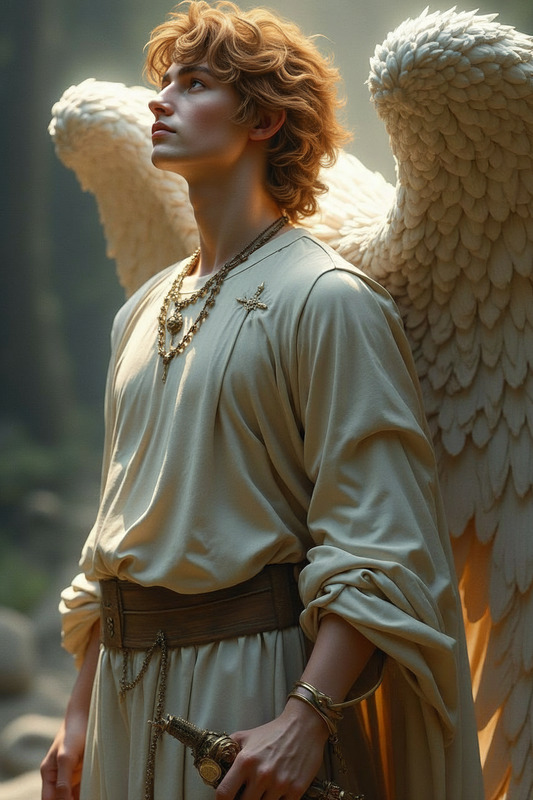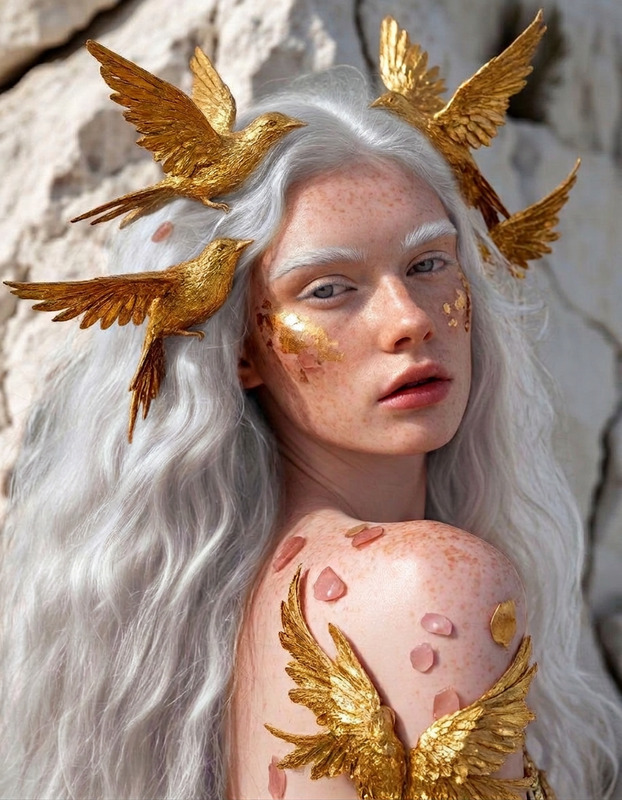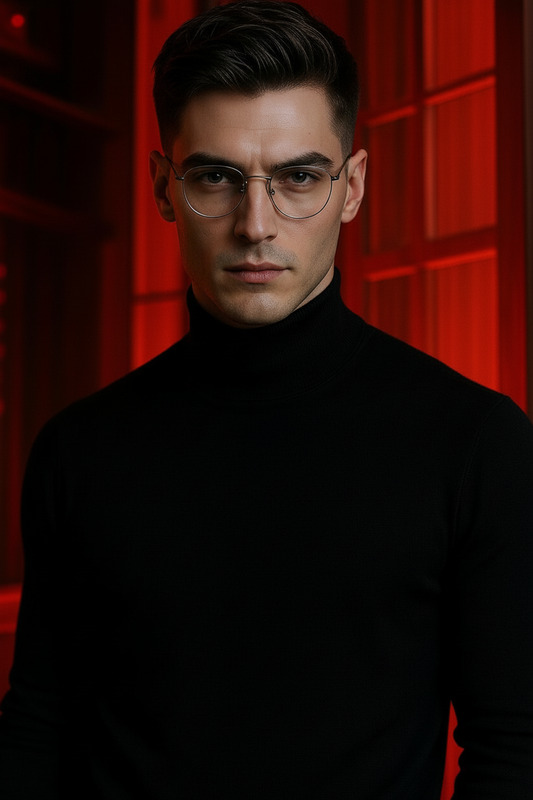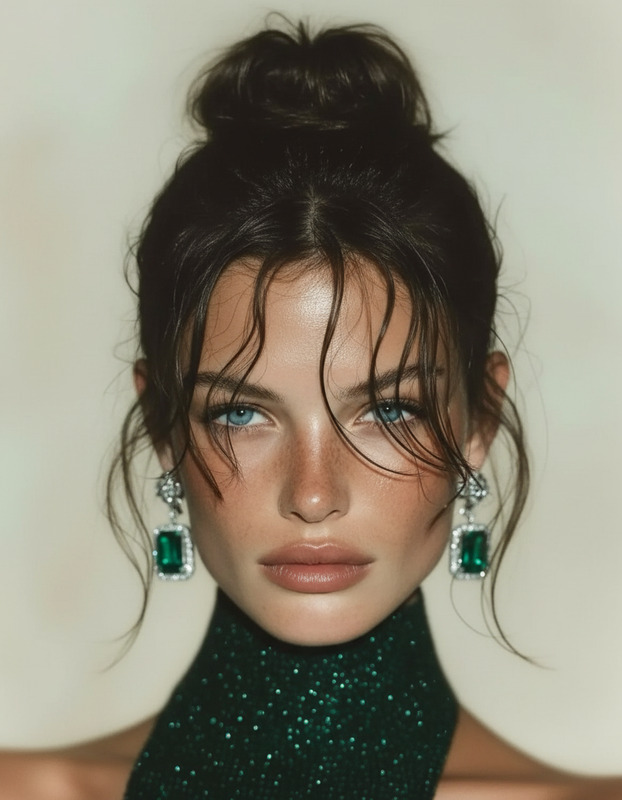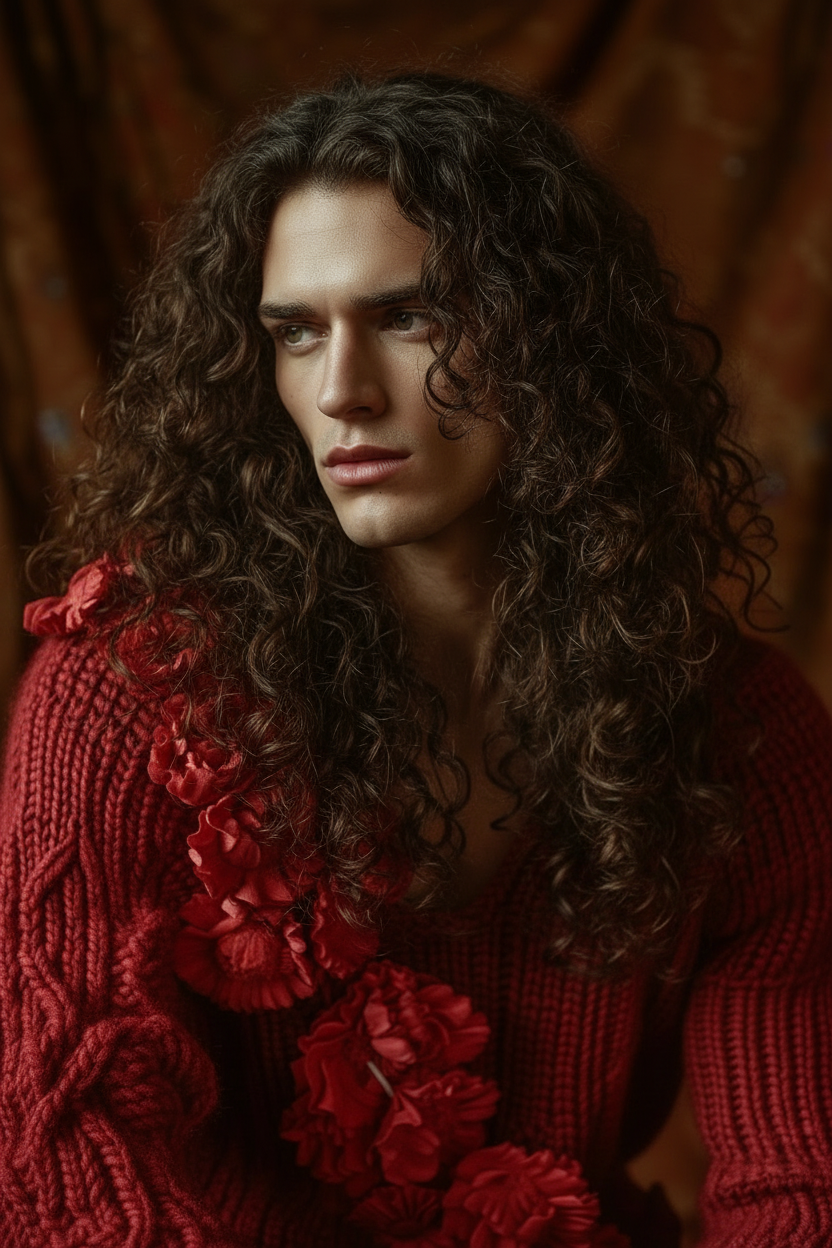
Permed hair
- Model
- Nano Banana
- Image
- 832 × 1248 px
Prompt
Give the subject long, permed hair with natural volume and defined curls. Keep the rest of the image unchanged. Ensure realistic texture, movement, and lighting so the hair blends seamlessly with the face and overall photo.
Any aspect ratio
Overview
The Permed Hair template in our AI Image Editor offers a quick and effective way to transform portraits by adding long, permed hair. This template is powered by the nano-banana model, ensuring that the new hairstyle has realistic texture and volume.
What It Does
This advanced template focuses on enhancing images by adding permed hairstyles with natural curls and volume, while keeping the rest of the photo untouched. The AI ensures that the lighting and movement of the new hair are realistic, brilliantly blending with the subject's face.
Whether you're looking to give someone a glamorous transformation or preview a new look, this template handles the job with precision.
Who It's For
This template is ideal for beauty professionals, fashion photographers, and social media influencers looking to showcase stunning hairstyle transformations. It's also perfect for anyone in the styling industry needing a visual tool to display potential hair designs. Explore further edits with our AI Clothes Changer for a full makeover experience.
Summary
Transform ordinary portraits into extraordinary visuals with the Permed Hair template. Perfect for those in the hairstyling and beauty industry or anyone desiring a quick and realistic hair makeover. Use this versatile tool to complement projects like Character Replace for a fully immersive transformation setting.
How to Use
Choose the Template

Customize Your Input

Generate and Download

Use Cases
Salon Marketing
- Hair styling promotions
- New look previews
Social Media Content
- Instagram makeovers
- Facebook beauty campaigns
Beauty Portfolios
- Enhanced stylist profiles
- Client consultation visuals
Best Practices
Use High-Quality Images
Start with high-resolution images to ensure the AI can accurately apply the transformations for the best results.Adjust Lighting Appropriately
Check that the lighting in your original image allows for a smooth integration of the new hairstyle, keeping shadows consistent.Preview Before Finalizing
Always preview the transformation to make sure the hairstyle looks natural and blends well with the image's overall appearance.