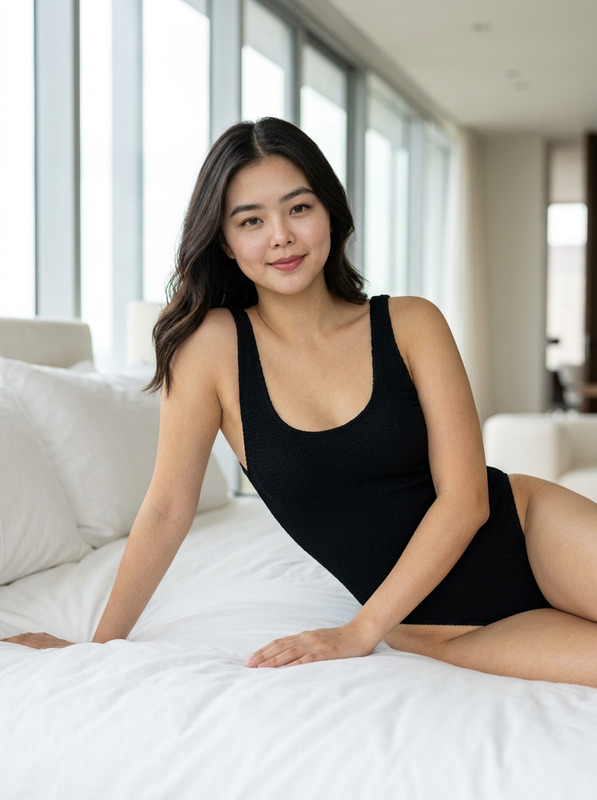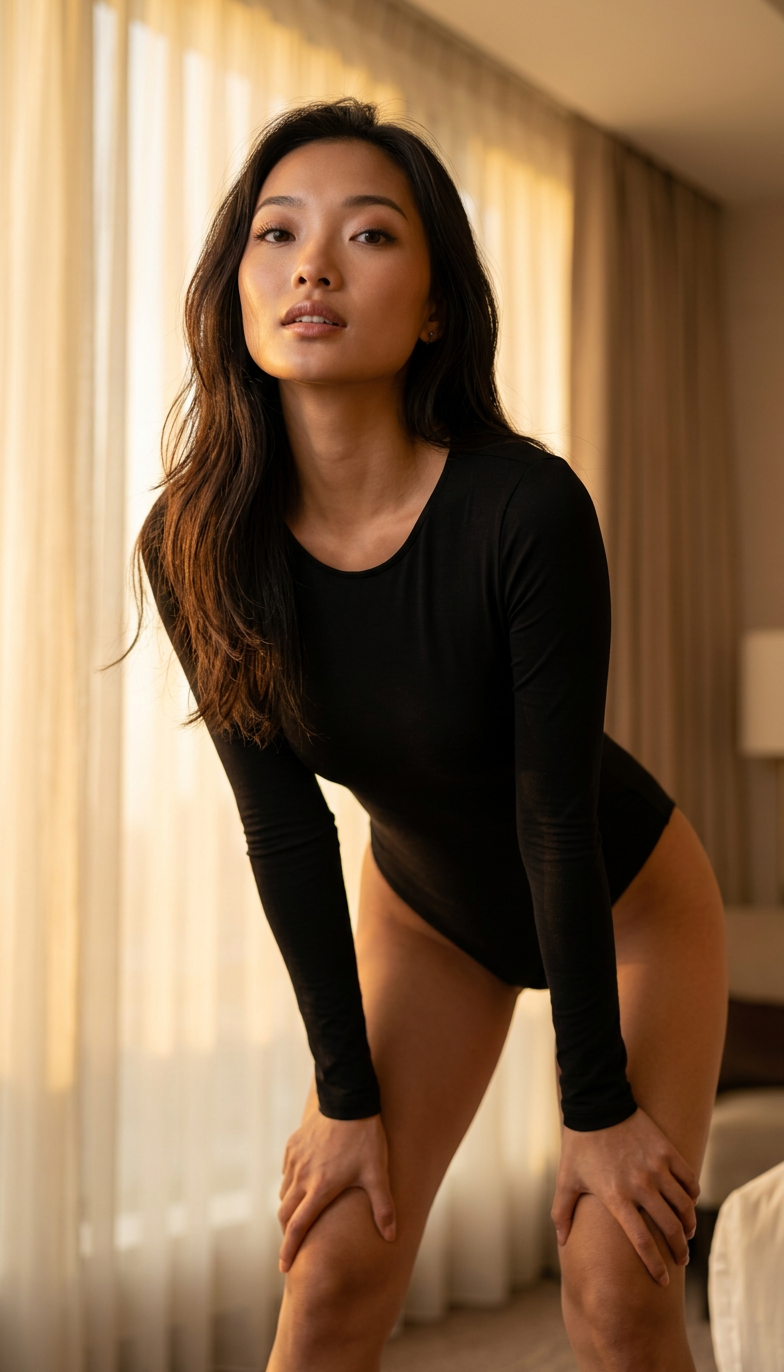
Black Bodysuit
- Model
- Nano Banana 2
- Image
- 784 × 1372 px
Prompt
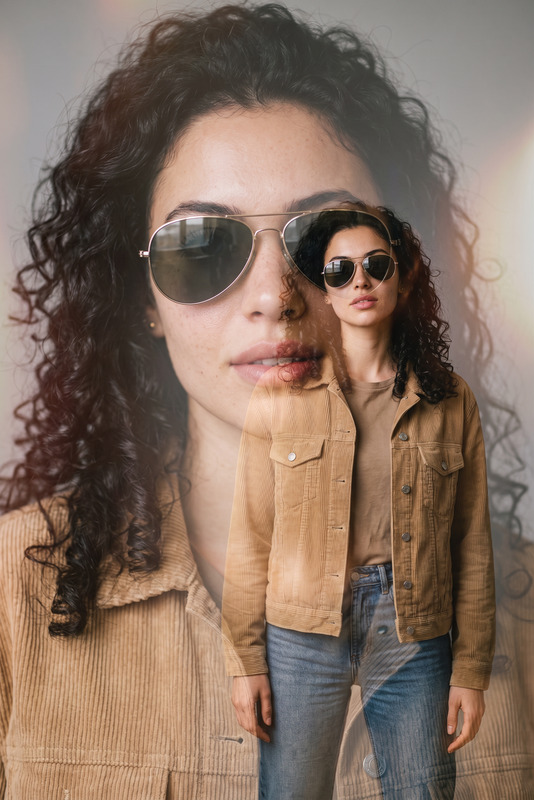
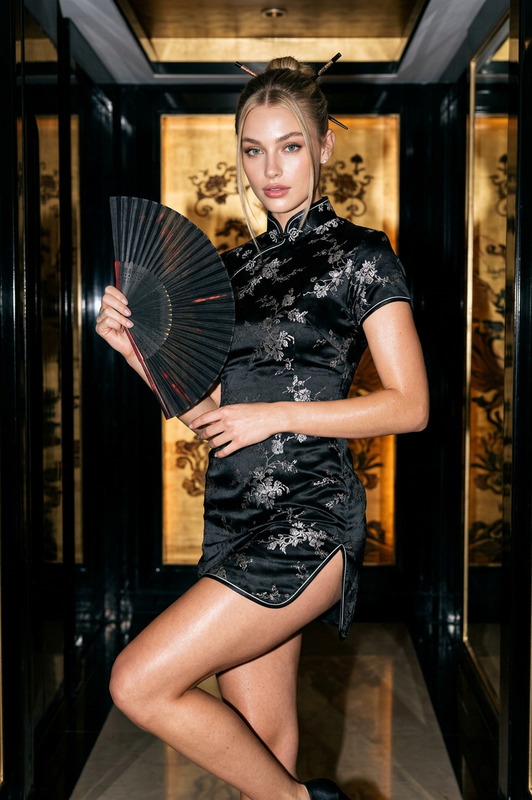
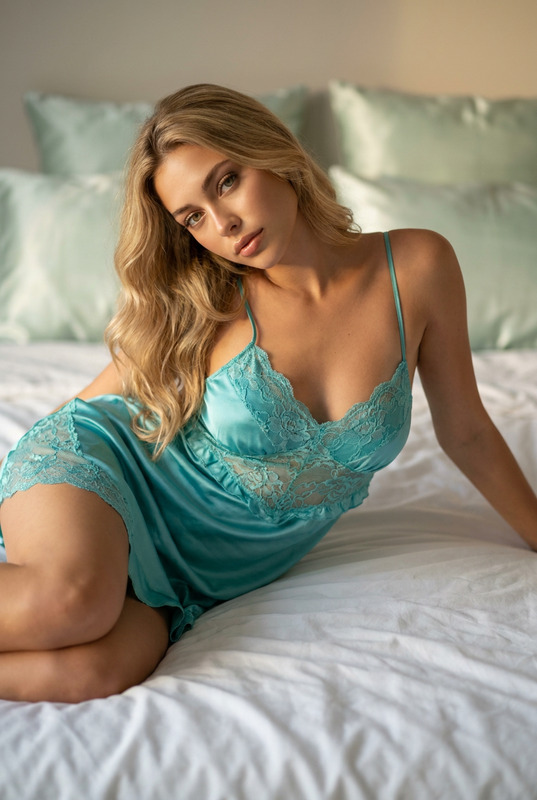
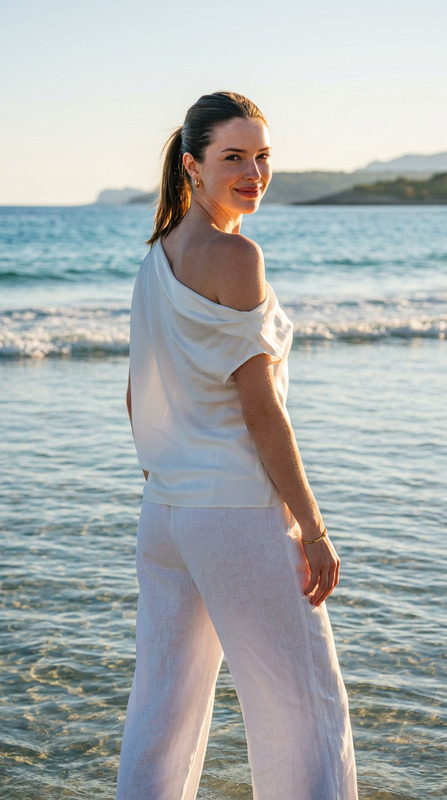
Use the uploaded reference image as the main face and identity reference. Preserve the exact facial features, face shape, eye shape, skin tone, hairstyle, body proportions, and overall identity without altering recognition. Create an ultra-realistic high-fashion editorial portrait of the same woman standing gracefully in a luxurious modern hotel suite during golden hour. She is wearing a sophisticated fitted black fashion bodysuit with elegant tailoring and premium fabric, styled as luxury editorial couture. She bends slightly forward with both hands resting naturally on her knees, looking up toward the camera with a confident, powerful, captivating expression. The pose creates elegant body lines while maintaining a refined fashion aesthetic. Warm golden sunlight streams through sheer curtains, illuminating the room with soft cinematic highlights and gentle shadows. The composition emphasizes her face and upper body with a softly blurred luxury hotel background. Shot on an 85mm lens at f/1.8, shallow depth of field, realistic skin texture, detailed hair strands, premium fashion photography, cinematic golden and amber color grading, luxury editorial magazine style, tasteful styling, photorealistic, ultra-detailed, 8K, no text, no watermark.
Any aspect ratio
Overview
The Black Bodysuit template turns your uploaded reference images into high-fashion editorial masterpieces using the AI Image Editor capabilities powered by the nano-banana-2 model. Designed for high-quality portrait enhancement, this template focuses on maintaining intricate details and creating captivating visual narratives.
What It Does
This template leverages state-of-the-art AI technology to produce ultra-realistic, high-fashion portraits. By preserving the subject's key facial features, body proportions, and overall identity, it creates a luxurious editorial portrait. The setting is a modern hotel suite bathed in golden hour light, producing a cinematic and sophisticated style. The result is an image suitable for profile picture enhancements or even product placements and advertising.
Who It’s For
Targeted at photographers, fashion editors, and digital content creators, this template is ideal for anyone looking to create stunning, professional-grade images. Whether you're producing content for luxury brands or crafting personalized editorials, the Black Bodysuit template offers the finesse needed for high-end production. It's also suitable for the eCommerce sector to enhance product imagery.
Summary
By utilizing this template, you can easily generate ultra-high resolution fashion editorials that maintain a realistic sense of identity and aesthetics. Focused on premium fashion and elegant styling, this tool streamlines the creation of magazine-quality imagery perfect for a wide range of applications like digital marketing, social media, and advertising campaigns.
How to Use
Choose Your Template

Customize Your Inputs

Generate Your Image

Use Cases
Fashion Editorials
- High-end editorial shoots
- Designer collections
- Personal branding
Luxury Advertising
- Couture brands
- Premium product placements
- Billboard-ready ads
Social Media Content
- Influencer portraits
- Brand collaborations
- Style influencers
Best Practices
Use High-Quality Photos
For best results, ensure your input images are of high resolution to capture all facial and body details.Mind the Lighting
Golden hour light settings enhance warmth and softness, so choose images taken during this time if possible.Focus on Facial Features
Make sure the subject's face is clearly visible in the original photo for accurate editing.