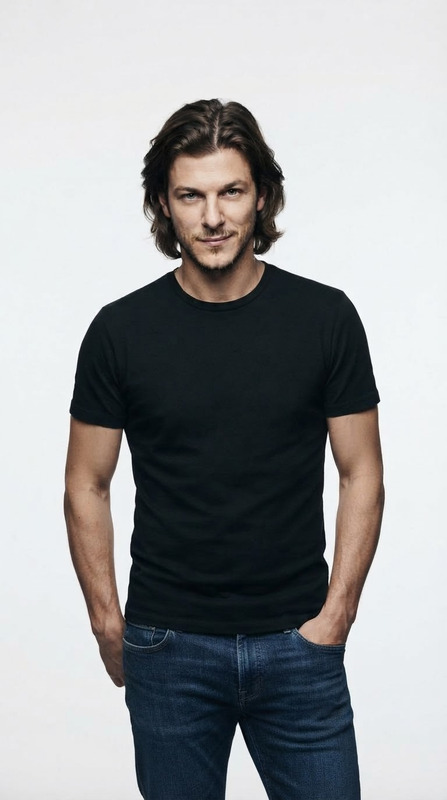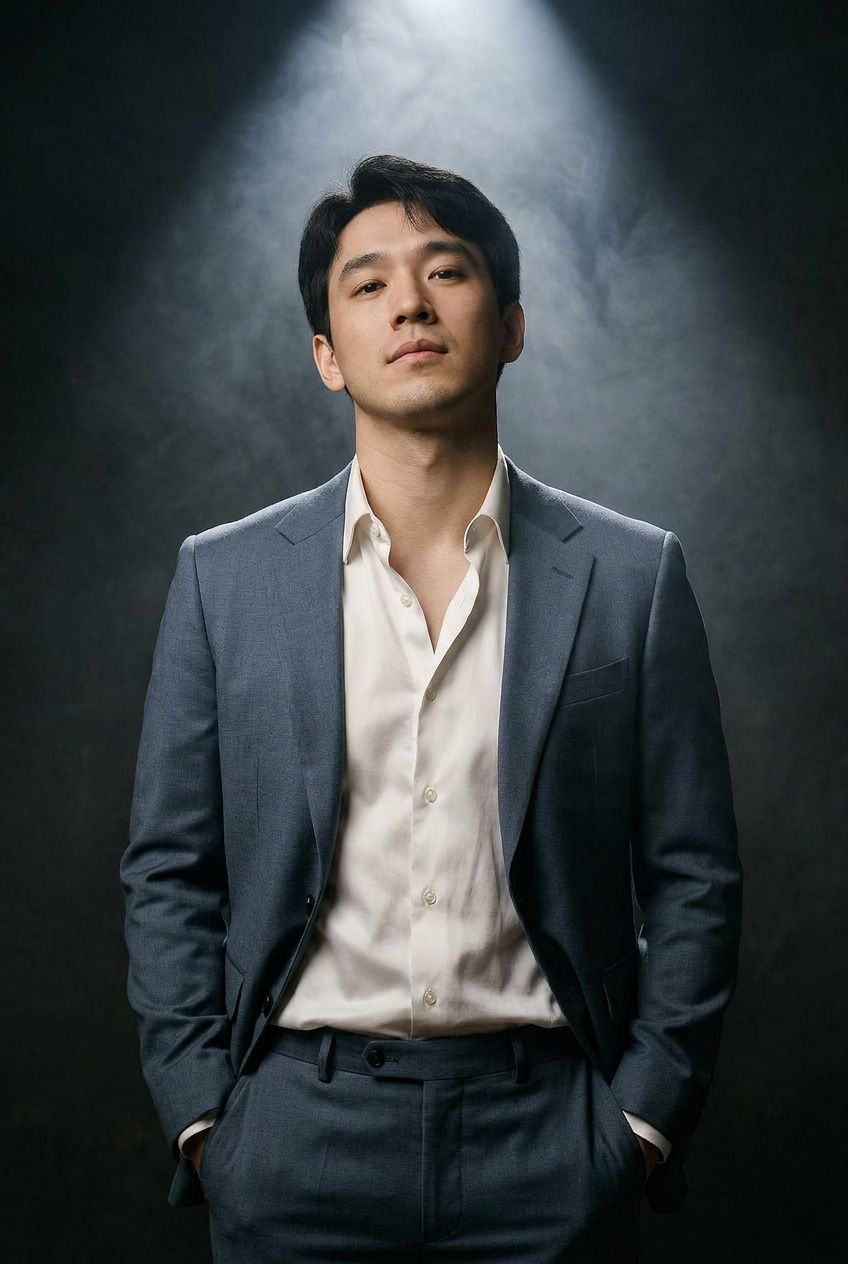
Quiet Authority
- Model
- Nano Banana Pro
- Image
- 848 × 1264 px
Prompt
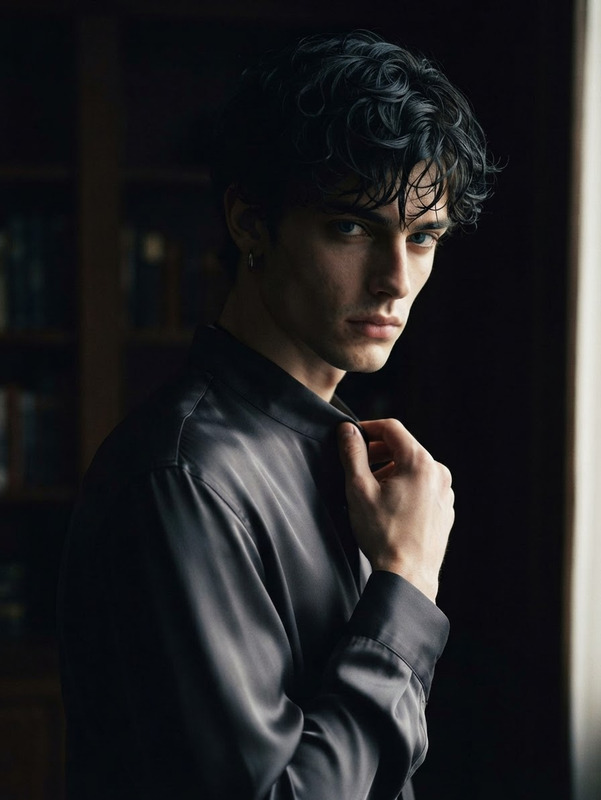
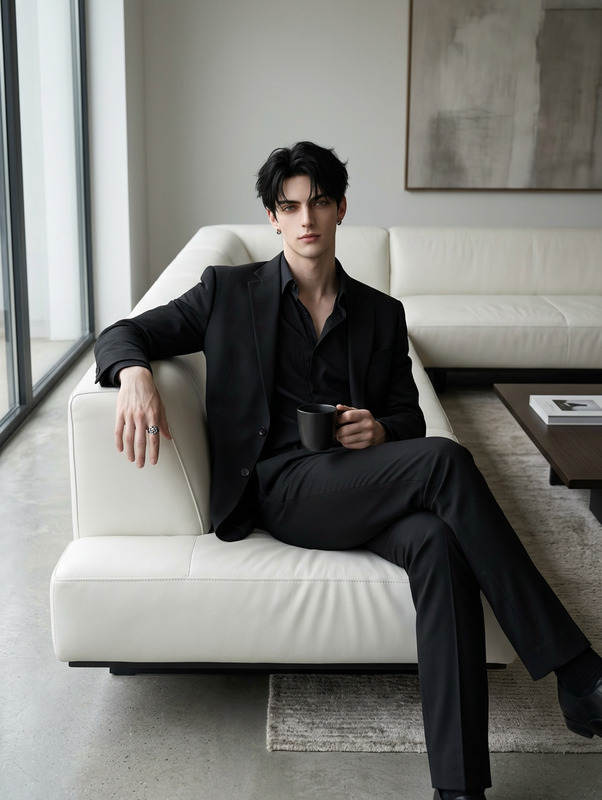
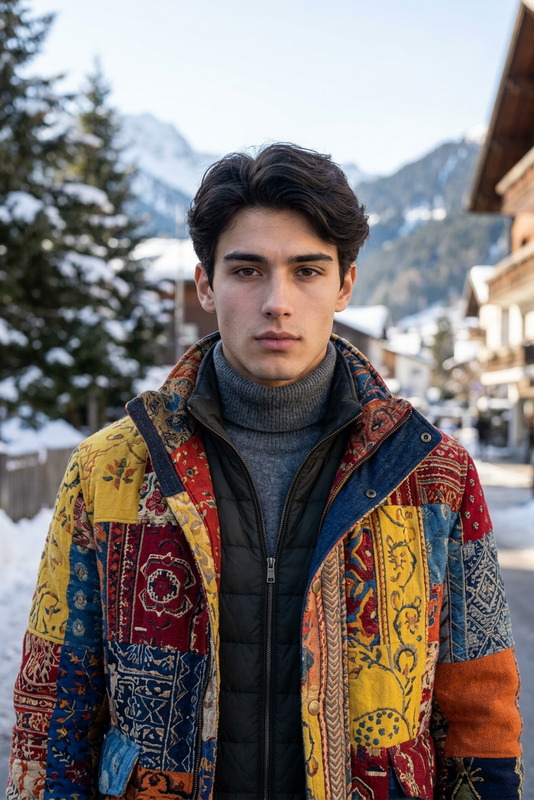
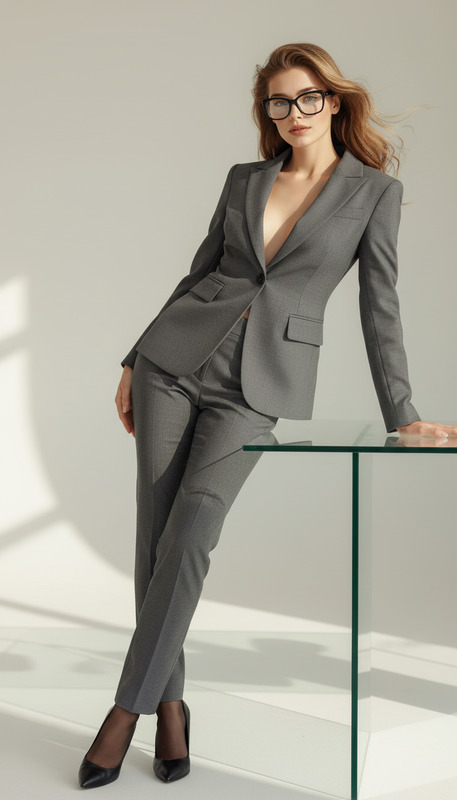
Hands in Pockets – relaxed authority. A hyper-realistic cinematic editorial portrait of the person, preserving the face 100%. He stands tall in a dark, moody studio, facing the camera, surrounded by soft, drifting smoke under a dramatic spotlight. Outfit: slate-blue luxury suit, paired with a slightly unbuttoned white silk shirt. Both hands tucked casually in pockets, shoulders relaxed, confident expression, head tilted slightly upward.
Any aspect ratio
Overview
Embrace the balance between relaxation and authority with the "Quiet Authority" AI Image Editor, powered by the Nano-Banana Pro model. This template enables you to create hyper-realistic editorial portraits that capture a person standing confidently in a moody, cinematic setting.
What It Does
This template transforms ordinary portraits into striking images that exude confidence and poise. By preserving facial features 100%, it crafts a cinematic and editorial look using a slate-blue luxury suit and a relaxed pose. Designed to maintain hyper-realism, this template gives images a professional, polished finish.
Who It's For
The "Quiet Authority" template is perfect for professionals in fashion editorial, corporate branding, or personal branding sectors. Whether you're a photographer looking to enhance your portfolio or a brand seeking a commanding visual narrative, this template offers the tools needed for impactful imagery.
Summary
With the "Quiet Authority" template, achieving a cinematic and editorial aesthetic is straightforward. Leverage the capabilities of our advanced AI Image Editor to ensure your portraits speak volumes with minimal effort. It's a vital tool for anyone aiming to create authoritative yet approachable imagery.
How To
Choose the Template

Customize Your Image

Generate and Save

Use Cases
Branding Photography
- Enhance leadership profiles
- Create compelling marketing images
Editorial Features
- Capture stylish cover photos
- Craft striking feature layouts
Fashion Portfolios
- Showcase designer outfits in a dramatic setting
- Highlight model features with precision
Best Practices
Capture High-Quality Photos
Start with a high-resolution image to ensure the best editing results.Maintain Consistent Lighting
Ensure your original photos have consistent lighting to match the cinematic theme.Review Model Dress Code
Ensure the clothing in your image matches or can be adjusted to the template's specified outfit for the optimal effect.