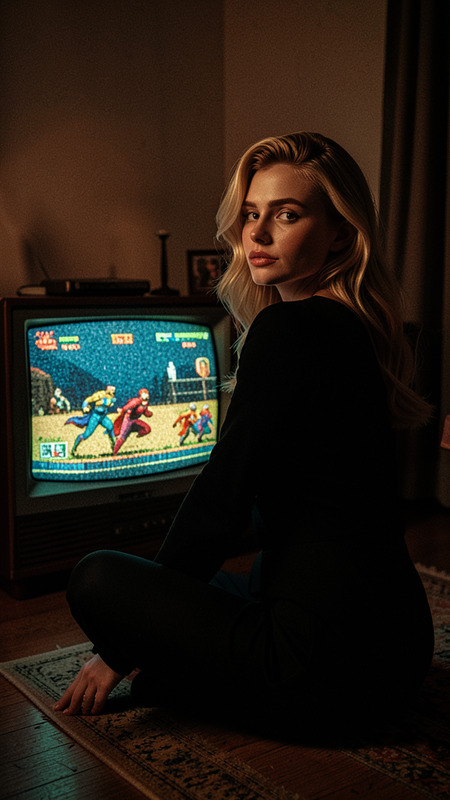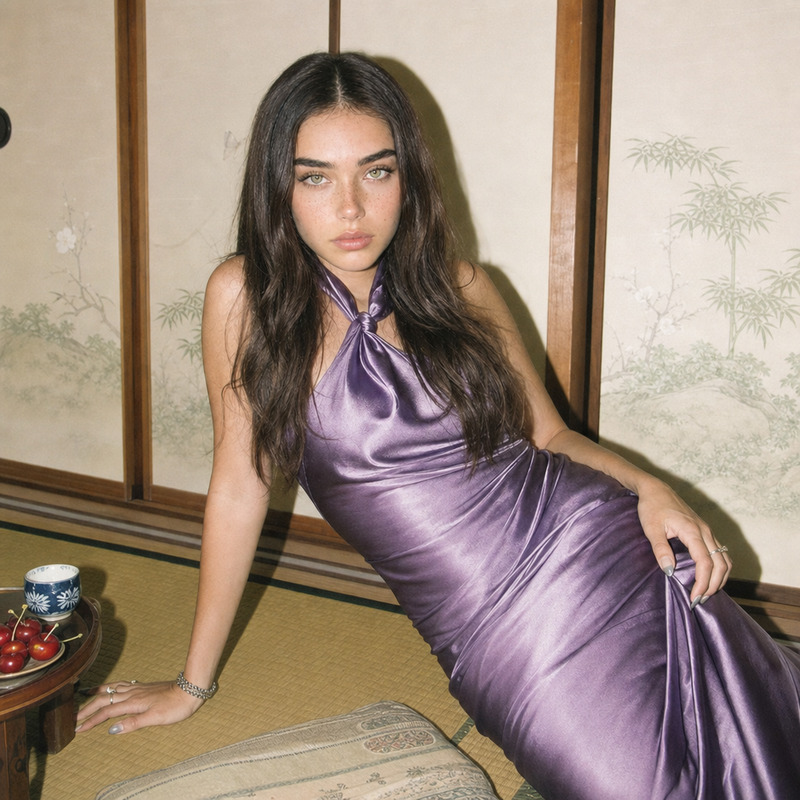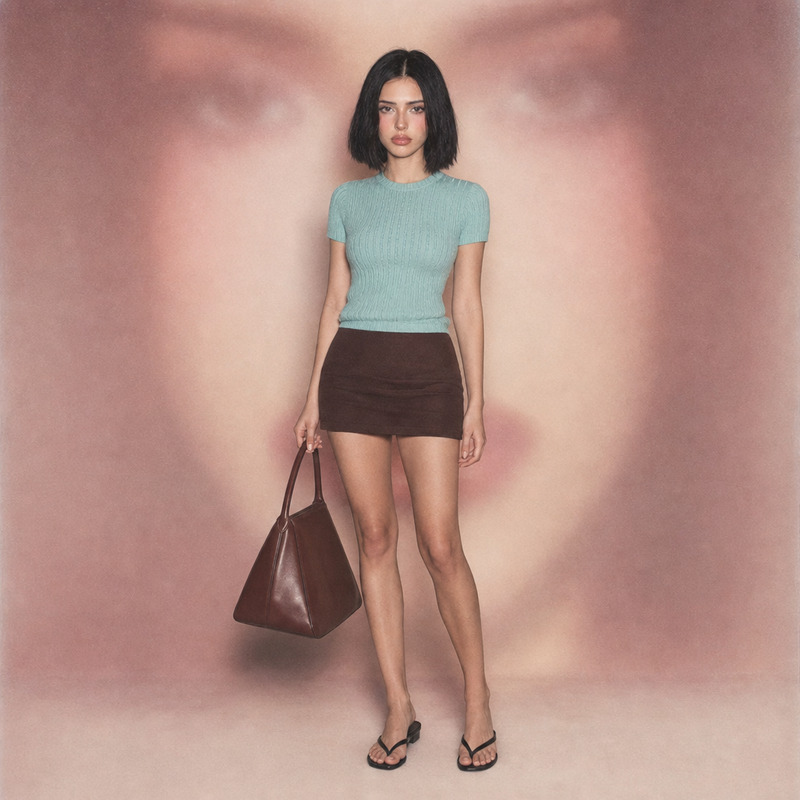
Film camera
- Model
- Flux 2 Klein
- Image
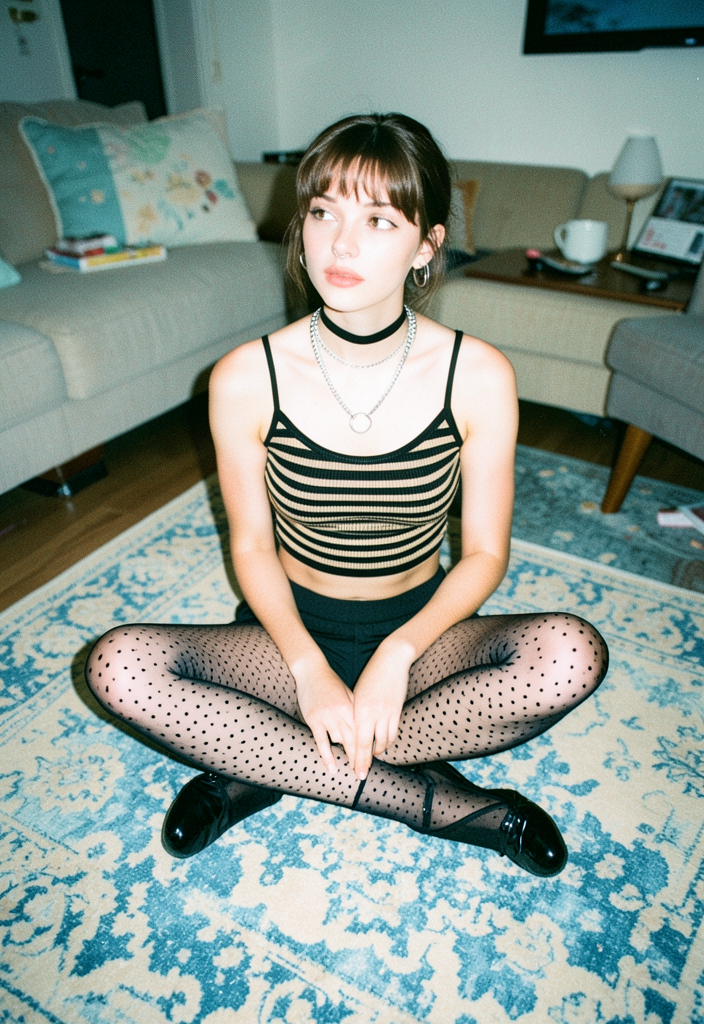
- 704 × 1024 px
Prompt
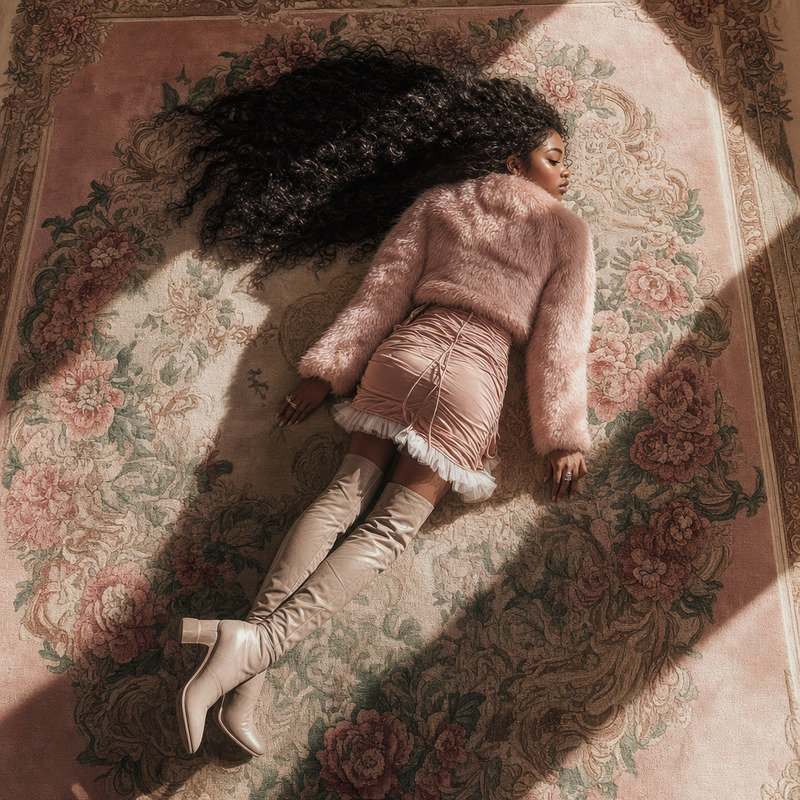
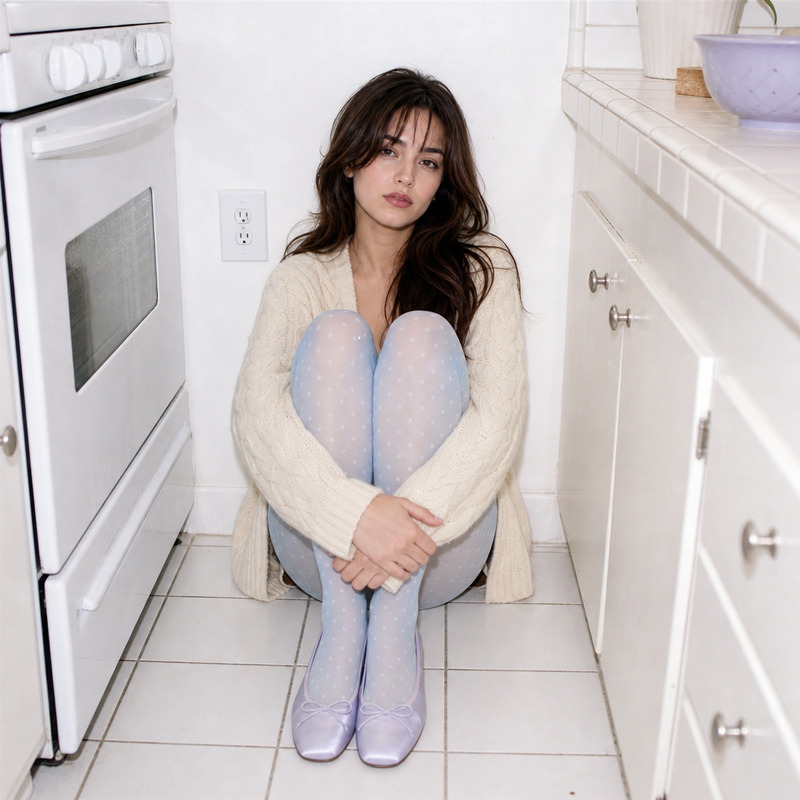
High angle snapshot of a young woman with fair skin, sitting cross-legged atop a distressed blue-and-cream patterned rug, wearing an eclectic black and beige striped crop top, polka-dotted tights, and shiny black ballet shoes. Her expression is nonchalant and she gazes off-camera. The scene is set in a mundane living room, with a tightly cropped, centered perspective and household details in soft focus. Hard direct on-camera flash bathes the room in even, shadowless light reminiscent of a 2000s digicam, highlighting the fuzzy and smooth textures while giving the shot a washed-out, lo-fi editorial aesthetic. The color palette is desaturated pastel blue, cream, beige and black, conveying a cool, serene mood.
Any aspect ratio
Overview
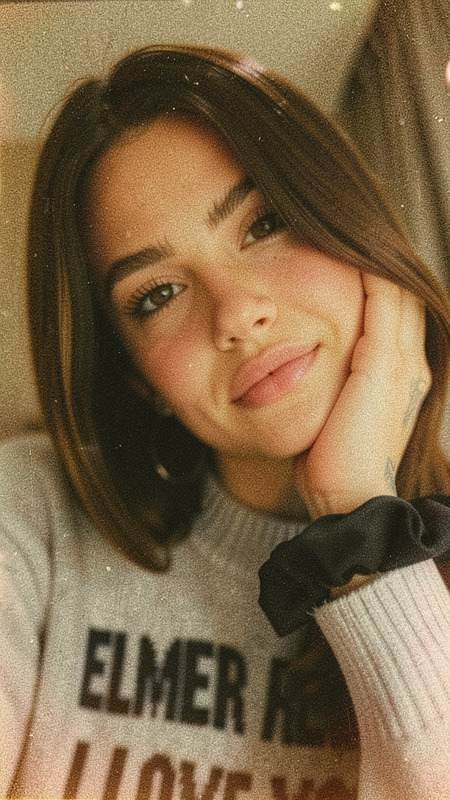
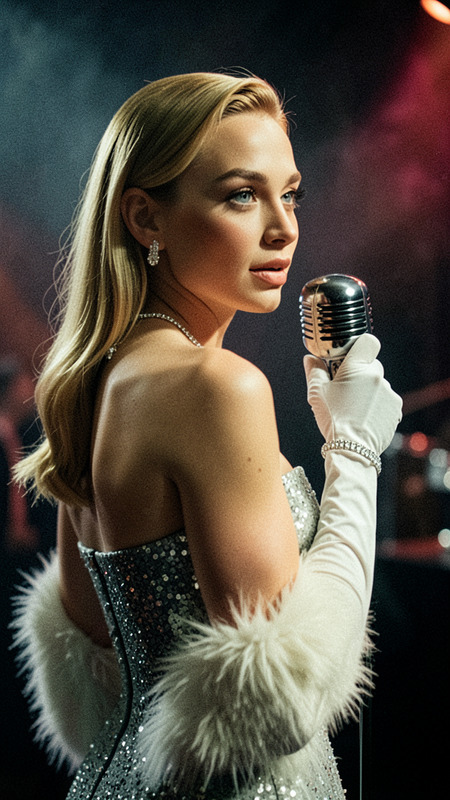
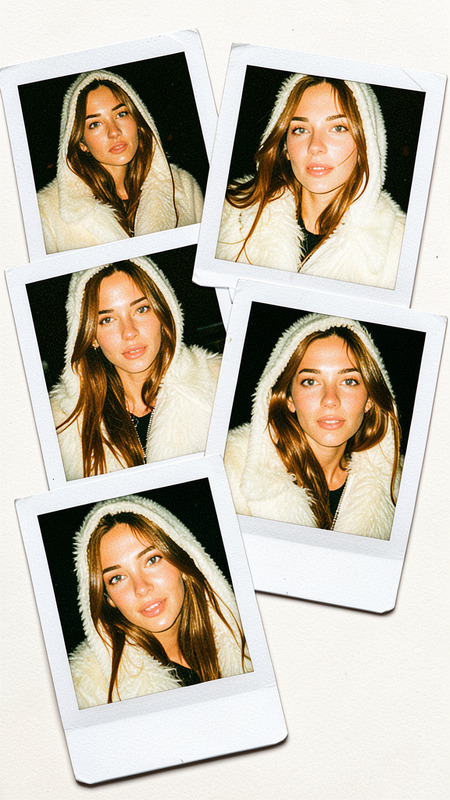
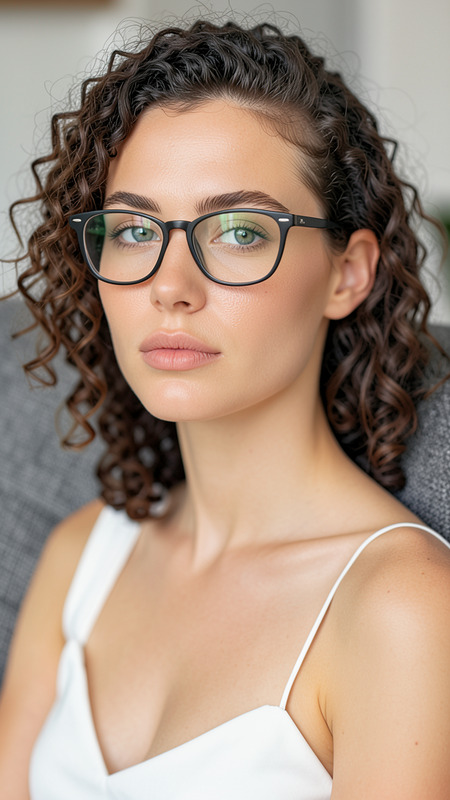
The Film Camera template brings a vintage photographic feel to your digital projects, echoing the aesthetics of early 2000s point-and-shoot cameras. Built on the flux-2-klein model, it specializes in crafting images with a desaturated pastel palette and a lo-fi editorial touch. This AI Image Editor template guides you in recreating shots filled with nonchalant expressions and vintage charm.
What It Does
This template allows you to apply a filmic look to your images. It combines elements like high-angle framing and direct flash to produce shadowless, evenly lit scenes reminiscent of digicams from the 2000s. The result is a washed-out texture that highlights soft and fuzzy details, perfect for achieving a nostalgic, editorial feel.
Using this template, you can create visually striking images that maintain the allure of analog photography within a digital context.
Who It's For
The Film Camera template is ideal for photographers, digital artists, and social media influencers who desire to infuse their work with a vintage aesthetic. It's especially suited for those wanting to reproduce the look and feel of early digital photography with modern creativity.
Content creators looking to enhance their product showcases or editorial pieces with a touch of retro minimalism will find this tool valuable.
Summary
Add a touch of nostalgia to your imagery with the Film Camera template. It enables the recreation of lo-fi aesthetics and editorial mood, perfect for storytelling or artistic expression. Immerse in a blend of past and present by transforming your photos into artwork that captures the serene and understated elegance of a bygone era.
Explore more about how this tool aligns with your creative endeavors by checking out related products like the AI Talking Photo and the AI Image Generator.
How to Use the Template
Choose the Template

Customize Your Image

Generate the Final Image

Use Cases
Retro Fashion Editorials
- Match early 2000s color palettes
- Create editorial spreads with a nonchalant vibe
Social Media Posts
- Craft unique influencer content
- Stand out in crowded digital spaces
Artistic Projects
- Experiment with desaturated colors
- Focus on composition and mood
Best Practices
Focus on Composition
Pay attention to the positioning and framing within your image to maximize the template's high-angle and centered perspective features.Experiment with Lighting
Utilize the direct flash feature to mimic the shadowless effects of early digital cameras, effectively emphasizing textures.Maintain a Consistent Aesthetic
Use a coherent color palette and style across all images to create a unified look for your project or campaign.