Pixar-Style Chill
- Model
- Nano Banana 2
- Image
- 843 × 1264 px
Prompt
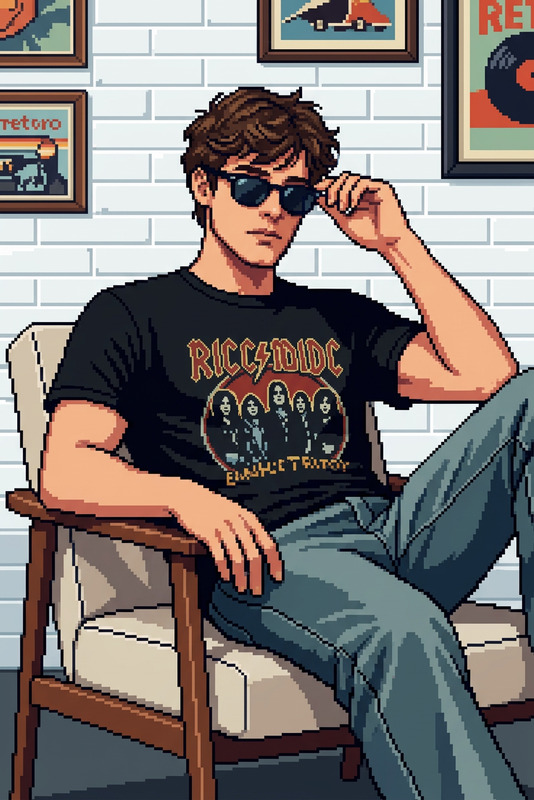
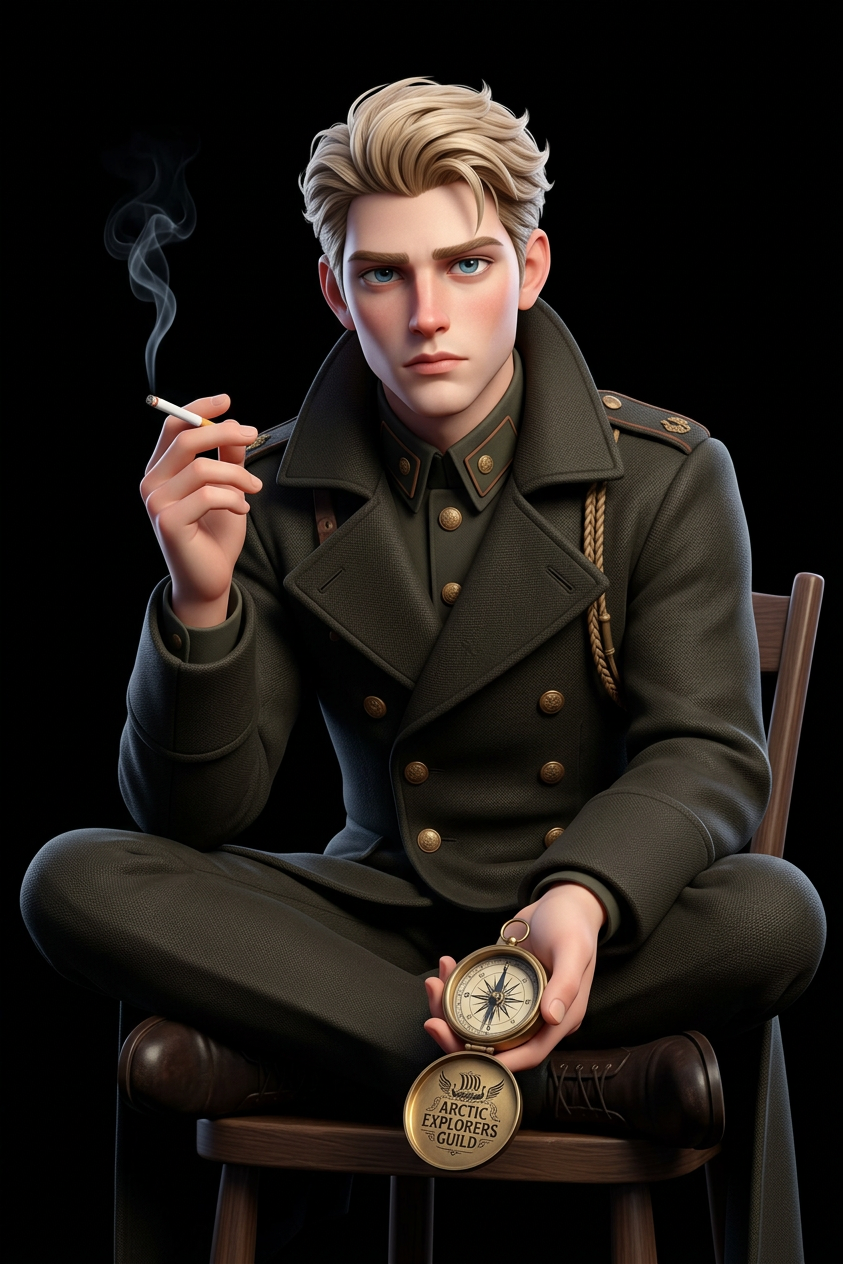
A detailed 3D Pixar-style digital illustration of a {character}. subject sits cross-legged on a small wooden chair against a stark black background, wearing {outfit}. subject 's right hand holds a lit cigarette, and subject 's left hand holds a {prop} with the logo clearly facing forward. Soft, stylized lighting creates clean highlights on hair and clothing. Centered composition with ample negative space, cinematic framing, high detail, smooth render, studio-quality 3D look.
Any aspect ratio
Overview
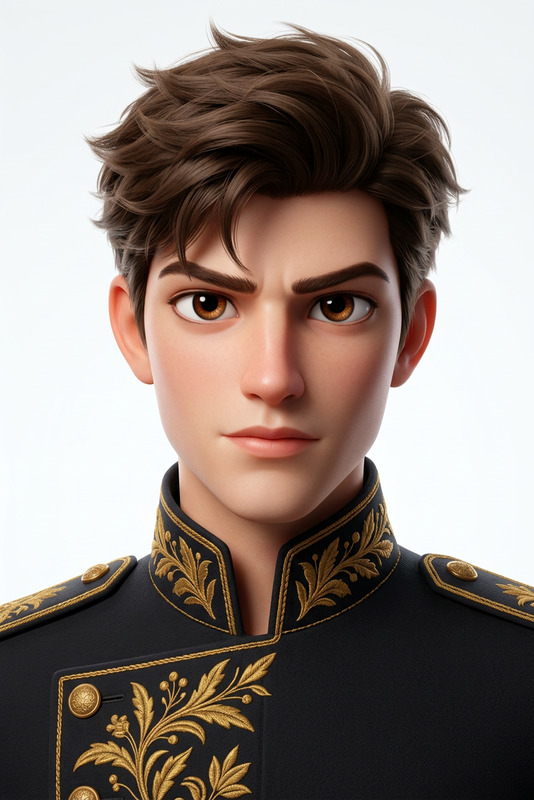
The Pixar-Style Chill template is a unique offering in the AI Image Editor category. It allows creators to craft highly detailed 3D Pixar-style digital illustrations. This template is perfect for artists and content creators looking to achieve a cinematic quality with a touch of magic in their visuals.
What It Does
This template uses the nano-banana-2 model to generate Pixar-style illustrations. It focuses on capturing intricate details such as lighting and high-quality render finishes. With options to customize characters, outfits, and props, users can infuse personal or brand-specific elements into their creations.
Who It's For
The Pixar-Style Chill template is ideal for digital artists, advertising creatives, and social media managers aiming to create striking visuals that stand out. It's also suitable for educators and course creators looking to bring a storytelling element to their learning materials. Whether it's for social media ads or video game concept art, this tool offers tremendous flexibility.
Summary
With Pixar-Style Chill, transform your ideas into vivid 3D Pixar-style illustrations that captivate and engage audiences. This tool empowers users to produce professional-grade images with ease, perfect for a variety of creative projects.
How To

Customize Your Design

Generate Your Image

Use Cases
Social Media Campaigns
- Engage audiences with cinematic-quality images
- Perfect for brand storytelling
Video Game Art
- Enhance character development
- Create storyboard visuals
E-Learning Materials
- Create storytelling elements
- Use in digital textbooks
Best Practices
Precision in Detail
Focus on selecting specific props and outfits that reflect your brand's identity or the message of your campaign.Cinematic Composition
Utilize the ample negative space and centered composition to direct the viewer's attention.Consistent Branding
Ensure that your character's props prominently feature your logo for brand recognition.