Beetlejuz
- Model
- Flux 2 Klein
- Image
- 576 × 1024 px
Prompt
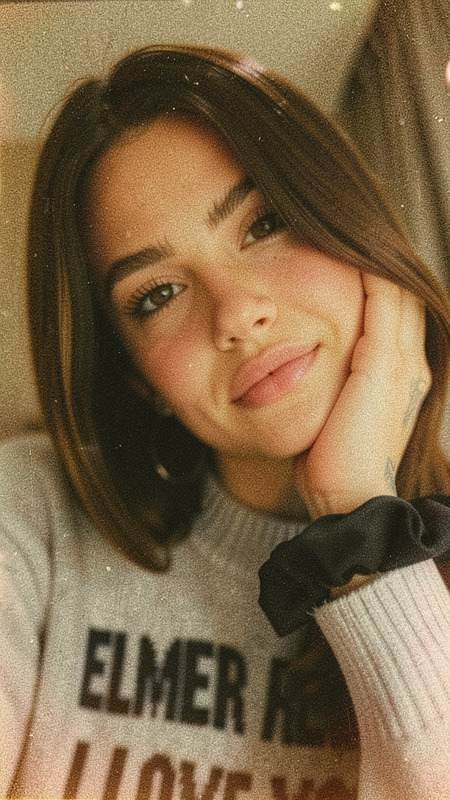
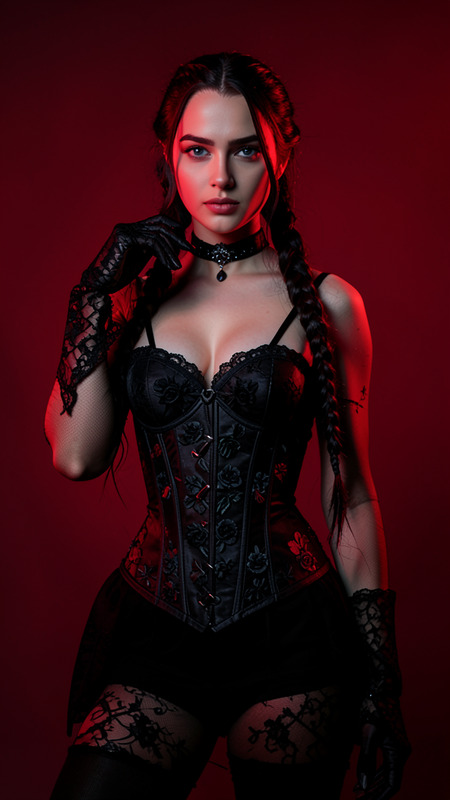
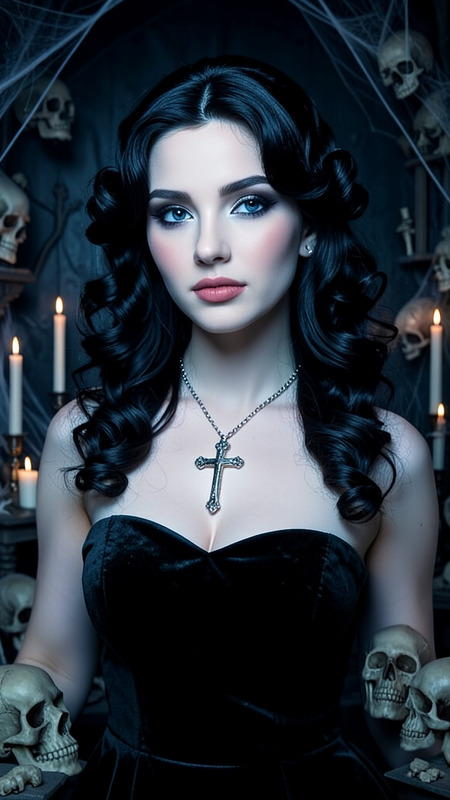
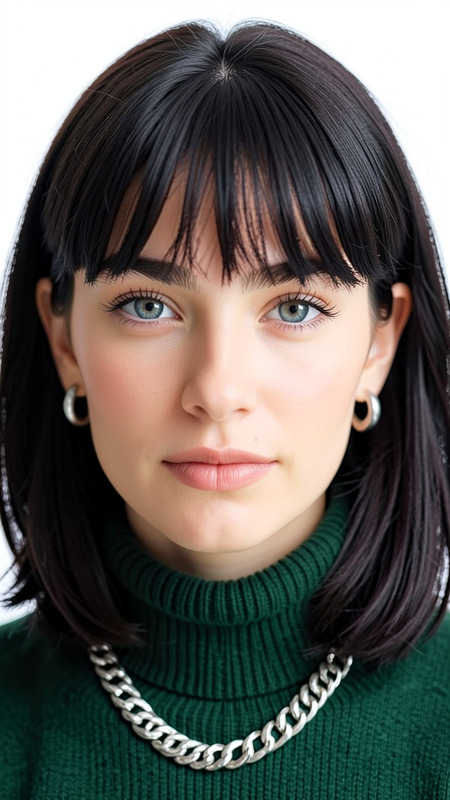
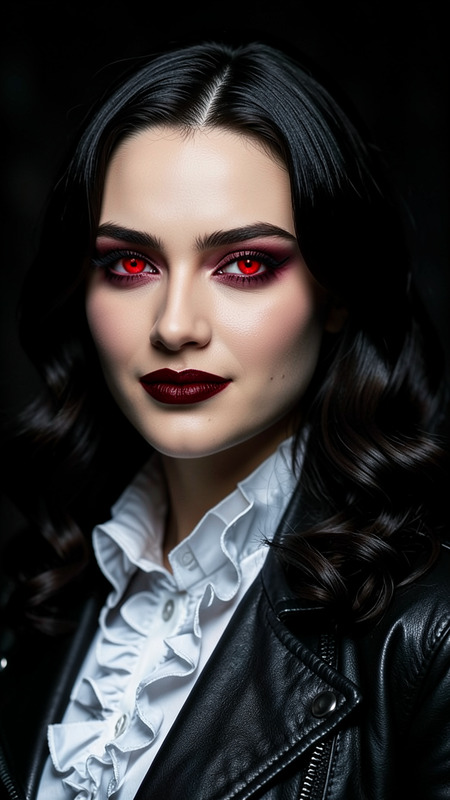
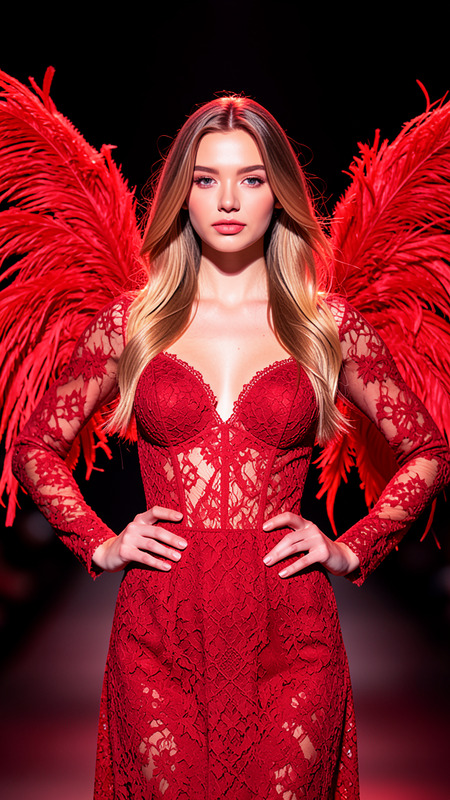
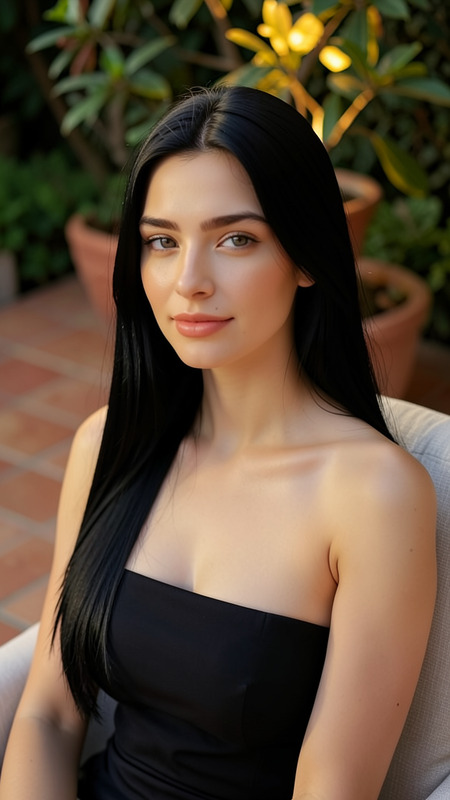
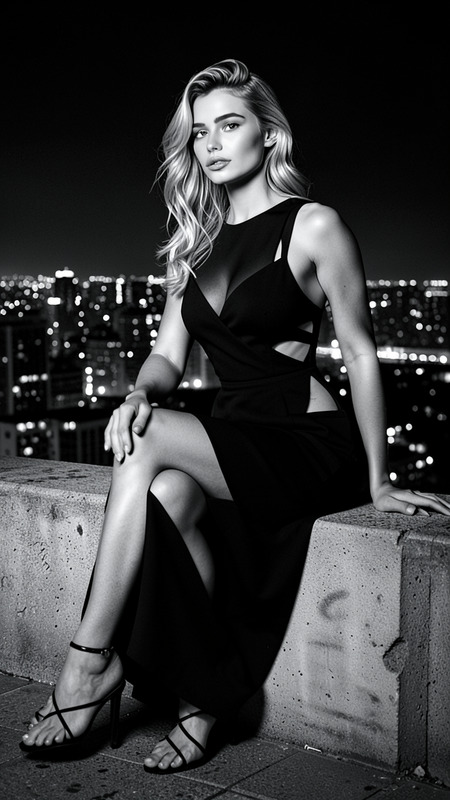
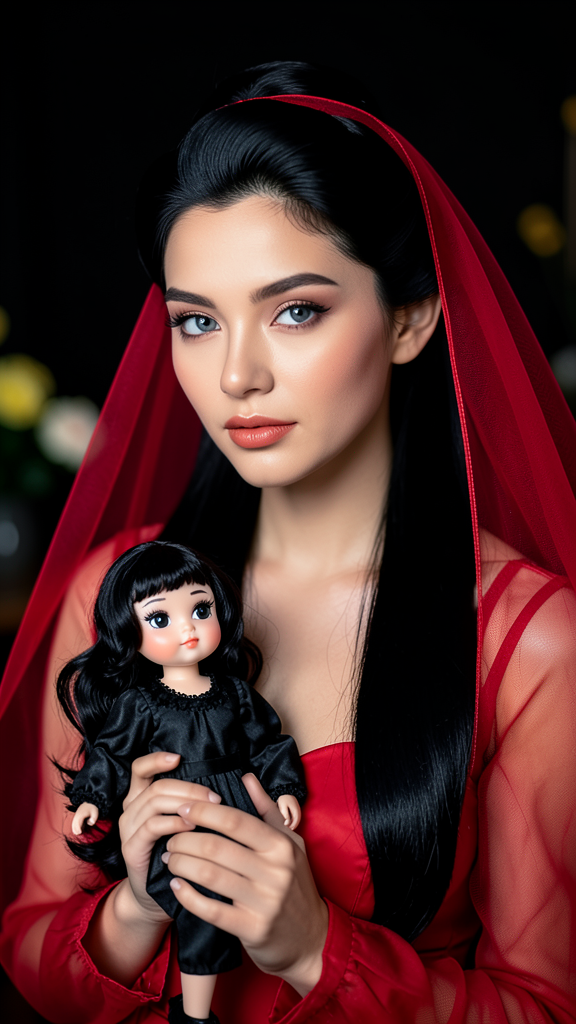
A portrait of the subject with smooth long black hair styled in a vintage updo, wearing a red sheer dress and matching veil. The subject holds a small doll dressed in black with similar dark hair and striking makeup. Soft even lighting enhances skin texture and vivid colors. The dark background contains subtle blurred elements that keep attention focused on the subject and the doll. Elegant, refined, and cinematic composition.
Any aspect ratio
Overview
Experience the refined elegance and cinematic charm of the Beetlejuz AI Image Editor, crafted with the flux-2-klein model. This tool provides creators with an intuitive way to transform subjects into artistic portraits that feature a vintage yet vibrant aesthetic.
What It Does
The Beetlejuz template allows you to create portraits with meticulous details by focusing on elements like smooth long black hair styled in a vintage updo, combined with a sheer red dress and accompanying veil for the subject. It integrates complex visual components such as a doll with distinct makeup, ensuring that the image exudes elegance and depth. Easily adjust the settings to achieve the desired soft lighting and highlight vibrant colors, all while maintaining a subtle, dark background to draw attention directly to the subject.
Who It's For
This AI Image Editor template is perfect for photographers, content creators, and designers seeking to add a touch of classic cinema to their photos. It's particularly valuable for those developing content for fashion shoots or creative campaigns needing a vintage yet vivid visual narrative. Art directors working on projects centered around mood boards will find this especially beneficial.
Summary
Utilize the Beetlejuz AI Image Editor to bring an artistic flair to your portraits, emphasizing smooth textures, rich colors, and vintage styling. Designed with user intent in mind, our AI Image Editor unlocks creative possibilities, allowing users to focus on stunning visuals without intricate manual editing.
How to Use
Choose the Template

Customize Your Inputs

Generate Your Image

Use Cases
Fashion Photography
Creative Campaigns
Personal Art Projects
Best Practices
Focus on Lighting
Ensure that your initial subject image has balanced lighting to fully optimize the soft lighting effects in the final output.Experiment with Angles
Try various portrait angles or compositions to see how these affect the overall feel of the image.Maintain Subject Clarity
Choose a subject image with clear, sharp features to ensure the AI effectively highlights the details and makeup of both the subject and the doll.