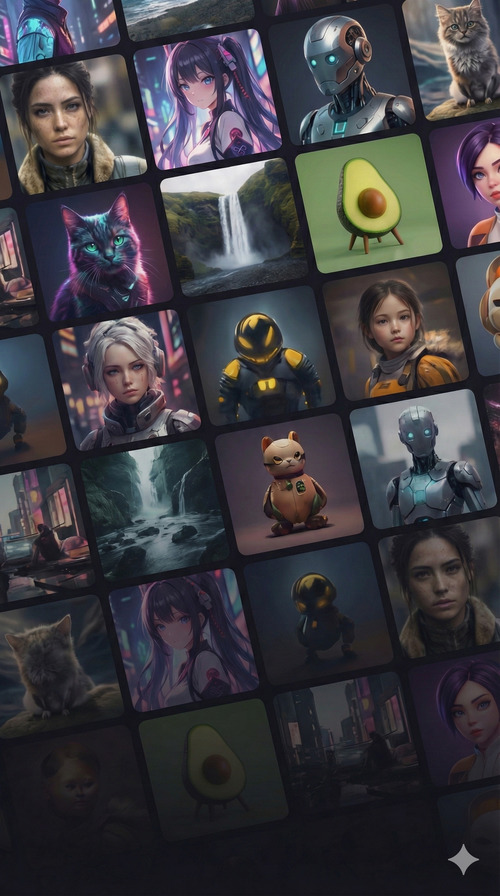
Free AI Storyboard Generator
Turn prompts into visual storyboards. Free, 3 storyboards daily, no sign up.

View prompt
90s retro dark fantasy anime, handpainted cels, lofi aesthetic. High-contrast ink lines, moody atmosphere, vintage grain.

View prompt
Ancient Aztec jungle temple discovery. 28mm wide-angle shafts of light, dense foliage, moss-covered stone. Cinematic realism.

View prompt
Avatar-style bioluminescent night forest. 35mm lens, glowing fungal spores, neon flora, deep blue and teal color palette.

View prompt
Classic 1930s rubberhose cartoon style. Black and white, film grain, bouncy animation silhouettes, vintage ink-and-paint.

View prompt
Cybernetic surgical bay. 24mm wide lens, cold sterile blue lighting, high-tech medical machinery, clinical atmosphere.

View prompt
Deep sea base with a giant eye looking through the window. 14mm fisheye lens, murky water, cinematic scale, high tension.

View prompt
Eldritch ritual in a ruined cathedral. 50mm Summilux lens, gothic architecture, mystical energy, dramatic shadows.

View prompt
Expedition finding a crystalline cave. 24mm internal shot, glowing crystals, sharp reflections, adventurous cinematic lighting.

View prompt
Interstellar black hole event horizon. 14mm gravita lens, warped light, cosmic scale, deep space vacuum aesthetic.

View prompt
National Geographic style deep jungle wildlife. 600mm telephoto lens, extreme detail on flora and fauna, naturalistic lighting.

View prompt
Oceanic research sub meeting a Kraken. 14mm murky deep-sea lens, massive scale, bubbles, dark silhouettes.

View prompt
Pirate ship in a storm. 24mm lens, crashing turquoise waves, wooden hull splinters, dramatic lightning flashes.

View prompt
Post-apocalyptic desert scavenger. 85mm bokeh, harsh sun, rusted metal, sand-worn textures, cinematic desaturation.

View prompt
Samurai Champloo style, lofi hip-hop aesthetic. Graffiti-on-wood backgrounds, vibrant street-art colors, stylized anime ink.

View prompt
Snowy katana duel. 100mm long lens, slow motion cherry blossoms, blood on snow, high-contrast cinematic composition.

View prompt
Surreal Salvador Dali dreamscape. Melted clocks, infinite perspective, desert landscape, bizarre proportions, sharp focus.
Trusted by teams at
How AI Storyboard Generator Works
- 1
Enter your prompt
Describe your scene or story. Optionally add reference images for consistent characters or style. - 2

Choose layout
Select an aspect ratio and 4, 9, or 16 panels, like 16:9 for pitch decks or 1:1 for social. - 3
Generate and download
Your storyboard panels appear in minutes. Download and share them or move into production.


AI Storyboard Generator Use Cases
See how our AI Storyboard Generator can be used in different scenarios.

AI Storyboard Maker for Film, Ads, and Pitches
Generate 4, 9, or 16 storyboard panels in minutes with no sign up or watermark. Keep characters consistent with reference images and download pitch-ready boards without days of manual sketching.
Manual storyboarding is slow
Hard to keep characters consistent
Pitch concepts need visuals fast
Pre-production alignment is costly
Iterating on storyboards takes time
Testimonials
Hear what our users have to say


AI Storyboard Generator Features
Generate multi-panel storyboards from a single prompt

Multi-panel output

Flexible formats
Fast iteration


