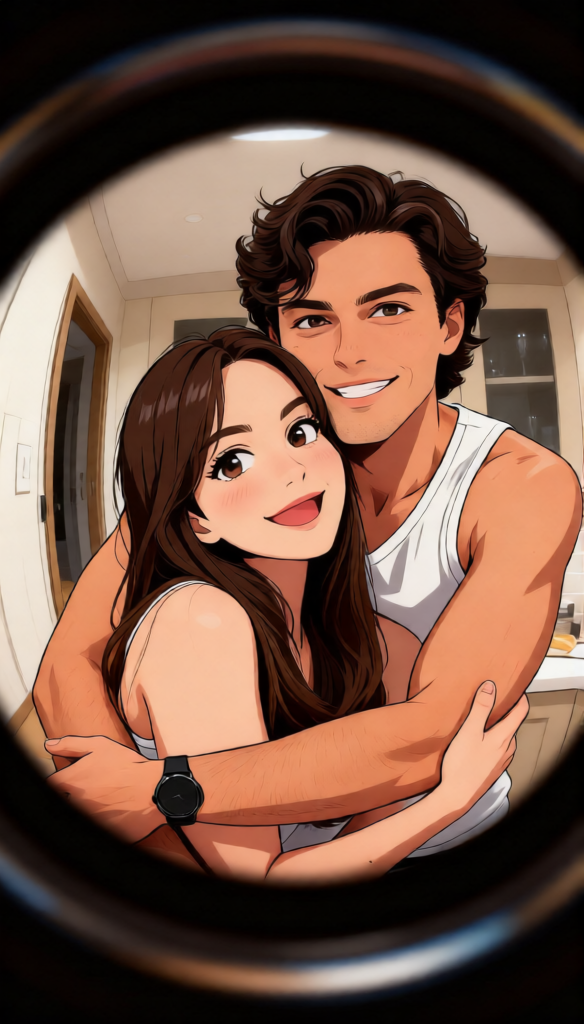
Peephole Perspective Mischief
- Model
- Qwen Edit
- Image
- 584 × 1024 px
Prompt
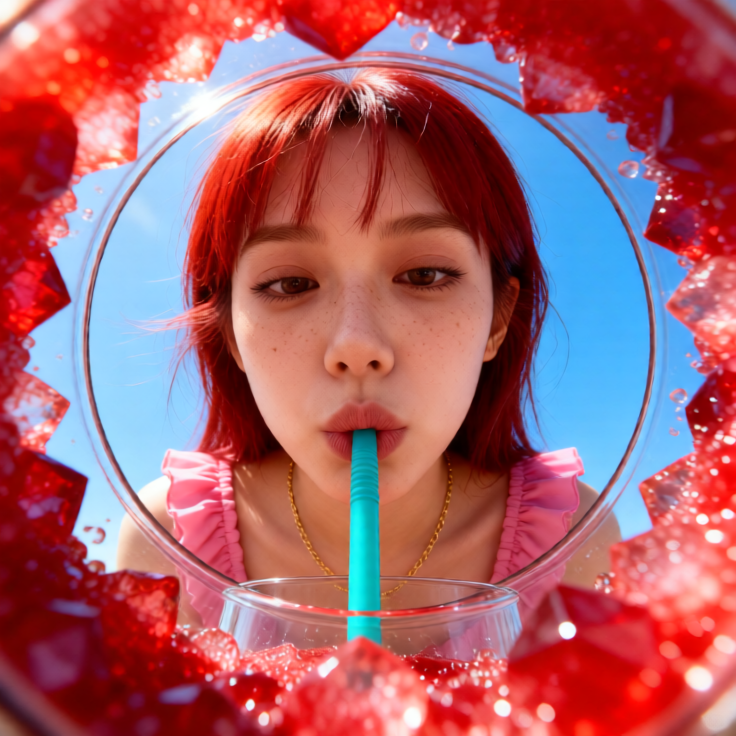
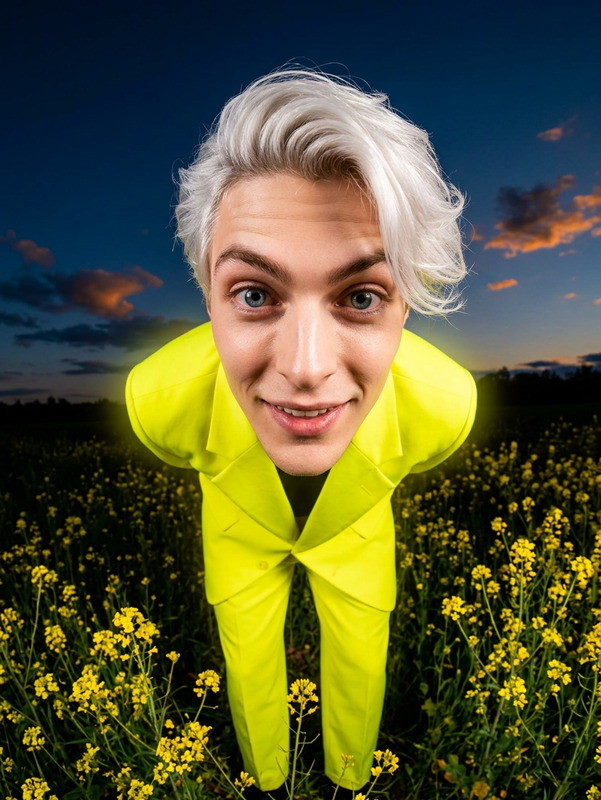
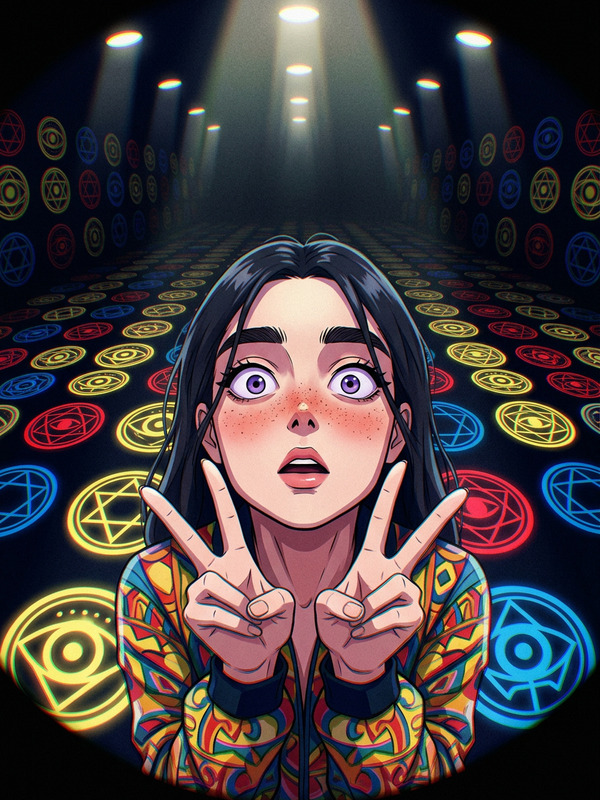
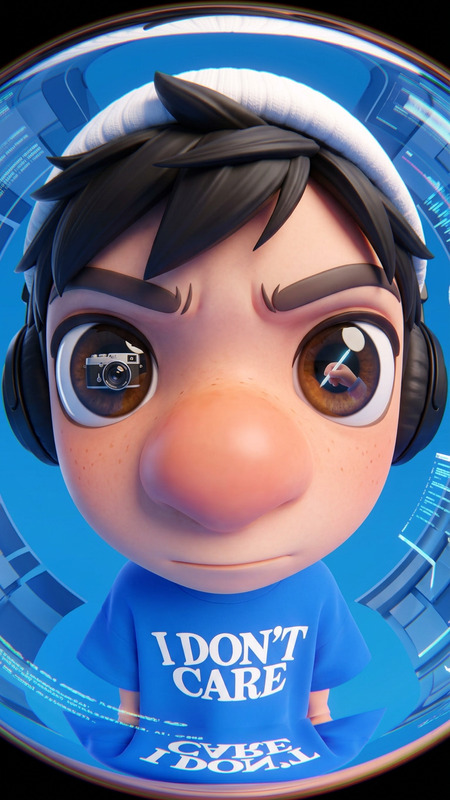
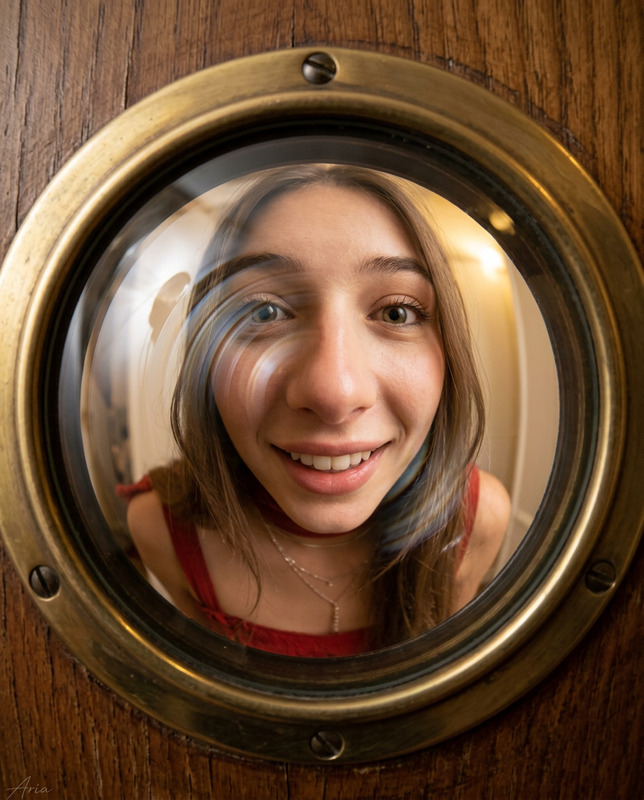
Ultra-detailed anime illustration with a fisheye peephole perspective—circular, heavily distorted view as if seen through a door peephole. Strong wide-angle warp with curved edges and a dark vignette framing the circle. Two people lean in close, faces pressed toward the lens with mischievous, playful smiles. Exaggerated distortion enlarges and curves their facial features. Background (hallway or room interior) bends with the lens effect, with slightly blurred edges to mimic real peephole optics. Playful, dynamic atmosphere, highly detailed, 8K resoluti
Any aspect ratio
Overview
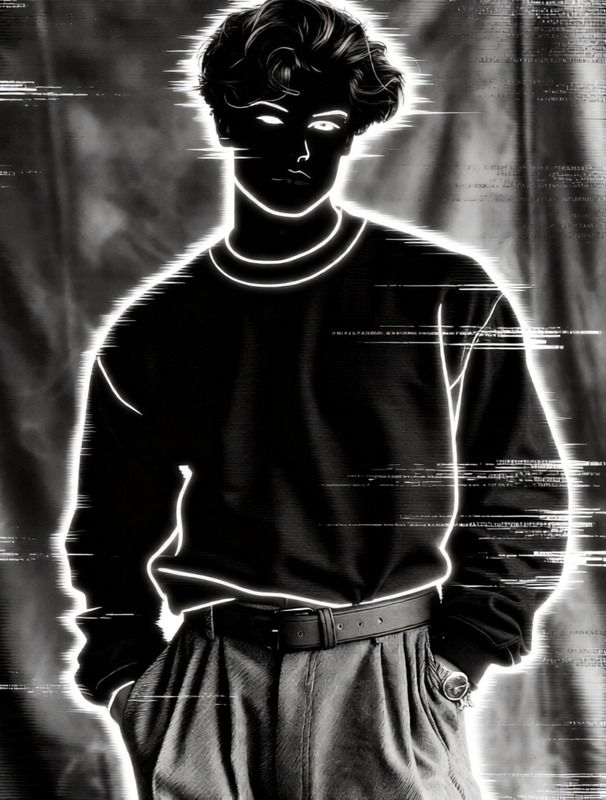
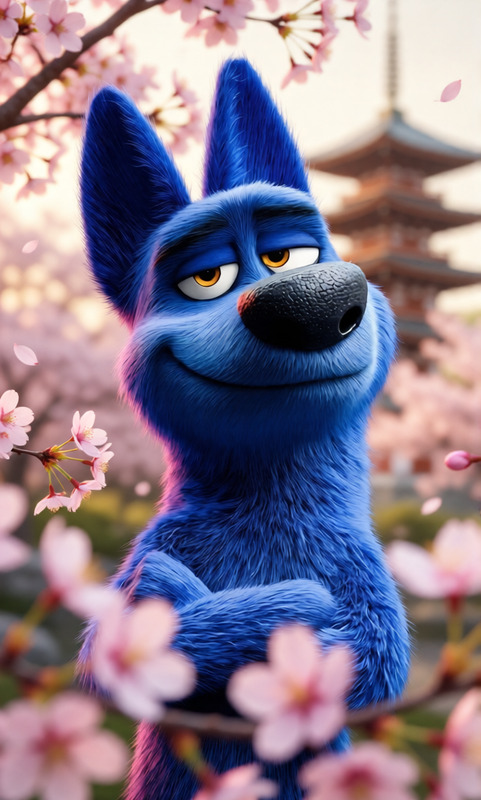
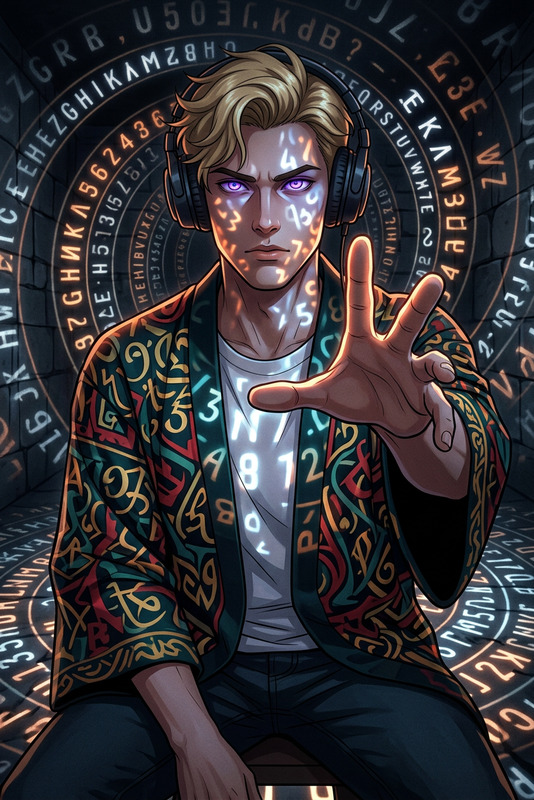
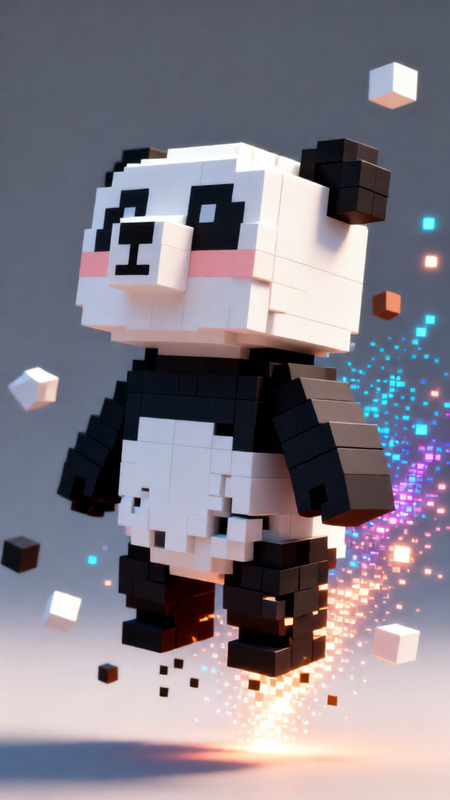
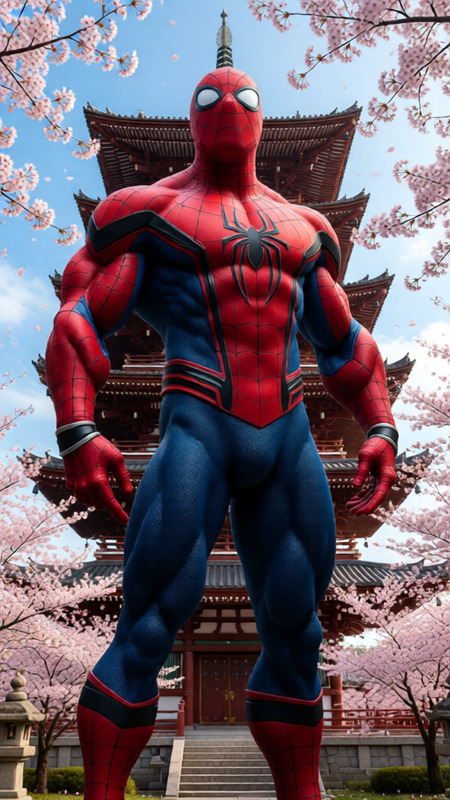
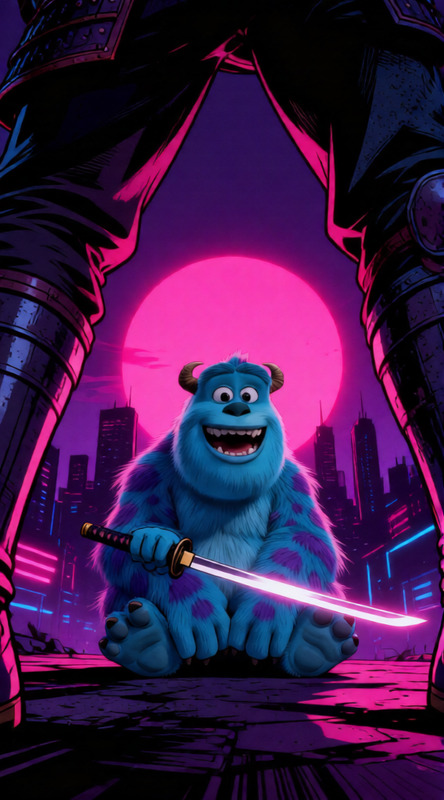
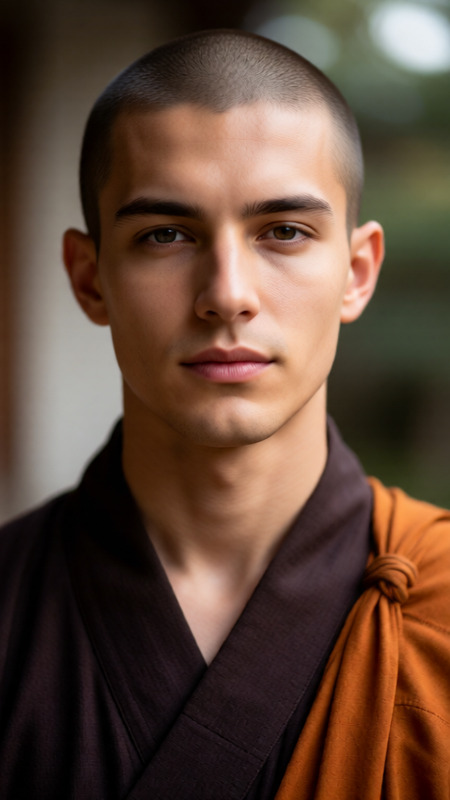
Peephole Perspective Mischief leverages the capabilities of qwen-edit to transform images into whimsical, anime-inspired illustrations. This template is designed for creators seeking to add a playful twist to their visuals, using a fisheye lens effect to create distorted and dynamic perspectives.
What It Does
The template captures the essence of mischief through an ultra-detailed anime style composite. It employs a circular fisheye perspective, creating an exaggerated, warped view as if seen through a door peephole. The result is a playful, highly immersive scene, where the subjects have enlarged, curved features, conveying a sense of immediacy and interaction. Use the AI Image Editor to manipulate the level of distortion, add context with background details, and achieve an engaging atmosphere.
Who It's For
This template is ideal for digital artists, content creators, and marketing professionals aiming to craft engaging and uniquely styled visuals. Whether you're creating social media content, promotional materials, or exploring conceptual art, this tool offers endless creative possibilities. It's particularly suited for those familiar with AI Image Generator techniques and eager to push their creative boundaries.
Summary
The Peephole Perspective Mischief template offers a unique way to transform ordinary scenes into lively, anime-style illustrations with a distinctive fisheye effect. By emphasizing fun and creativity, this tool allows users to generate high-resolution images suitable for various applications. For those seeking additional creative adjustments, related tools such as the AI Voice Changer can complement video presentations with matching playful audio effects.
How to Use
Choose Template

Customize Inputs

Generate & Download

Use Cases
Social Media Content
Marketing Campaigns
Digital Art Projects
Best Practices
Choose High-Quality Images
Start with high-resolution images to ensure the best output quality, especially when applying the fisheye effect.Experiment with Distortion Levels
Adjusting the distortion level can significantly alter the mood of the illustration, so try different settings to find the perfect balance for your project.Utilize Background Details
Incorporating interesting background elements can enhance the depth and storytelling aspect of the image.