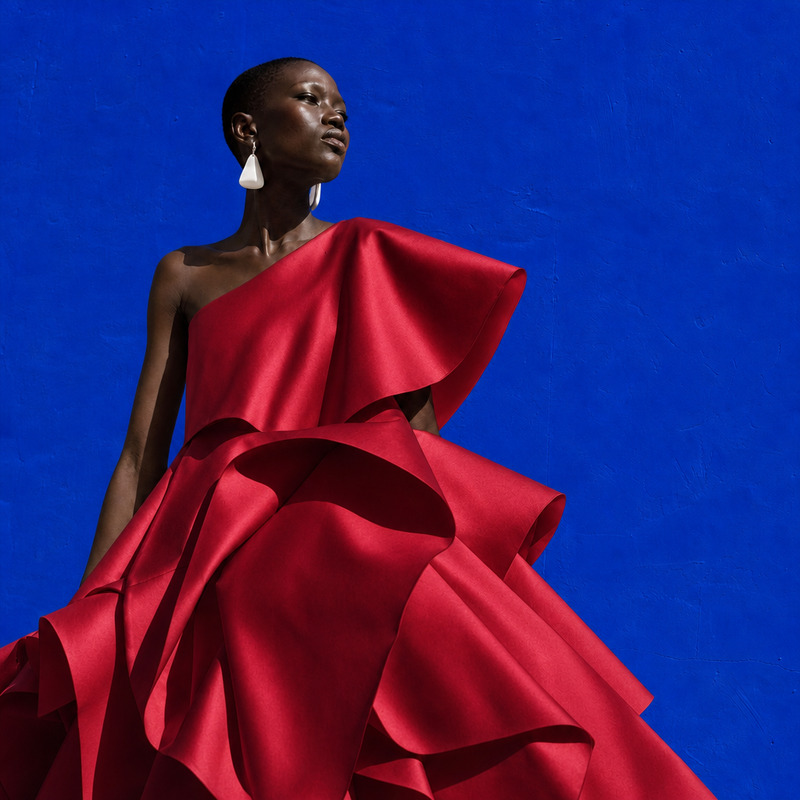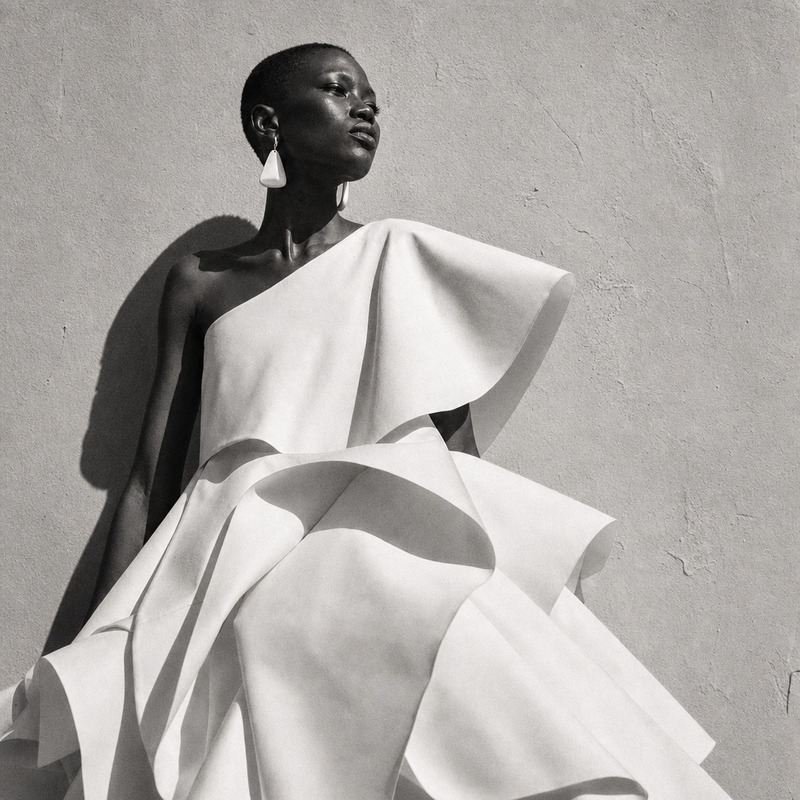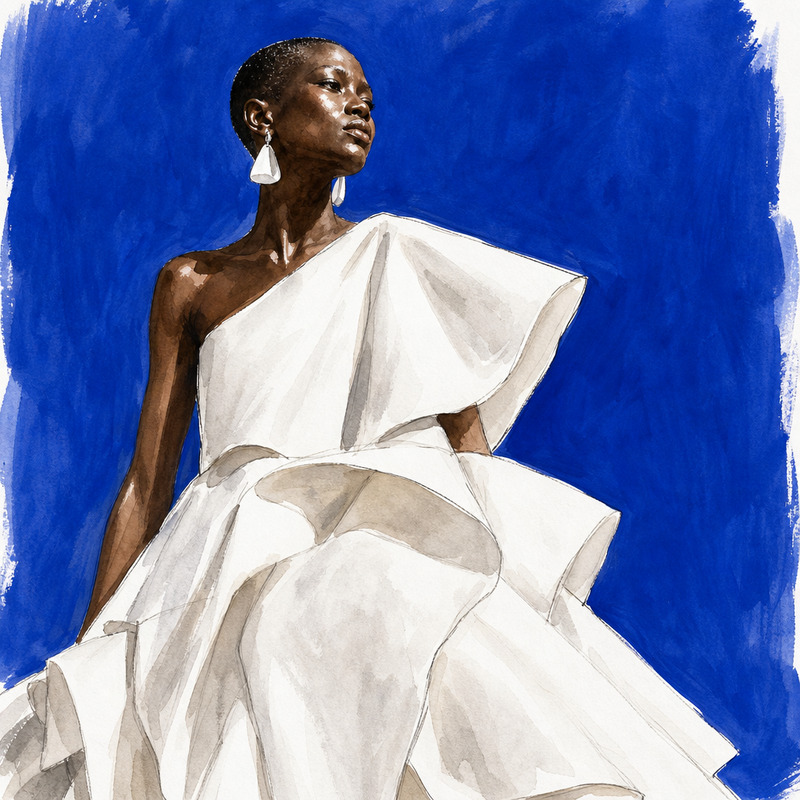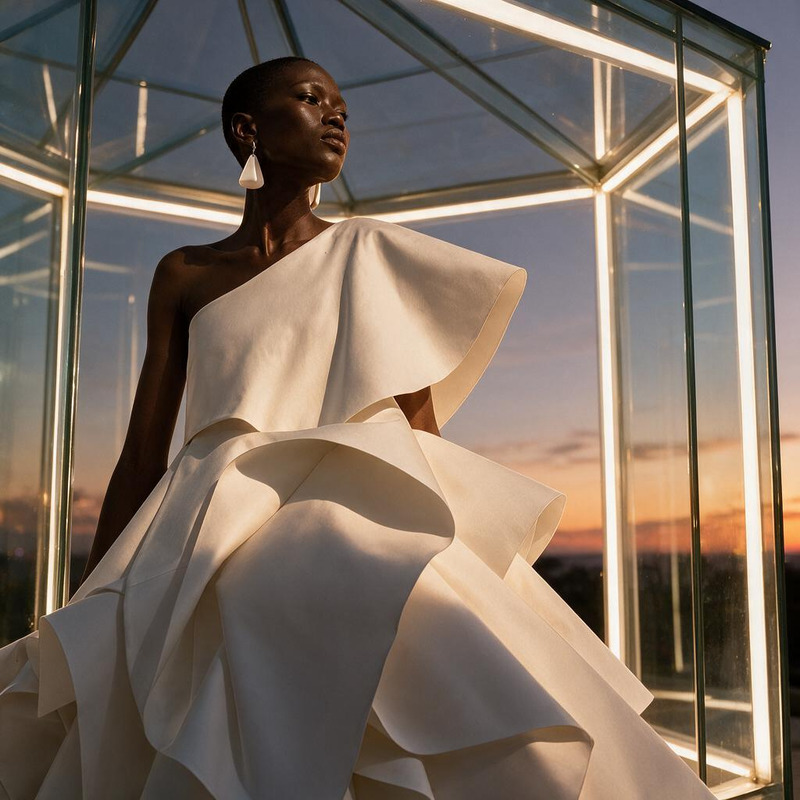
AI Image Editor · Place the model in a modern mu

AI Image Editor · Place the model in a modern mu

AI Image Editor
1 image
0 uses

Any aspect ratio

Prompt

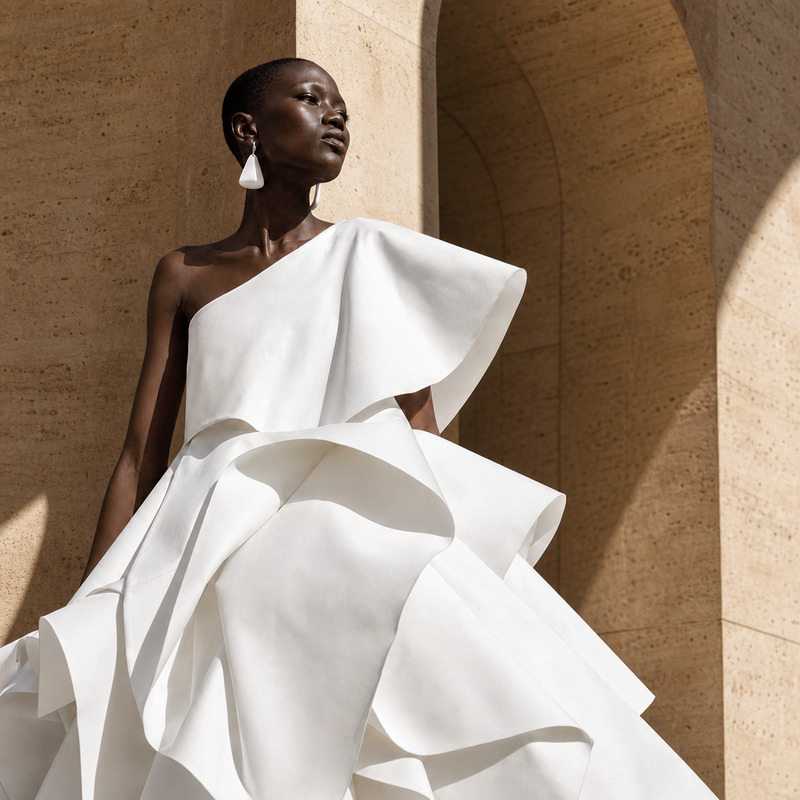
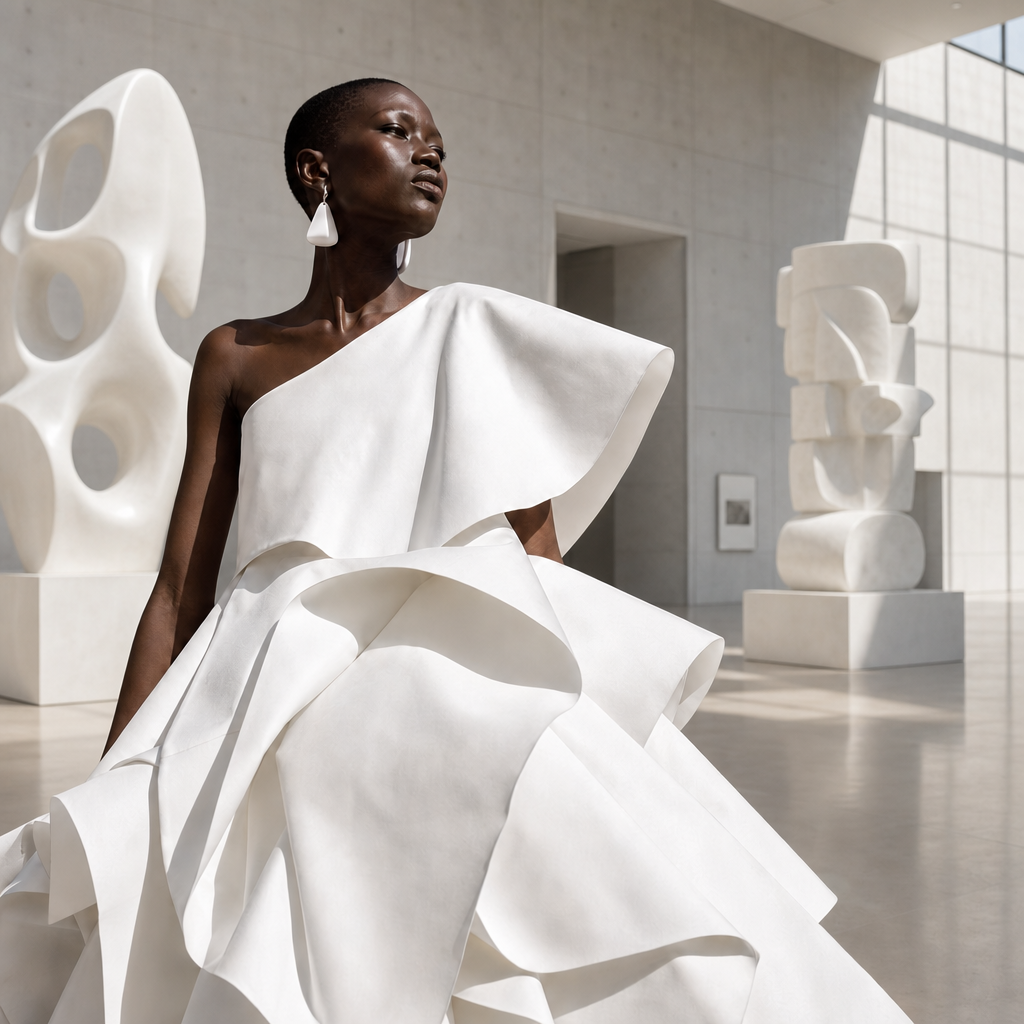
Place the model in a modern museum gallery with monumental white sculptures, preserving her exact pose

Overview

The AI Image Editor template, powered by the gpt-image-2 model, lets you transform ordinary images into extraordinary works of art. By placing subjects into a modern museum setting complete with monumental white sculptures, this template provides a striking backdrop that enhances visual storytelling.

What It Does

This AI Image Editor template allows you to position any model in a modern museum gallery setting. By preserving the subject's pose, the template harmonizes the focal point with artistic sculptures, creating a visually stunning narrative piece.

Who It's For

Photographers, artists, digital marketers, and social media influencers will find this tool invaluable. It offers a sophisticated way to enhance personal branding and to create eye-catching visuals that captivate audiences.

Summary

This template is designed for those seeking to create artistic images that capture attention and tell a compelling story. With a focus on integrating subjects into museum-like settings, it bridges the gap between photography and art, perfect for professional use cases and personal projects alike.

How-to Guide

Follow these steps to create a museum-like image with ease.
    01

    Choose Your Template

    Navigate to the AI Image Editor section of Magic Hour, and select the 'Place the model in a modern museum' template.
    02

    Customize Your Design

    Upload an image of your model, ensuring the pose is suitable. The prompt suggestion will automatically fill with 'modern museum gallery with monumental white sculptures, preserving her exact pose'.
    03

    Generate and Save

    Click 'Generate' to create your image. Once complete, download your new artwork, available in standard image formats.

Use Cases

Explore the diverse applications for this AI Image Editor template.
🖼️

Artistic Photography Enhancements

Elevate photography by placing models in majestic museum settings.
  • Highlight individual features against a dramatic background
  • Create unique, attention-grabbing portfolio pieces
📱

Social Media Content

Craft visually stunning posts that stand out on social platforms.
  • Share engaging visuals on Instagram or Pinterest
  • Boost social media presence with creative visuals
💼

Marketing Campaigns

Add a touch of art and sophistication to promotional materials.
  • Create unique banner ads for online campaigns
  • Develop immersive content for fashion lookbooks

Best Practices

Maximize the impact of your images using this template.
  • Select the Right Pose

    Ensure your subject's pose complements the grandiose setting; poses that express motion or elegance usually work best.
  • Balance Composition

    Carefully place the model to harmonize with the sculptures and avoid overpowering the main subject.
  • Adjust Lighting

    Consider the photo's existing lighting to ensure it naturally integrates into the museum ambiance.
FAQs

The AI Image Editor supports standard formats such as JPEG, PNG, and TIFF.

The placement of sculptures is pre-defined in this template to maintain compositional balance.

For best results, use high-resolution images with at least 300 dpi.

The duration depends on image complexity, but typically ranges from a few seconds to a minute.

More Like This

Marble Sculpture Portrait
8
Marble Sculpture Portrait
Wax Figure Reveal
1
Wax Figure Reveal
AI Image Editor · Change the dress to sculptural
NEW
AI Image Editor · Change the dress to sculptural
AI Image Editor · Restyle the portrait as a blac
NEW
AI Image Editor · Restyle the portrait as a blac
AI Image Editor · Restyle the image as a hand-pa
NEW
AI Image Editor · Restyle the image as a hand-pa
AI Image Editor · Place the model inside a lumin
NEW
AI Image Editor · Place the model inside a lumin
Monochrome Portrait Study
101
Monochrome Portrait Study
Retro
10
Retro
AI Image Editor · Replace the blue wall with war
NEW
AI Image Editor · Replace the blue wall with war
AI Image Editor · Transform the background into
NEW
AI Image Editor · Transform the background into
AI Image Editor · Change the dress to tailored b
NEW
AI Image Editor · Change the dress to tailored b
AI Image Editor · Create a dramatic underwater e
NEW
AI Image Editor · Create a dramatic underwater e

AI Image Editor