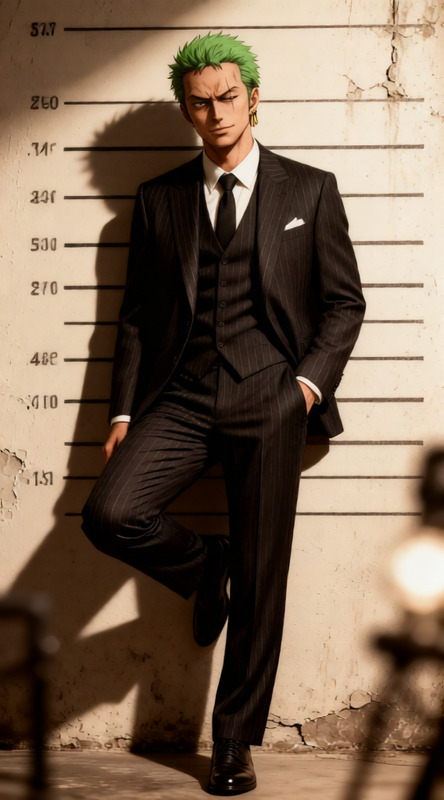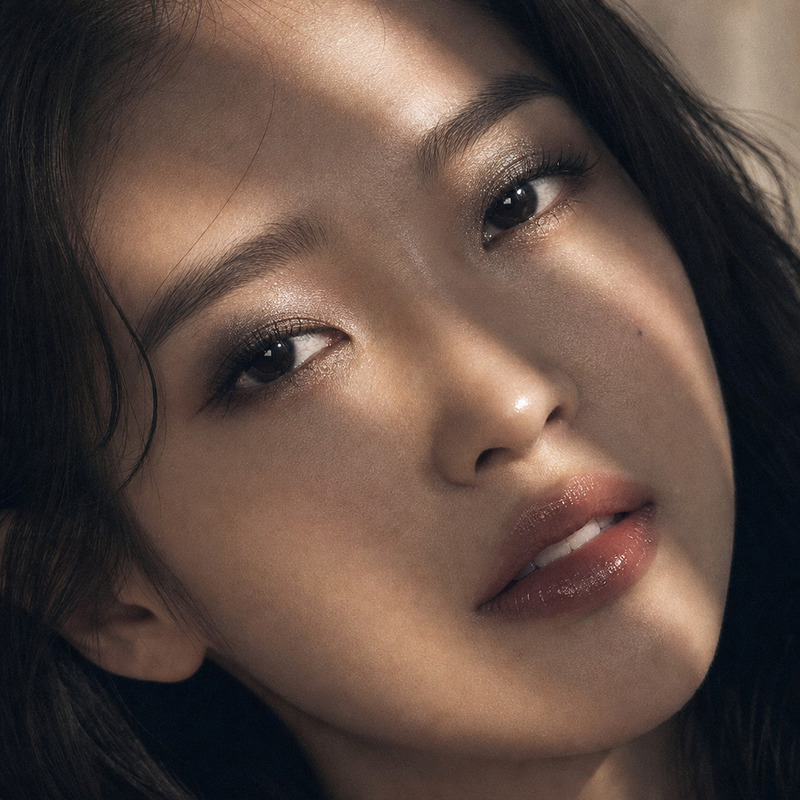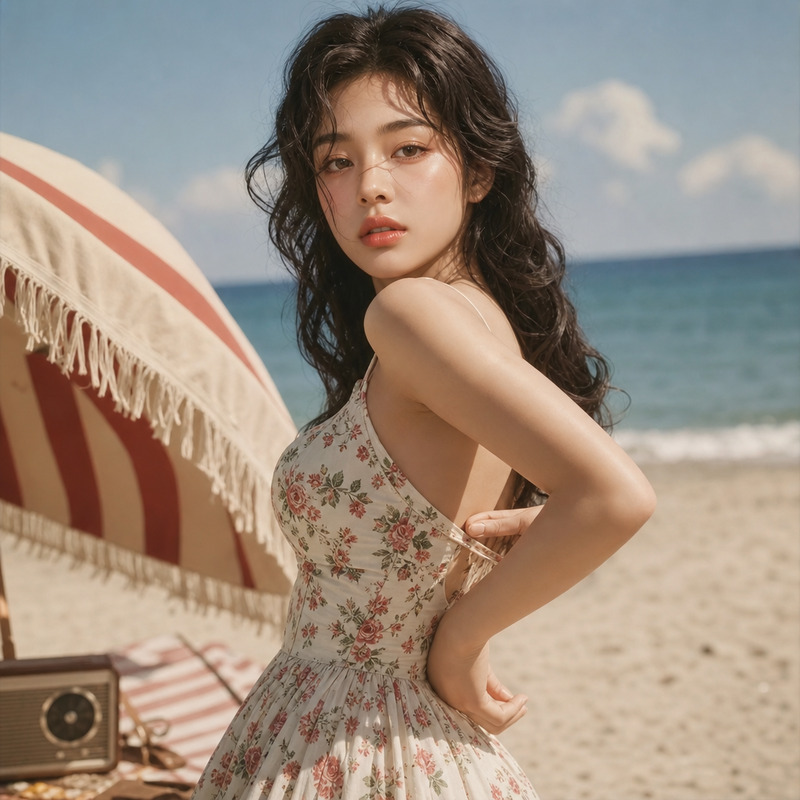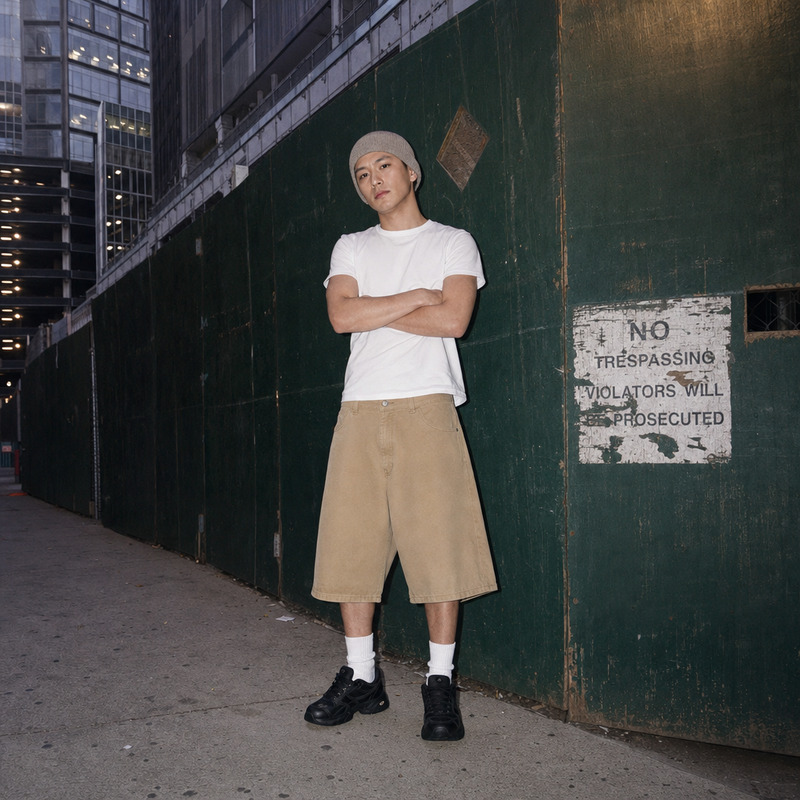
Retro
- Model
- GPT Image 2
- Image
- 1024 × 1024 px
Prompt
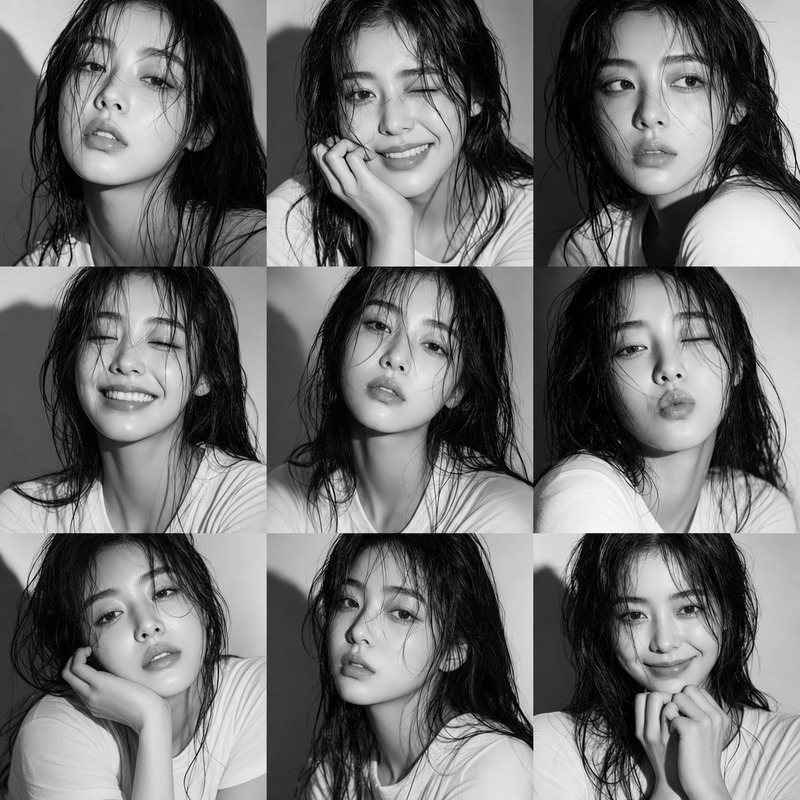
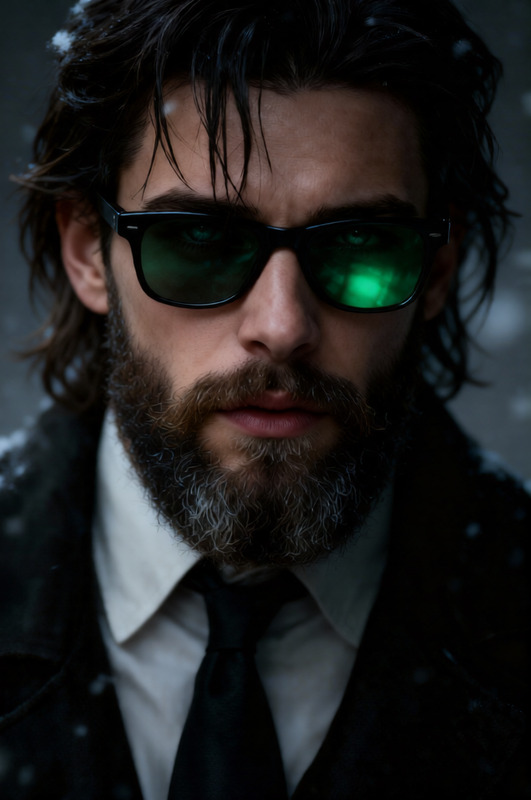
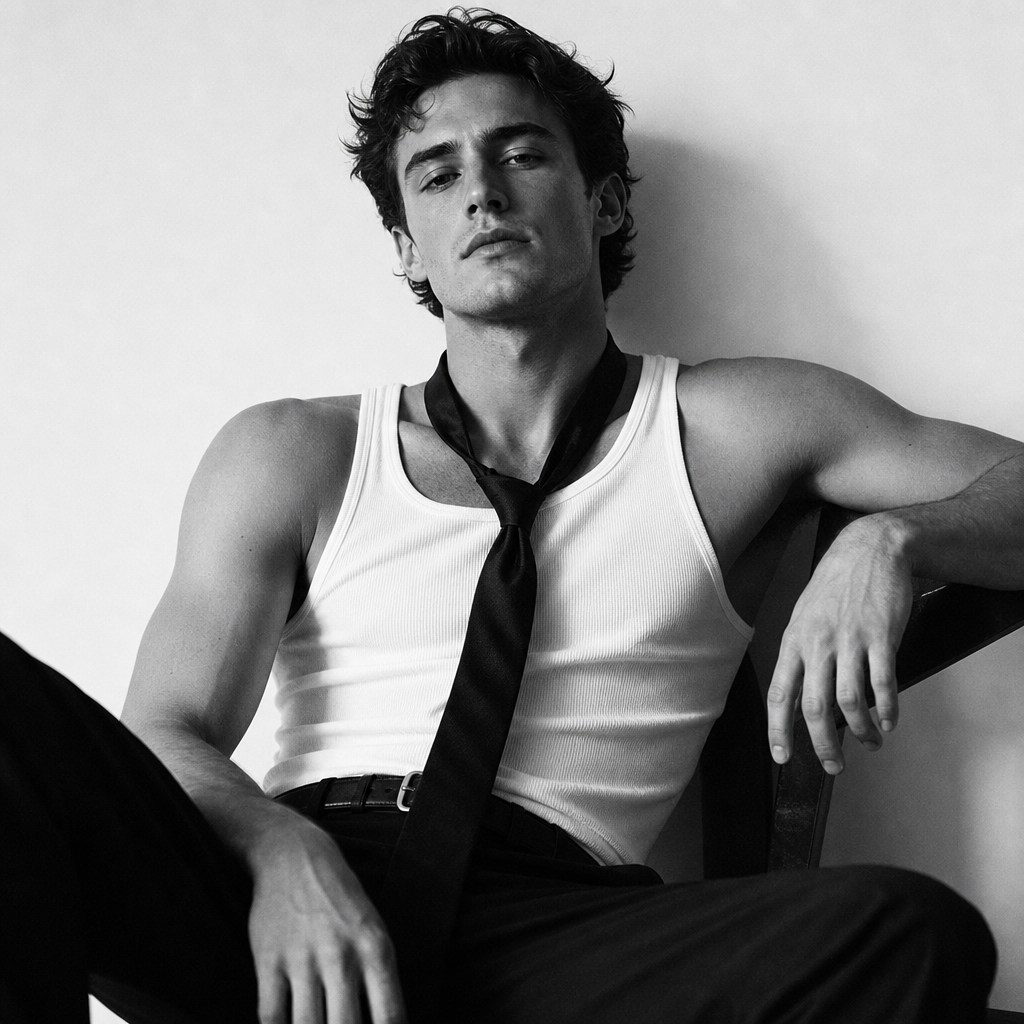
A high-quality black-and-white editorial portrait: a charismatic figure sits against a minimalist white background in a relaxed, confident pose. He wears a white tank top, dark trousers, and a casually knotted tie, while soft, directional lighting highlights his facial features, creating a cinematic, grainy film effect.
Any aspect ratio
Overview
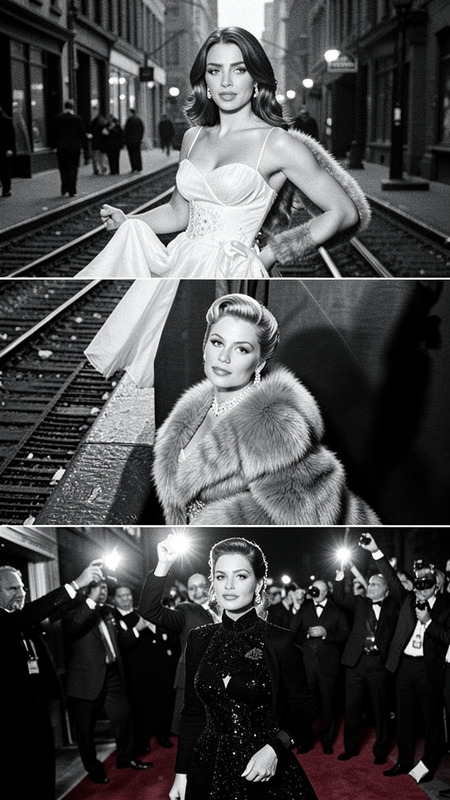
The Retro AI Image Editor template allows creators to infuse their images with the essence of classic film photography. Using GPT-Image-2, this template creates editorial-style portraits in striking black-and-white with a grainy, cinematic look.
What It Does
By leveraging advanced AI algorithms, the Retro template transforms ordinary images into high-quality black-and-white portraits. The soft, directional lighting highlights facial features and the minimalist background enhances the subject's charisma, resulting in a timeless editorial look suitable for a variety of creative projects.
Who It's For
This template is ideal for photographers, content creators, and visual artists looking to add a retro cinematic touch to their work. Whether you're creating content for social media ads, personal projects, or artistic exhibitions, this template provides the tools needed to achieve a professional look.
Summary
With its elegant transformation capabilities, the Retro template on Magic Hour is a perfect choice for creators who want to elevate their imagery with a nostalgic touch. Explore other AI Image Editor capabilities for further customization and discover similar tools like the Photo Colorizer to bring different styles to your projects.
How To
Choose the Retro Template

Customize Your Image

Generate the Portrait

Use Cases
Social Media Campaigns
- Instagram ads
- Twitter promotions
Editorial Photography
- Magazines
- Online articles
Personal Projects
- Personal websites
- Art exhibitions
Best Practices
Experiment with Lighting
Adjust the directional lighting to best highlight facial features and create the desired mood in your image.Balance Grain Effect
Maintain just the right amount of grain to enhance the cinematic feel without overwhelming the subject.Consider Composition
The minimalist background should complement the pose, reinforcing the subject's charisma and the image's editorial quality.