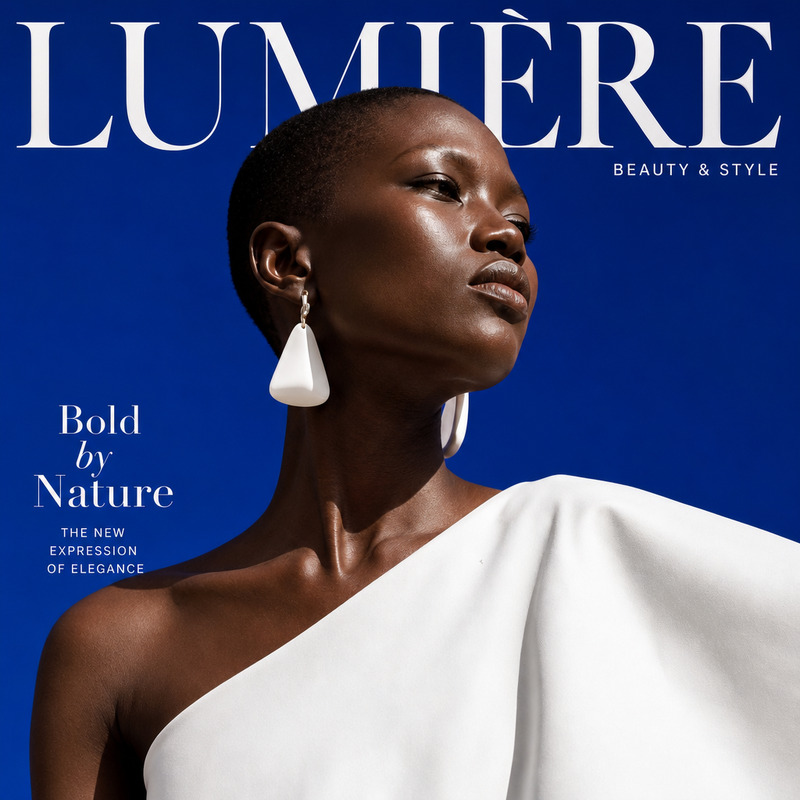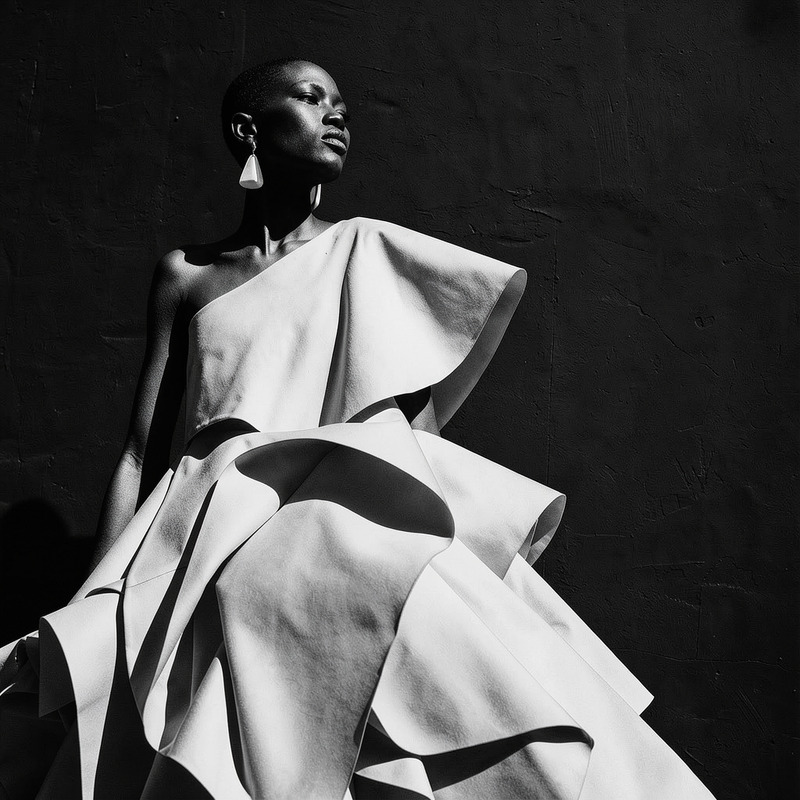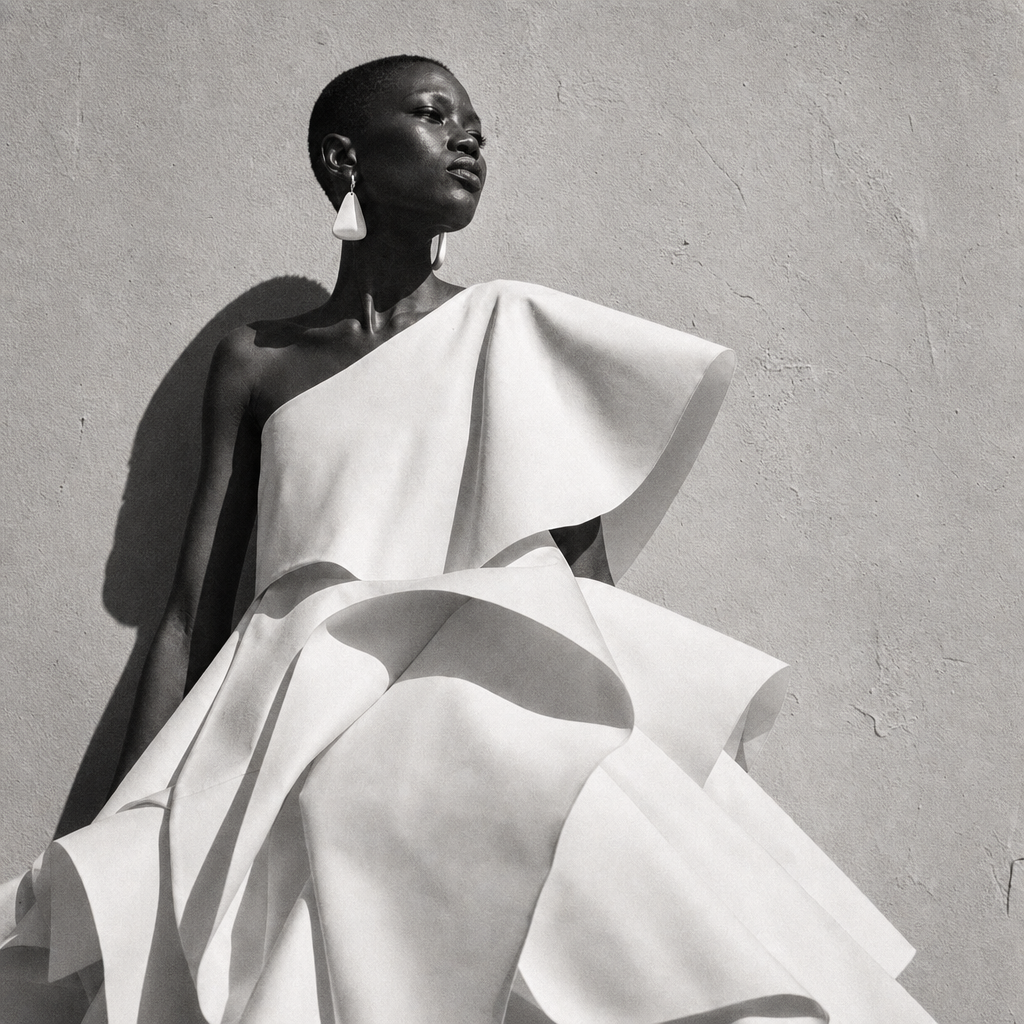
AI Image Editor · Restyle the portrait as a blac

AI Image Editor · Restyle the portrait as a blac

AI Image Editor
1 image
0 uses

Any aspect ratio

Prompt

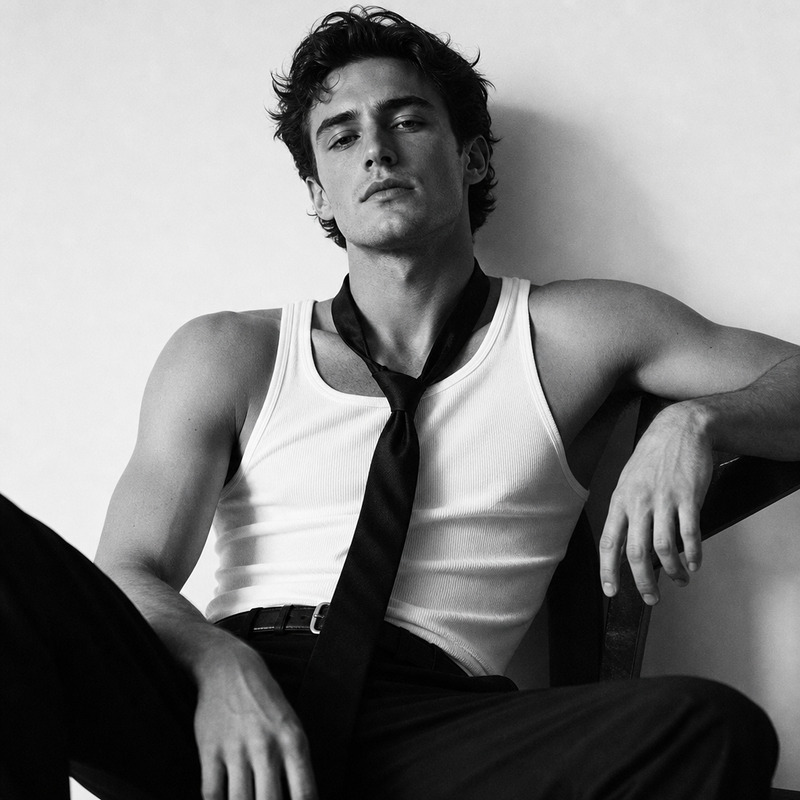
Restyle the portrait as a black-and-white 1960s fashion editorial with fine film grain and strong side light

Overview

Transform your modern portraits into striking black-and-white images with a 1960s fashion editorial look using our AI Image Editor. With the AI Image Editor, you can focus on fine film grain details and dramatic side lighting to achieve a classic, polished aesthetic.

What It Does

This AI Image Editor leverages the gpt-image-2 model to recreate your portraits as vintage fashion editorials. The process includes applying a black-and-white style, enhancing film grain, and adjusting lighting to add depth and atmosphere to your images.

Who It's For

This tool is perfect for designers, photographers, and content creators looking to infuse their projects with a nostalgic vibe. Whether you're working on a personal portfolio or commercial campaigns, the AI Image Upscaler can complement your workflow by enhancing the details of your images after stylistic adjustments.

Summary

Incorporating a 1960s fashion editorial style into your portraits has never been easier. With our AI Image Editor, utilize AI Image Generator capabilities to revamp the style of your existing photos, emphasizing dramatic lighting and stylistic grain for a timeless look.

How To

Quick steps on using this AI Image Editor template for a vintage transformation.
    01

    Choose Your Template

    Start by opening the AI Image Editor template from the Magic Hour library to initiate your project's styling transformation.
    02

    Customize Your Image

    Upload your portrait, then adjust the prompt or settings to focus on the black-and-white 1960s fashion style, paying attention to film grain and side lighting details.
    03

    Generate the Final Image

    Click 'Generate' to create your restyled image. Once complete, you can download the file in the format of your choice for further use or sharing.

Use Cases

Explore targeted use cases for integrating this AI Image Editor template into your workflow.
📷

Fashion Portfolios

Convert current fashion photography into retro-inspired collections to diversify your portfolio.
  • Emphasize vintage styles in lookbooks
  • Create niche retro vibes in social media campaigns
📰

Editorial Content

Craft editorial features with a historic twist, appealing to audiences with a taste for nostalgia.
  • Produce themed content for magazines
  • Build visual narratives for storytelling projects
🎨

Marketing Materials

Develop attention-grabbing ads and promos by employing retro aesthetics.
  • Create ad concepts with a classic touch
  • Enhance brand storytelling through vintage art

Best Practices

Maximize outcomes with these practical tips for using the AI Image Editor effectively.
  • Highlight Strong Lighting

    Leverage side lighting to create more definition and contrast in black-and-white images. This can enhance the overall vintage appeal.
  • Focus on Film Grain

    Adjust film grain settings to ensure a subtle, yet impactful, retro aesthetic that mimics real film photography.
  • Consistent Style Application

    Maintain a cohesive style across all images in a series to establish a strong thematic presence.

FAQs

The AI Image Editor supports common image file formats such as JPEG and PNG for both input and output.

Yes, the AI Image Editor allows you to customize the film grain level to match the desired retro aesthetic.

No, this tool is designed to transform both color and grayscale images into a vintage black-and-white style.

Currently, the standard interface processes one image at a time; however, batch processing may be possible through the API.

More Like This

Crimson Power Portrait
8
Crimson Power Portrait
Monochrome Portrait Study
101
Monochrome Portrait Study
Retro
10
Retro
AI Image Editor · Transform the background into
NEW
AI Image Editor · Transform the background into
AI Image Editor · Change the dress to tailored b
NEW
AI Image Editor · Change the dress to tailored b
AI Image Editor · Restyle the portrait as an ele
NEW
AI Image Editor · Restyle the portrait as an ele
High-Fashion Color Contrast Portrait
Collage Portrait 9 Frames
1
Collage Portrait 9 Frames
1920s bar
1920s bar
AI Image Editor · Restyle the image as a hand-pa
NEW
AI Image Editor · Restyle the image as a hand-pa
AI Image Editor · Create a magazine cover-ready
NEW
AI Image Editor · Create a magazine cover-ready
AI Image Editor · Create a high-contrast monochr
NEW
AI Image Editor · Create a high-contrast monochr

AI Image Editor