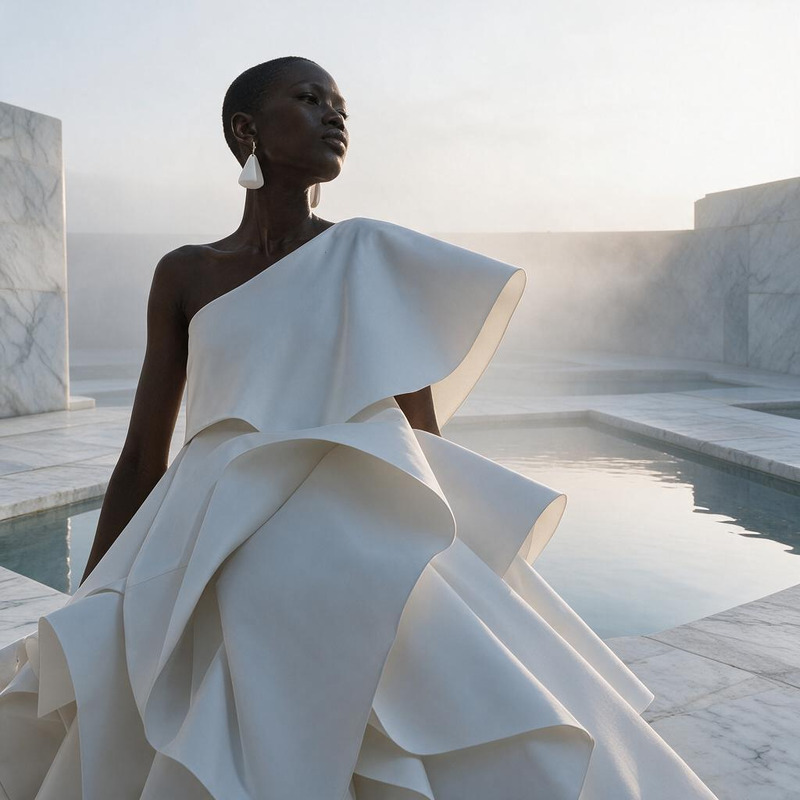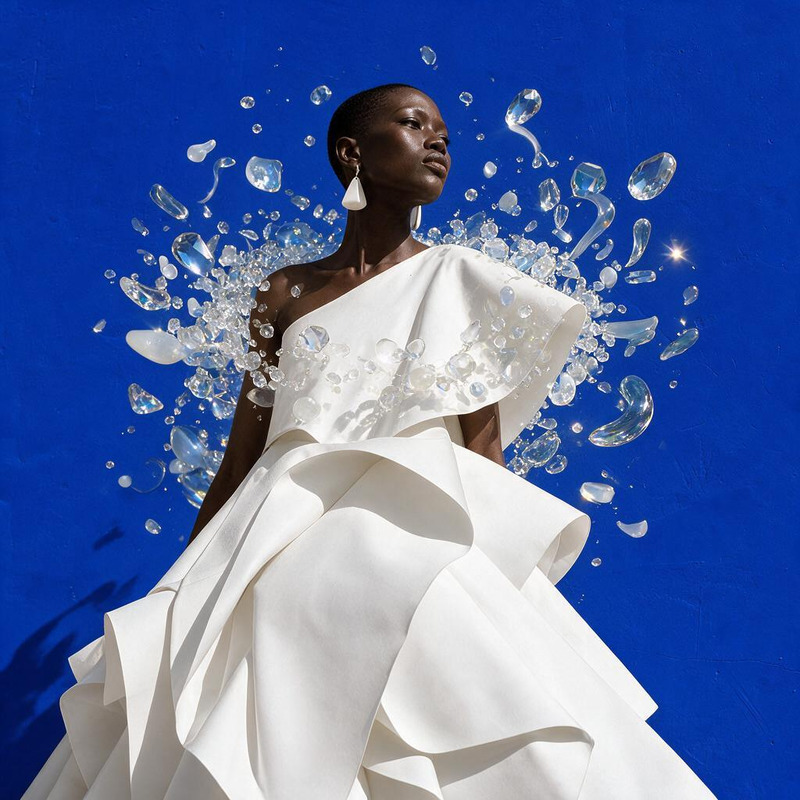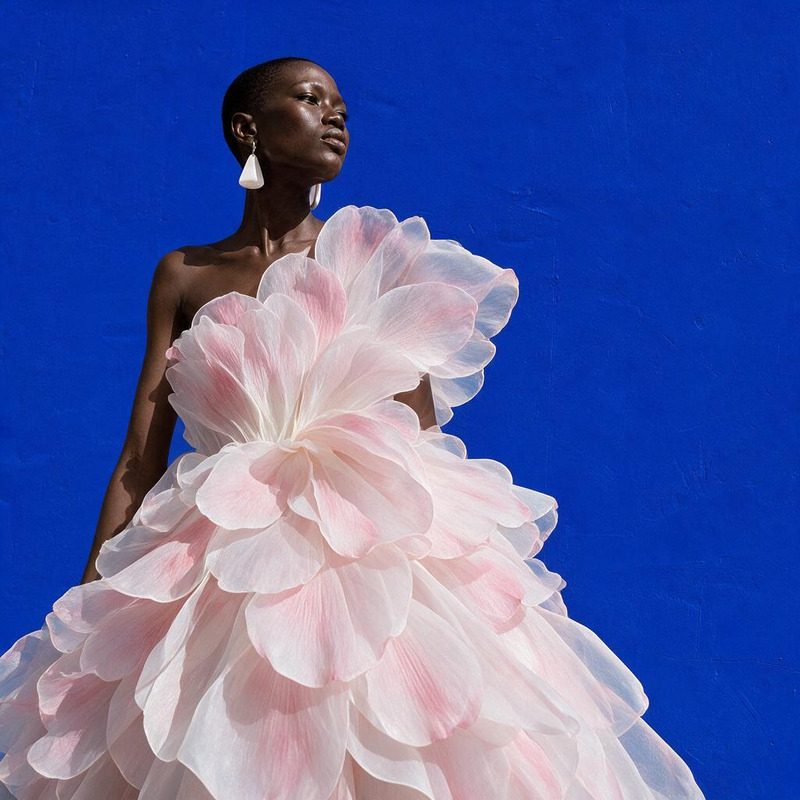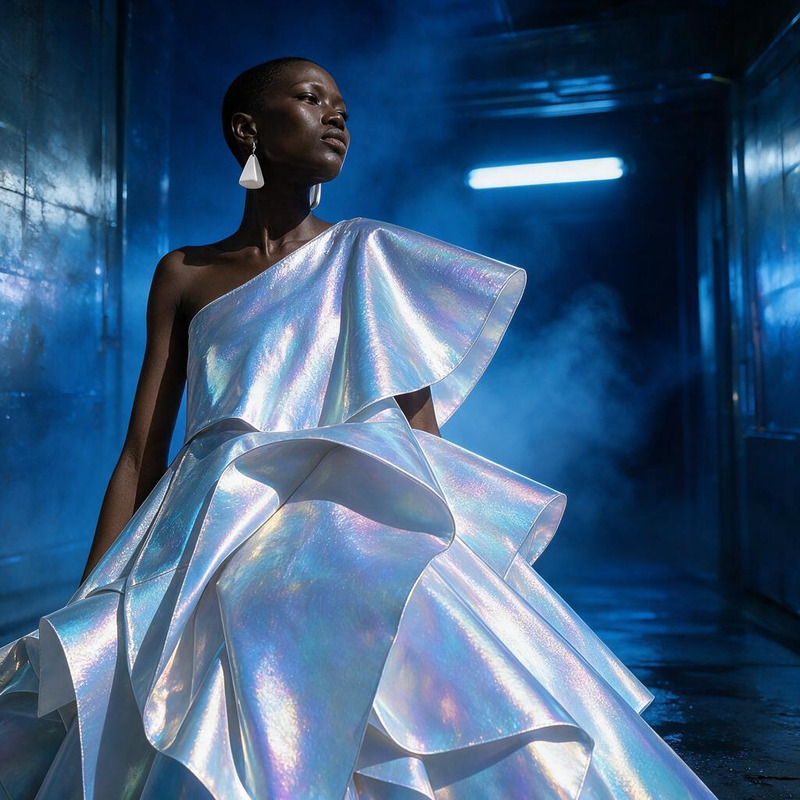
AI Image Editor · Create a dramatic underwater e
- Model
- Seedream 5 Pro
- Image
- 1024 × 1024 px
Prompt
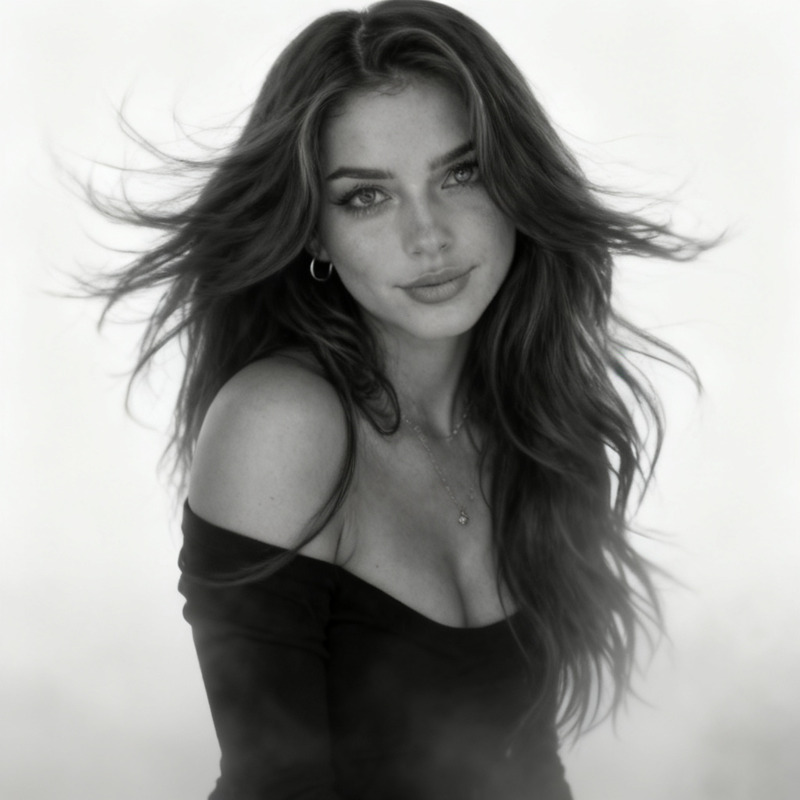
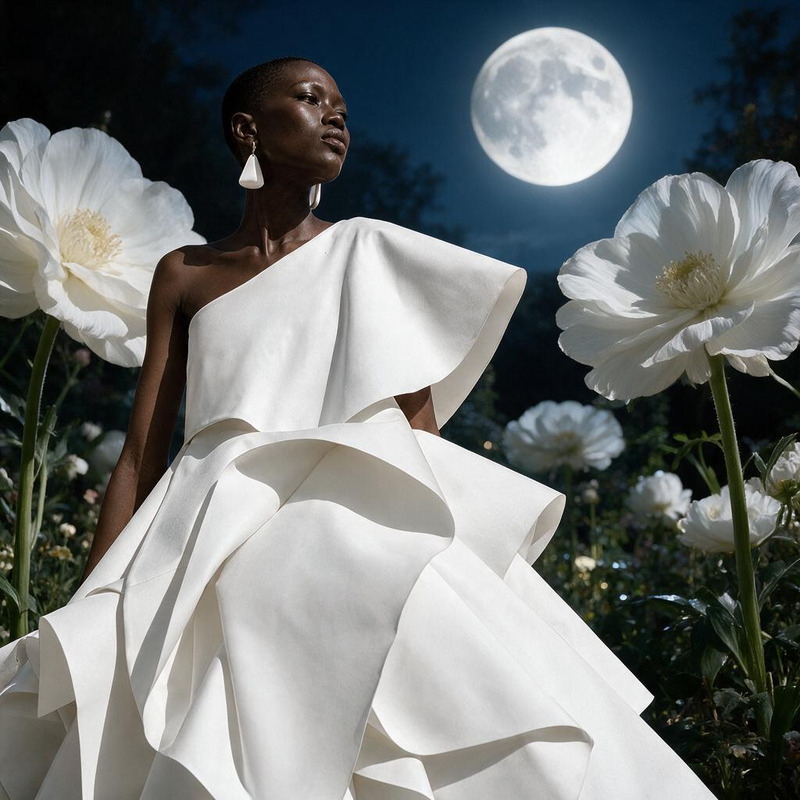
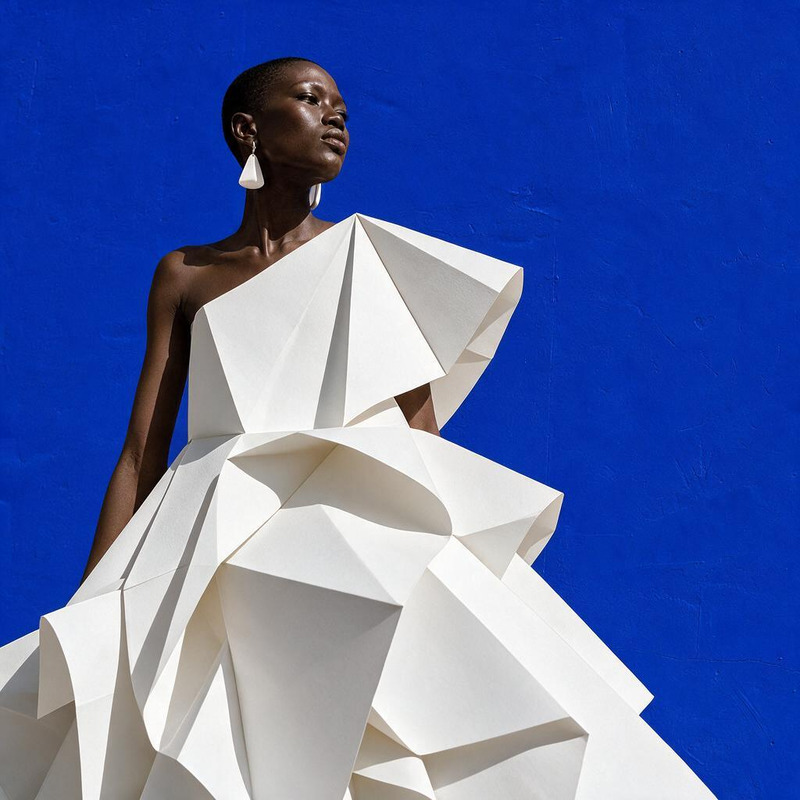
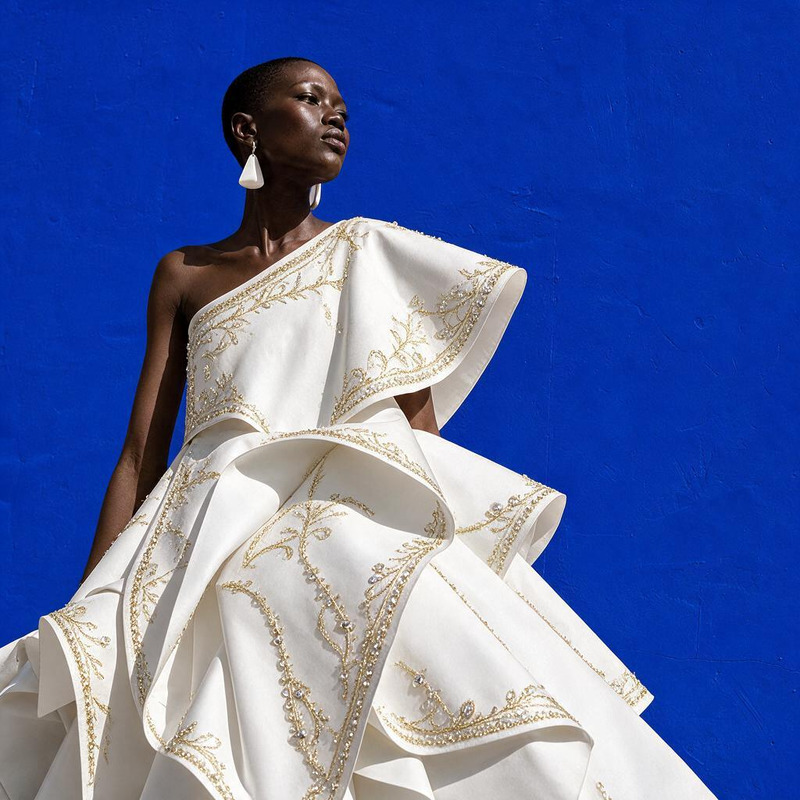
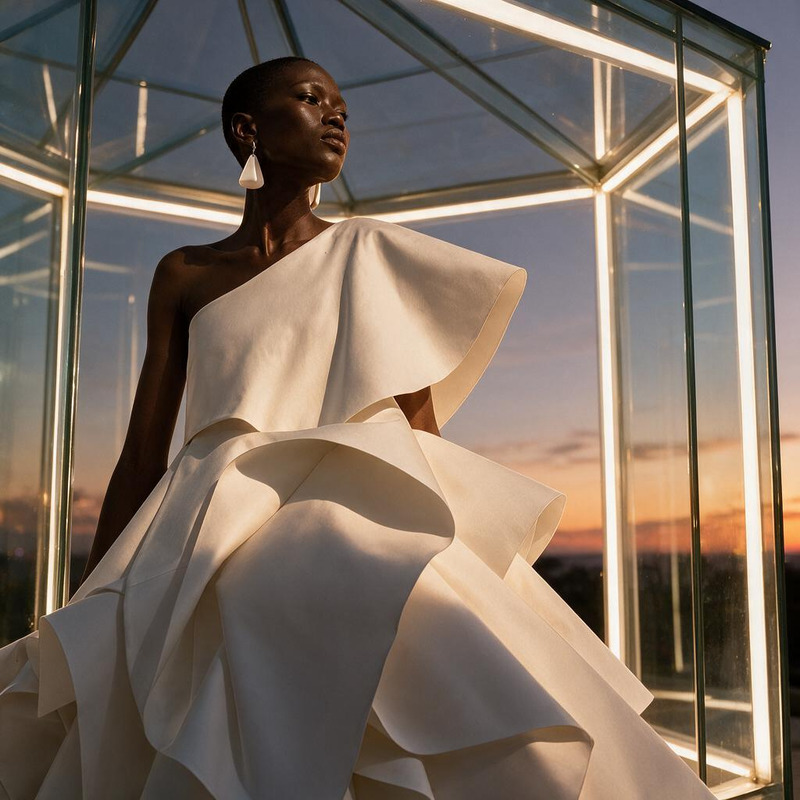
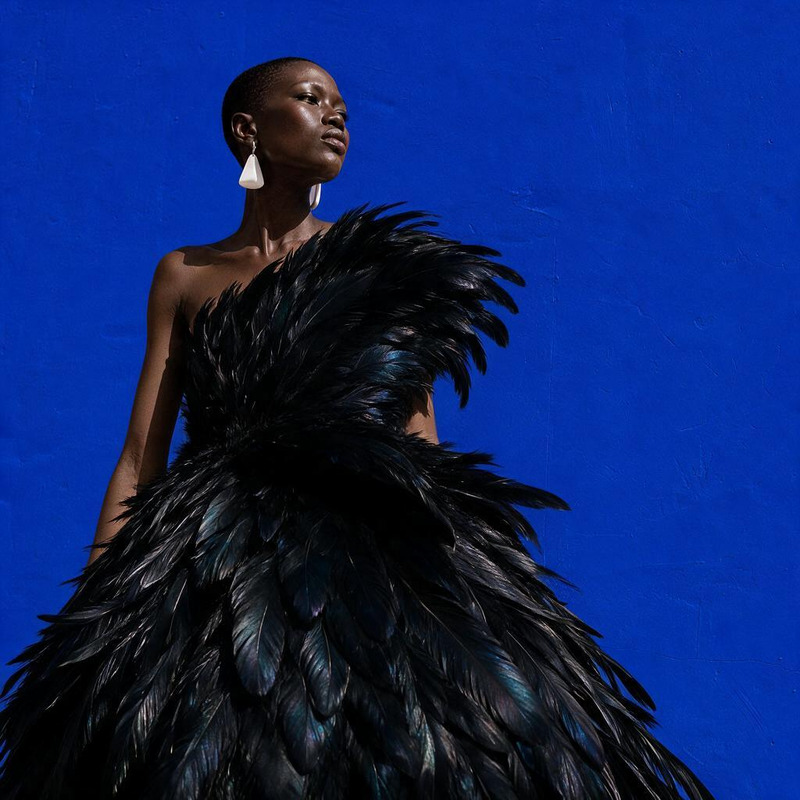
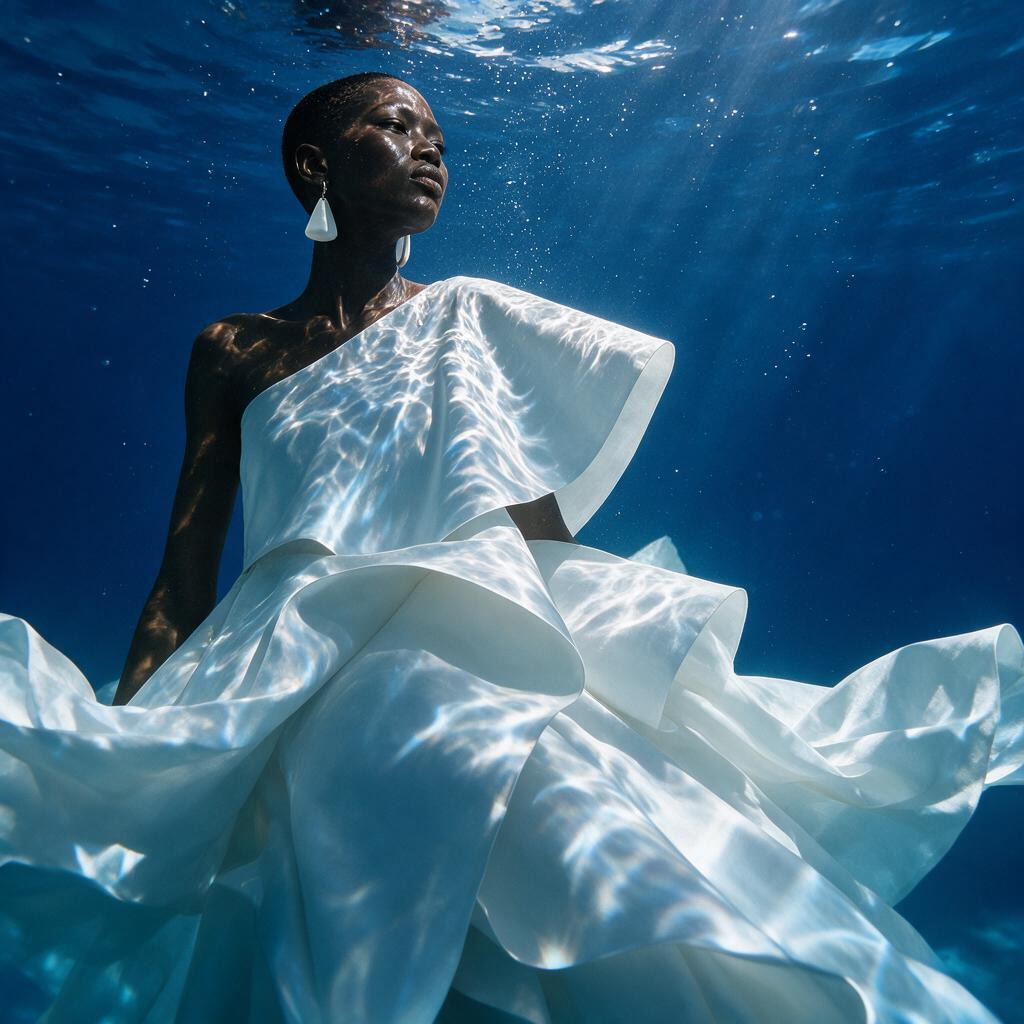
Create a dramatic underwater editorial with floating fabric and caustic light, preserving the model identity
Any aspect ratio
Overview
Discover the world of underwater imagery with our AI Image Editor, a tool designed to transform ordinary photos into dramatic underwater editorials. By utilizing the advanced capabilities of the seedream-v5-pro model, this template emphasizes on floating fabric and caustic light, while ensuring the preservation of model identity. Ideal for creatives looking to push the boundaries of traditional photography.
What It Does
This AI Image Editor template empowers creators to generate visually compelling underwater photos. By focusing on elements like floating fabric and light diffusion, it creates a dreamy underwater atmosphere. The engine that powers this transformation is the AI Image Editor, specifically calibrated for dramatic underwater scenes that retain the integrity of the subject's features.
Who It's For
Perfect for photographers, digital artists, and creative directors who aim to produce high-impact visuals without the need for costly underwater equipment. Whether you're creating content for editorial fashion spreads or enriching your portfolio, our tool provides the flexibility and sophistication required. Leverage the capabilities of this editor along with features like AI Product Photography to enhance your visual storytelling.
Summary
Our AI Image Editor template transforms conventional images into captivating underwater editorials. Seamlessly blend digital artistry with advanced modeling techniques to produce stunning photos that capture the imagination. For enhancing other aspects of visual content, explore our AI Image Upscaler, designed to refine and elevate image quality.
How-To
Choose

Customize

Generate

Use Cases
Editorial Fashion
- Create unique magazine spreads
- Host virtual gallery exhibitions
Digital Art
- Illustrate fantasy scenes
- Develop story-based image series
Advertising Campaigns
- Engage audiences with memorable imagery
- Elevate brand aesthetics
Best Practices
Upload High-Quality Images
To maximize the output quality, start with high-resolution images. This ensures clarity and retains detail after editing.Experiment with Lighting
Adjust caustic light settings to see how different levels of light intensity affect the mood of your underwater scene.Preserve Model Identity
While experimenting with artistic effects, keep an eye on preserving the subject's unique features for authenticity.