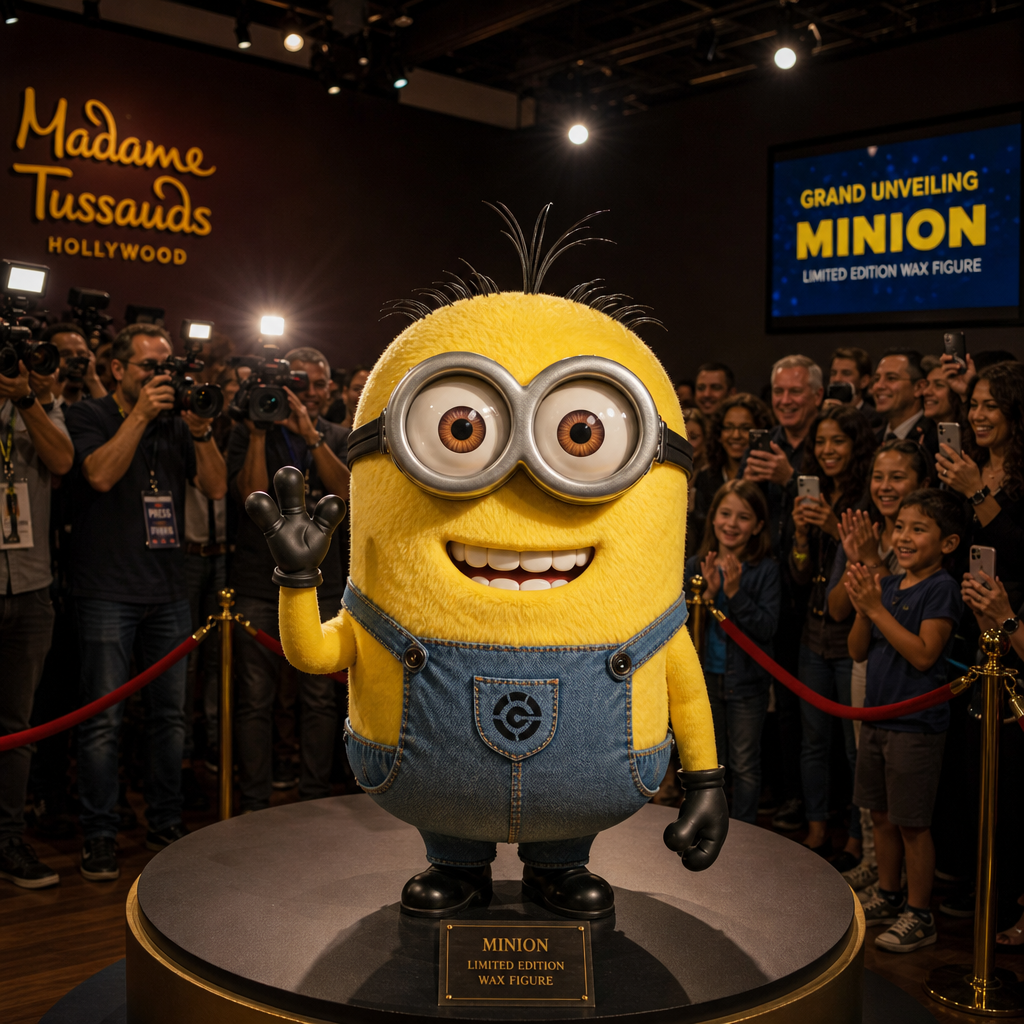
Wax Figure Reveal
- Model
- GPT Image 2
- Image
- 1024 × 1024 px
Prompt
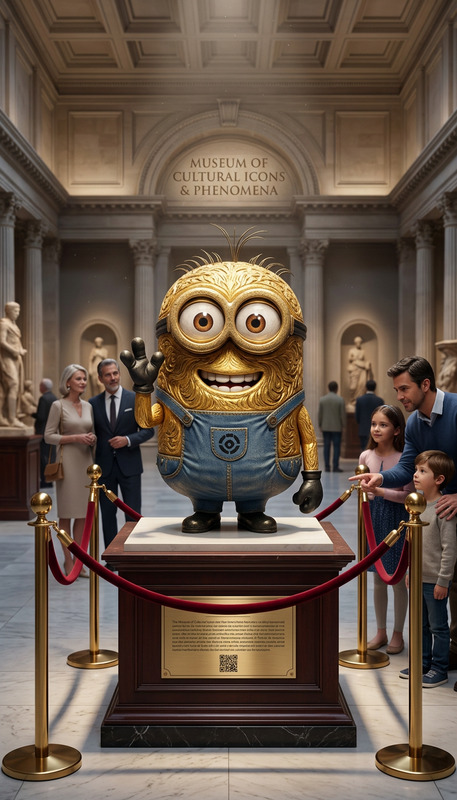
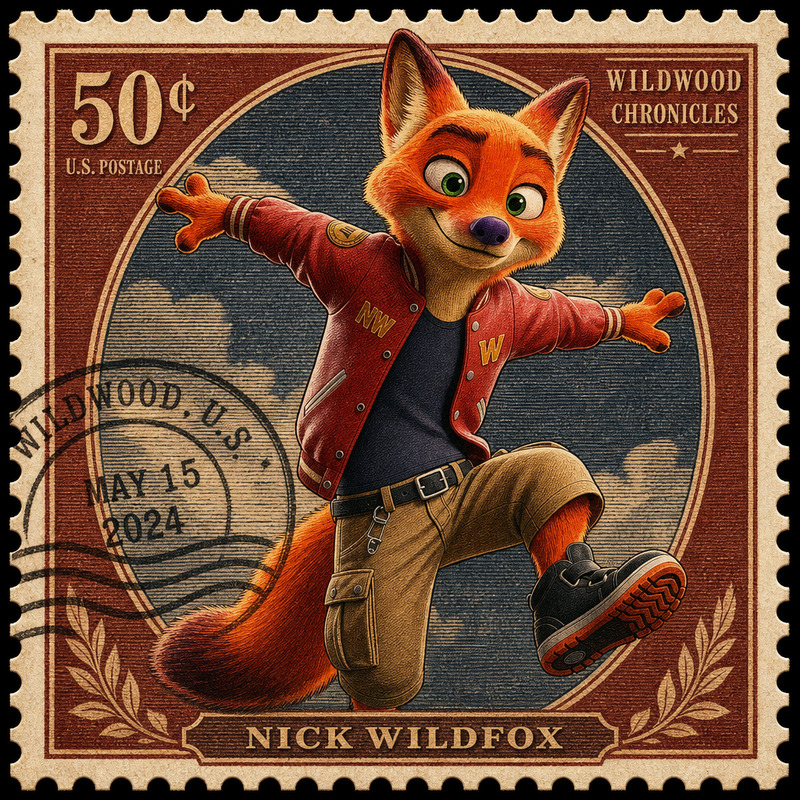
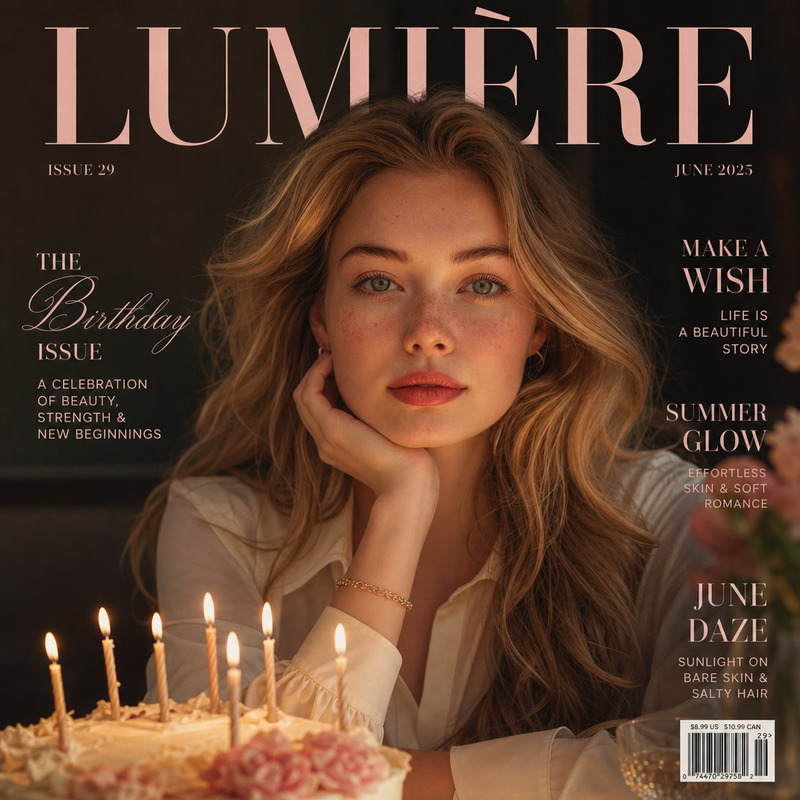
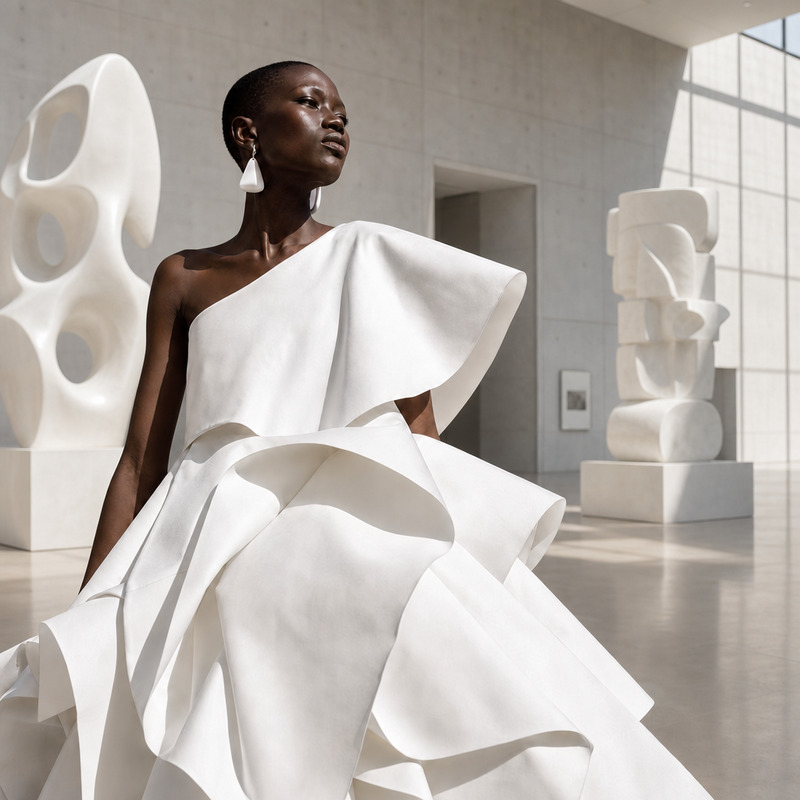
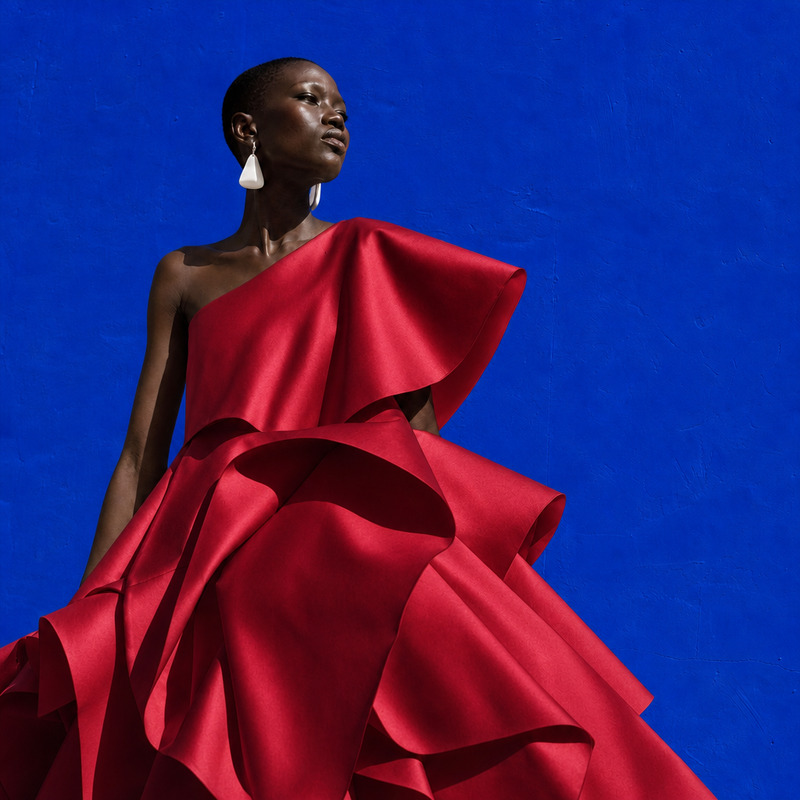
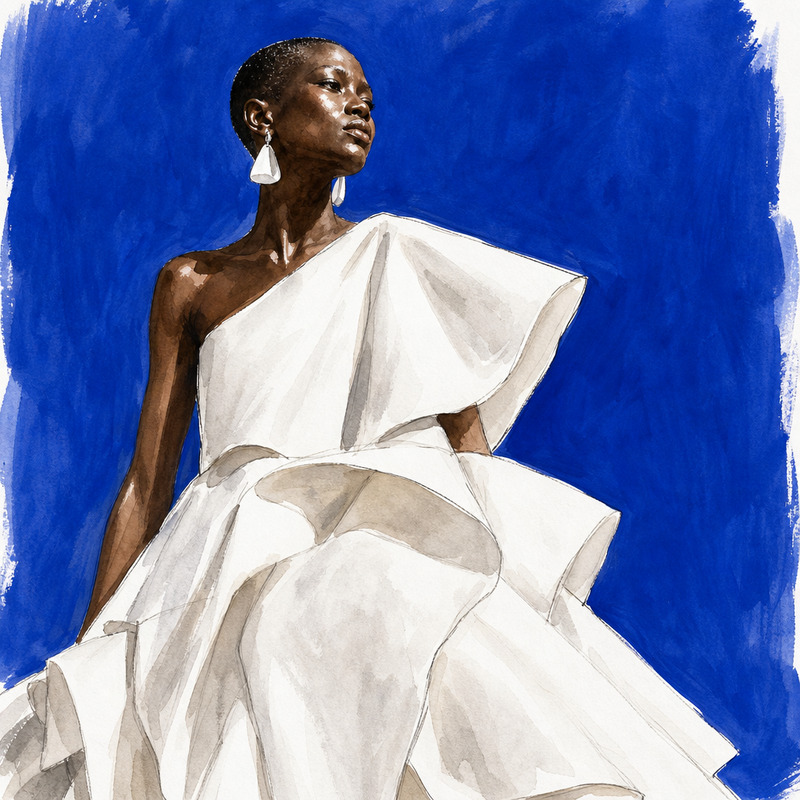
Transform the subject into a highly realistic wax museum figure during its grand unveiling. Crowds gather around while photographers document the event under museum spotlights.
Any aspect ratio
Overview
The Wax Figure Reveal template offers a unique twist on photo transformation, turning images into wax figure unveilings. This template leverages the power of the gpt-image-2 model to enhance the realism, making it ideal for creating eye-catching content.
What It Does
With this AI Image Editor template, you can convert ordinary photographs into scenes of wax figure unveilings, complete with crowds and photographers. It accentuates the texture and sheen typical of wax figures, bringing out the drama of an unveiling event. By using this template, users can generate high-quality images tailored for platforms such as AI Image Generator and AI Photo Relighting.
Who It's For
This template is designed for content creators, marketers, and photographers looking to create dramatic and engaging visuals. It's particularly beneficial for those working in social media advertising and brand storytelling. Additionally, educators and speakers can use these images to add intrigue to their presentations and courses.
Summary
Elevate your visual storytelling with the Wax Figure Reveal template. By transforming photos into wax museum events, you can captivate audiences on social media and beyond. The template's strengths lie in its ability to mimic the look and feel of a real wax figure with expert precision, a fitting choice for AI Image Editor enthusiasts.
How-To
Choose Your Template

Customize Your Input

Generate Your Image

Use Cases
Social Media Engagement
- Highlight brand launches
- Create memorable posts
- Boost engagement rates
Marketing Campaigns
- Frame new product reveals
- Create captivating ad visuals
- Enhance storytelling
Event Promotions
- Announce exhibition openings
- Engage potential visitors
- Retail buzz and interest
Best Practices
Photo Selection
Choose high-quality images with clear subjects to maximize the wax-like effect.Prompt Customization
Tailor the prompt to emphasize specific details, like spotlight angles or crowd density, to better fit your narrative.Format Options
Experiment with different formats available in the AI Image Editor to best suit your distribution needs.