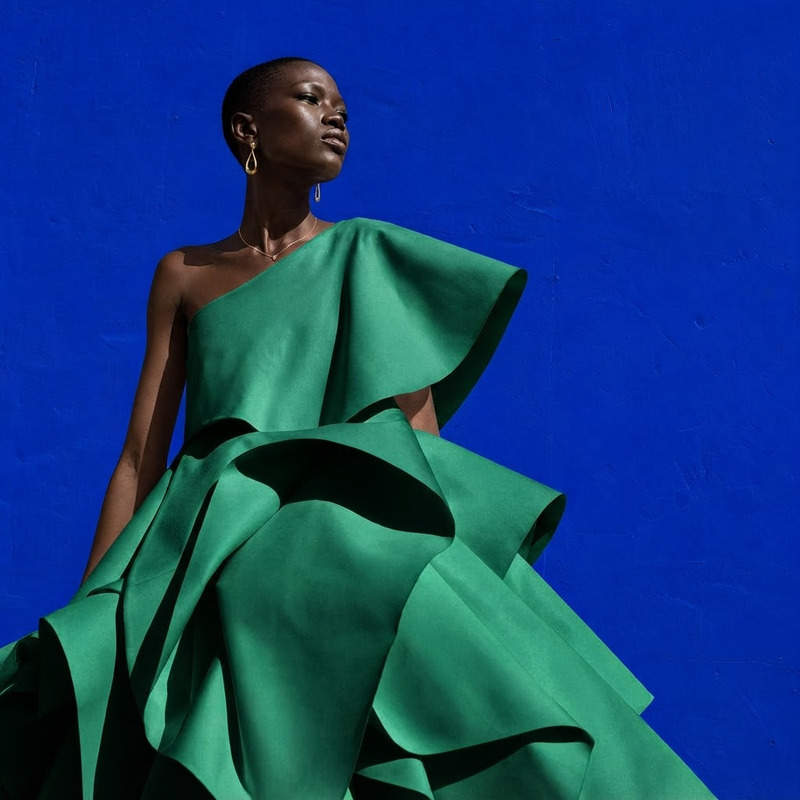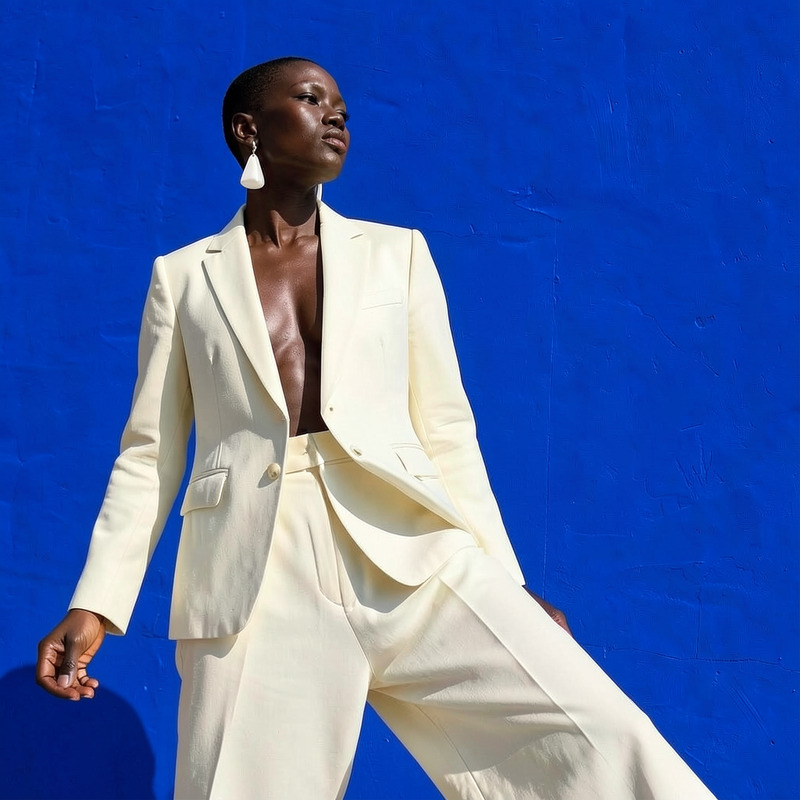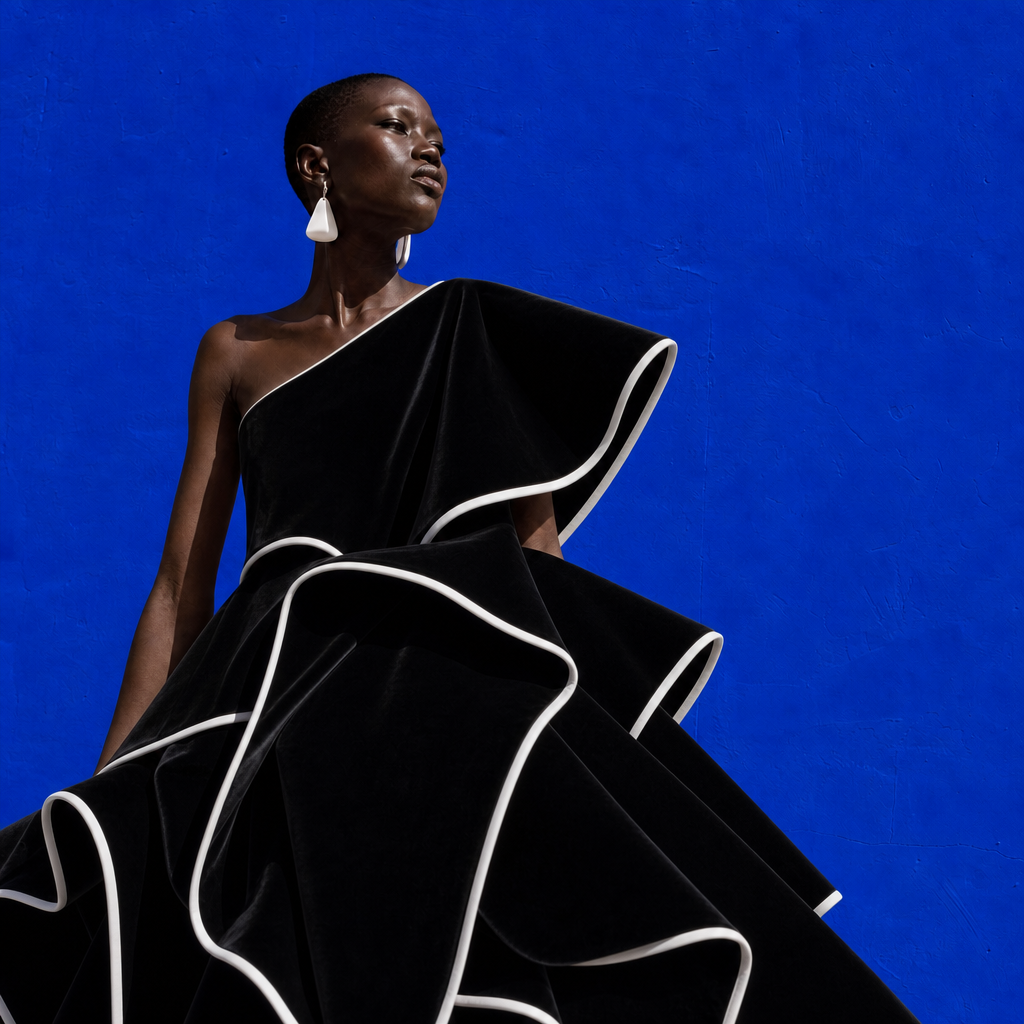
AI Image Editor · Change the dress to tailored b

AI Image Editor · Change the dress to tailored b

AI Image Editor
1 image
0 uses

Any aspect ratio

Prompt

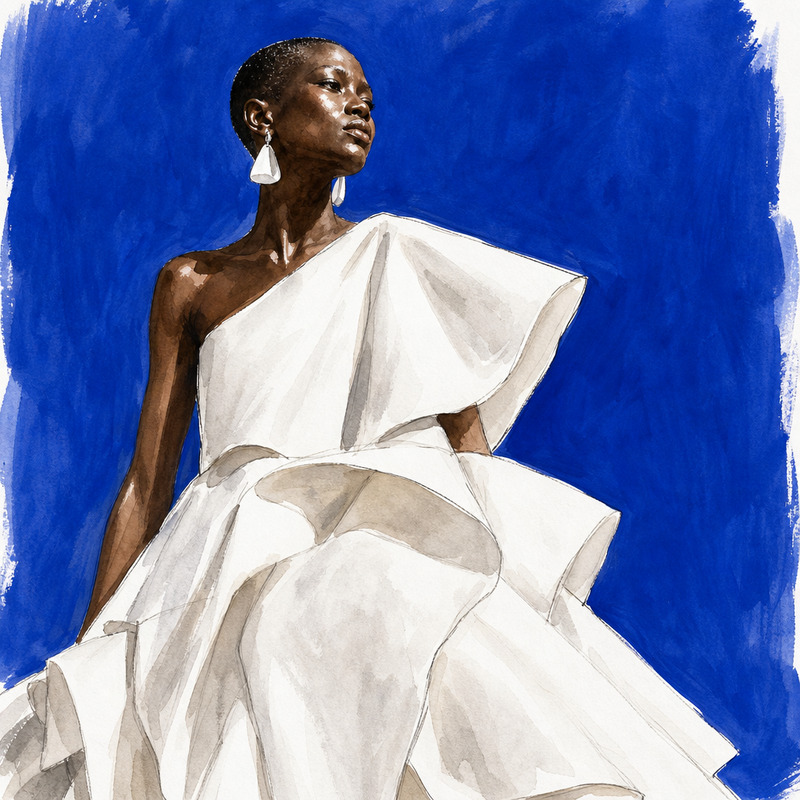
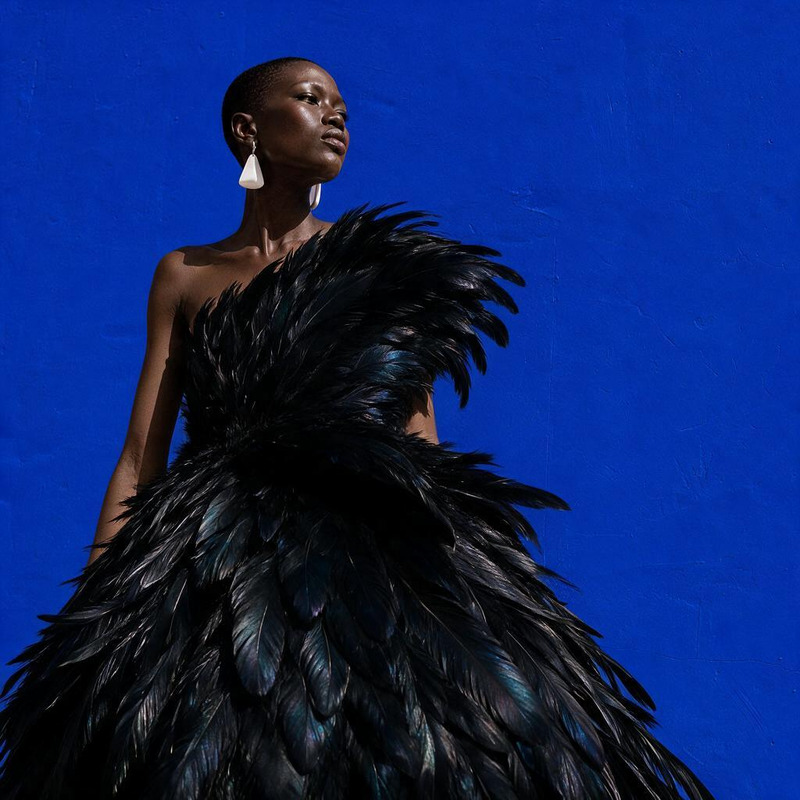
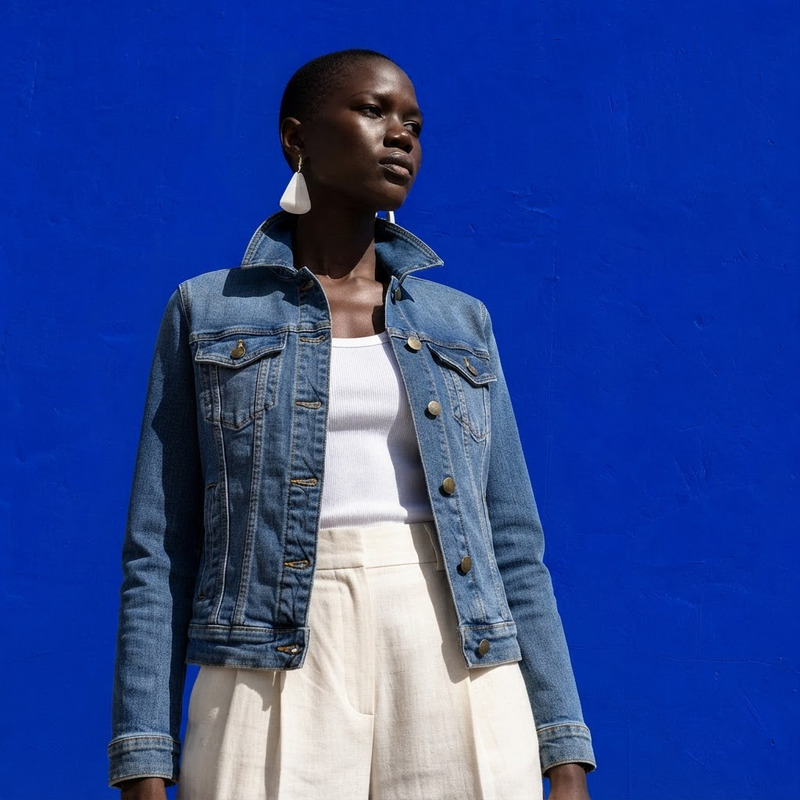
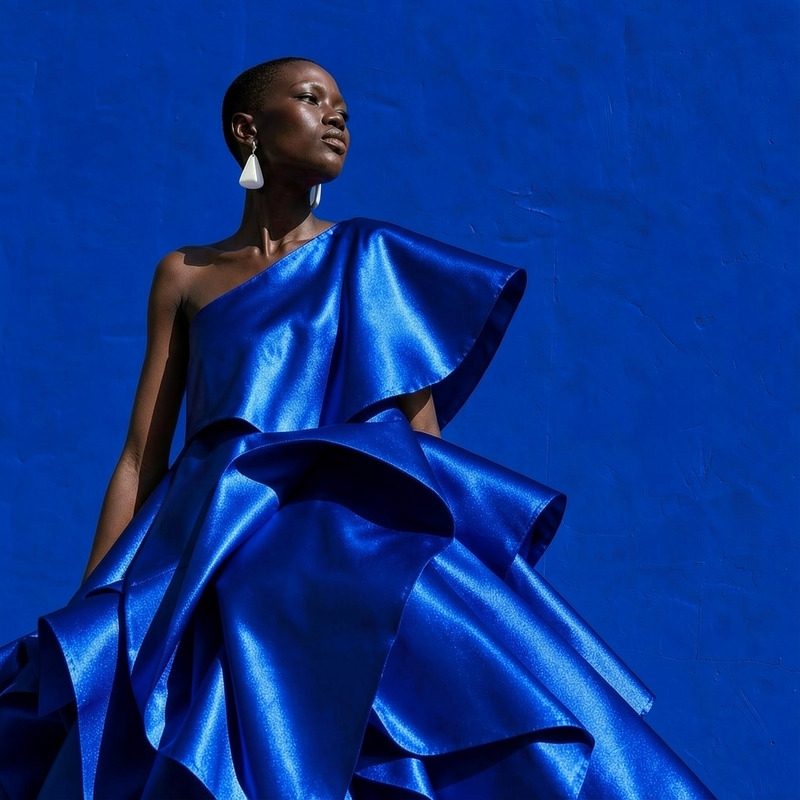
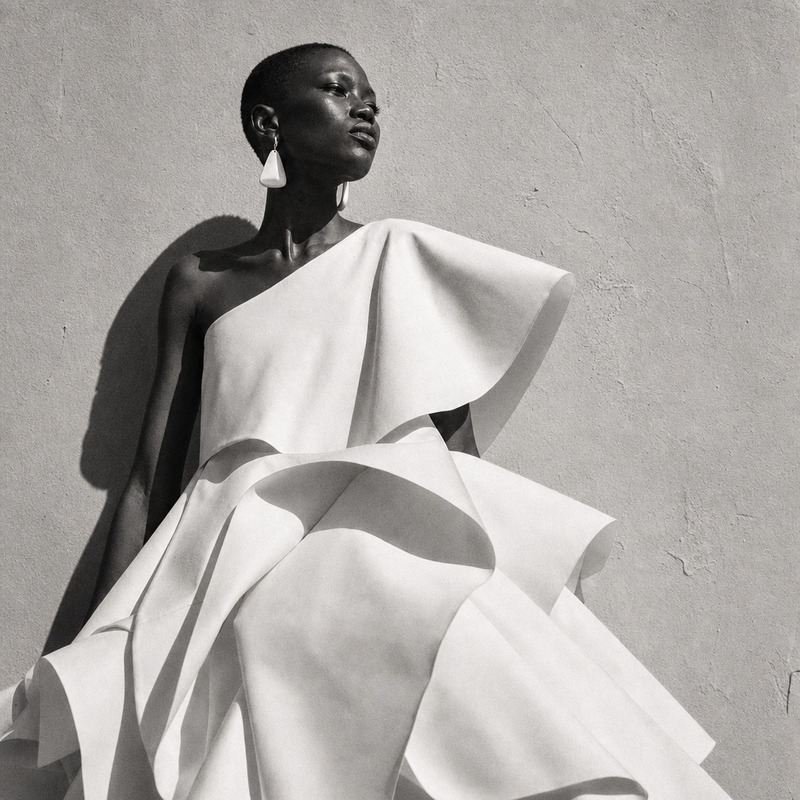
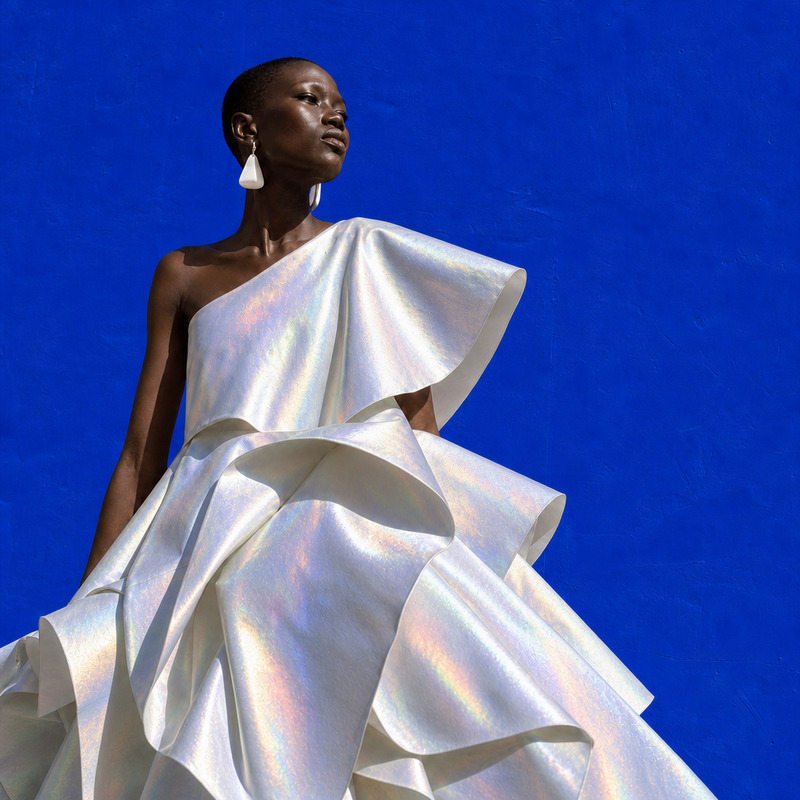
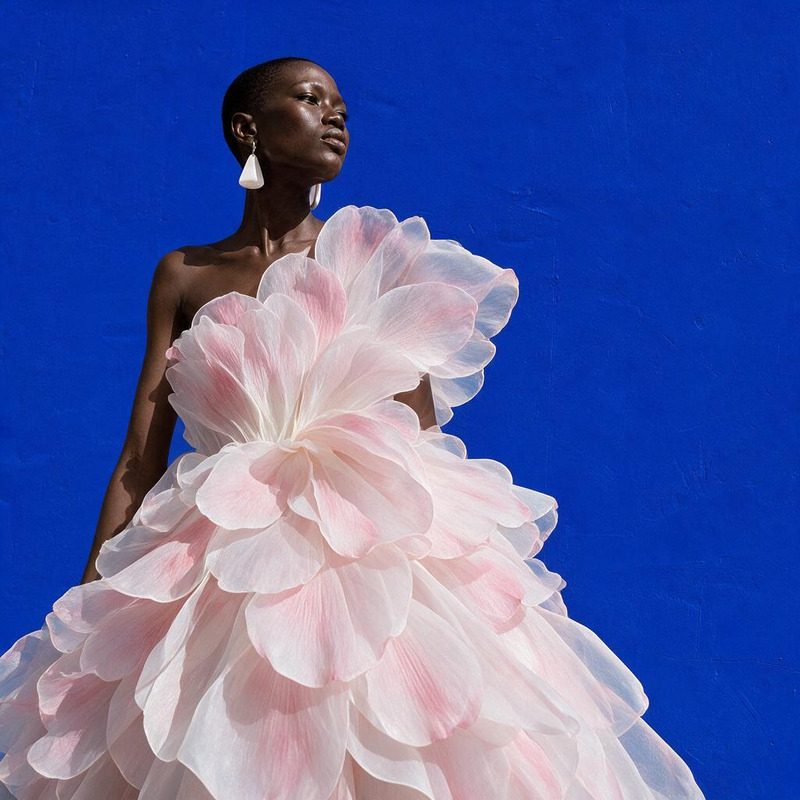
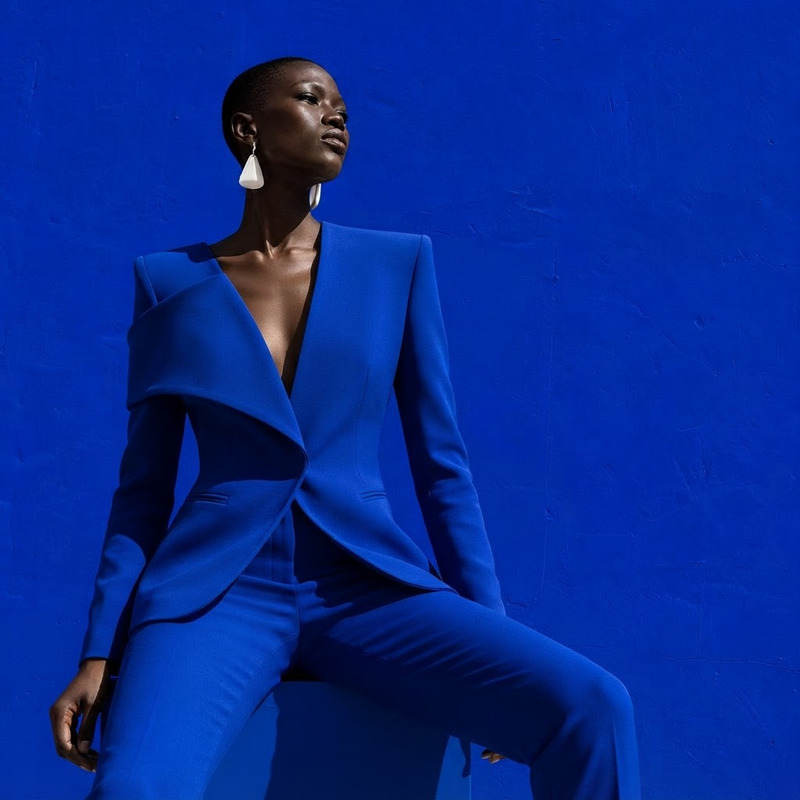
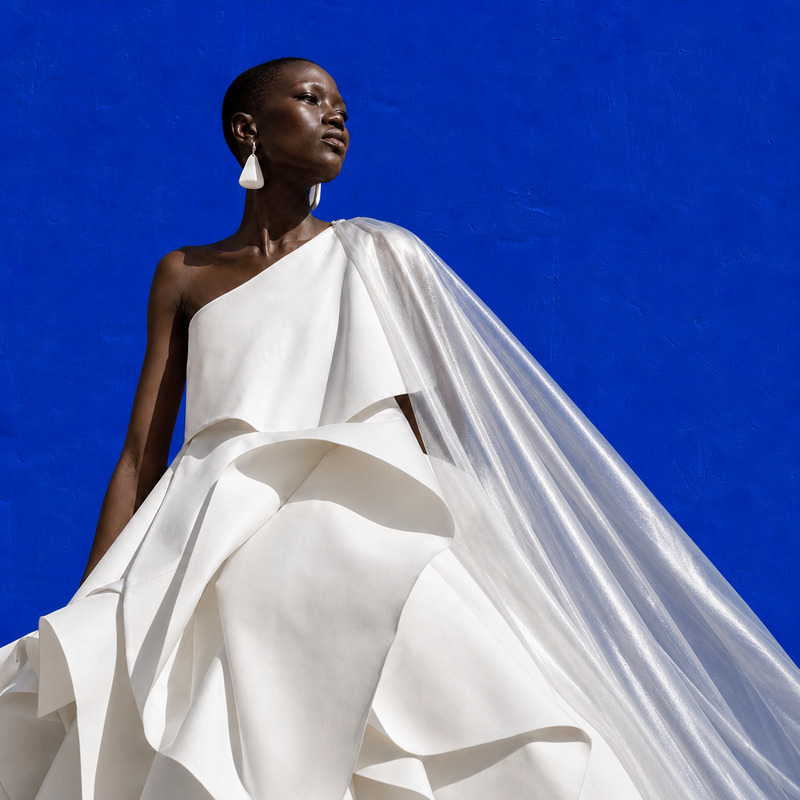
Change the dress to tailored black velvet couture with white sculptural trim, preserving face and pose

Overview

The AI Image Editor for changing a dress to tailored black velvet couture with white sculptural trim is your perfect choice for high-fashion photo editing. Using the advanced capabilities of AI Image Editor, powered by the gpt-image-2 model, this template specializes in preserving both the subject's face and pose while transforming their attire.

What It Does

This specific AI Image Editor template focuses on enhancing photographic elegance by adjusting clothing in images. The tool leverages intelligent dress replacement techniques to convert existing clothing into a luxurious black velvet couture outfit. With its attention to detail, the tool maintains the subject's original facial expressions and posture.

Explore more about how this tool aligns with your needs in the AI Clothes Changer.

Who It's For

This template is ideal for fashion designers, photographers, and digital artists looking to elevate the sophistication of their imagery. Whether you're creating a portfolio, preparing marketing material, or curating content for social media, this tool provides a professional-grade outcome.

Additionally, fans of AI Product Photography can find this template invaluable for highlighting clothing products in a high-end style.

Summary

Unlock the full potential of your images with the tailored couture transformation offered by the AI Image Editor. Designed to keep facial identity intact and poses undisturbed, it brings a new level of sartorial sophistication to your edits. For a similar suite of tools, consider the versatile AI Headshot Generator.

How To Use

Modify images with ease using the AI Image Editor template tailored for dress alteration.
    01

    Choose Your Template

    Access the AI Image Editor by selecting the 'Change the dress to tailored black velvet couture' template from the AI Image Editor category.
    02

    Customize Your Inputs

    Upload your target image. Ensure that the subject's face and pose are visible to facilitate preservation. Specify the dress changes to tailored black velvet couture with white sculptural trim.
    03

    Generate Your Image

    Click 'Generate' to process the image. Once completed, download the edited image in your preferred format.

Use Cases

Explore diverse scenarios where this advanced dress-altering template can enhance your images.
👗

Fashion Photo Shoots

Transform basic garments into high-fashion pieces without reshooting.
  • Save time on post-processing
  • Elevate brand imagery
📸

Marketing and Branding

Create visual assets for campaigns that require impactful clothing statements.
  • Increase engagement with stunning visuals
  • Provide varied looks from a single shoot
📱

Social Media Content

Quickly alter outfits to keep your feed fresh and stylish.
  • Stay ahead with trending styles
  • Engage followers with dynamic content

Best Practices

Guidelines to make the most of the AI Image Editor for dress alterations.
  • Select High-Quality Images

    Ensure your source images are high resolution to capture the finer details in the dress and maintain overall quality.
  • Focus on Pose and Lighting

    Images with clear lighting and distinct poses yield the best results when editing with AI tools.
  • Experiment with Different Textures

    Don't hesitate to try out various dress textures to fully utilize the tool's potential for creative outcomes.
FAQs

The editor supports standard image formats including JPEG, PNG, and TIFF.

The tool is designed to preserve facial features and pose automatically while altering the dress.

Yes, the tool allows you to specify alterations for multiple subjects within a single image.

The processing time depends on the image size and complexity but typically takes a few seconds.

More Like This

AI Image Editor · Change the dress to sculptural
NEW
AI Image Editor · Change the dress to sculptural
AI Image Editor · Add a translucent silver cape
NEW
AI Image Editor · Add a translucent silver cape
AI Image Editor · Restyle the image as a hand-pa
NEW
AI Image Editor · Restyle the image as a hand-pa
AI Image Editor · Transform the dress into sculp
NEW
AI Image Editor · Transform the dress into sculp
AI Image Editor · Change the white dress to a ca
NEW
AI Image Editor · Change the white dress to a ca
AI Image Editor · Turn the white dress into glos
NEW
AI Image Editor · Turn the white dress into glos
AI Image Editor · Restyle the portrait as a blac
NEW
AI Image Editor · Restyle the portrait as a blac
AI Image Editor · Change the dress material to i
NEW
AI Image Editor · Change the dress material to i
AI Image Editor · Turn the white dress into laye
NEW
AI Image Editor · Turn the white dress into laye
AI Image Editor · Change the dress to a tailored
NEW
1
AI Image Editor · Change the dress to a tailored
AI Image Editor · Change the dress color to emer
NEW
AI Image Editor · Change the dress color to emer
AI Image Editor · Change the outfit to a cream t
NEW
AI Image Editor · Change the outfit to a cream t

AI Image Editor