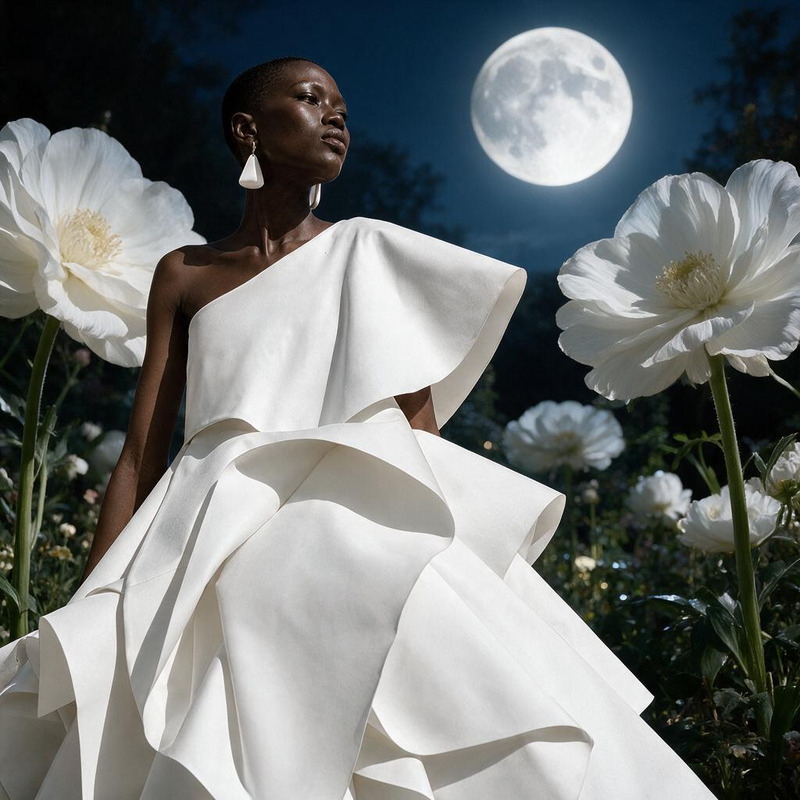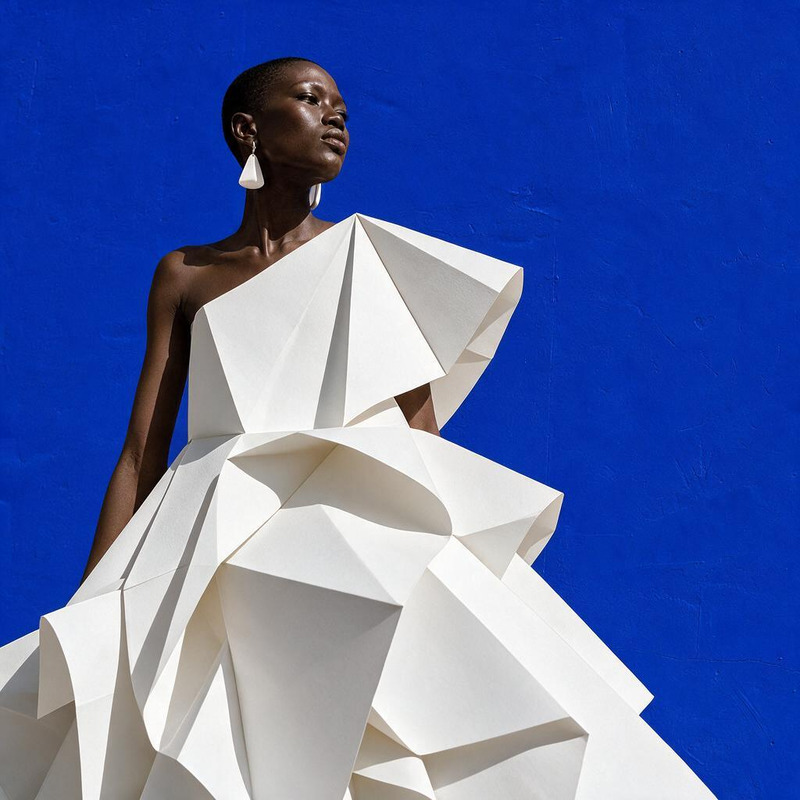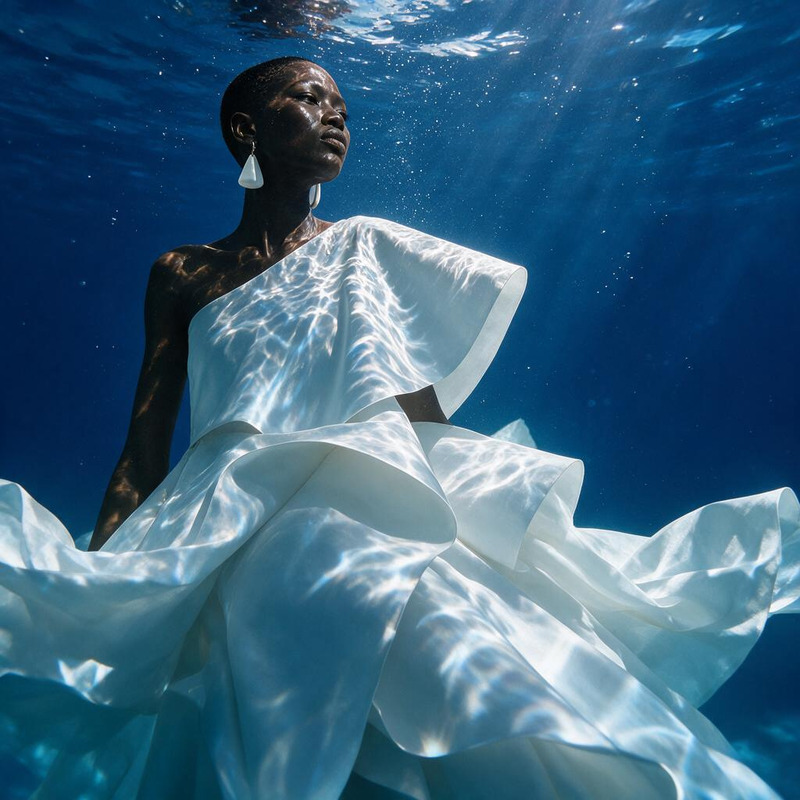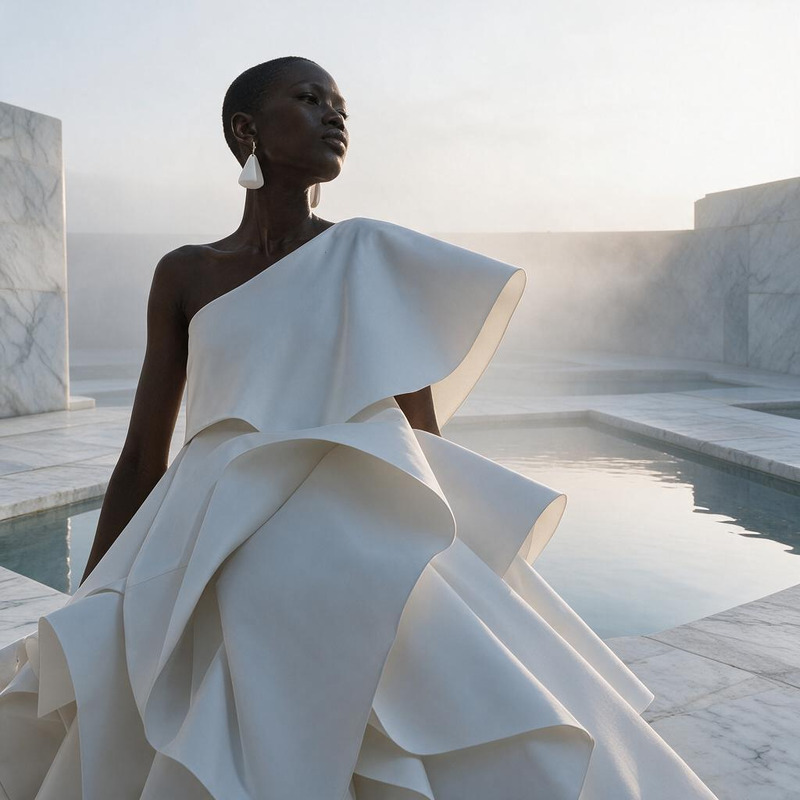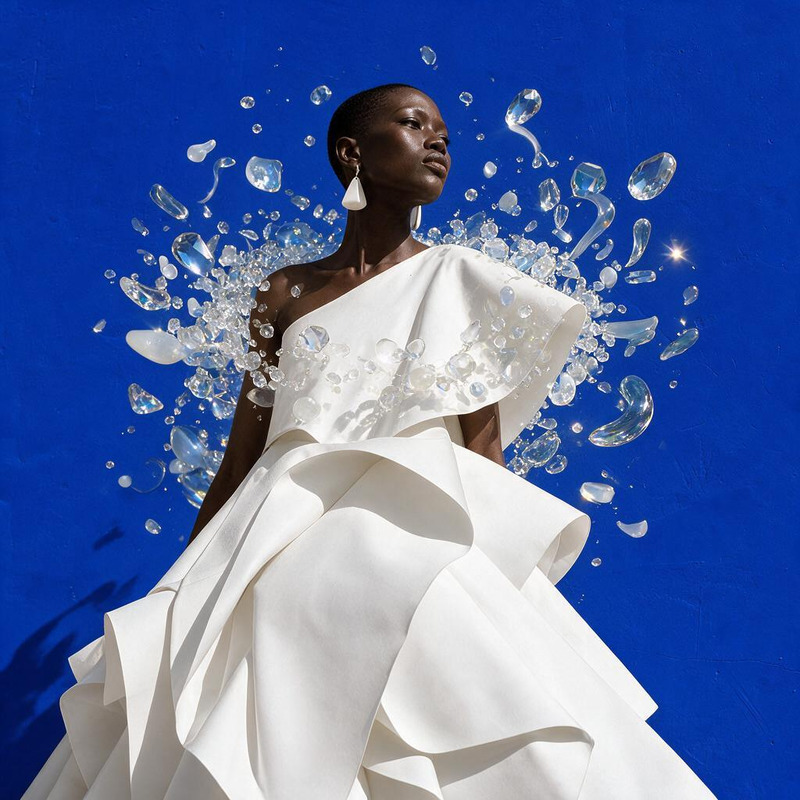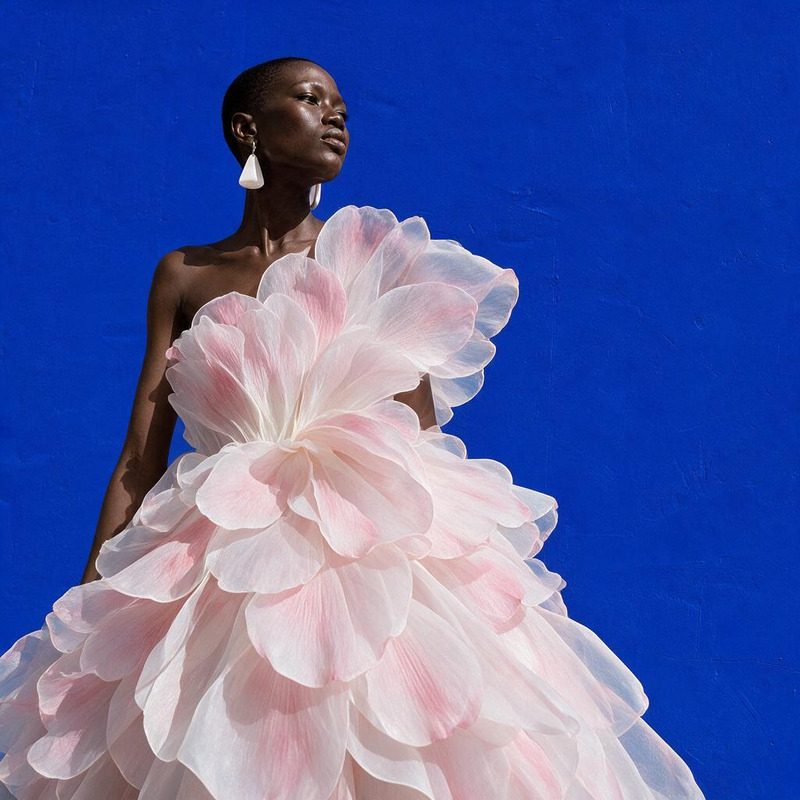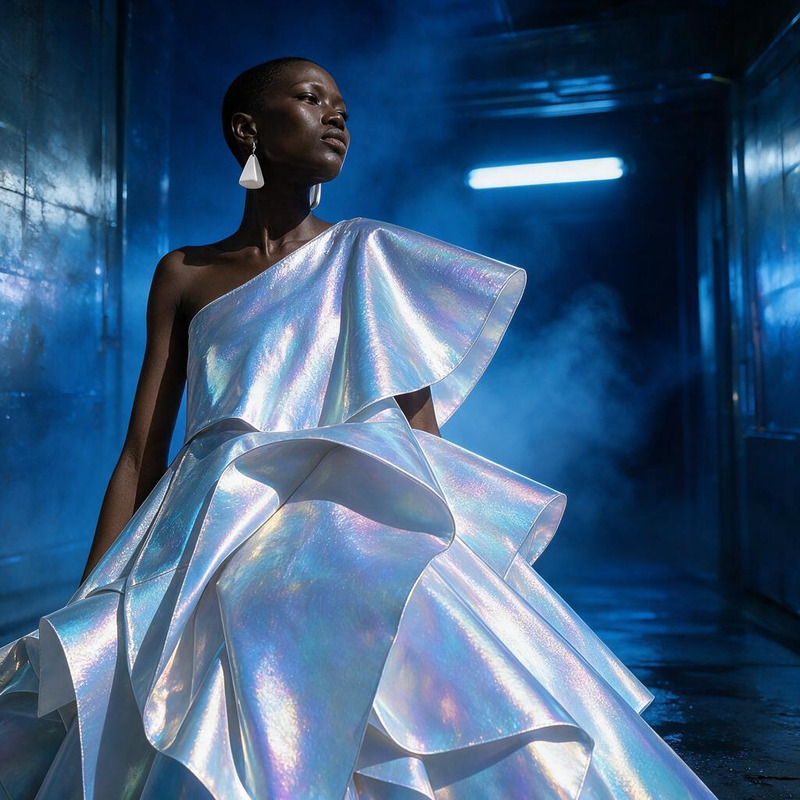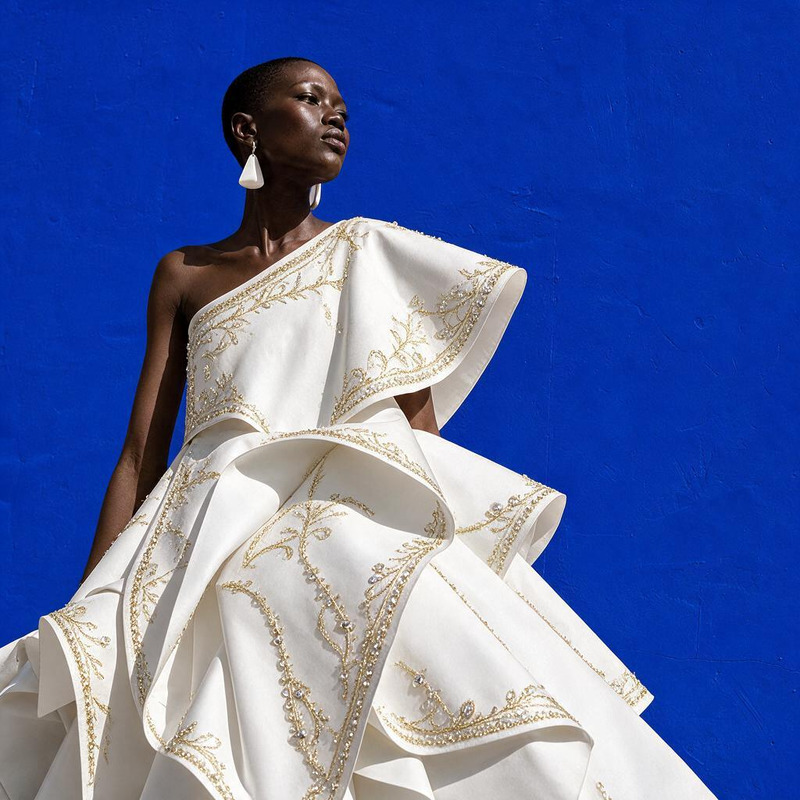
AI Image Editor · Place the model inside a lumin

AI Image Editor · Place the model inside a lumin

AI Image Editor
1 image
0 uses

Any aspect ratio

Prompt

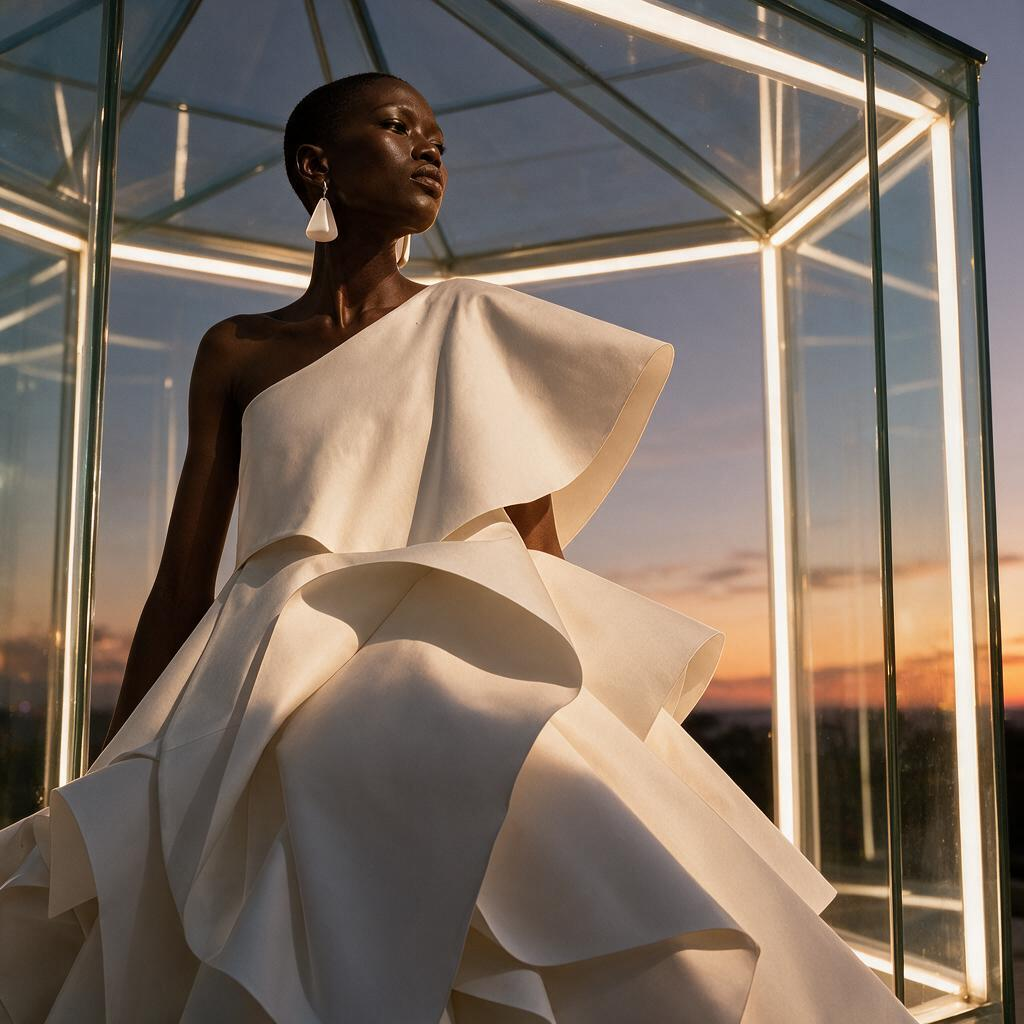
Place the model inside a luminous glass pavilion at dusk, preserving her exact appearance and outfit

Overview

The AI Image Editor template invites a touch of innovative imagery by placing models inside a luminous glass pavilion at dusk. This template uses the powerful Seedream v5 Pro model to ensure realistic lighting and texture effects, delivering an image that feels both luxurious and ethereal. Ideal for moments requiring a special, ambient presentation.

What It Does

This template utilizes advanced AI technology to intricately place a subject within a glowing glass structure, maintaining the subject's natural appearance and attire. By incorporating sophisticated environmental reflections and lighting dynamics, it offers a visually captivating setting. Enhance your creative projects with this transformative tool, perfect for making images that pop in both fashion and artistic endeavors.

Who It's For

This tool is designed for photographers, fashion brands, and creative agencies seeking to elevate their visual content with unique and compelling backgrounds. It's also a great match for artists and designers looking to expand their repertoire with imaginative and high-quality imagery. For those exploring fashion and portrait work, pairing this feature with tools like the AI Headshot Generator could be particularly beneficial.

Summary

From fashion spreads to creative projects, the AI Image Editor transforms your images by placing subjects in reflective glass structures that shimmer with ambient light. Harness the potential of the AI Image Editor to achieve stunning visual compositions. Integrating tools such as the AI Image Generator will further enhance your creative capabilities, providing a diverse set of options for compelling visual content.

How To

Utilize the AI Image Editor to place models in atmospheric settings with these simple steps.
    01

    Choose Template

    Begin by selecting the AI Image Editor template from the Magic Hour catalog. Navigate to your desired project, opening the environmental editing section.
    02

    Customize Your Inputs

    Upload your image file and ensure it's in one of the supported formats like JPEG or PNG. Adjust the prompt to maintain specific details about the model's appearance or outfit as needed.
    03

    Generate Your Image

    Click the Generate button to apply the template's effects. Once processing is complete, download the final image from your account panel.

Use Cases

Explore diverse applications of the AI Image Editor in various professional and creative contexts.
👗

Fashion Editorials

Elevate fashion photos by placing models in architecturally splendid surroundings.
  • Highlight seasonal fashion lines
  • Promote high-end fashion collections
🎨

Artistic Projects

Integrate advanced lighting and scenery for dynamic visual arts projects.
  • Develop modern art gallery pieces
  • Produce captivating album covers
📈

Marketing Campaigns

Craft visually appealing images for use in advertising and branding materials.
  • Create social media visuals
  • Enhance digital ad campaigns

Best Practices

Utilizing the AI Image Editor effectively can produce remarkable results. Here are ways to optimize its use.
  • Upload High-Quality Images

    For the best results, ensure that your original images are of high resolution. This will maximize the detail and realism in your edited image.
  • Pay Attention to Light and Shadows

    Consider the direction of lighting within your original image to match the pavilion's light source for consistency.
  • Use Complementary Tools

    Combine with other tools such as the AI Background Changer for even more nuanced edits.
FAQs

The AI Image Editor supports popular formats such as JPEG and PNG for image uploads.

Yes, the template ensures that ambient light is dynamically applied, but settings may be further tweaked within the tool.

Absolutely. It is perfect for producing professional imagery used in advertising, branding, and other commercial ventures.

Make sure your image matches the suggested resolution, and make use of additional framing options within the editing suite.

More Like This

AI Image Editor · Place the model in a modern mu
NEW
AI Image Editor · Place the model in a modern mu
AI Image Editor · Replace the blue background wi
NEW
AI Image Editor · Replace the blue background wi
AI Image Editor · Transform the dress into folde
NEW
AI Image Editor · Transform the dress into folde
AI Image Editor · Create a dramatic underwater e
NEW
AI Image Editor · Create a dramatic underwater e
AI Image Editor · Change the environment into a
NEW
AI Image Editor · Change the environment into a
AI Image Editor · Add a halo of floating translu
NEW
AI Image Editor · Add a halo of floating translu
AI Image Editor · Turn the white dress into laye
NEW
AI Image Editor · Turn the white dress into laye
AI Image Editor · Restyle the image as a cinemat
NEW
AI Image Editor · Restyle the image as a cinemat
AI Image Editor · Add delicate gold embroidery a
NEW
AI Image Editor · Add delicate gold embroidery a
AI Image Editor · Restyle the portrait as an ele
NEW
AI Image Editor · Restyle the portrait as an ele
AI Image Editor · Transform the dress into sculp
NEW
AI Image Editor · Transform the dress into sculp
AI Image Editor · Create an ethereal winter cout
NEW
AI Image Editor · Create an ethereal winter cout

AI Image Editor