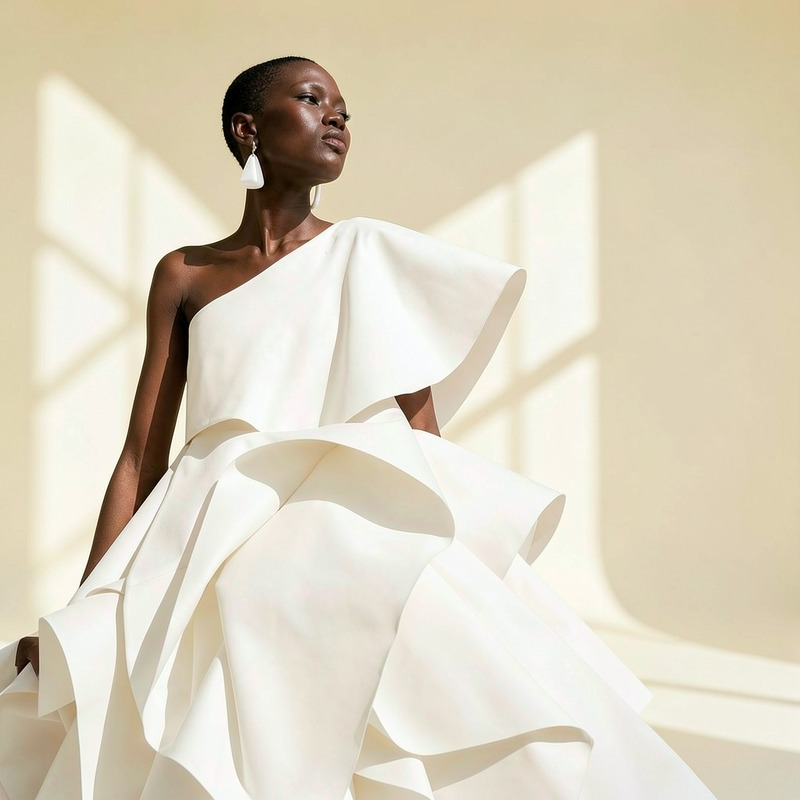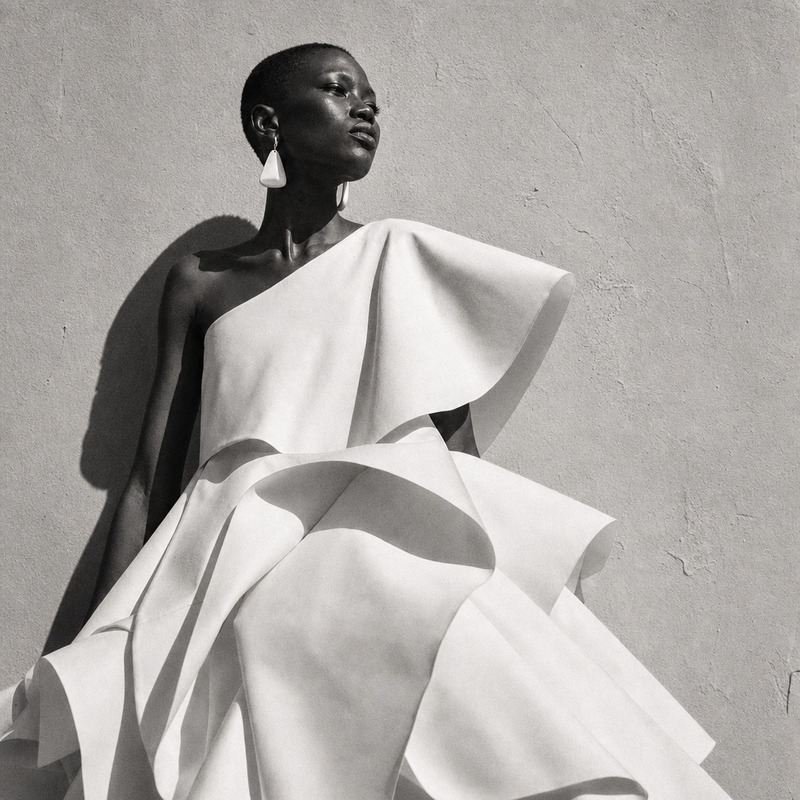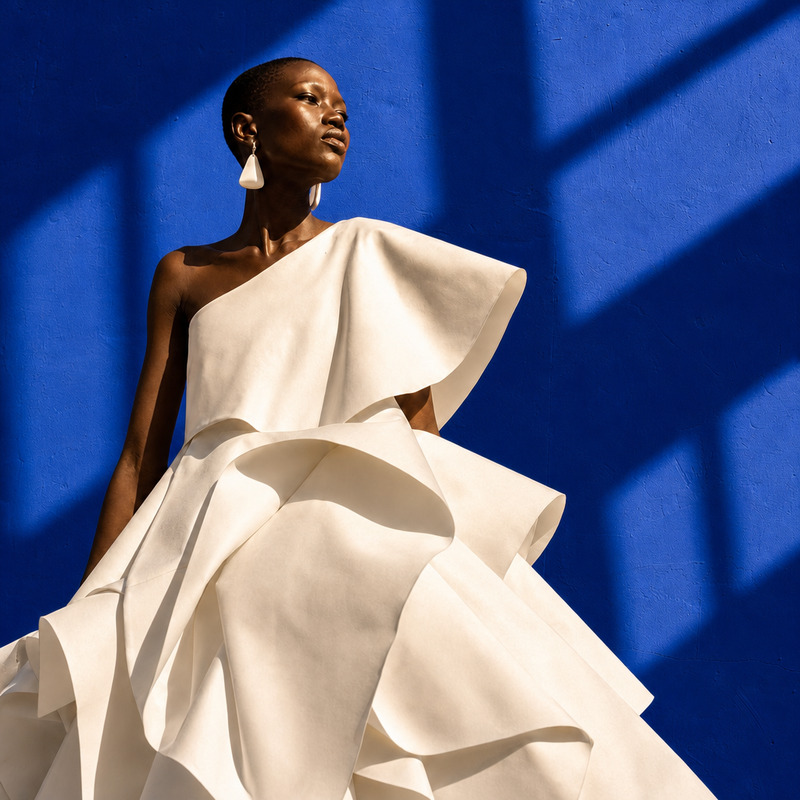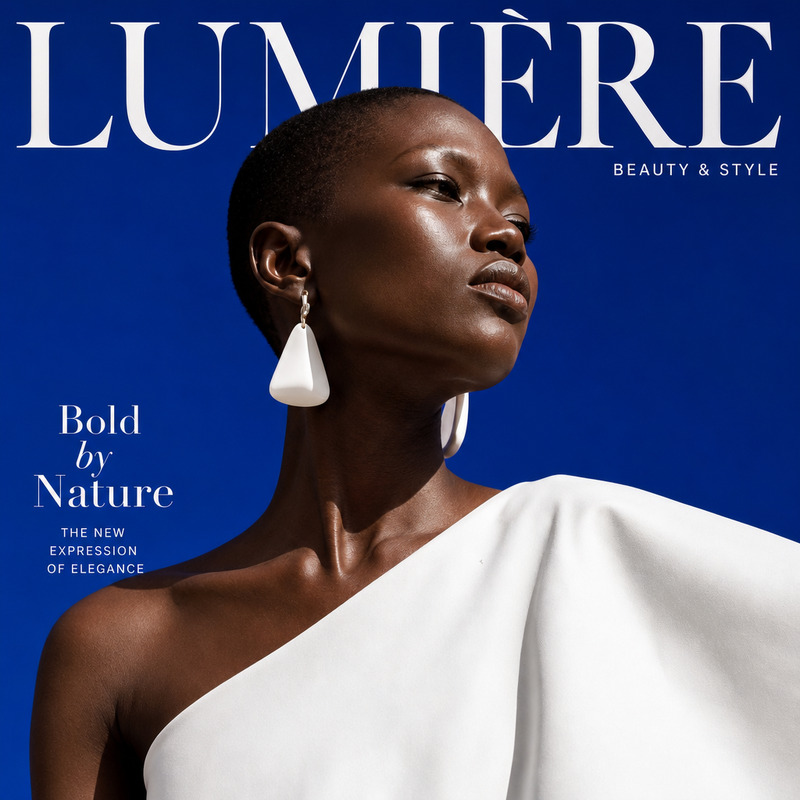
AI Image Editor · Transform the background into
- Model
- GPT Image 2
- Image
- 1024 × 1024 px
Prompt
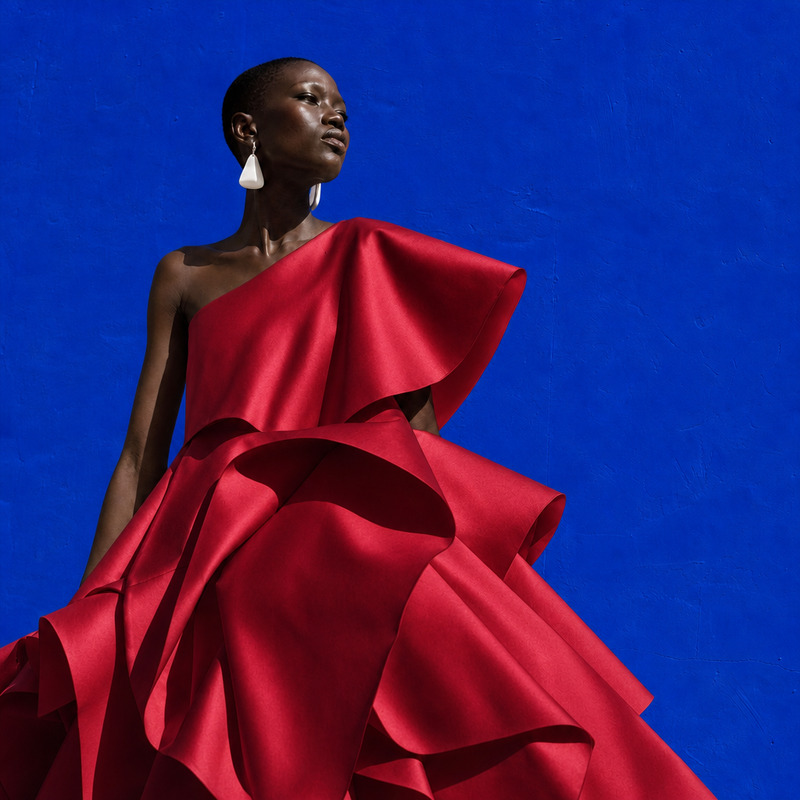
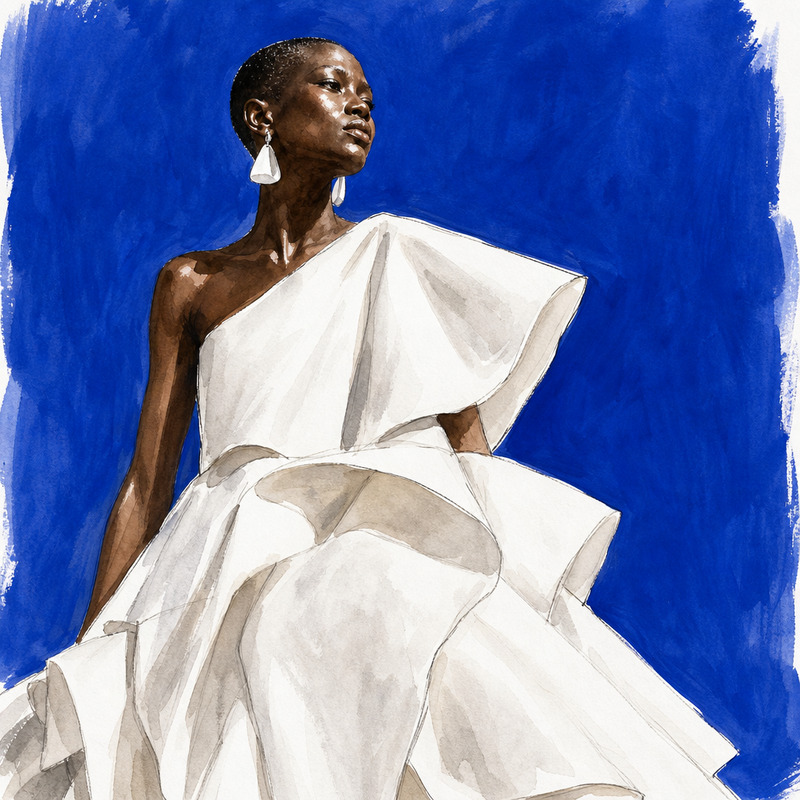
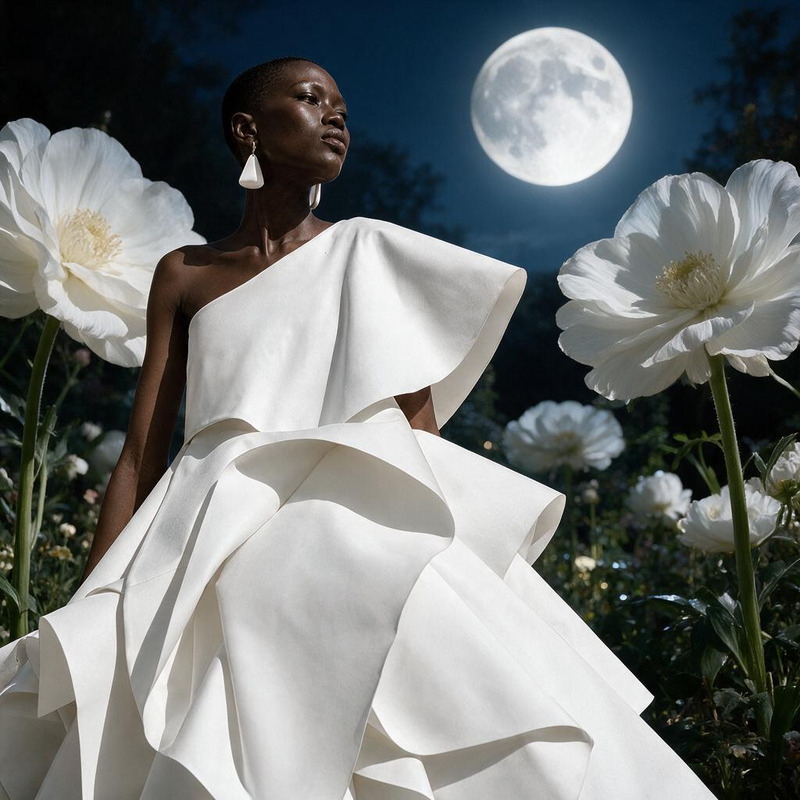
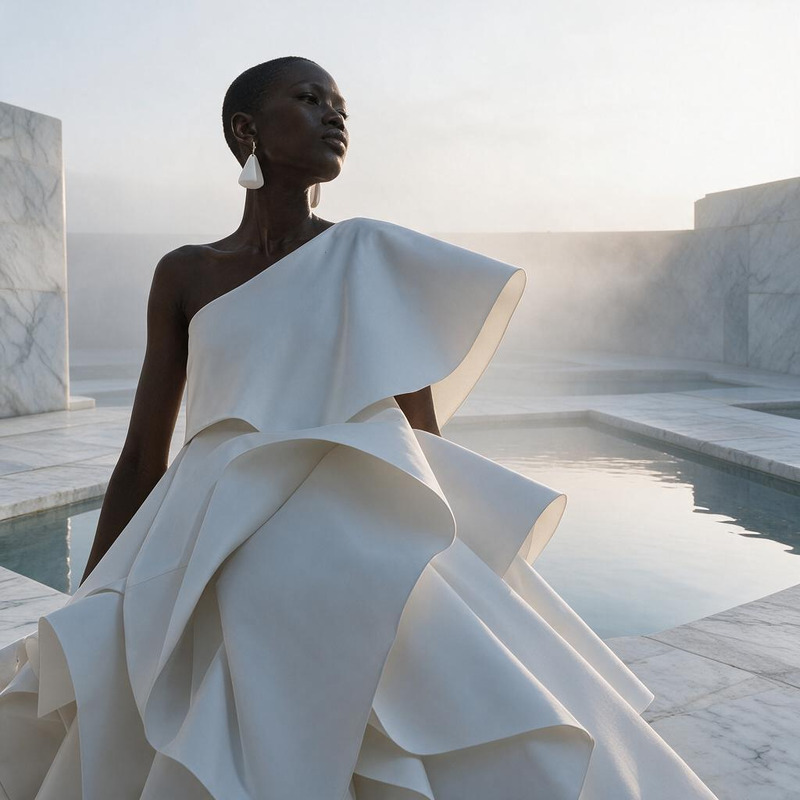
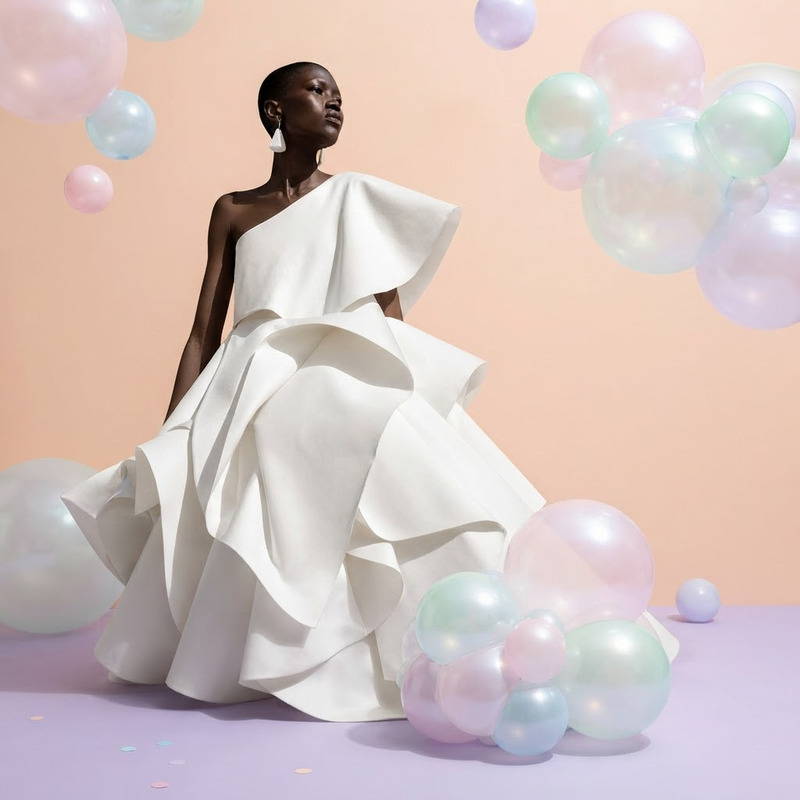
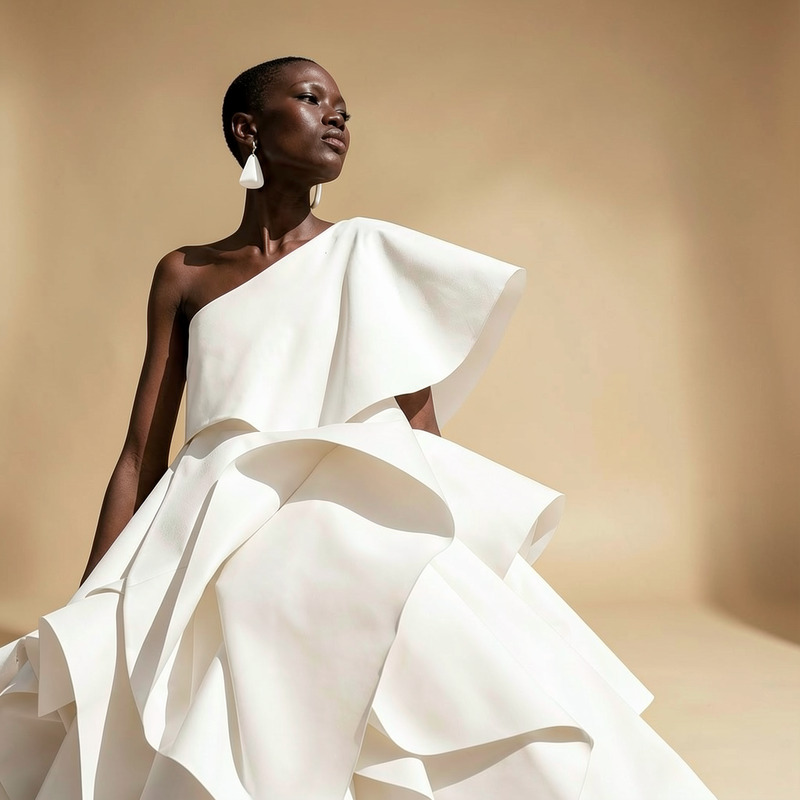
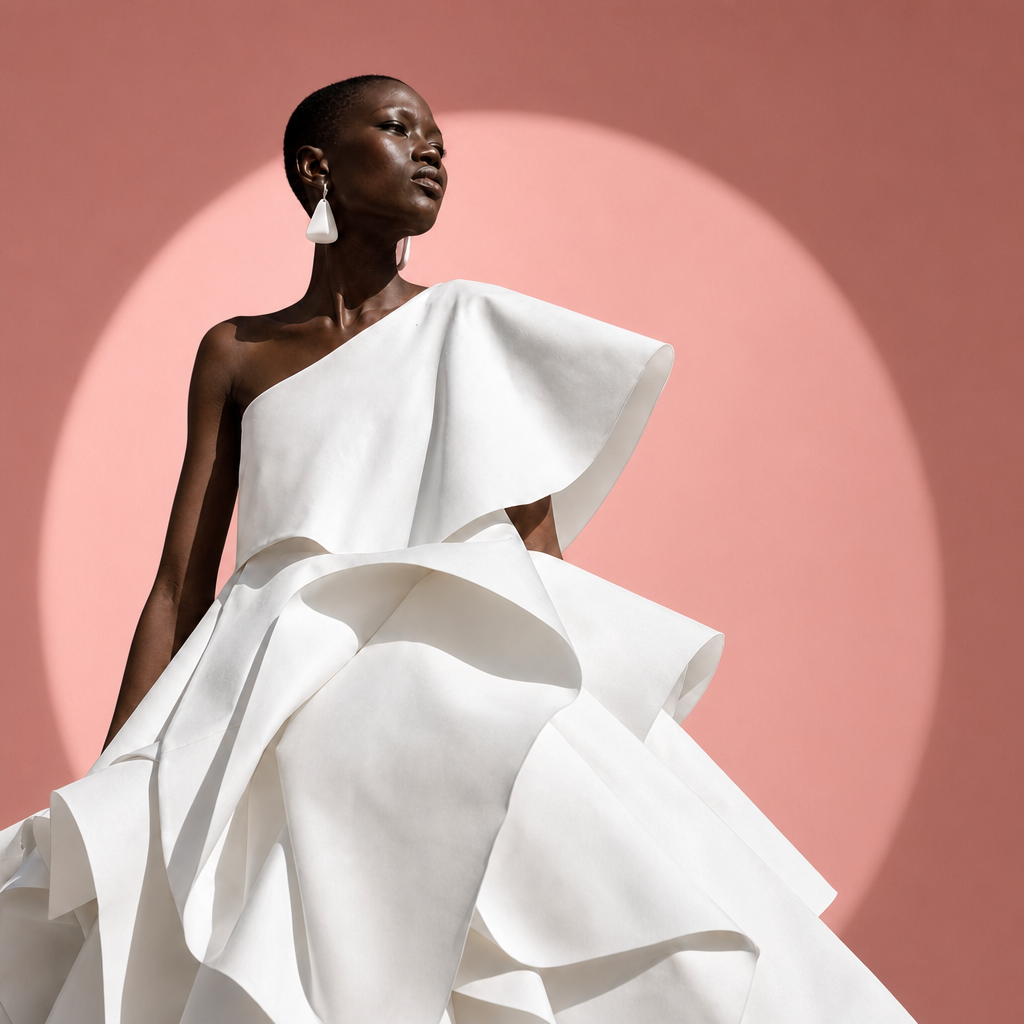
Transform the background into a minimal rose-pink studio set with a circular spotlight, preserving the person
Any aspect ratio
Overview
This AI Image Editor template lets you transform any background into a minimal rose-pink studio set, complete with a circular spotlight, while preserving key subjects like people. Using the powerful AI Image Editor model, you can easily elevate the visual appeal of your images with just a few adjustments.
What It Does
The AI Image Editor enables users to replace busy or distracting backgrounds with a sleek rose-pink aesthetic, perfect for a more professional or artistic look. This is particularly useful in contexts where the focus needs to remain on the subject, as the model ensures the integrity of people or objects in the foreground.
Who It's For
This template is ideal for content creators, photographers, and marketers looking to enhance their images for promotional or artistic purposes. It's a great fit for anyone aiming to produce stunning visuals without the need for extensive photo editing skills. Learn how to leverage this tool alongside others like the AI Image Upscaler for even more visual impact.
Summary
With the "Transform the Background Into" template, you can create sophisticated image edits that draw attention while maintaining focus on your subject. This AI Image Editor is built to streamline your creative workflow, complementing other tools such as the AI Photo Relighting to ensure your images are studio-ready.
How To
Choose Your Image

Customize the Background

Generate and Save

Use Cases
Photography Enhancement
- Ideal for fashion shoots
- Great for product photography
Social Media Content
- Cohesive Instagram feeds
- Beautiful Facebook headers
Marketing and Advertising
- Custom ad creatives
- Branding materials
Best Practices
Maintain Subject Integrity
Always ensure the main subject is clearly defined in your image before background editing.Use High-Resolution Images
Start with a high-resolution image for the best output quality. Consider pairing this with an AI Image Upscaler for enhanced detail.Experiment with Lighting
Use the AI Photo Relighting tool to adjust lighting conditions, ensuring the subject matches the new background aesthetic.