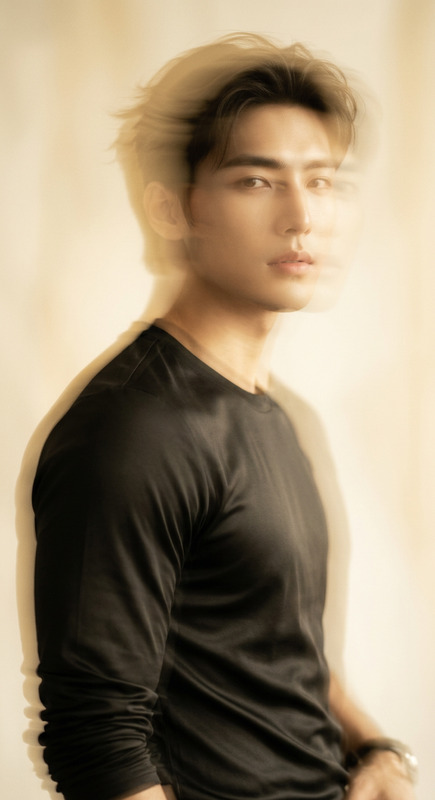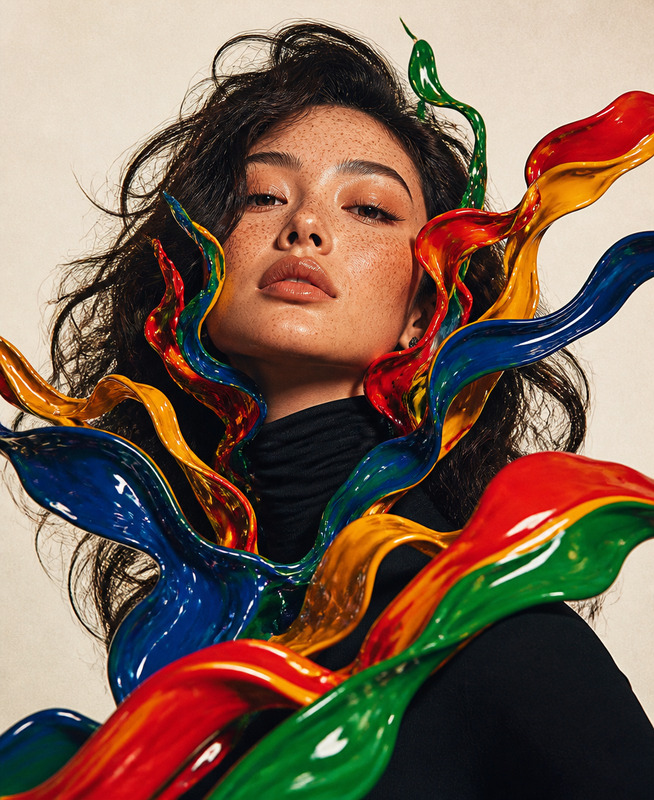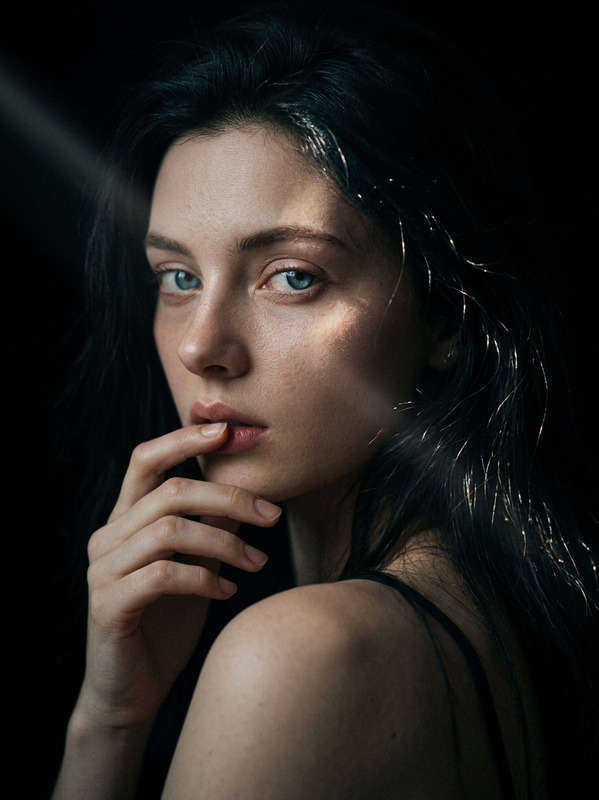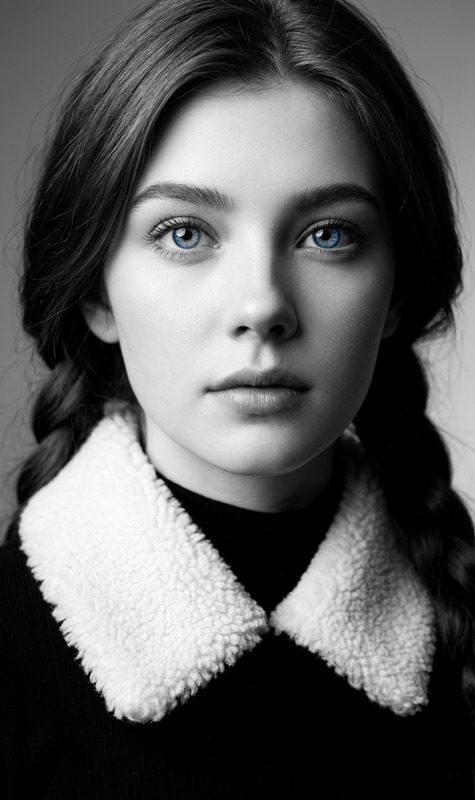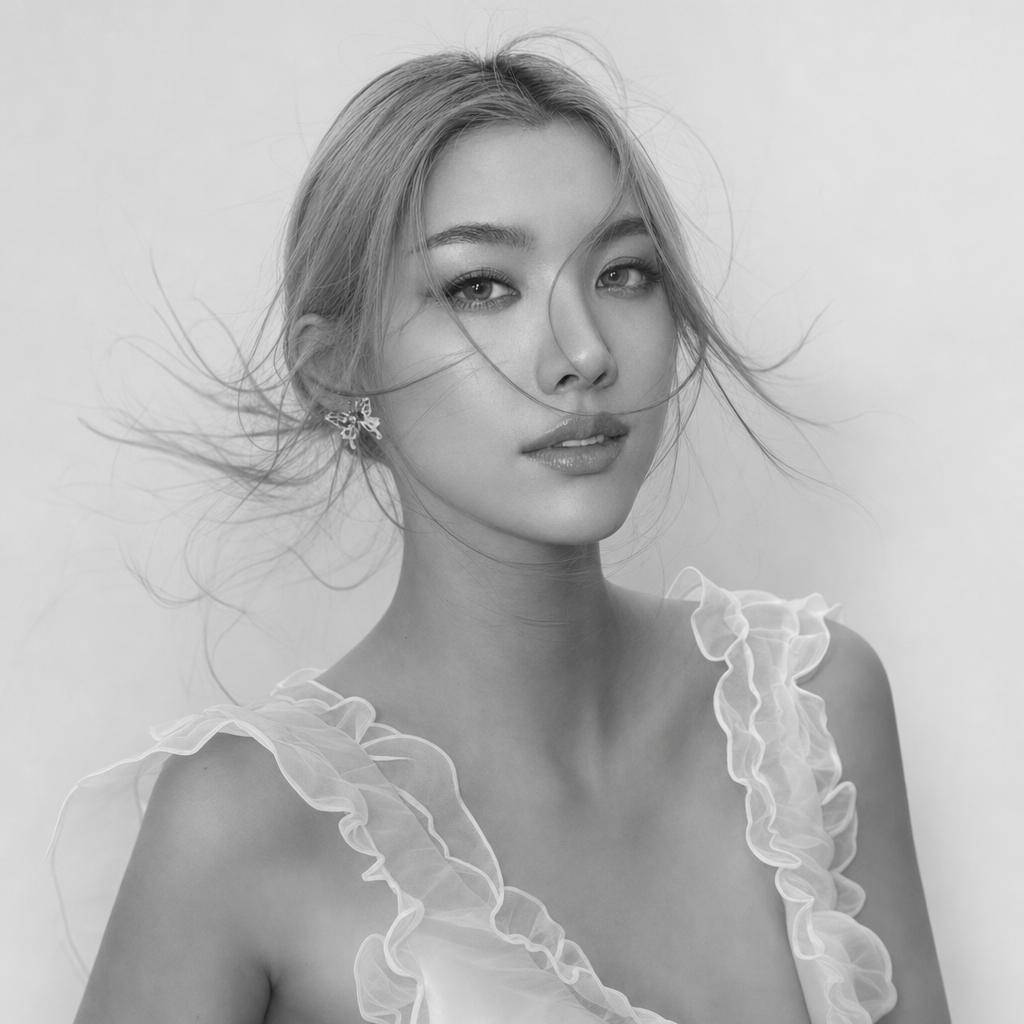
Monochrome Portrait Study
- Model
- GPT Image 2
- Image
- 1024 × 1024 px
Prompt
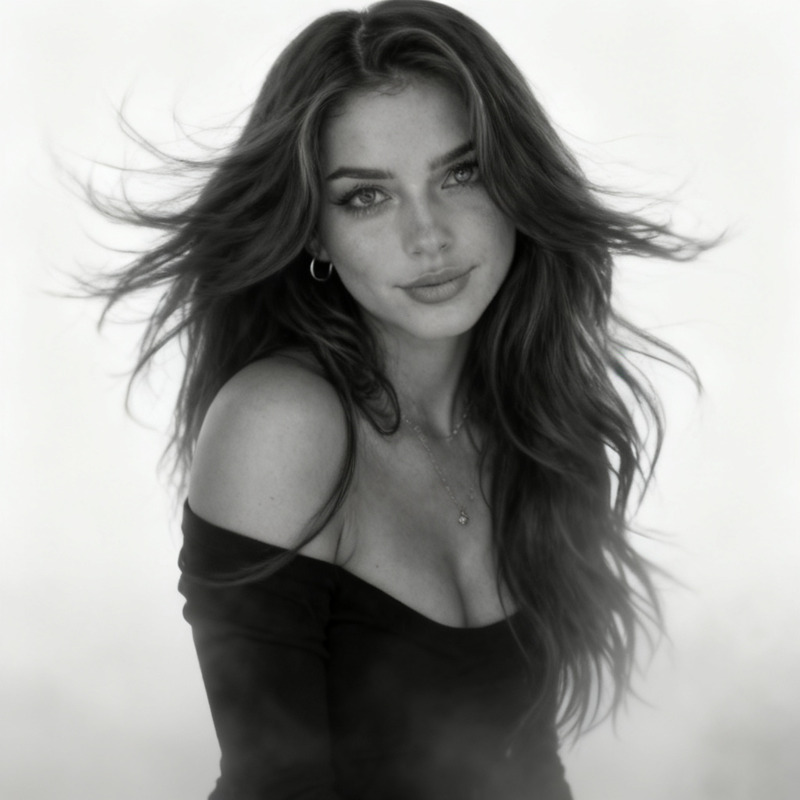
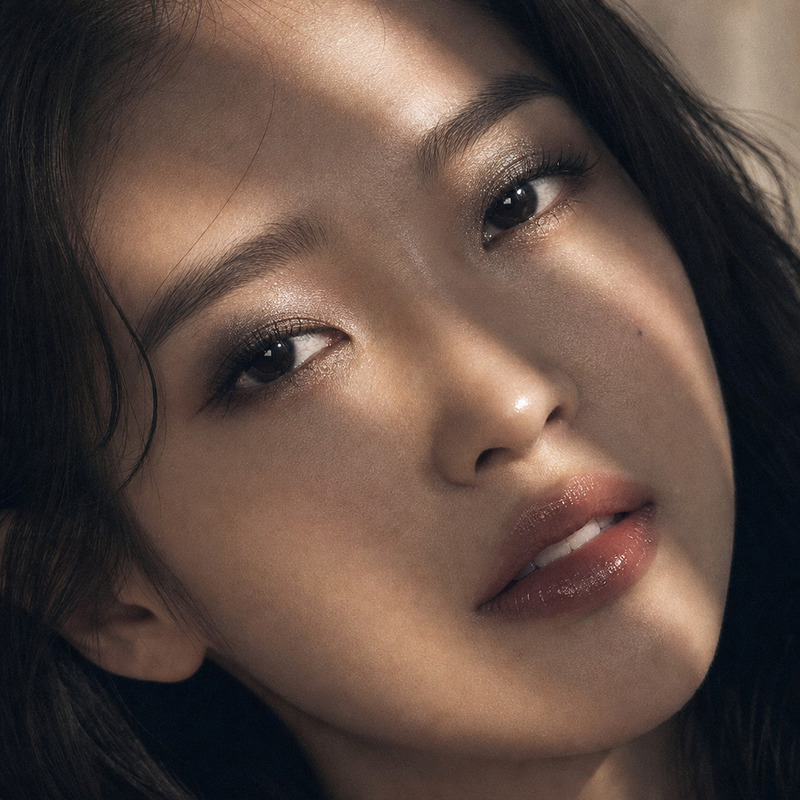
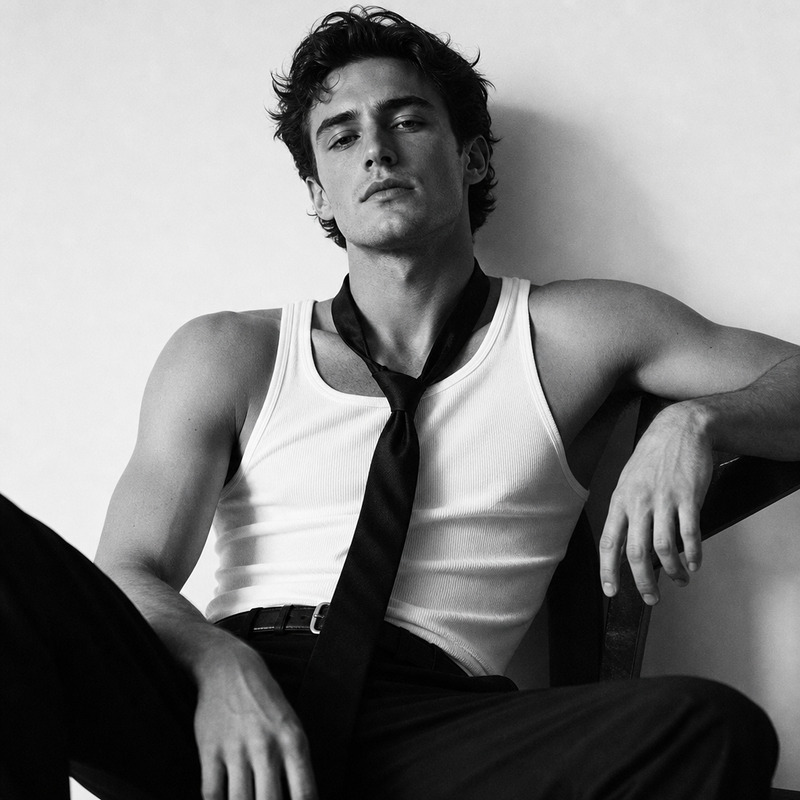
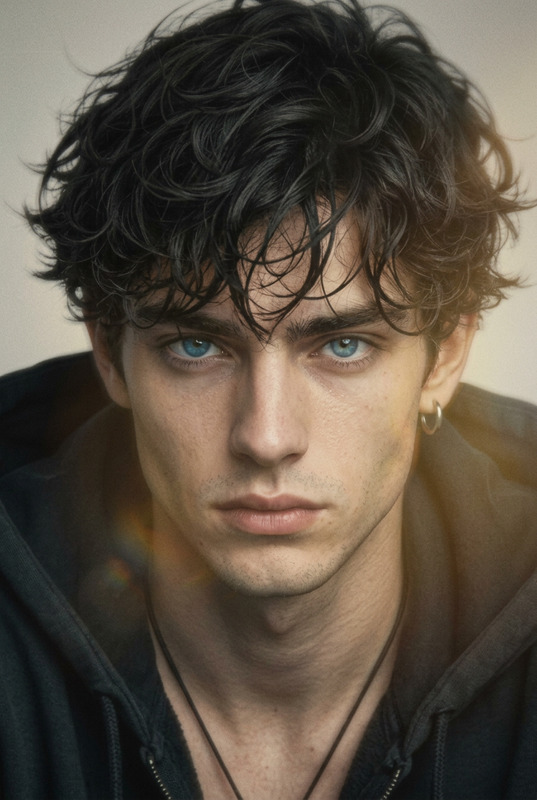
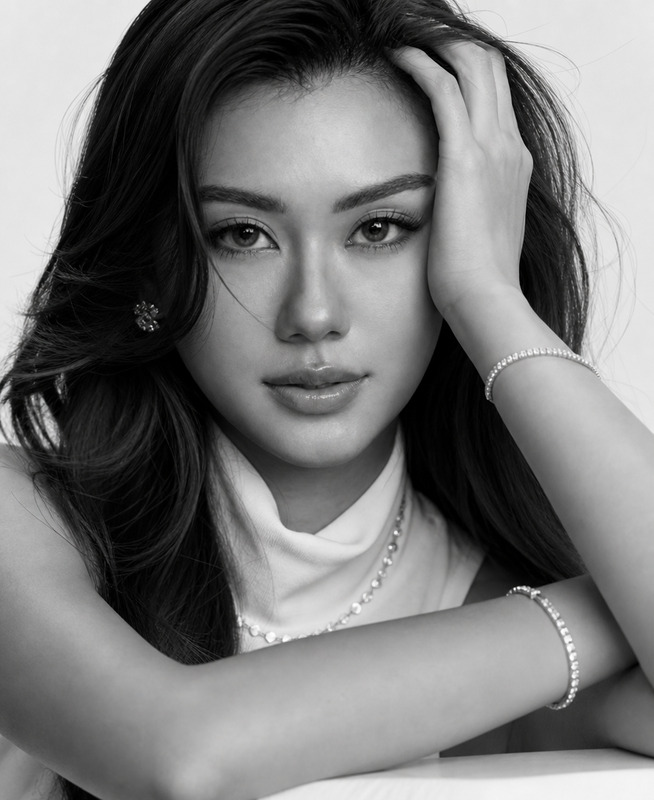
Hyperrealism style, portrait of a woman in motion with a very natural, hyper-realistic face, realistic skin texture and subtle imperfections, hair dramatically blowing in the air, soft white-gray foggy background without any details so the silhouette looks graphic and minimalist, like a contemporary black and white art photograph, ultra detailed, 8k, soft diffused light, shallow depth of field, cinematic composition, photorealistic.
Any aspect ratio
Overview
Discover the art of monochrome portraiture with the Monochrome Portrait Study template. Leveraging the AI Image Editor and powered by the advanced gpt-image-2 model, this template is designed to create hyper-realistic monochrome portraits. Focus on a woman's silhouette in motion, capturing the natural essence and intricacies of facial features with stunning detail.
What It Does
This template provides artists and photographers with the tools to generate captivating black-and-white portraits that emphasize realism and movement. The setup combines an ultra-detailed rendering of the human form with dynamic elements like blowing hair against a soft, minimalistic background. Through the AI Image Editor, you can achieve a cinematic composition that looks like a contemporary art photograph.
Who It's For
This tool is ideal for photographers, digital artists, and creative professionals who aspire to enhance their artistic portfolios with hyper-realistic monochrome portraits. If you're involved in composing mood boards or high-end photographic projects, the Monochrome Portrait Study template will be invaluable in achieving an artistic vision.
Summary
Monochrome Portrait Study is a pathway to generating ultra-realistic black-and-white portrait photographs with cinematic appeal. Utilizing the gpt-image-2 model through our AI Image Editor, it supports creators in producing art that commands attention. Explore the intersection of artistic interpretation and cutting-edge technology with every export.
How-To
Select Template

Adjust Inputs

Generate and Download

Use Cases
Artistic Portfolio Development
- Art galleries
- Online portfolios
Photographic Projects
Editorial Content
- Fashion shoots
- Feature stories
Best Practices
Focus on Detail
Ensure your original image has sufficient detail, especially facial features, to maximize the template's capability to render a hyper-realistic effect.Experiment with Backgrounds
While a soft, minimalist backdrop is suggested, experimenting with subtle textures can add unique elements to your portrait.Utilize Proper Lighting
Consider lighting's role in your source image; natural and diffused light enhances the cinematic quality inherent in this template.