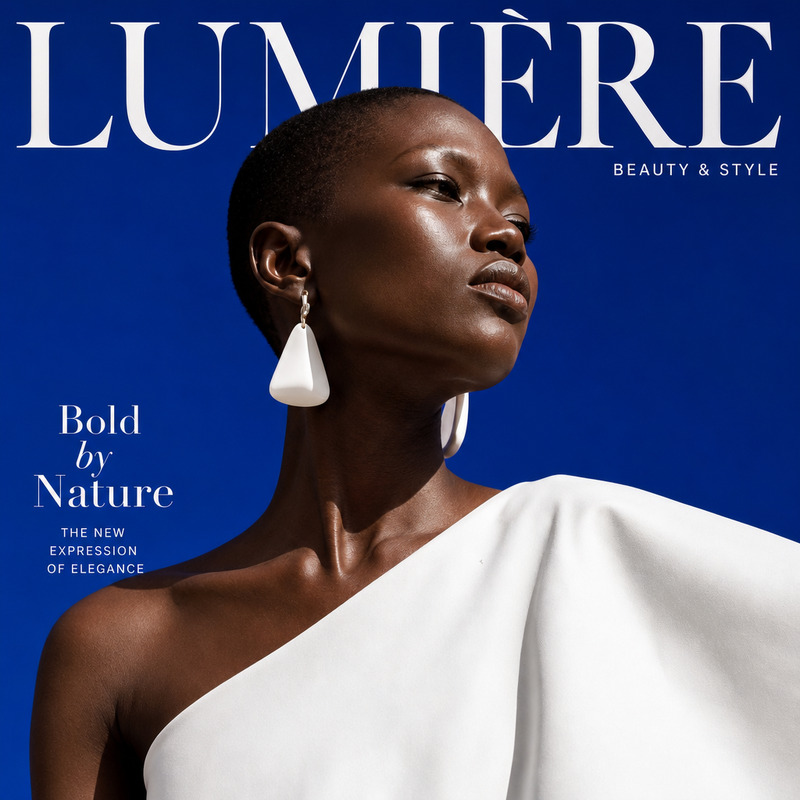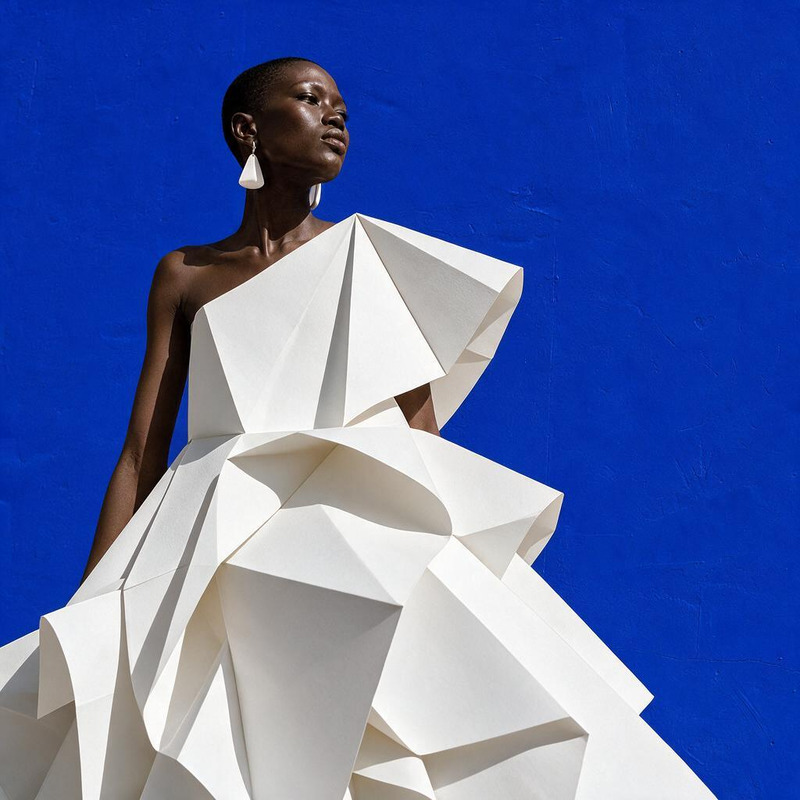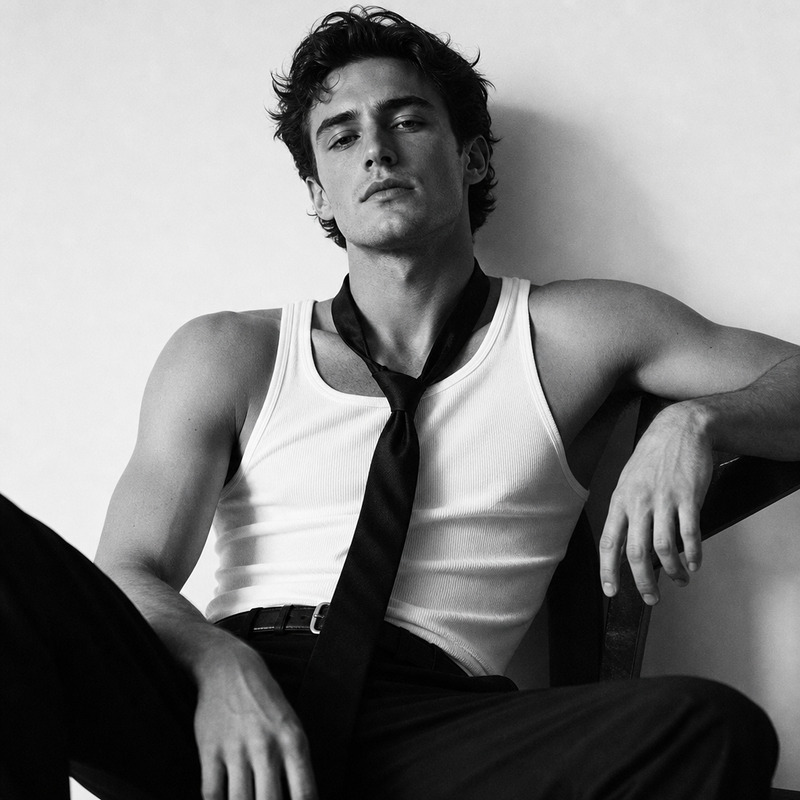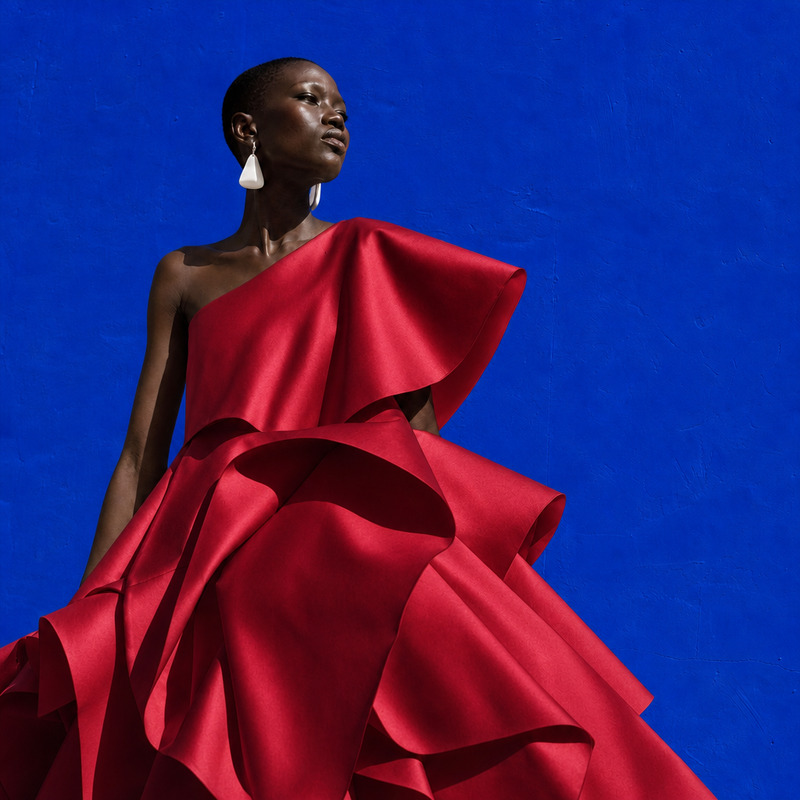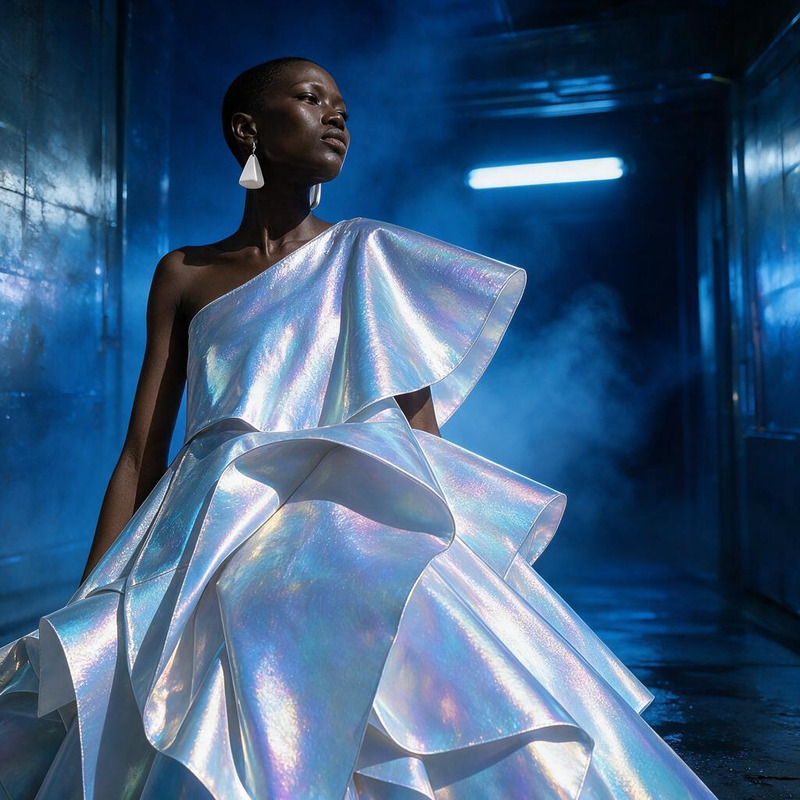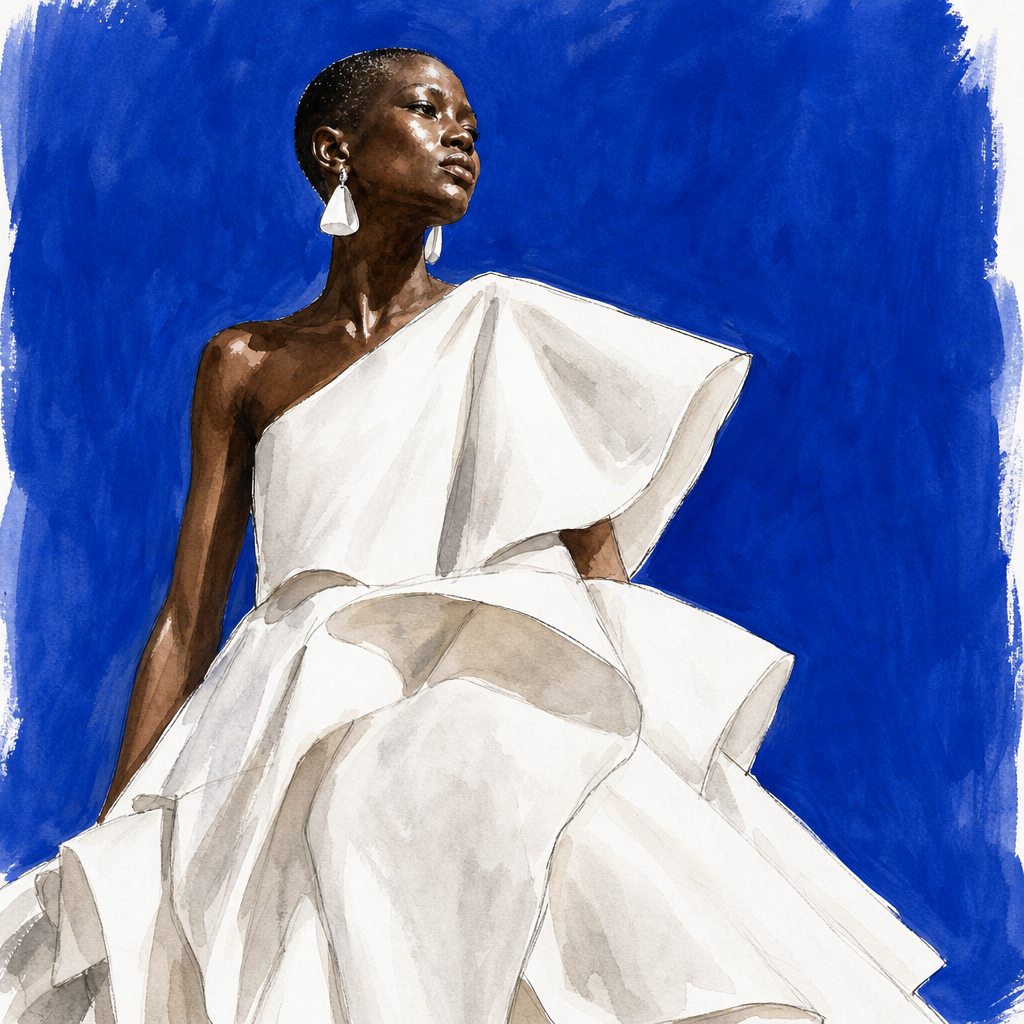
AI Image Editor · Restyle the image as a hand-pa
- Model
- GPT Image 2
- Image
- 1024 × 1024 px
Prompt
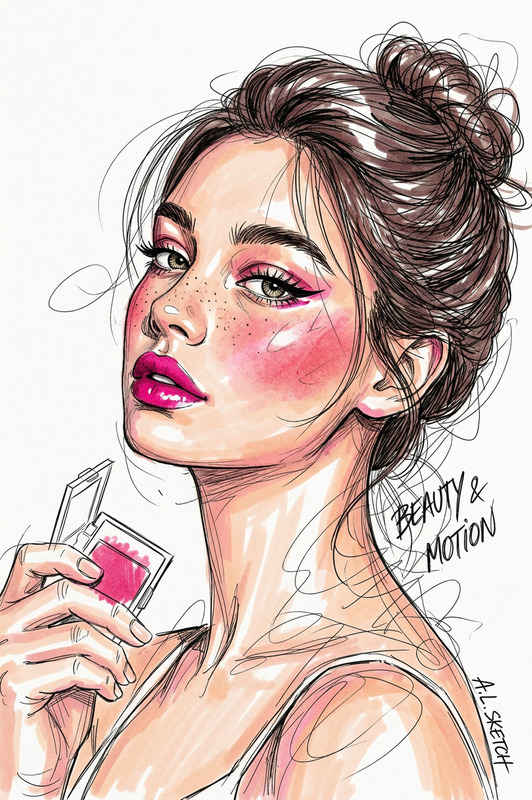
Restyle the image as a hand-painted fashion illustration while preserving the composition and outfit silhouette
Any aspect ratio
Overview
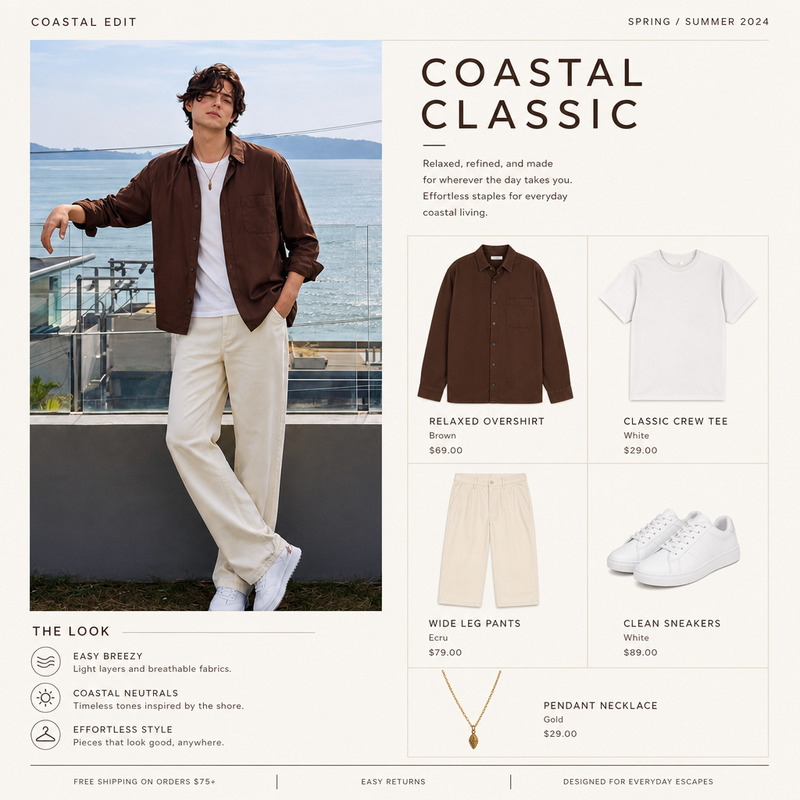
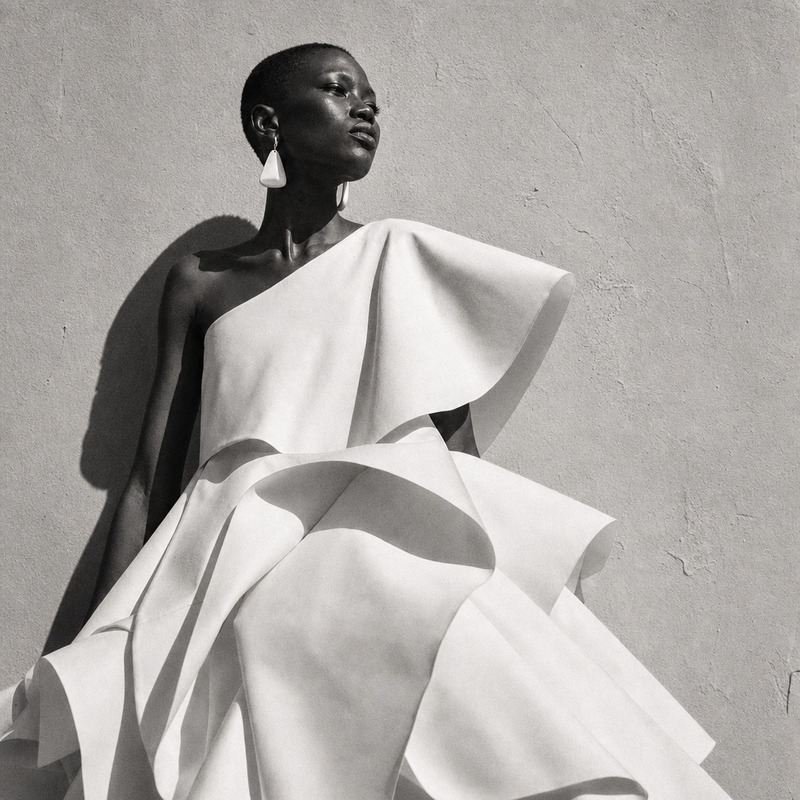
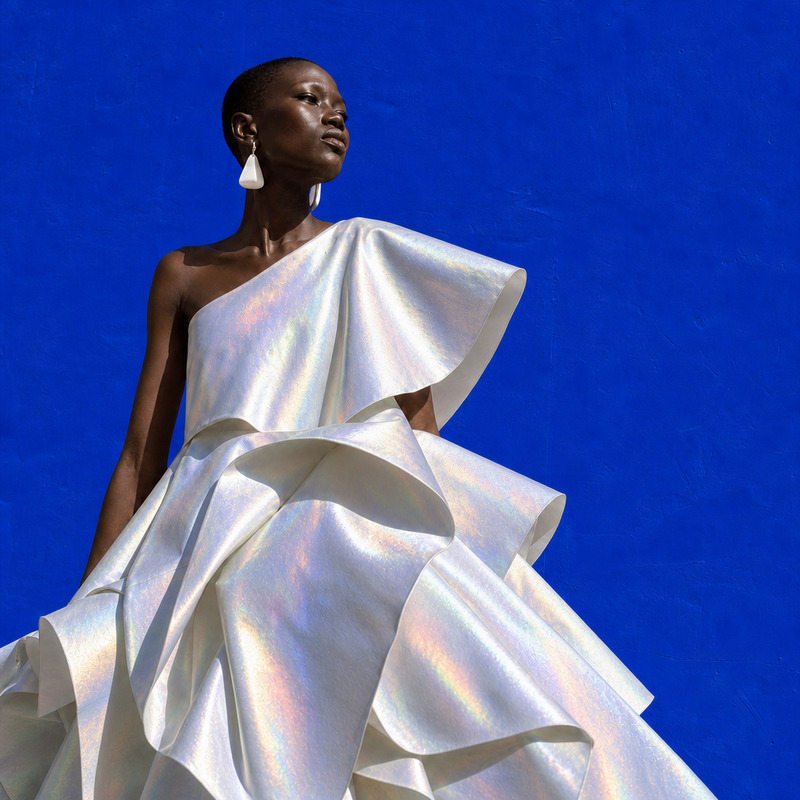
The AI Image Editor allows you to transform your images into hand-painted fashion illustrations while maintaining the original composition and outfit silhouette. Utilizing the gpt-image-2 model, this template excels in creating unique and stylistic transformations that are perfect for fashion design and artistic interpretation.
What It Does
This template focuses on converting existing photos into artistic renditions that resemble hand-painted fashion illustrations. By using advanced AI capabilities, this editor preserves the integrity of the outfit and overall composition in each image. Perfect for generating creative content for AI Product Photography or enriching your portfolio with AI-generated profile pictures.
Who It's For
Fashion designers, illustrators, and content creators will benefit greatly from this tool. Whether you are drafting designs or curating art for marketing purposes, this template can provide a stylistic edge. Agencies looking for innovative visuals to captivate audiences, or artists aiming for a hand-painted look can also find value in this unique AI Image Editor.
Summary
With its specialized capabilities, this AI Image Editor template transforms images into hand-painted fashion illustrations. It's ideal for users who need high-quality, artistic visuals that maintain the essence of the original photo, suiting both professional and creative projects alike.
How-To
Choose Your Template

Customize Your Inputs

Generate Your Edited Image

Use Cases
Fashion Design
- Draft new collections
- Enhance mood boards
Marketing Materials
- Standout visuals for promotions
- Artistic product presentations
Portfolio Development
- Showcase original artwork
- Diversify style range
Best Practices
Choose High-Quality Images
For the best results, use images with clear composition and defined outfit silhouettes.Fine-Tune Prompt Instructions
Slight adjustments to the prompt can yield significant improvements in the illustration's result.Experiment with Lighting
Consider the lighting in the original image to ensure it complements the painted style, enhancing details and textures.