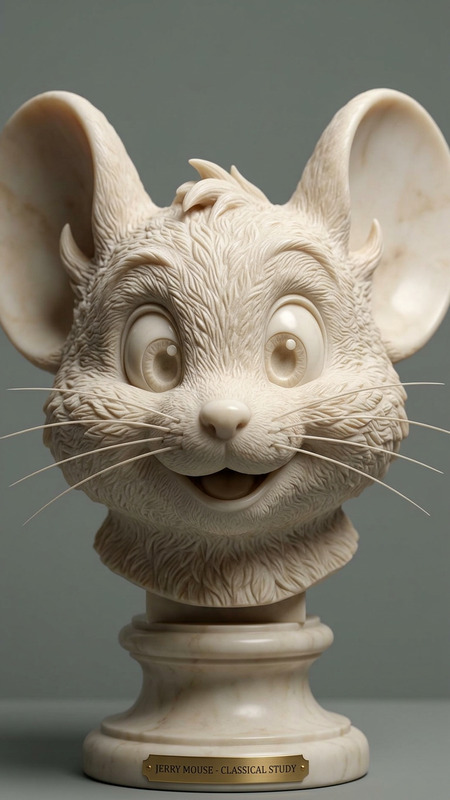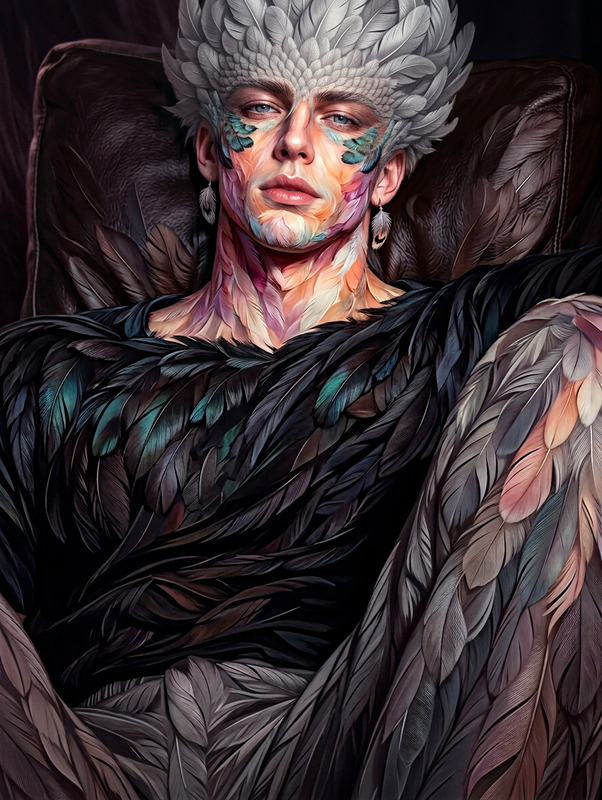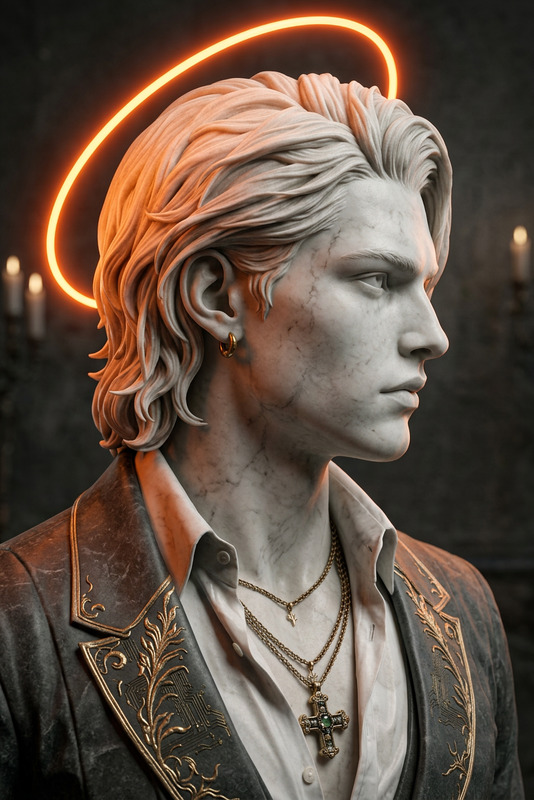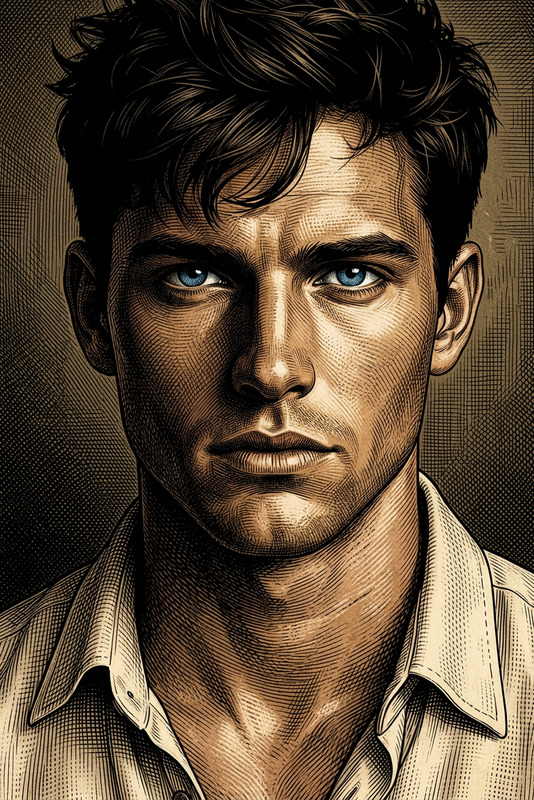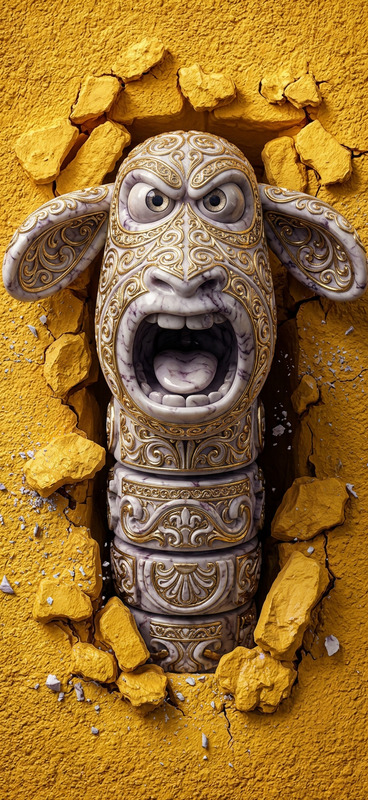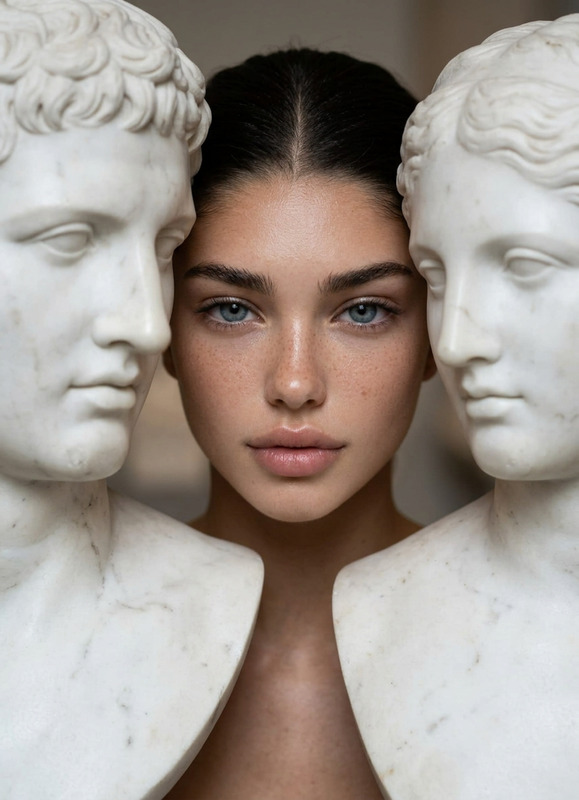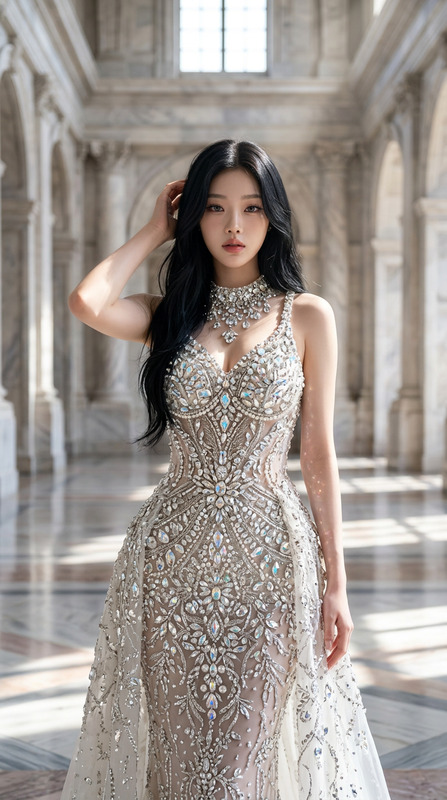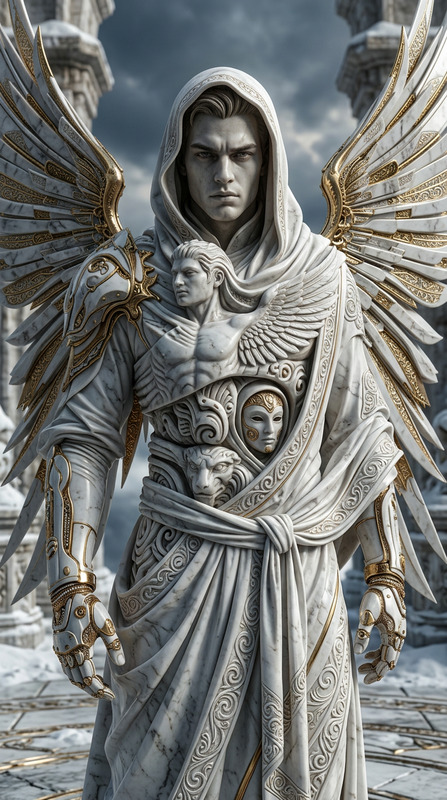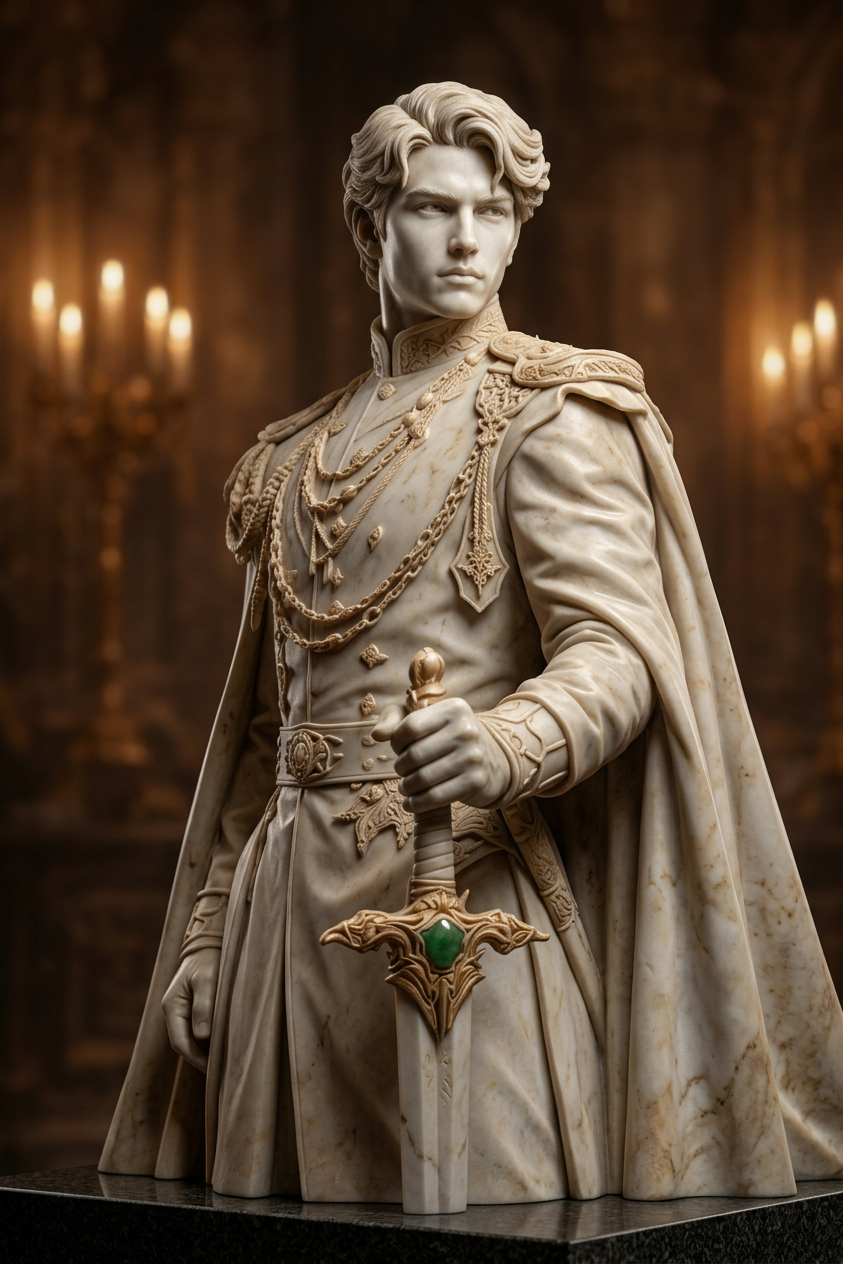
Marble Sculpture Portrait
- Model
- Nano Banana 2
- Image
- 843 × 1264 px
Prompt
Generate a high-detail, ultra-realistic photograph of a classical marble sculpture depicting a human figure, with refined proportions and elegant form; the surface showcases intricate stone textures, subtle chisel marks, and lifelike sculptural detail; cinematic lighting creates strong contrast with deep shadows and bright highlights, enhancing depth and dimensionality; the composition is clean and focused, emphasizing craftsmanship, clarity, and sharp edges; the overall aesthetic blends timeless classical beauty with modern photographic precision, featuring rich tonal range and a polished, gallery-quality presentation in ultra-high resolution.
Any aspect ratio
Overview
The "Marble Sculpture Portrait" template harnesses the power of the nano-banana-2 model to transform your digital designs into stunning, ultra-realistic images of classical marble sculptures. This AI template focuses on the intricate details and craftsmanship of stone textures, bringing a modern twist to a timeless art form.
What It Does
This template allows you to create high-detail portraits that emulate the classic beauty of marble sculptures. Utilizing advanced AI, it highlights intricate chisel marks and stone textures with a cinematic lighting effect. Designed for AI Image Editor capabilities, it ensures each image presents a gallery-quality assurance in ultra-high resolution.
Who It's For
This tool is perfect for artists, designers, and creators who want to elevate their visual projects with classical elements. Ideal for those in fine arts and digital galleries, or anyone looking to integrate refined elegance into their work. Additionally, it can serve educators looking to demonstrate artistic techniques using AI in classrooms.
Summary
Integrating classical art with modern technology, the "Marble Sculpture Portrait" template from AI Image Editor offers artists and creators the ability to craft ultra-realistic marble statue images. Delivering sharp, polished results, it's a versatile tool for enhancing art projects, educational content, and more.
How to Use
Choose

Customize

Generate

Use Cases
Artistic Creations
- Digital sculptures
- Concept visualizations
- Gallery exhibitions
Educational Tools
- Art history lessons
- Technique demonstrations
- Visual learning aids
Design Inspiration
- Graphic design
- Interior decor mockups
- Advertisement visuals
Best Practices
Optimize Lighting
Adjust lighting parameters in your customization stage to enhance the sculpture’s textures and details, achieving the best contrast and depth.Focus on Detail
Highlight specific areas like chisel marks and stone surfaces to bring out the realism in your design.Combine Templates
Use in conjunction with other AI tools to layer designs, creating more complex and intriguing compositions.