Photo Booth
- Model
- Nano Banana 2
- Image
- 768 × 1365 px
Prompt
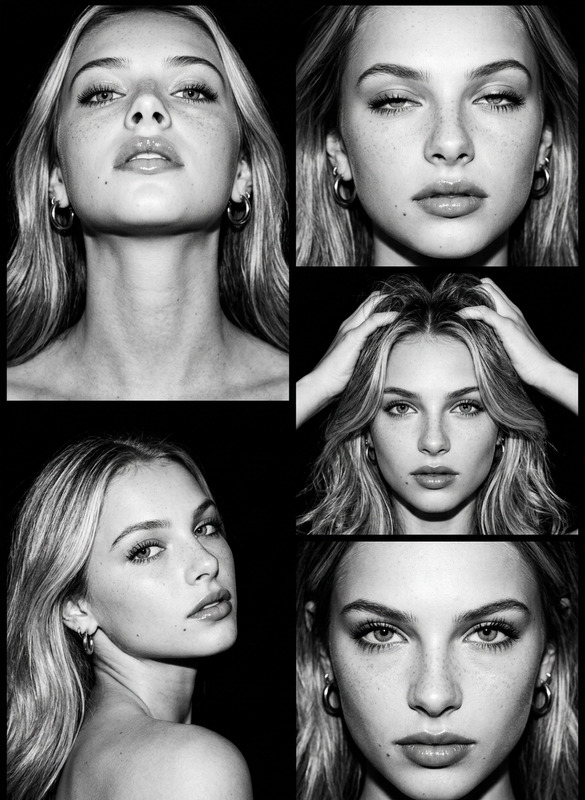
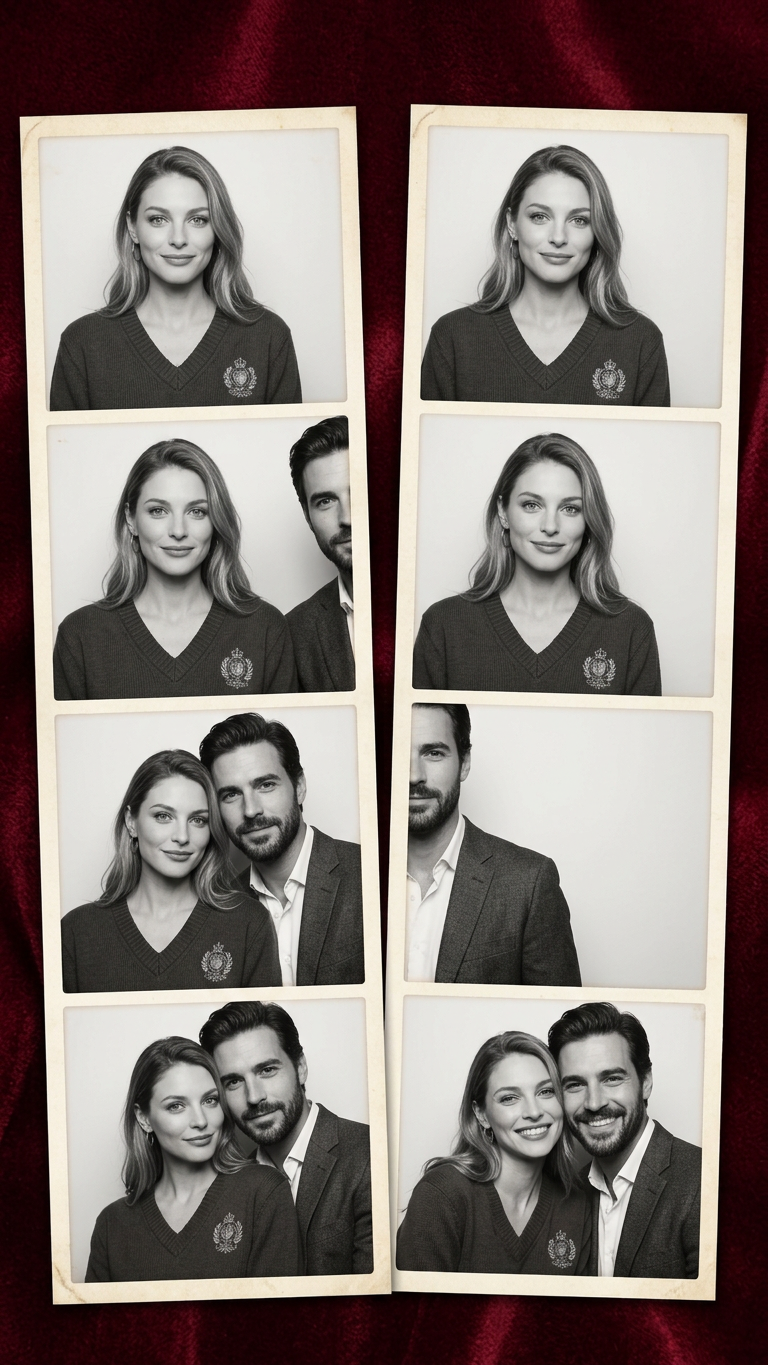
Create two vertical photo booth-style strips on a dark red background with 4 black and white frames in each: the man on the right gradually moves into the left strip to the woman, while in the second row his body is strictly divided between the strips
Any aspect ratio
Overview
The Photo Booth template uses the power of the nano-banana-2 model to create engaging black and white photo strips. This template generates two vertical strips with dynamic storytelling — a man moving towards a woman, creating a playful sequence on a dark red background.
What It Does
This AI Image Editor template crafts two photobooth-style image strips, each containing four frames. The left strip captures the man's progression towards the woman, while the right strip features a unique alignment, dividing the man's presence across both strips in the second row. This tool is perfect for generating image-enhanced storytelling and creative visuals.
Who It's For
Designed for creative professionals, photographers, and social media enthusiasts, this template offers a quick method to generate compelling photo strip narratives. Whether you're aiming to create content for Instagram stories or enhance your Instagram Reels, this tool provides the versatility you need.
Summary
The Photo Booth template makes it easy to turn simple concepts into visually striking photo strip narratives. By utilizing the AI Image Generator, you can produce high-quality stories that capture the audience's attention, giving your images a professional finish with minimal effort.
How To Structure
Choose Your Template

Customize Your Inputs

Generate and Download

Use Cases
Social Media Content
- Perfect for Instagram Stories
- Ideal for Facebook posts
Event Promotions
- Boosts engagement with unique visuals
- Customizable for various events
Personal Albums
- Great for family photo albums
- Adds a storytelling element
Best Practices
Ensure High-Quality Source Images
For optimal results, use high-resolution images to maintain clarity in the photo strips.Experiment with Layouts
Try different background and frame styles to best fit your narrative goals.Review Generated Outputs
After generation, review the photo strips for alignment and story consistency before finalizing.