Studio
- Model
- Nano Banana 2
- Image
- 843 × 1264 px
Prompt
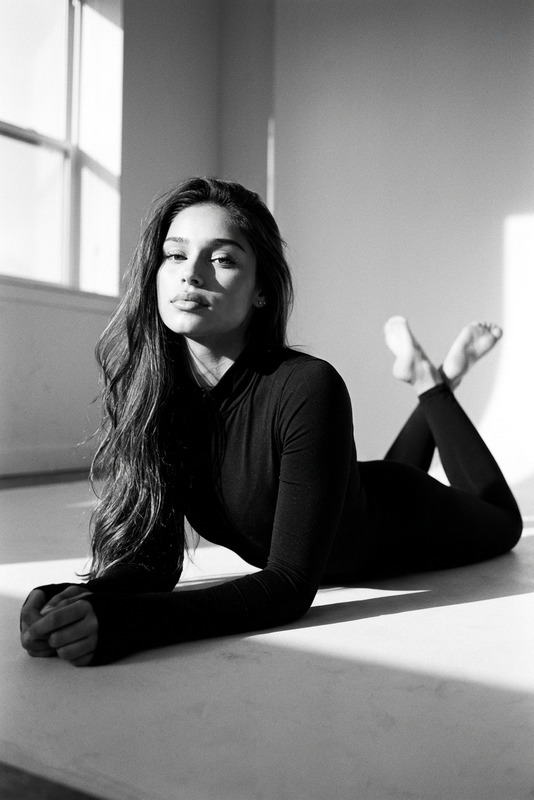
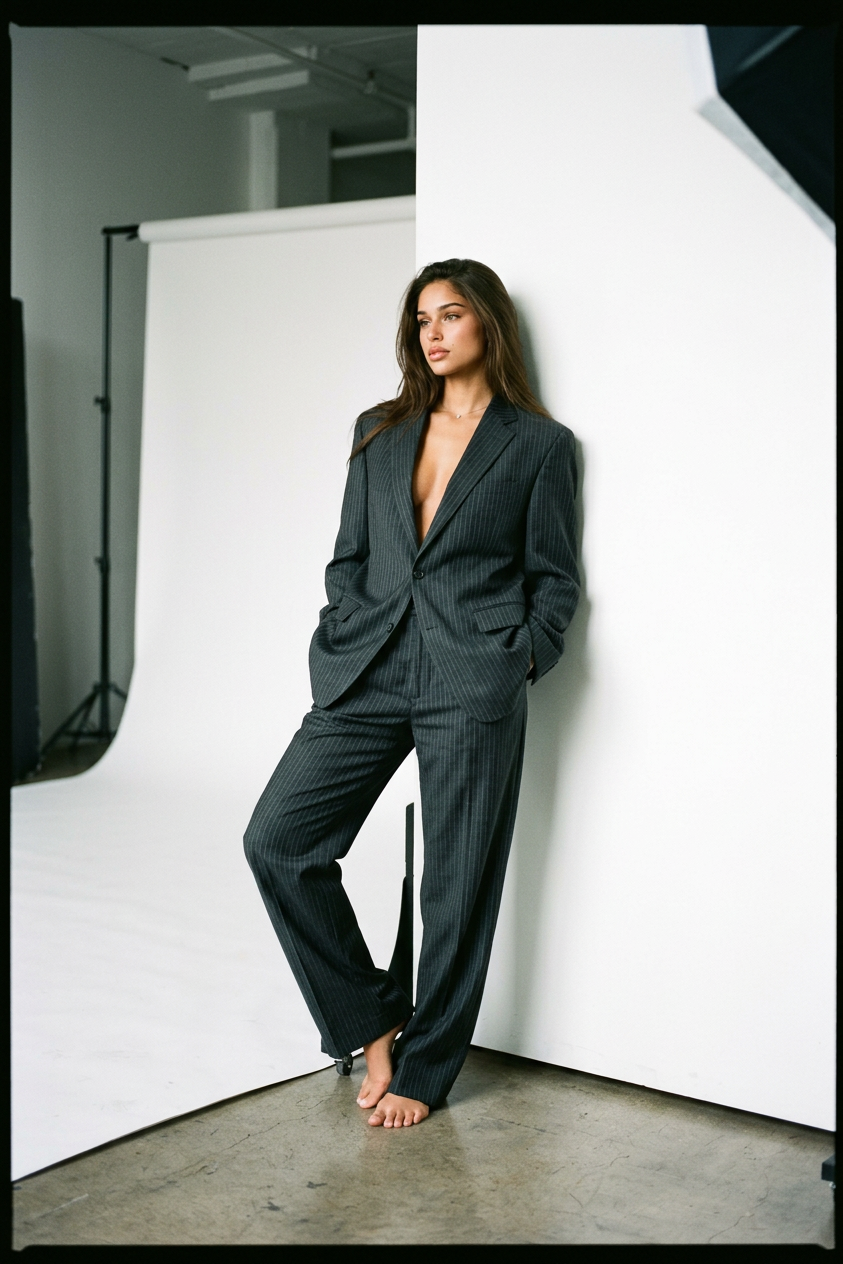
A full-length fashion shoot on Kodak Portra 400 film: a barefoot subject in an oversized dark gray pinstripe suit (a wide-shouldered jacket and loose trousers) leans casually against a white seamless paper backdrop that curves across a concrete floor; hands in pockets, legs relaxedly crossed, gaze directed away from the camera. Soft, cool daylight from a large window on the left creates a studio atmosphere, film grain, slightly muted colors, natural shadows, and a thin black border around the edges of the frame.
Any aspect ratio
Overview
The Studio template, powered by the nano-banana-2 model, offers a sophisticated AI Image Editor experience that mimics the aesthetic of a high-end fashion shoot. Capture the essence of Kodak Portra 400 film, featuring natural film grain and muted colors, creating a vintage yet timeless look. This template is ideal for designers and photographers looking to infuse a classic film vibe into their shoots without needing actual film.
What It Does
The Studio template transforms digital images into classic film-style photos. Using advanced AI technology, it replicates the film effects of Kodak Portra 400, enhancing images with soft daylight illumination, natural shadows, and a slightly muted color palette. The resulting images are enriched with subtle film grain and a distinctive black border, adding an extra layer of authenticity. Explore similar enhancements in our AI Image Editor.
Who It's For
This template is perfect for photographers, fashion designers, and creative artists who want to add a professional touch to their portfolios without the hassle of traditional film. It's an excellent choice for those working in fashion shoots, commercial photography, or any project requiring a studio feel with film-inspired elements. Discover more creative potential with our AI Clothes Changer and AI Photo Relighting tools.
Summary
Enhance your digital photos with the Studio template to achieve a film-inspired look. The nano-banana-2 model ensures precise emulation of Kodak film effects, delivering high-quality results suitable for a range of professional uses. Whether you're refining personal projects or preparing marketing materials, this tool offers a creative solution to elevate your imagery.
How to Use
Choose your Template

Customize Your Inputs

Generate Your Image

Use Cases
Fashion Editorials
- Enhance portfolio shoots
- Produce fashion lookbooks
Creative Art Projects
- Craft compelling art pieces
- Develop thematic photo collections
Marketing Campaigns
- Design striking billboard images
- Enhance print and digital ads
Best Practices
Consider Lighting
Ensure the original photo has similar lighting conditions to the prompt for best results. Soft daylight will complement the film effect most effectively.Experiment with Textures
Try images with different textures, such as fabrics or natural elements, to see how the film grain enhancement plays on them.Match Themes
Align the photo subject and setting with a classic or vintage style to maintain the authenticity of the Kodak Portra 400 effect.