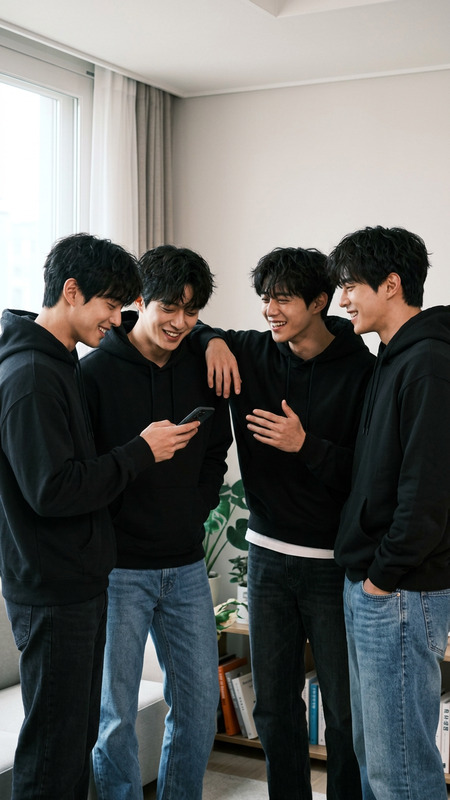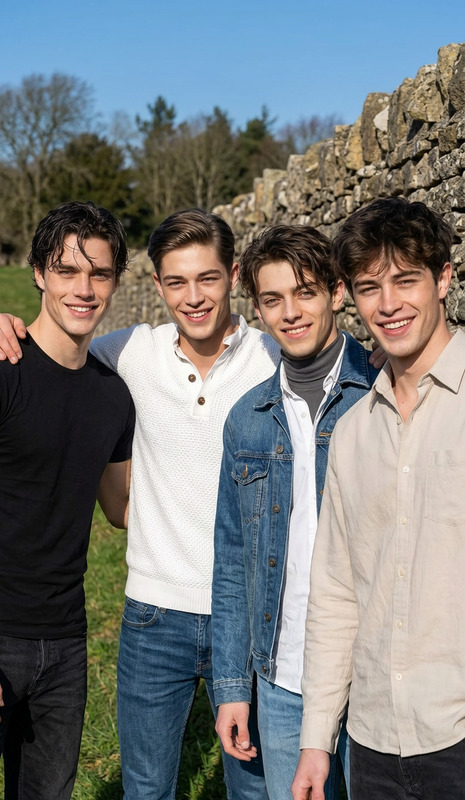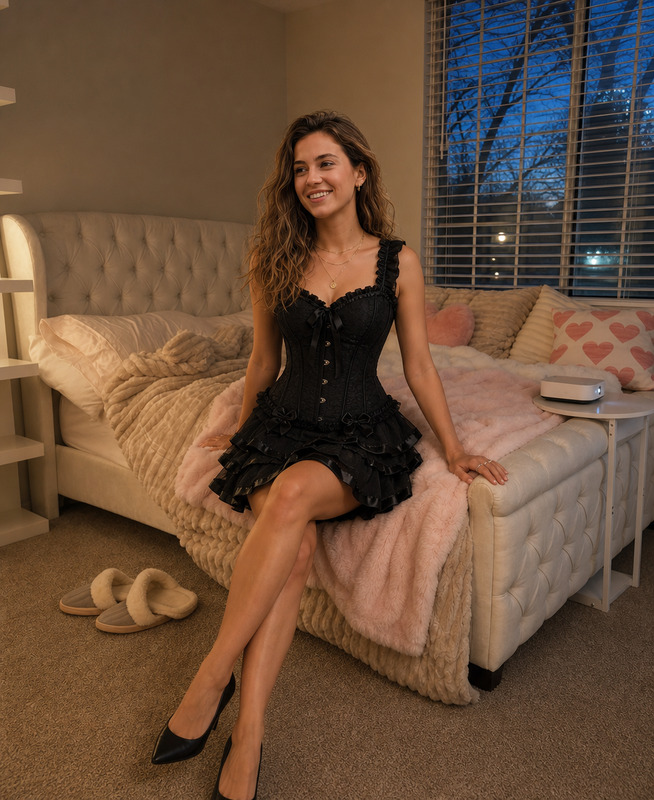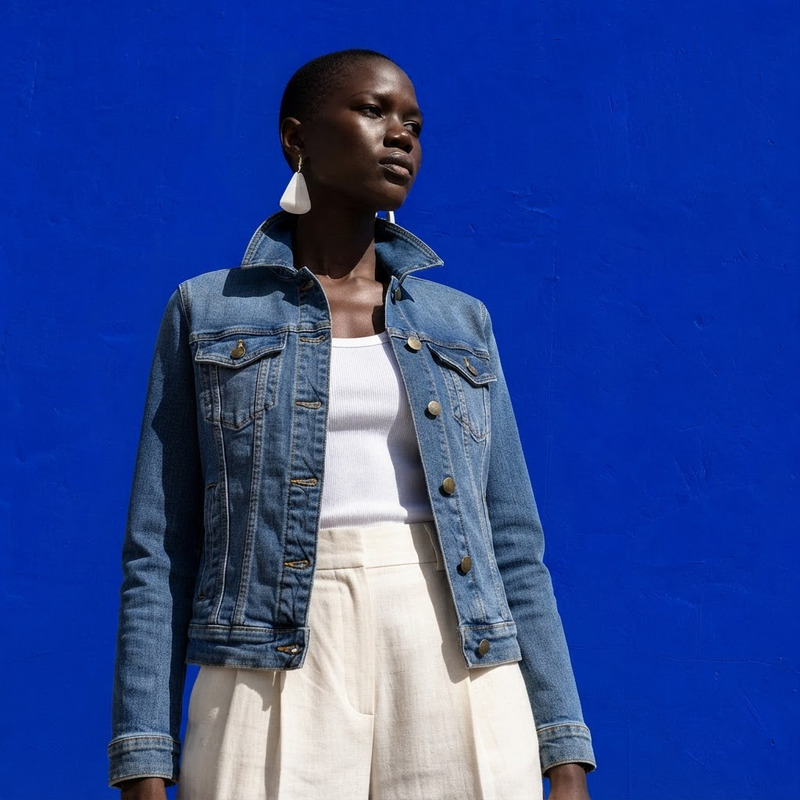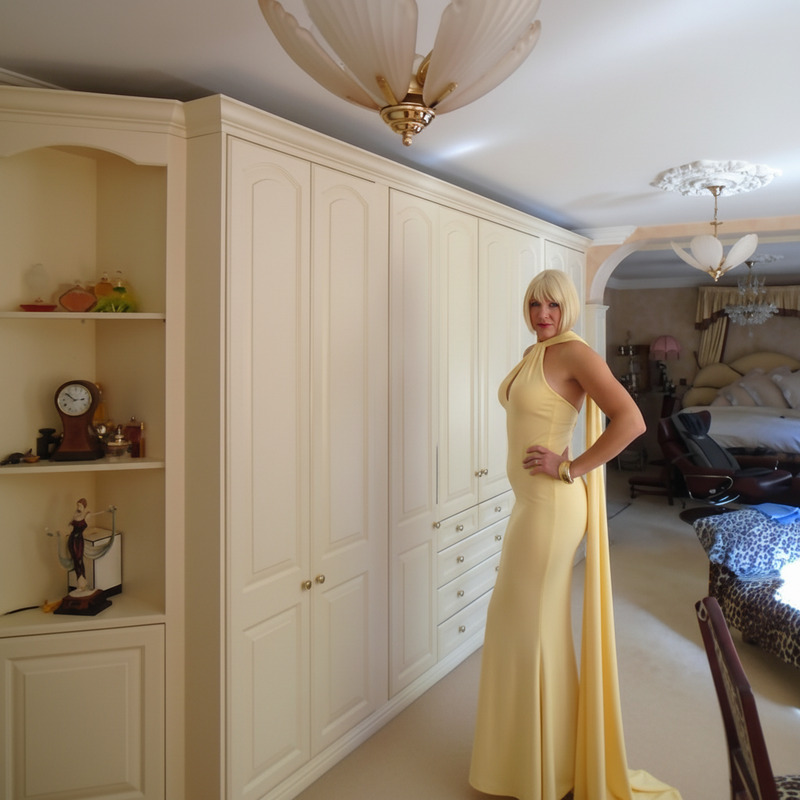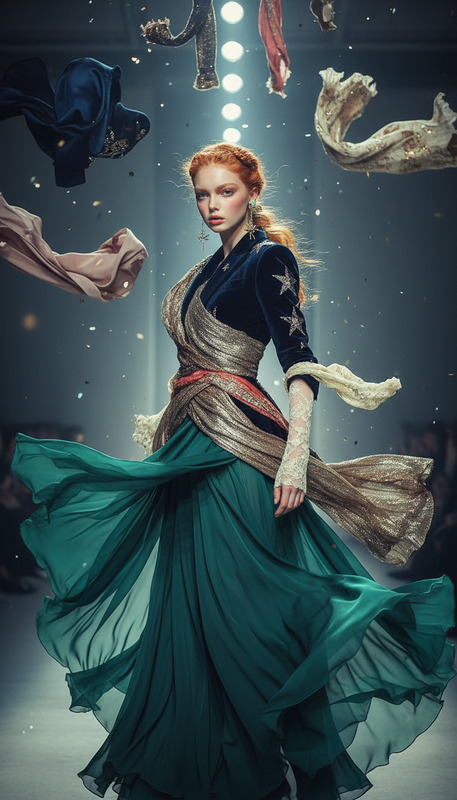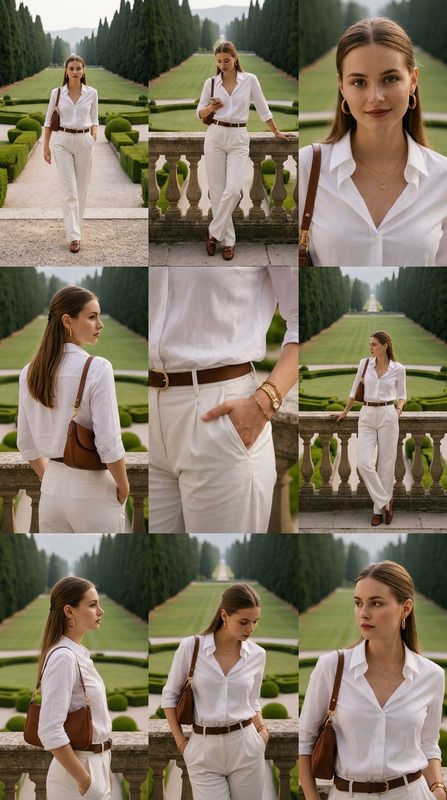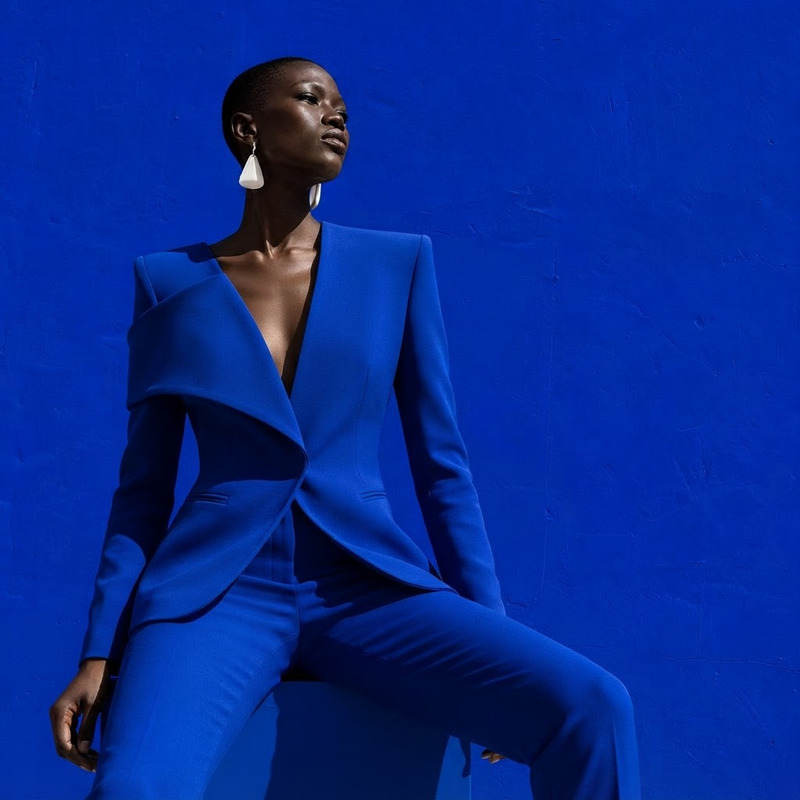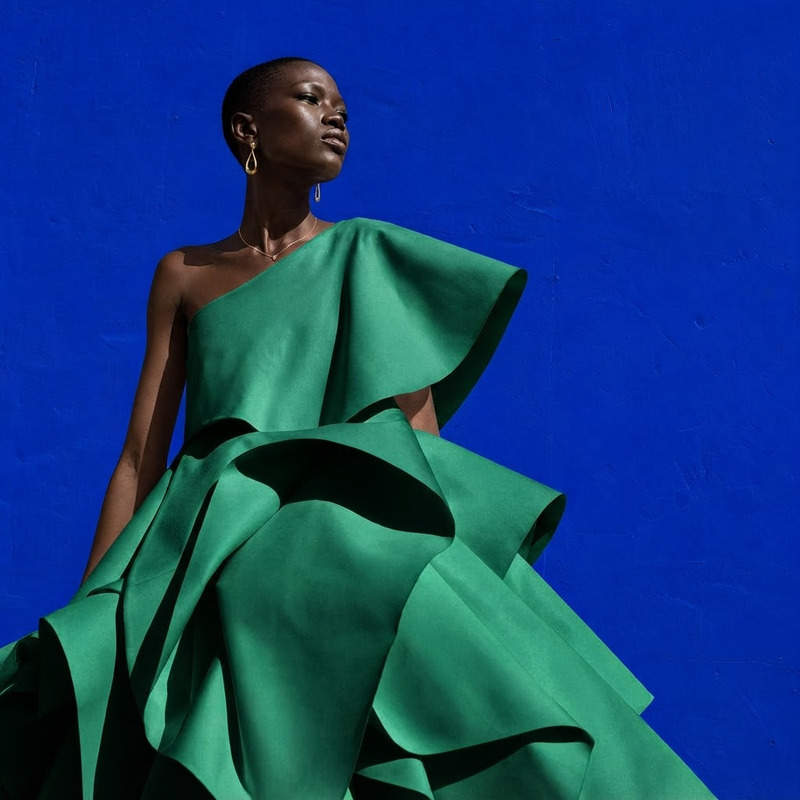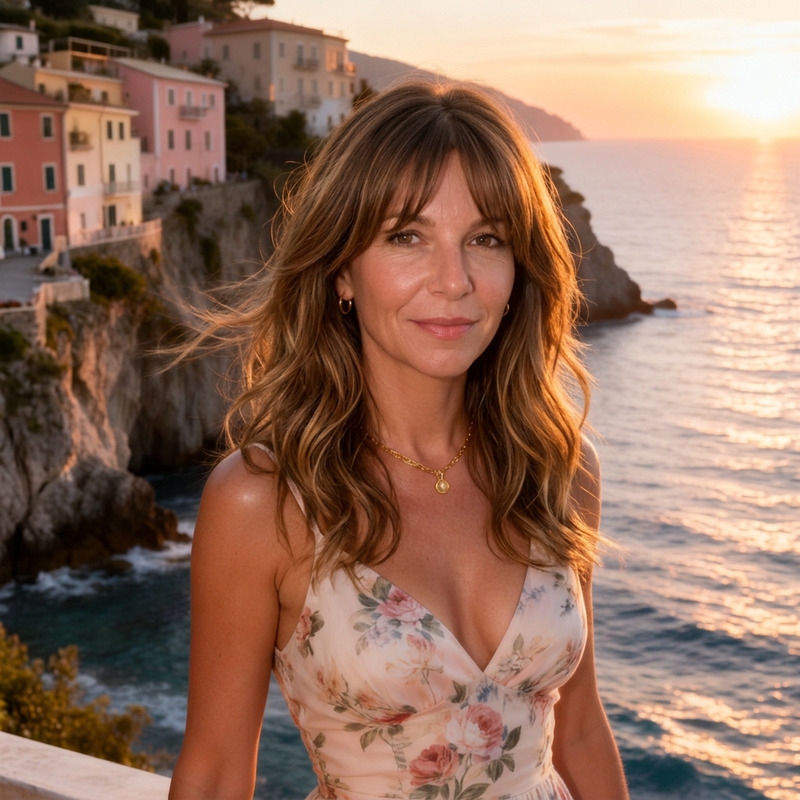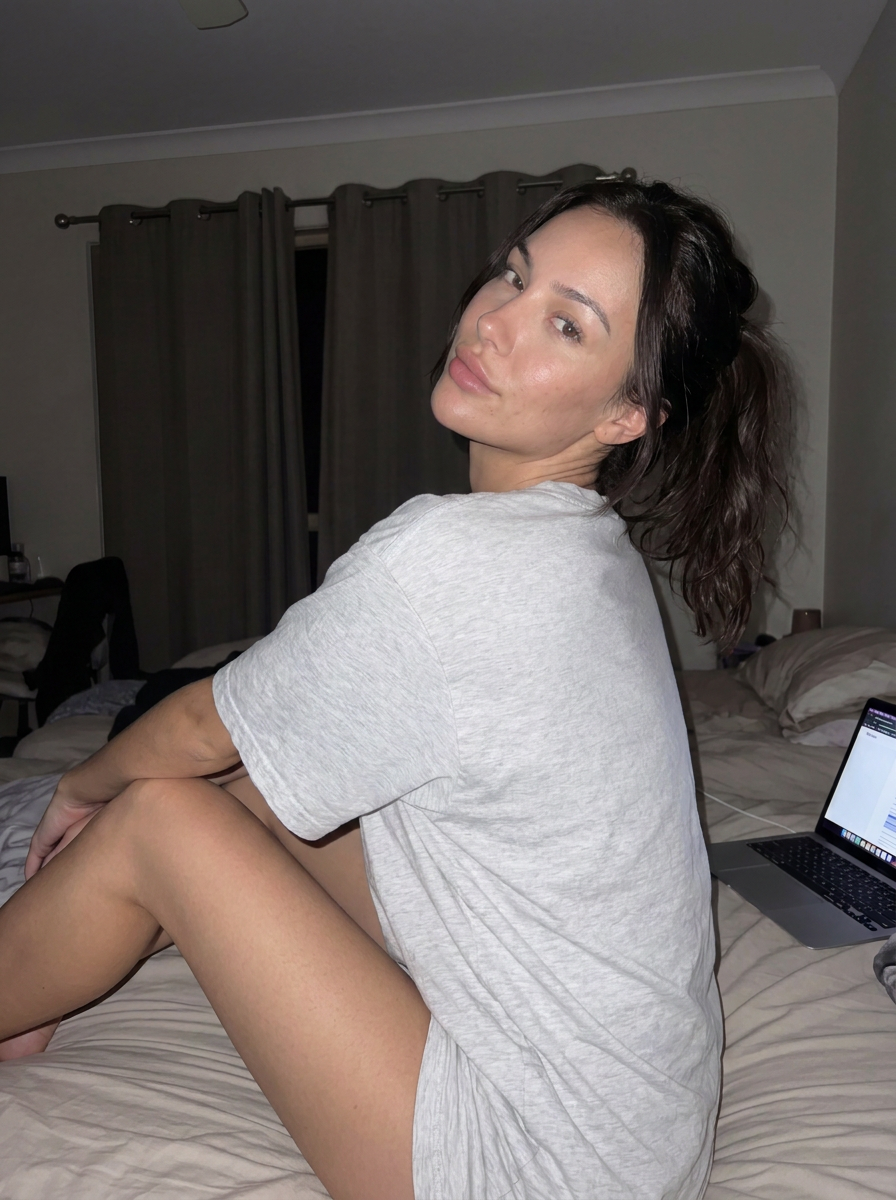
Pose Change
- Model
- Nano Banana Pro
- Image
- 896 × 1200 px
Prompt
Keep the same woman and the same location put her in sexy pose, create a single image without a collage
Any aspect ratio
Overview
The Pose Change template in our AI Image Editor toolkit uses advanced AI to alter poses within images while retaining the subject's identity and background. Powered by the nano-banana-pro model, it caters to artists and designers aiming to tweak character positioning without starting from scratch.
What It Does
This template takes an image and modifies the subject's pose, keeping the same individual and location intact. It's particularly useful for enhancing images in marketing and creative design. Users can expect a polished result with the specified pose adjusted to fit their needs.
Who It's For
Pose Change is designed for digital artists, graphic designers, and marketing professionals who need to edit subject poses in promotional images. It allows users to explore creative variations easily. Professionals from industries using AI Headshot Generator or AI Product Photography will find this tool complementary to their workflows.
Summary
In summary, Pose Change enhances images by adjusting subject poses using AI without altering other crucial elements like identity and surroundings. It supports creatives in producing engaging visuals efficiently, making it an essential tool for anyone involved in artistic and marketing image work.
How To
Choose Your Template

Customize the Inputs

Generate the Image

Use Cases
Marketing Imagery
- Adjust poses in product ads to better attract attention.
- Create unique points of view for promotional campaigns.
Creative Design
- Modify character positions in storytelling visuals.
- Adapt poses in animations or storyboards.
Social Media Content
- Generate eye-catching poses for influencers' posts.
- Revamp static images to match dynamic trends.
Best Practices
Select High-Quality Images
For best results, use high-resolution images to ensure the AI can accurately adjust the pose while maintaining image integrity.Balance Pose Dynamics
Choose poses that naturally fit the subject's original posture to avoid unrealistic results.Review the Output
Always review the generated image for any unexpected changes and adjust your input parameters if necessary.