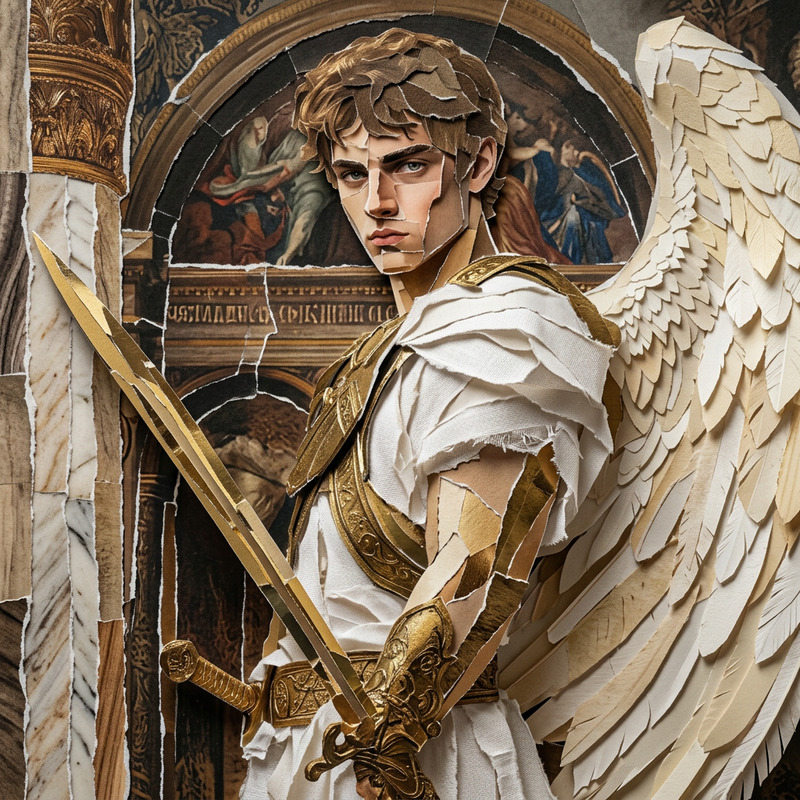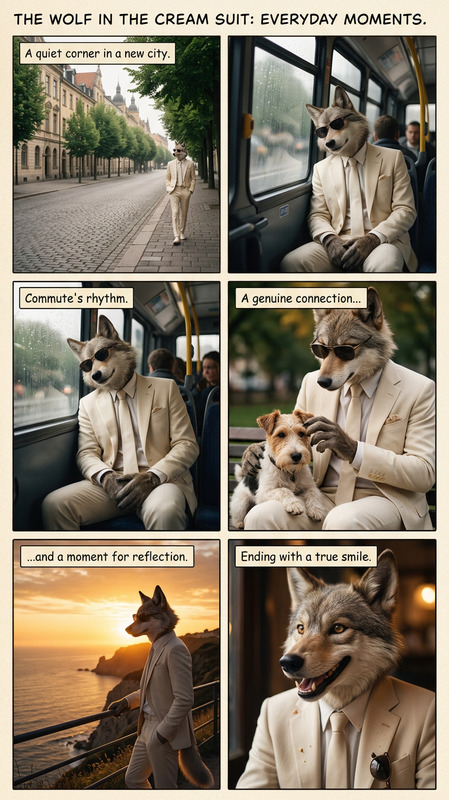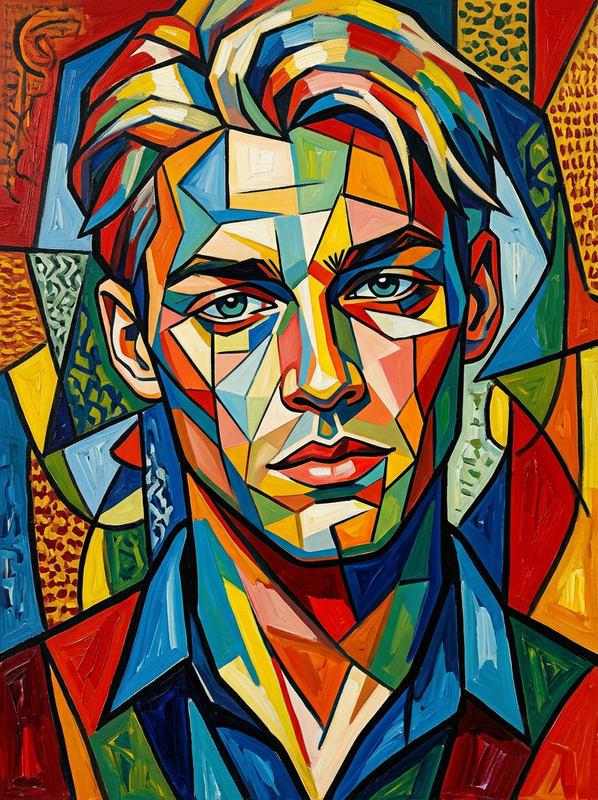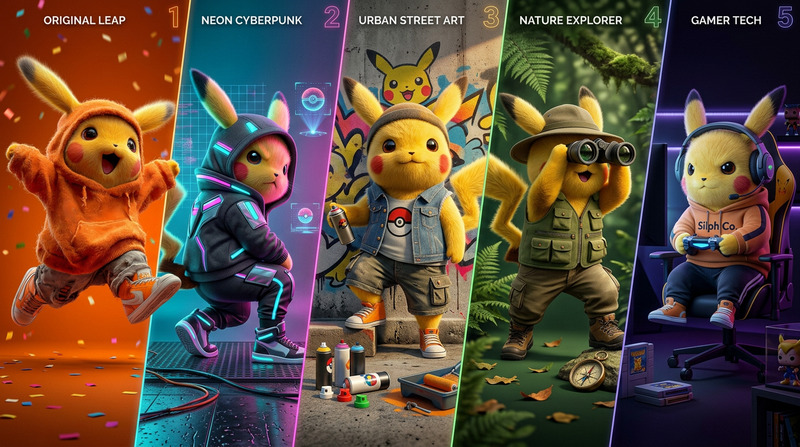
Imageset
- Model
- Nano Banana 2
- Image
- 768 × 1376 px
Prompt
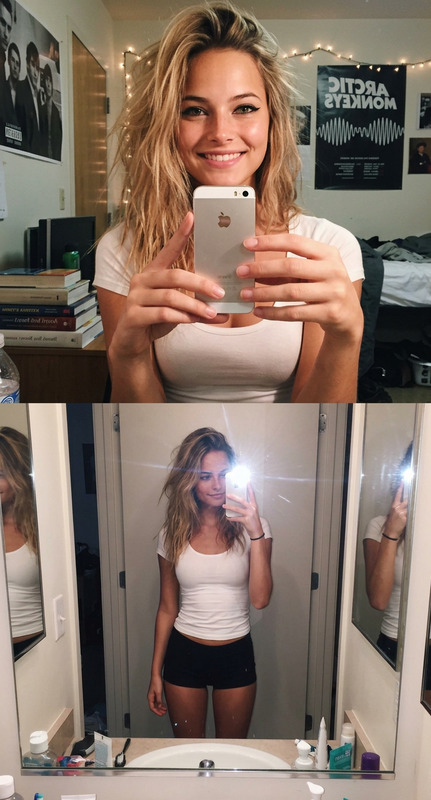
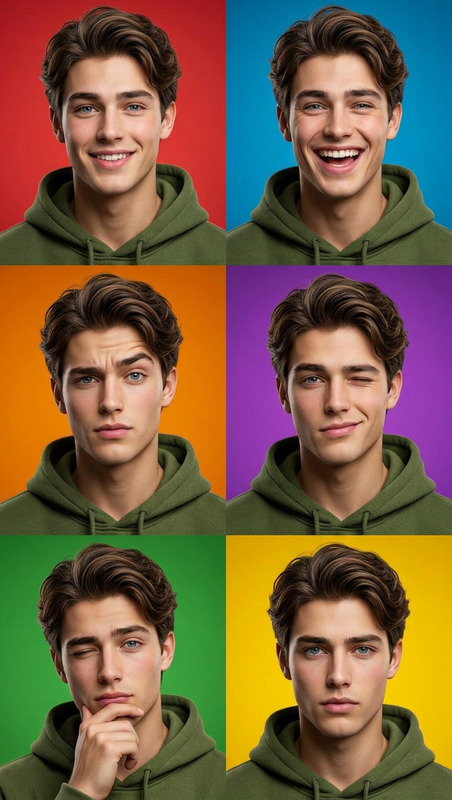
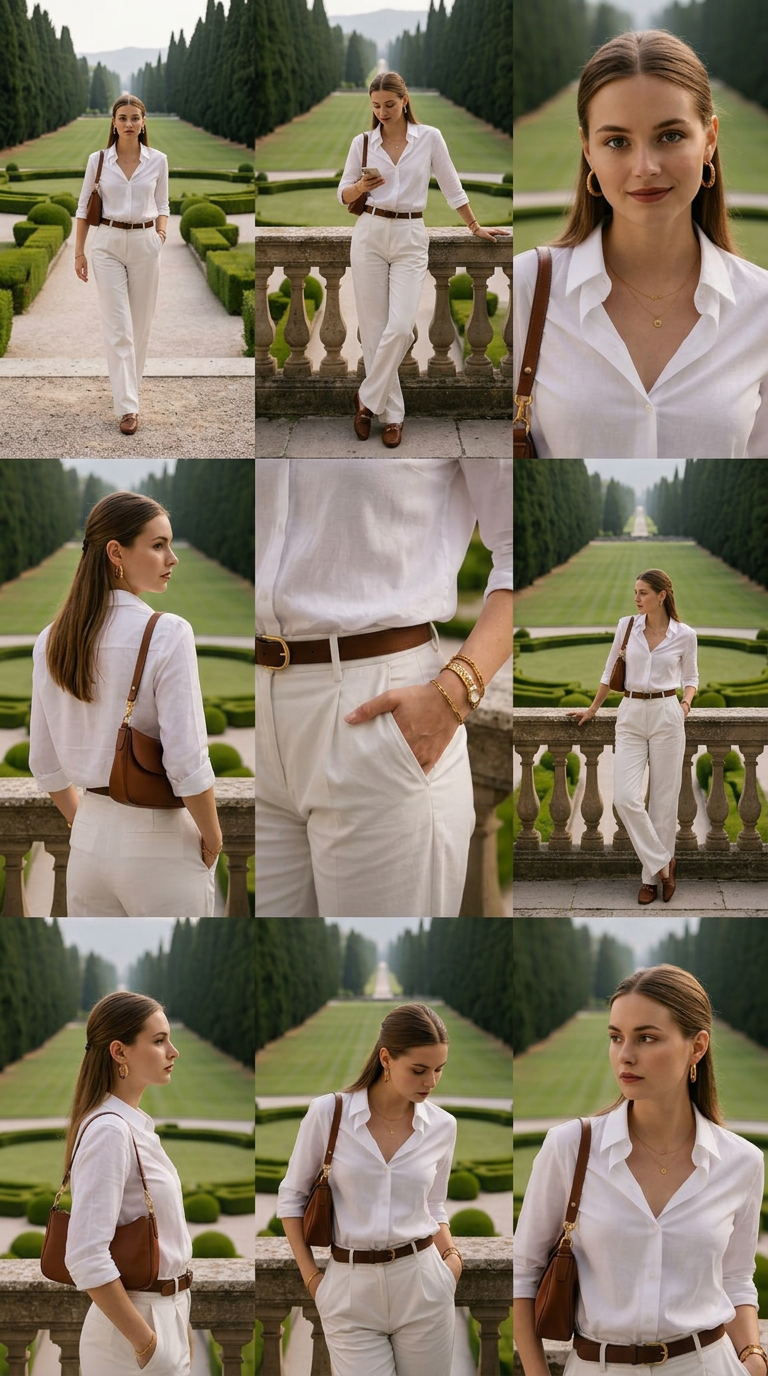
A professional, photorealistic collage in a 3×3 grid (overall aspect ratio 9:16, portrait orientation), consisting of 9 fashion photos of the same subject, each arranged and positioned differently. All 9 images are seamlessly combined into a seamless grid, fitting tightly together without any frames, borders, white lines, or gaps between panels, forming a continuous, boundless matrix.
Any aspect ratio
Overview
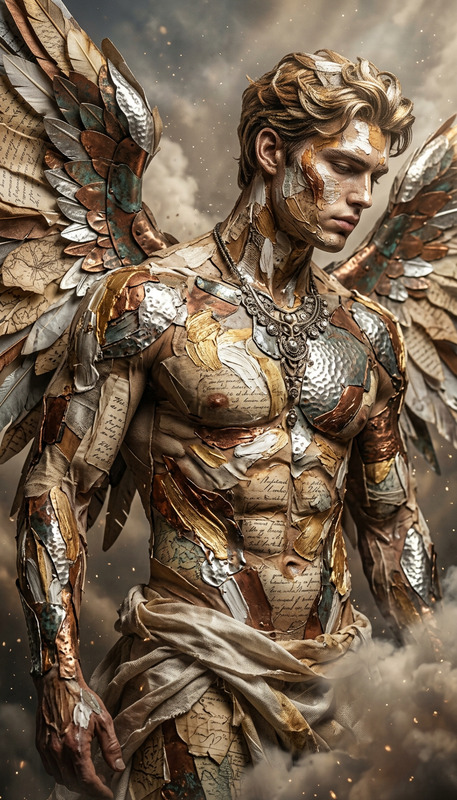
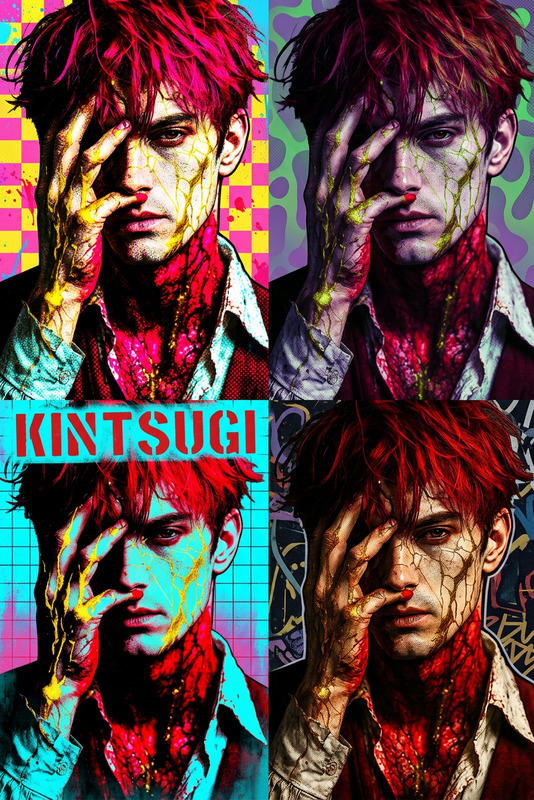
The Imageset template in the AI Image Editor suite utilizes the powerful nano-banana-2 model to create a striking and professional fashion photo collage. It arranges nine images in a 3×3 grid, forming a cohesive and seamless visual layout. Perfect for creating visually stunning fashion portfolios or social media visuals, the Imageset template offers an innovative approach to showcasing photography.
What It Does
Using the model's capabilities, the Imageset template produces a 3×3 grid of fashion photos that combine into a singular, boundless collage. These images are tastefully arranged to create a continuous design without frames or borders. The resulting portrait-oriented layout is ideal for an impressive visual display on platforms like Instagram or Pinterest.
Who It’s For
This template is designed for photographers, fashion designers, and social media marketers who want to make a visual impact. Those in e-commerce or product photography can also benefit from the cohesive and dynamic presentations that highlight clothing or accessories, making the template a fantastic match for the AI Product Photography tool.
Summary
Imageset is an essential tool for anyone needing to display multiple images cohesively in a grid format. The combined use with other tools like the AI Image Generator and AI Image Upscaler enhances the overall visual impact, ensuring a professional finish that stands out.
How To
Choose Your Template

Customize Your Inputs

Generate Your Grid

Use Cases
Fashion Portfolios
Social Media Content
Brand Advertising
Best Practices
Choose Subtle Backgrounds
Subtle backgrounds in the photo can help each focus image stand out within the grid.Consistent Subject Lighting
Use photos with consistent lighting for a unified appearance across the grid.High-Quality Images
Opt for high-resolution images to maintain clarity in each section of your collage.