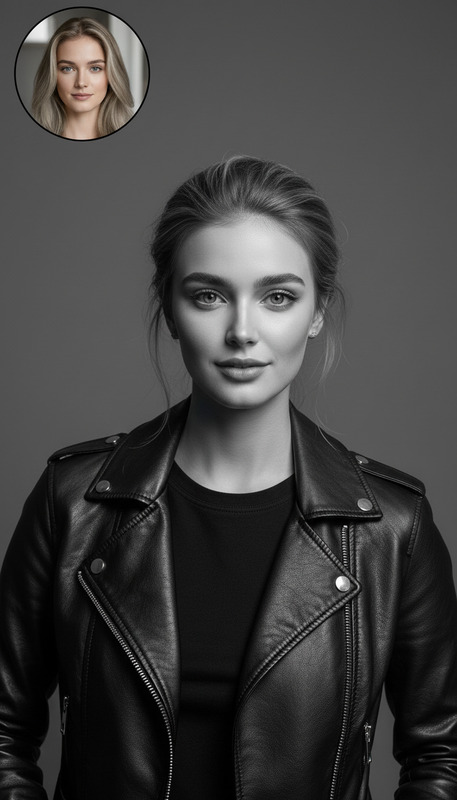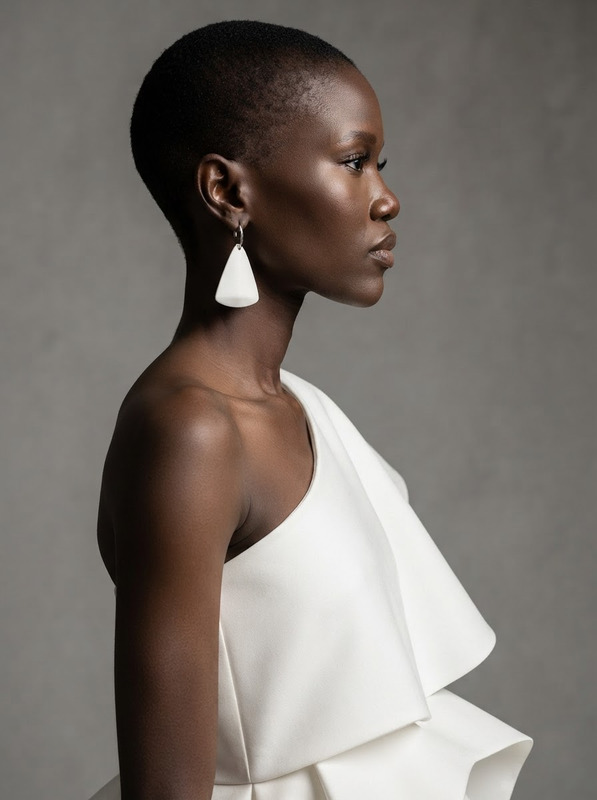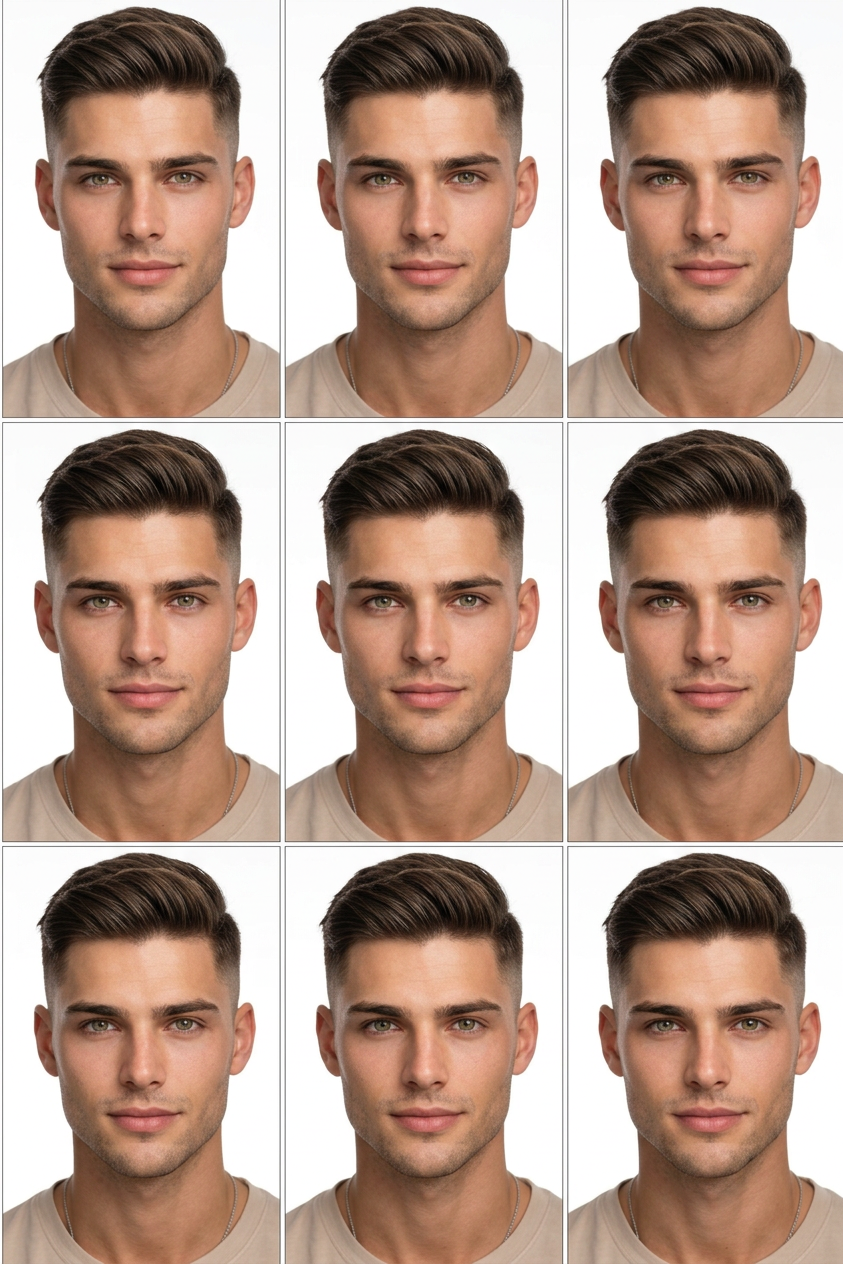
Photo Document
- Model
- Nano Banana 2
- Image
- 843 × 1264 px
Prompt
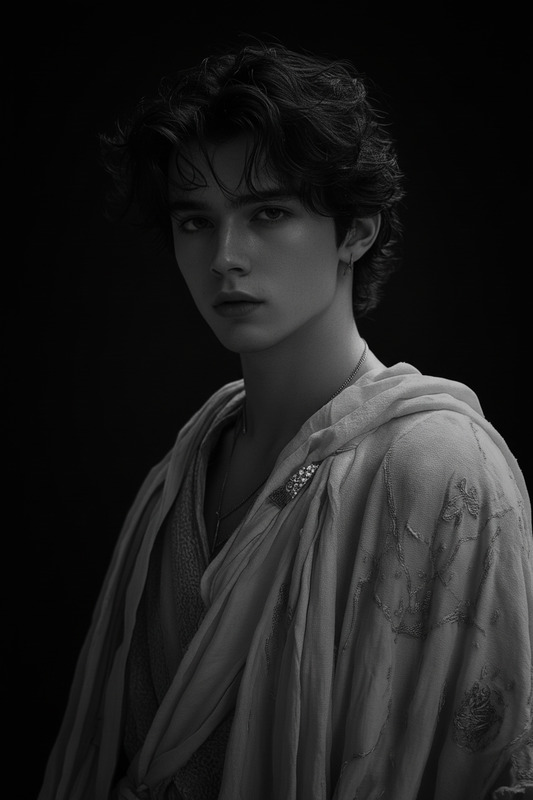
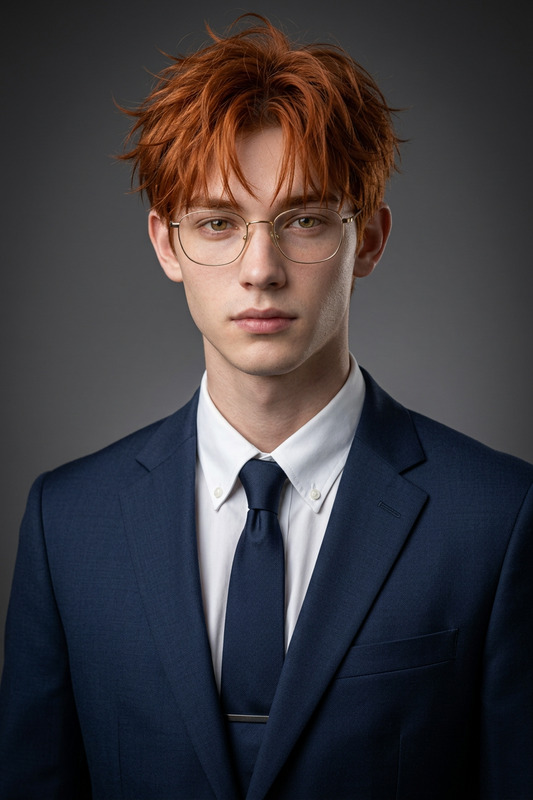
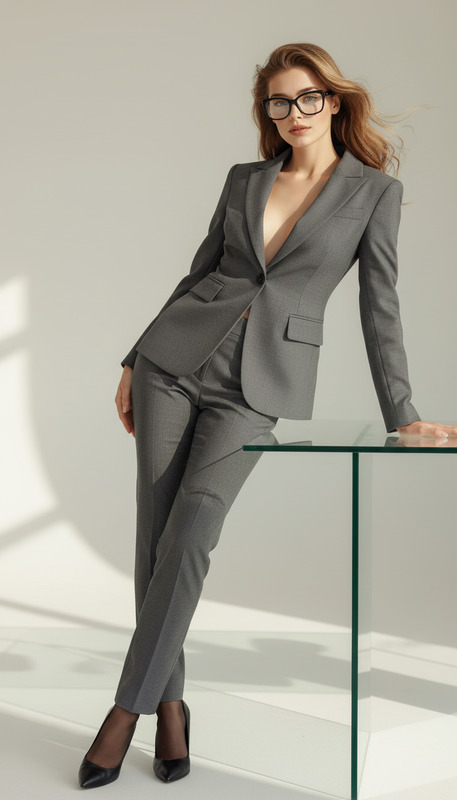
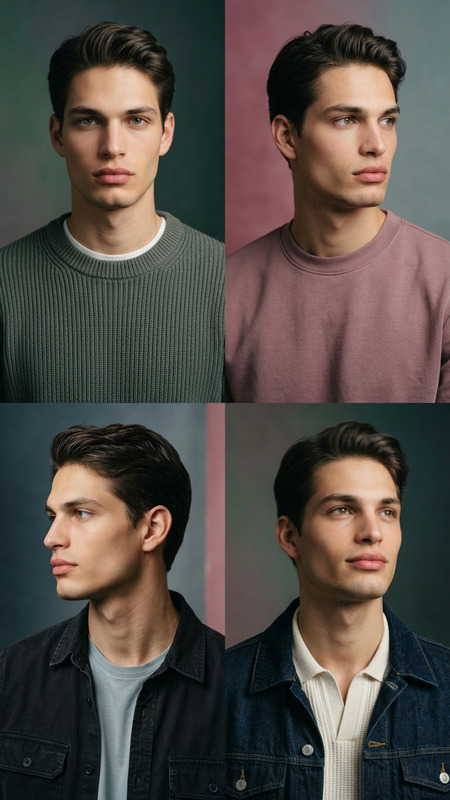
Create a high-quality 3x3 studio photo (9 images) against a white background, frontal view. For women, a neat low bun and professional makeup (contouring, winged eyeliner, matte lipstick) are required. For men, a bare face with a unique hairstyle is required; a neutral, toothless smile, perfect lighting, and retouching are included.
Any aspect ratio
Overview
The Photo Document template utilizes the AI Image Editor capabilities of the nano-banana-2 model to produce a detailed 3x3 studio photo grid. Comprising nine high-quality images, this template ensures a professional finish for both men and women.
What It Does
This template creates a cohesive collection of images, perfect for portfolios, social media, or professional documentation. The focus is on producing images with a clean white background, optimal lighting, and retouching, enhancing each subject's appearance through specific styling and grooming guidelines.
For related editing tasks, consider exploring the Photo Colorizer for adding color dynamics, or the AI Image Upscaler to increase image resolution.
Who It's For
This template is ideal for photographers, stylists, and individuals wanting to enhance their professional image libraries with consistent styling. It supports professionals across the fashion, corporate, and personal branding sectors who need high-quality, customizable images efficiently.
Summary
In summary, the Photo Document template is a powerful tool for creating professional-quality images. By leveraging the AI Clothes Changer and the AI Profile Picture Generator, users can further customize their photo shoots, ensuring each session aligns with specific branding or personal style goals.
How To
Choose Your Template

Customize Your Inputs

Generate Your Photos

Use Cases
Professional Portfolios
- Consistent image style
- Variety in appearance
- High-quality finish
Social Media Branding
- Consistent aesthetic
- Professional appearance
- Engaging visuals
Corporate Photography
- Unified company photos
- Professional standards
- Quick turnaround
Best Practices
Ensure Proper Lighting
Focus on setting up good lighting conditions or utilize lighting enhancement features within the template to make images pop.Select Appropriate Styling
Choose from style options suitable for your objective, be it corporate, fashion, or personal branding, to ensure the highest quality results.Regularly Update Your Images
Keep your image portfolio fresh and current by periodically refreshing your 3x3 grids to reflect new styles or events.