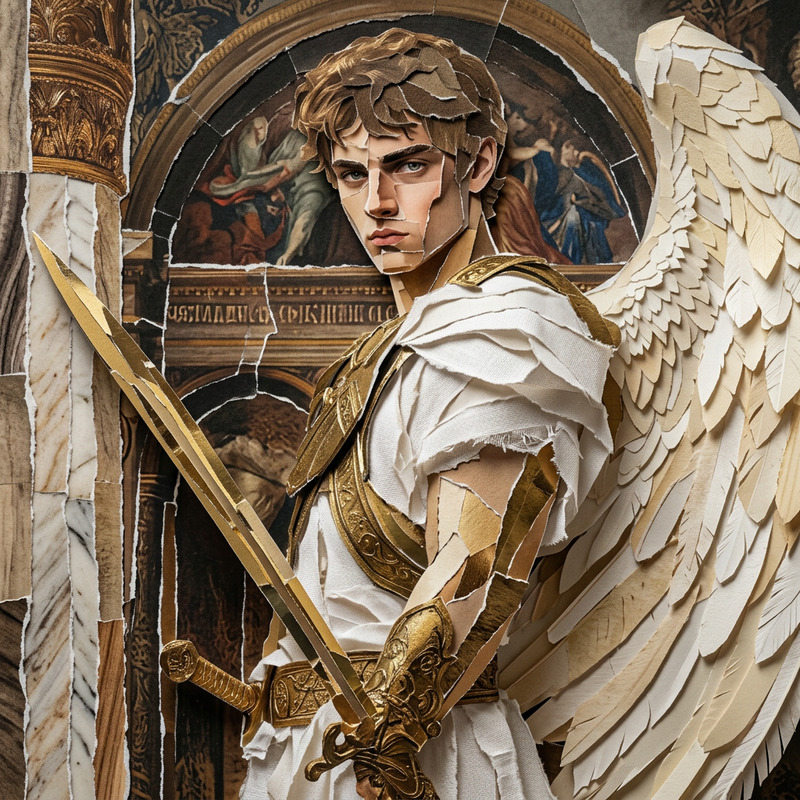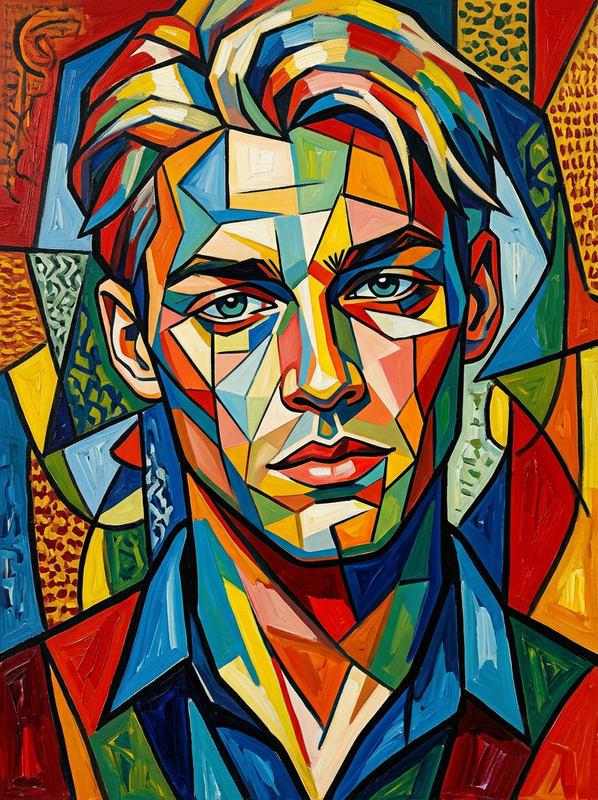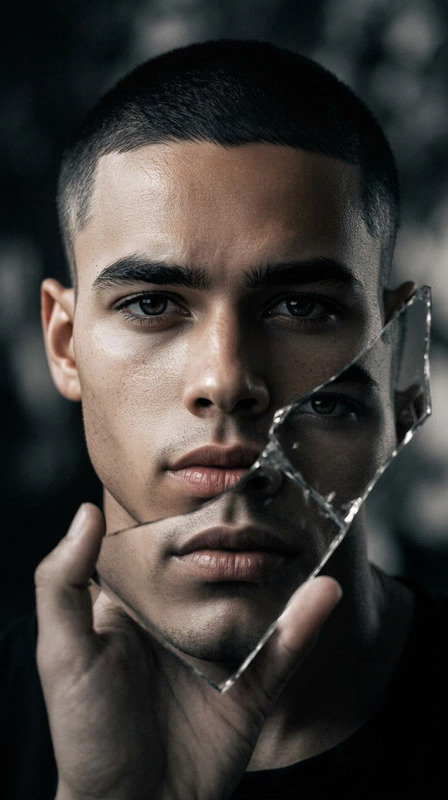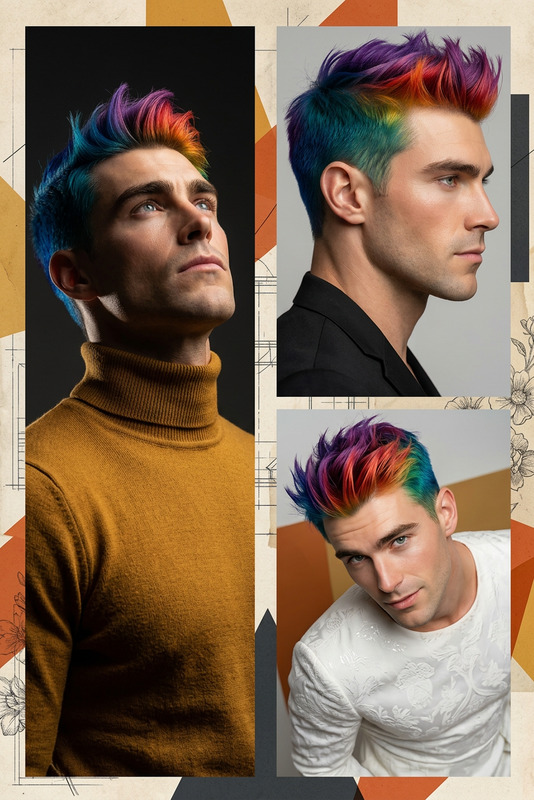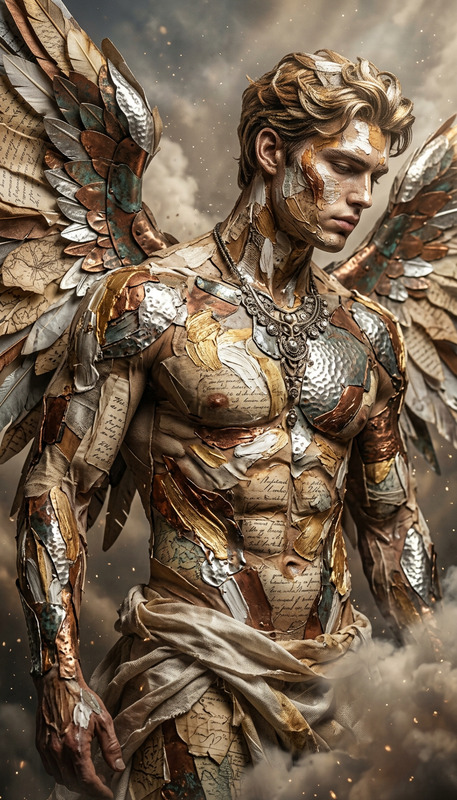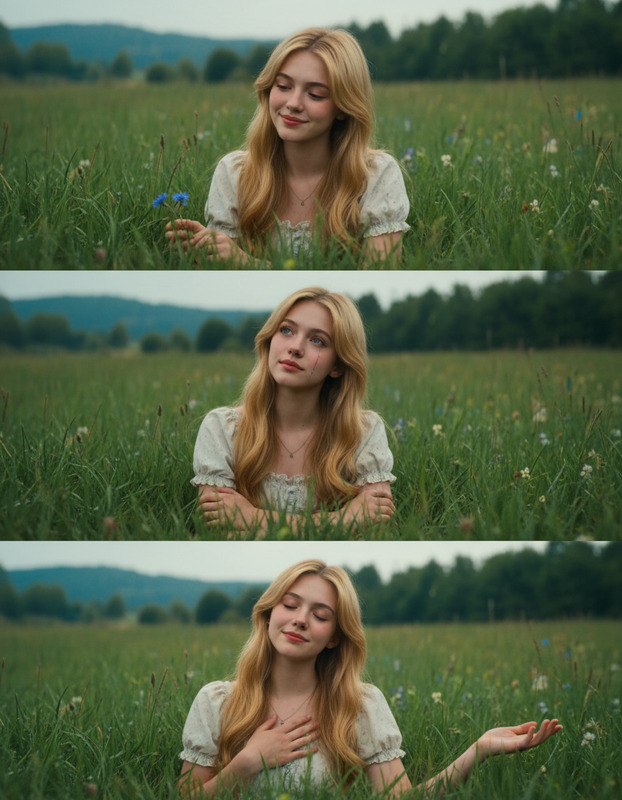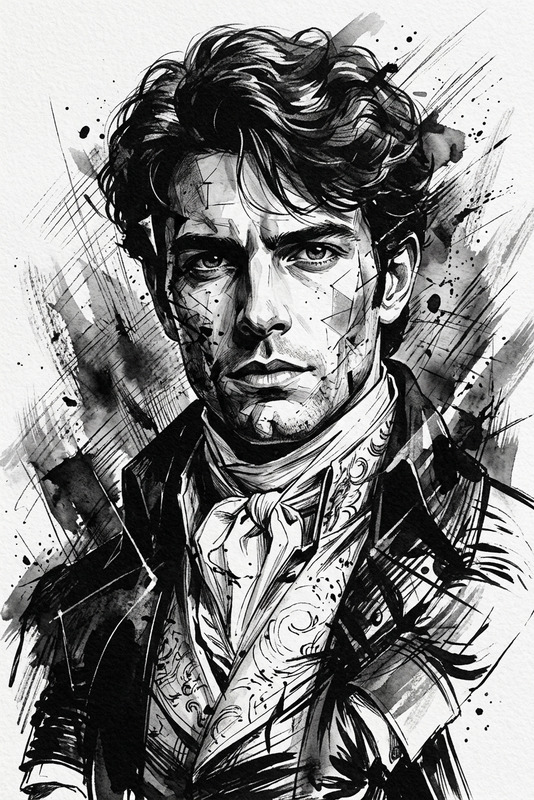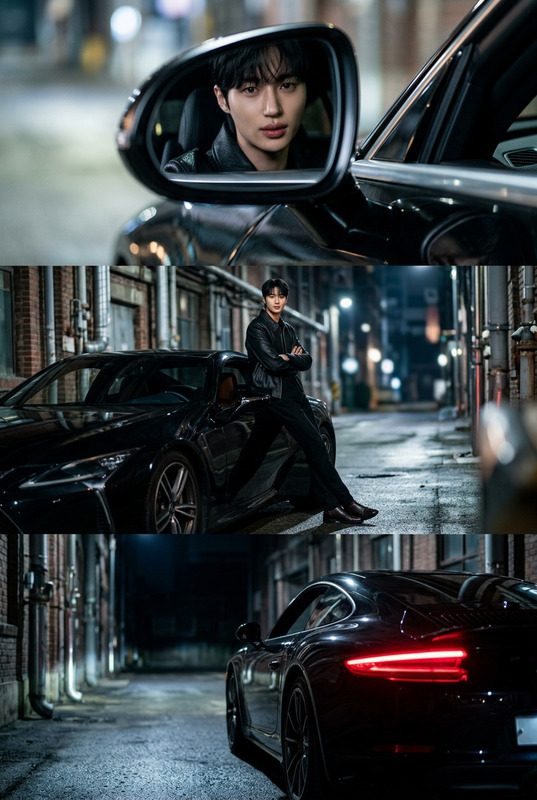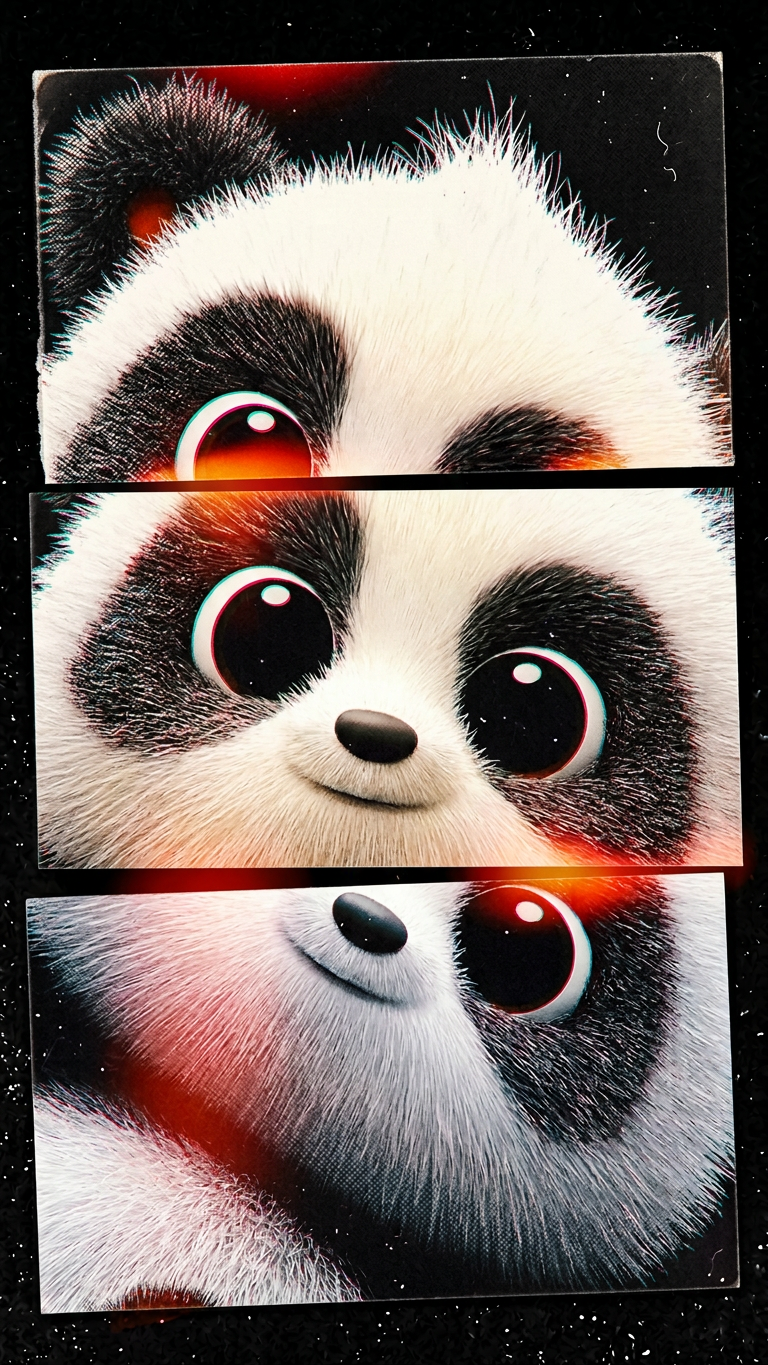
Fragmented Triptych Close-Up
- Model
- Nano Banana 2
- Image
- 768 × 1365 px
Prompt
Subject rendered as a fragmented triptych portrait, composed of three horizontal strips imperfectly misaligned. Extremely close framing filling the entire frame, creating an abstract, intimate crop of the face. Disjointed analog print aesthetic with subtle misregistration, film grain, light leaks, and slight color shifts. Raw, tactile, experimental editorial mood.
Any aspect ratio
Overview
The Fragmented Triptych Close-Up template is an innovative tool within the AI Image Editor, utilizing the power of the nano-banana-2 model. This template transforms any subject into a striking triptych portrait, emphasizing an artistic and abstract style. It captures an intimate, close framing of the face, fractured into three misaligned strips that evoke a raw and experimental aesthetic.
What It Does
The template is designed to break down an image into three horizontal sections, each slightly off-kilter. This creates a disjointed, yet cohesive final visual. Features like subtle film grain, light leaks, and color shifts add to the analog print vibe, giving your images an editorial, tactile mood.
Using the AI Image Editor, the template applies these effects to bring out an experimental, fragmented aesthetic that feels raw and authentic, suitable for modern digital art and design projects.
Who It's For
This template is perfect for artists, graphic designers, and photographers who are looking to push the boundaries of conventional portraiture. It suits those wanting to incorporate an avant-garde style into their projects, making it a fit for editorial work, album art, or any creative fields requiring a distinctive and artistic visual approach.
Summary
With the Fragmented Triptych Close-Up template, users can transform images into dynamic, artful portraits. Emphasizing raw, editorial styles, this template offers artists and designers unique tools to create visually striking content. Discover more creative possibilities with this template and expand your project capabilities with the AI Image Editor.
How To
Choose the Template

Customize Your Input

Generate Your Image

Use Cases
Editorial and Magazine Art
- Captivating covers
- Feature article artwork
Album Cover Designs
- Expressive portraits
- Edgy and modern look
Creative Portfolio Projects
- Showcase uniqueness
- Demonstrate artistic diversity
Best Practices
Select High-Quality Images
Ensure the original image is high-resolution for better output quality.Experiment with Different Styles
Try various customization options like color shifts and film grain for diverse results.Consider Composition
Focus on subjects with strong facial features to enhance the triptych's visual impact.