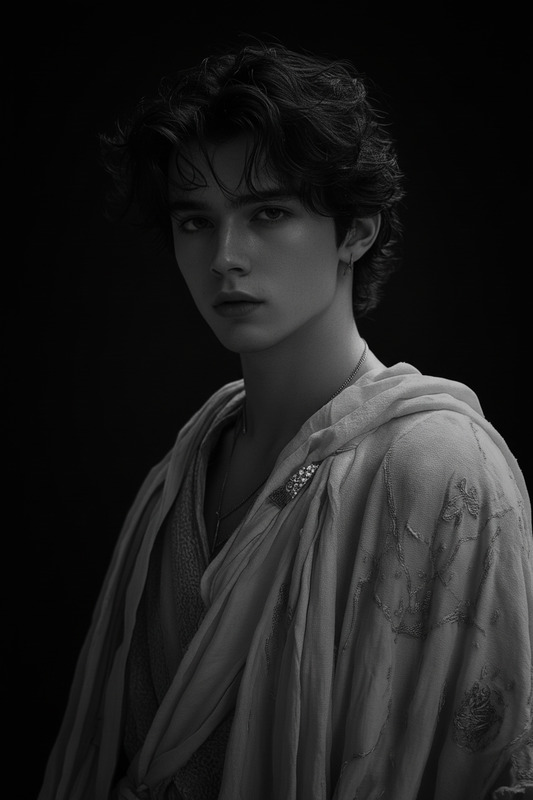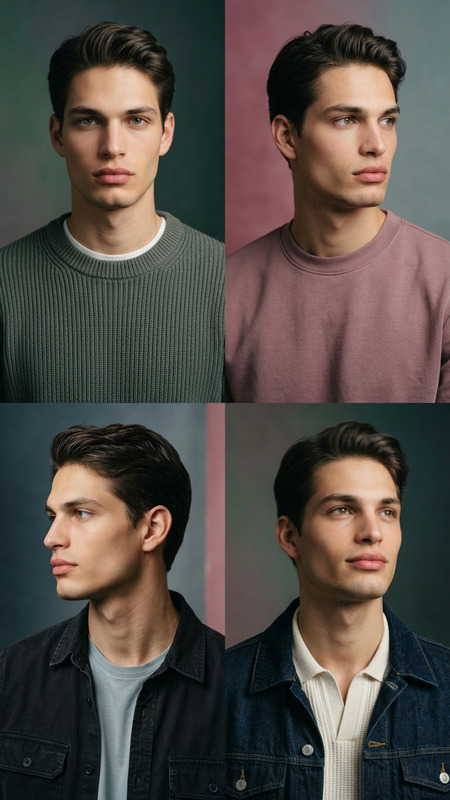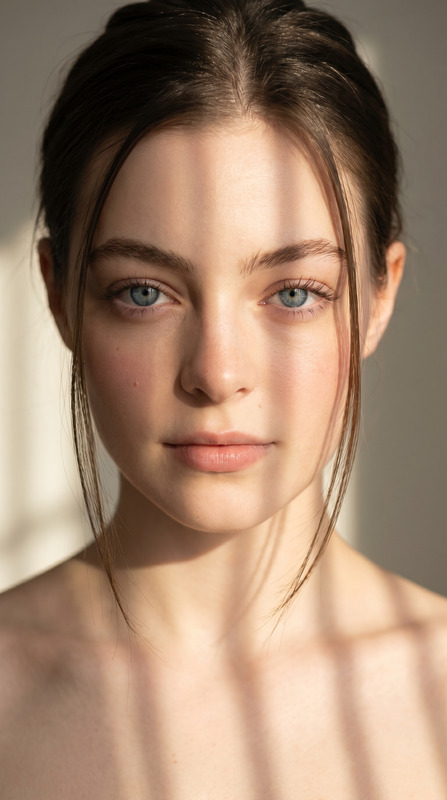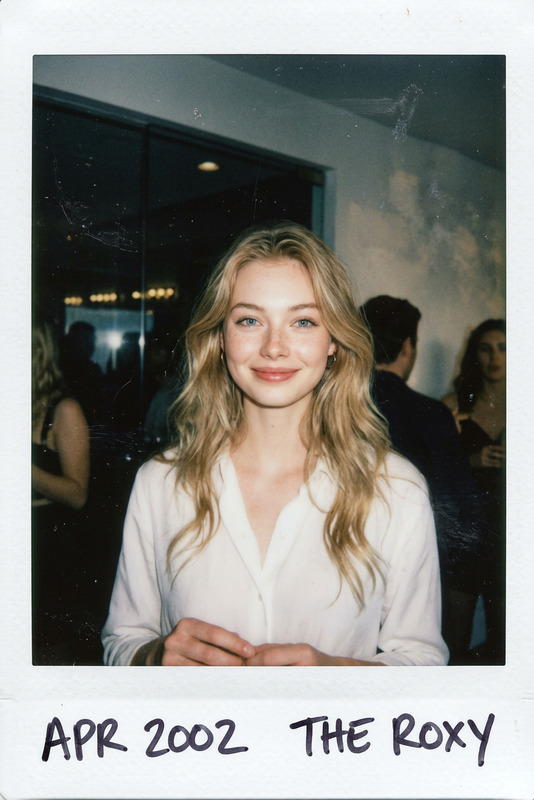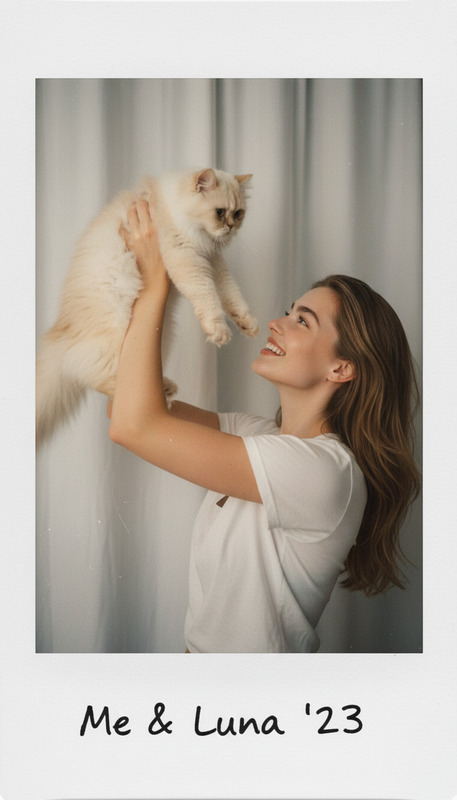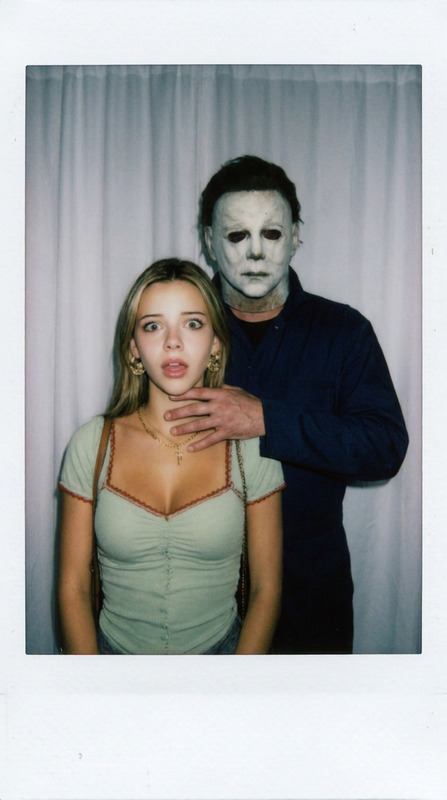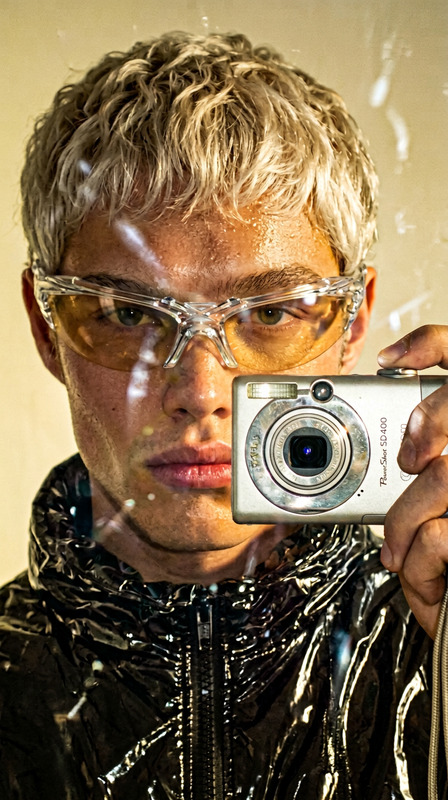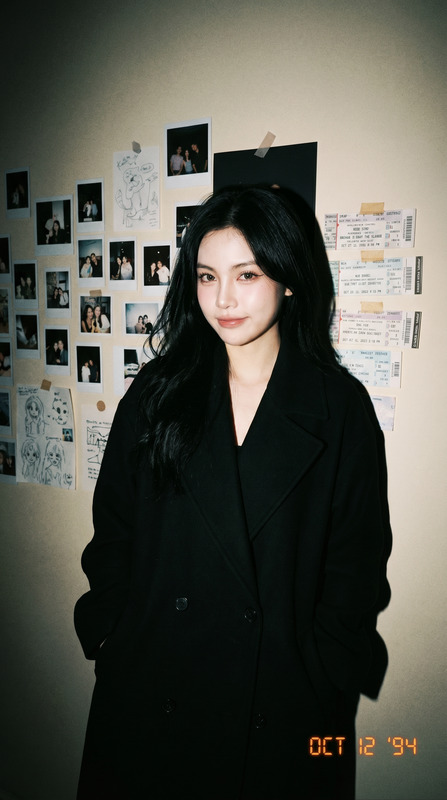
Polaroid Candid Flash Snapshot
- Model
- Nano Banana 2
- Image
- 1200 × 896 px
Prompt
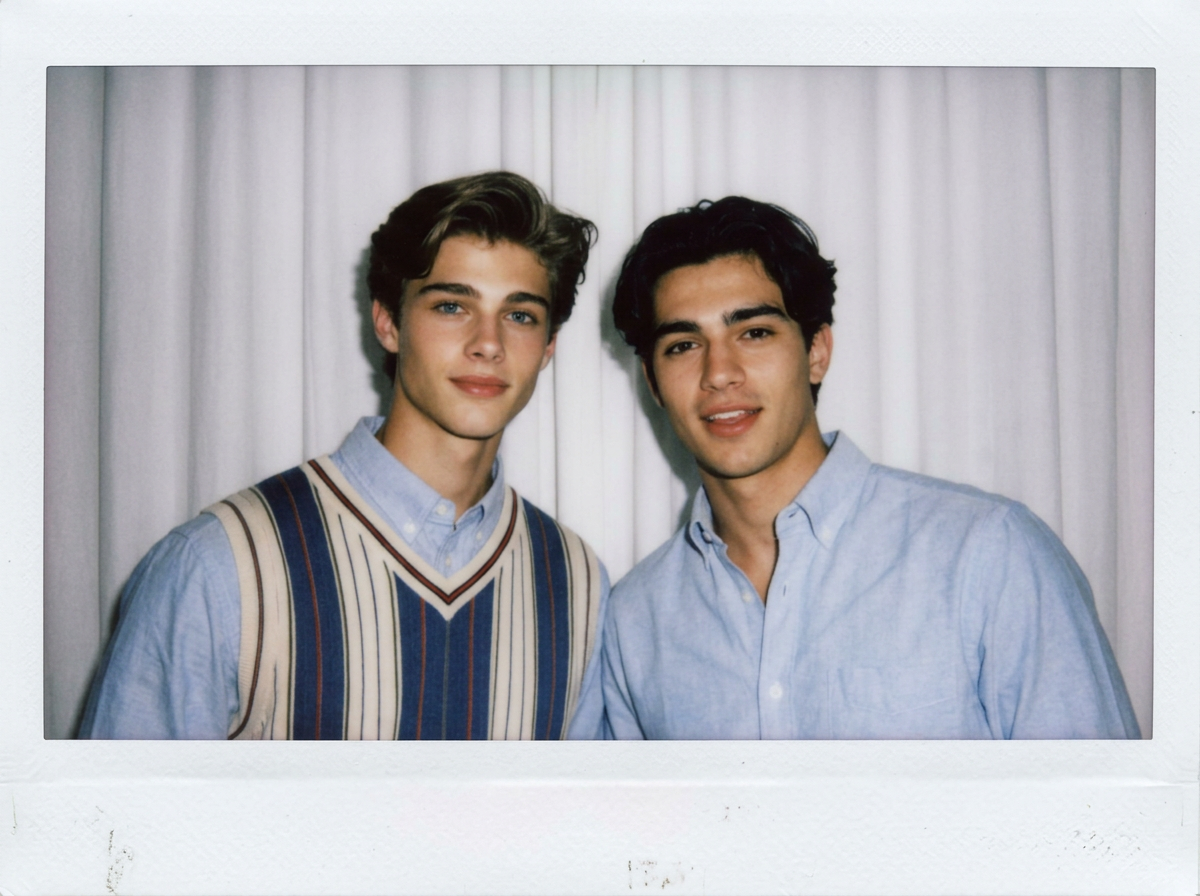
Create a photo styled to look like a Polaroid snapshot. The picture should appear casual and candid, without any main subject or noticeable props. Apply a soft blur and use lighting similar to a flash in a dark room, spreading evenly across the scene. Keep the faces unchanged. Replace the background behind the two people with plain white curtains, showing them in a natural, relaxed pose.
Any aspect ratio
Overview
Embrace the charm of retro photography with the Polaroid Candid Flash Snapshot template. This AI Image Editor model, based on nano-banana-2, lets you transform ordinary images into candid-looking Polaroid snapshots. The template applies a subtle blur effect and flash-style lighting, ideal for recreating an intimate, spontaneous feel, while keeping facial features natural.
What It Does
This template offers an artistic conversion of your photos into Polaroid-style images. It maintains a candid and casual atmosphere without a clear focus on any single subject. The tool simulates a flash photography effect typically seen in dark settings by spreading light evenly across the image. The background is edited to feature white curtains, enhancing the snapshot's casual vibe.
Who It's For
Perfect for photographers and content creators looking to add a nostalgic touch to their digital albums or social media posts. Whether you're an amateur photographer wanting to experiment with styles, or a professional seeking unique clients' portfolios, this template adds a creative edge to any project. Suitable for creating visually appealing imagery for websites and marketing campaigns, akin to those using our AI Image Editor solutions.
Summary
The Polaroid Candid Flash Snapshot template is your go-to tool for crafting images that echo the classic feel of Polaroid pictures. Ideal for bloggers, marketers, and photographers, the template uses AI to refresh any image, making it perfect for updating photo galleries or enhancing social media profiles. To explore more, visit AI Image Generator or check out our AI Clothes Changer to further expand your creative options.
How To
Choose Your Template

Customize Your Image

Generate the Snapshot

Use Cases
Event Photography
- Weddings
- Parties
- Concerts
Social Media Content
- Instagram posts
- Facebook galleries
- Blog images
Marketing Campaigns
- Product launches
- Ad creatives
- Promotional materials
Best Practices
Focus on Lighting
Ensure that the original image has contrasting lighting to amplify the flash effect.Choose Appropriate Images
Select photos that naturally fit into a candid and relaxed scene tailored by the template.Maintain Image Quality
Use high-resolution images to ensure clarity after editing.