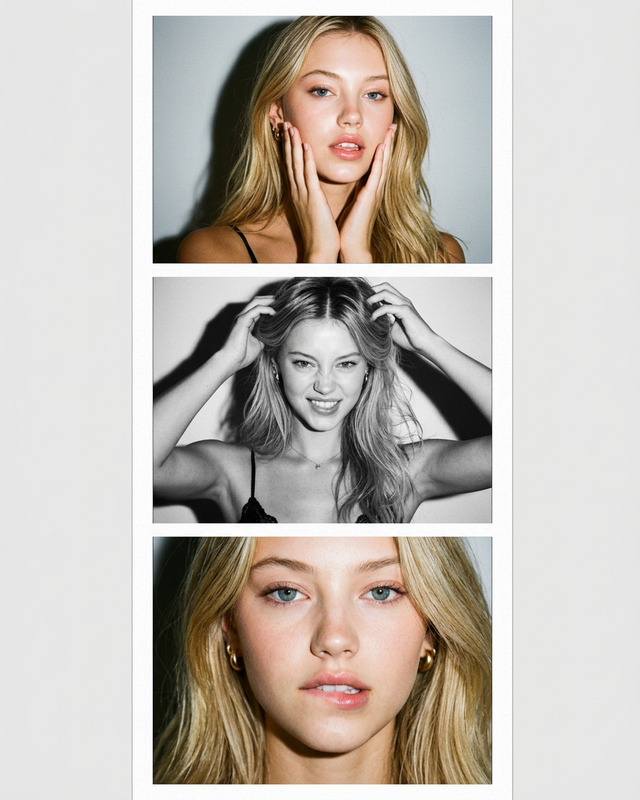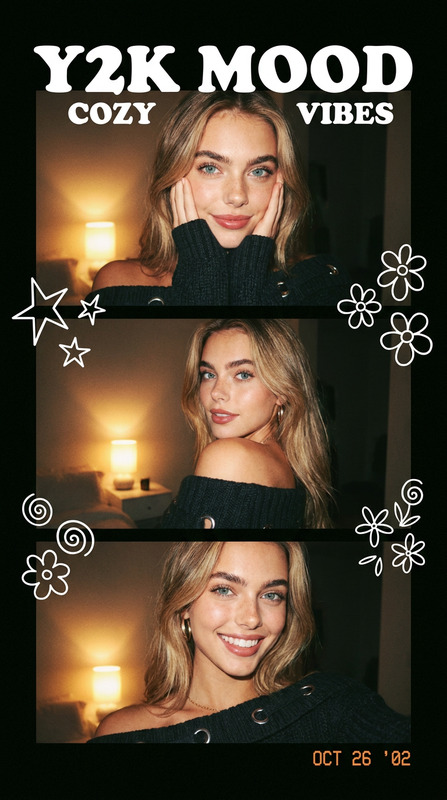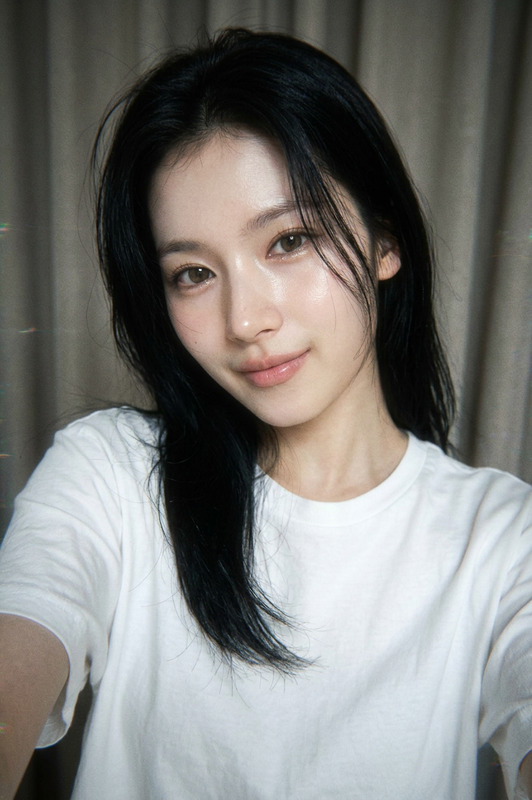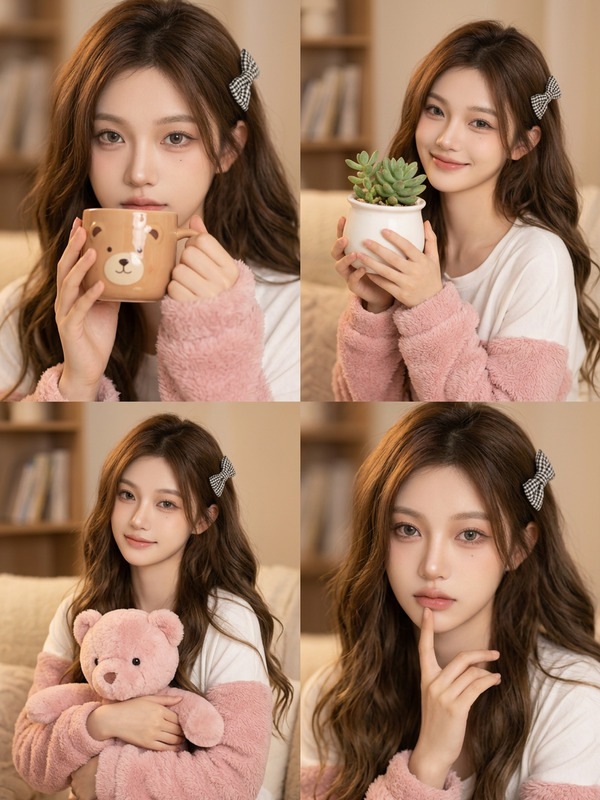
Macbook Collage
- Model
- Nano Banana
- Image
- 768 × 1344 px
Prompt
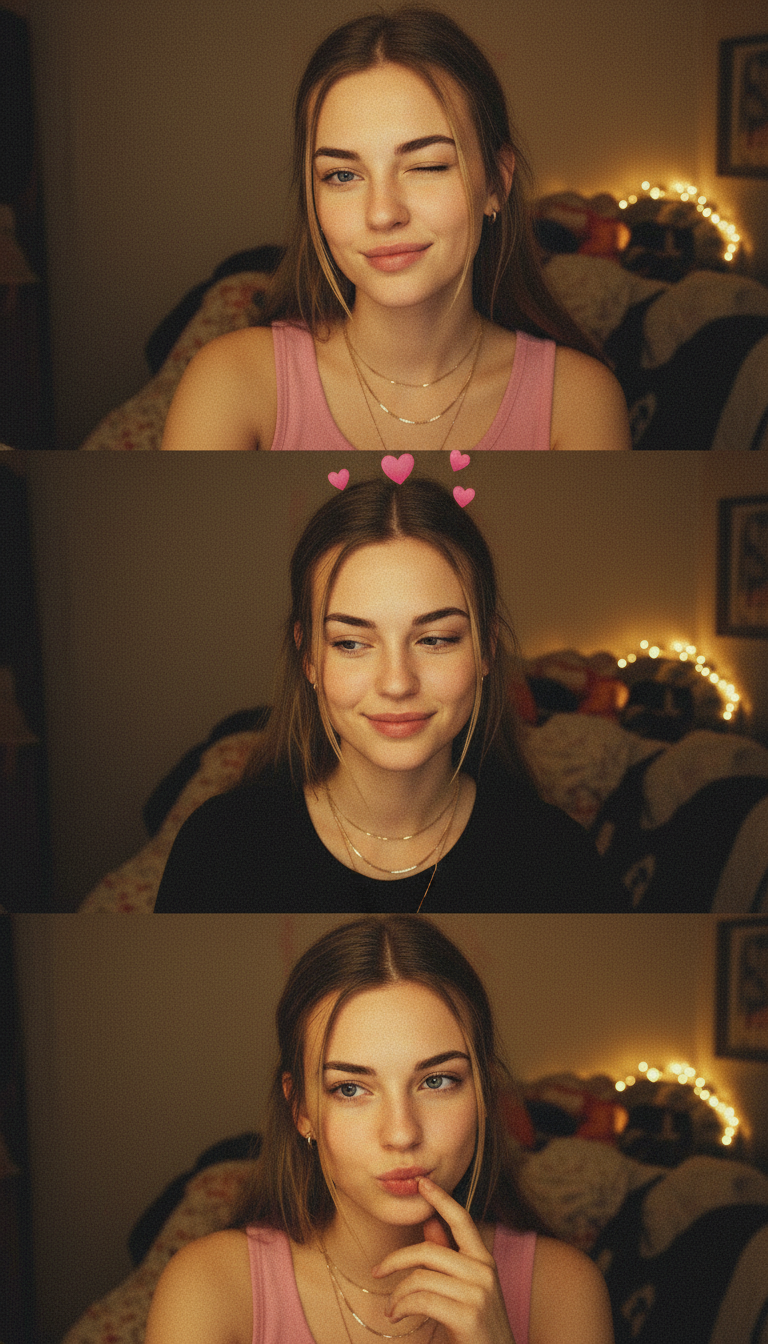
A vertical collage of three intimate webcam shots in warm, subdued bedroom lighting with a cozy background. The subject is a young woman with blonde hair tied back, wearing layered gold necklaces and alternating between a pink tank top and a black top. The first frame shows a playful wink with a slight smirk, the second frame features a soft, shy smile with pink heart AR effects above her head, and the third frame captures a cute, pouting expression with her finger near her mouth. The images have a grainy, low-resolution quality with a yellowish screen glow and a casual, authentic laptop camera softness.
Any aspect ratio
Overview
The Macbook Collage template leverages the capabilities of the AI Image Editor to create artful photo compositions. This template uses the sophisticated nano-banana model to capture the intimate and cozy essence of a webcam collage, suitable for creative projects and social media sharing.
What It Does
This template crafts a vertical collage consisting of three webcam-style images. Each image is distinct, capturing playful and relaxed expressions amidst warm and subdued lighting. Expect a uniquely casual yet engaging composition that emphasizes authenticity and personal connection.
Who It's For
This template is ideal for content creators, social media influencers, and photographers aiming to deliver intimate and relatable visual narratives. It appeals to users looking to enhance their storytelling through collages that convey personal and warm moments.
Summary
Utilize the Macbook Collage template for a personal touch in visual projects. Whether you're aiming to create engaging social media content or bring a cozy, authentic feel to your photography, this template makes it simple and effective. Enhance your workflow with integrated tools like the Full Body Generator and Photo Colorizer for additional creative depth.
How To
Choose the Template

Customize Your Inputs

Generate and Download

Use Cases
Social Media Content
- Instagram Stories
- Facebook Posts
Personal Projects
- Family Albums
- Memory Books
Online Branding
- Profile Enhancements
- Brand Storytelling
Best Practices
Focus on Lighting
Maintain a consistent warm lighting theme to keep the aesthetic cozy and inviting.Select Relatable Subjects
Use expressions and accessories that resonate personally, enhancing emotional connection.Apply Authenticity
Embrace the grainy, low-resolution quality for a genuine and unposed feel.