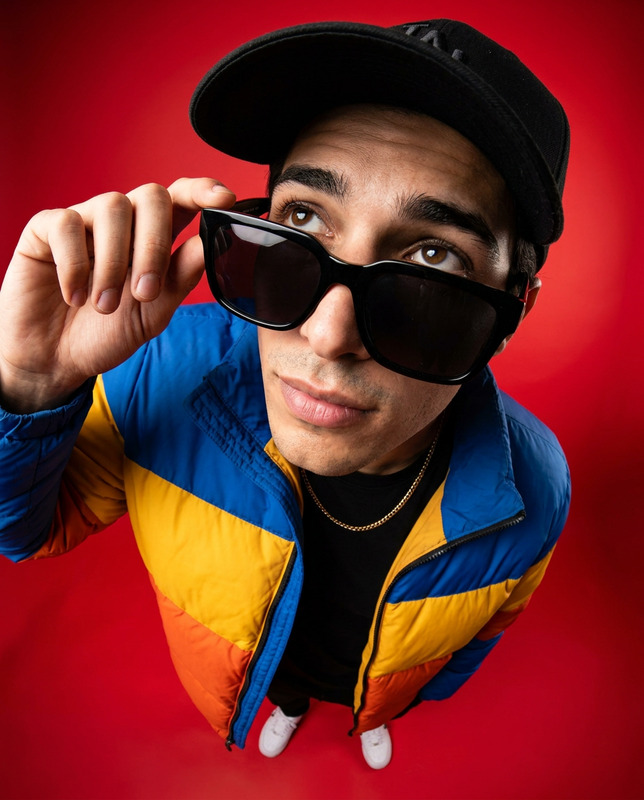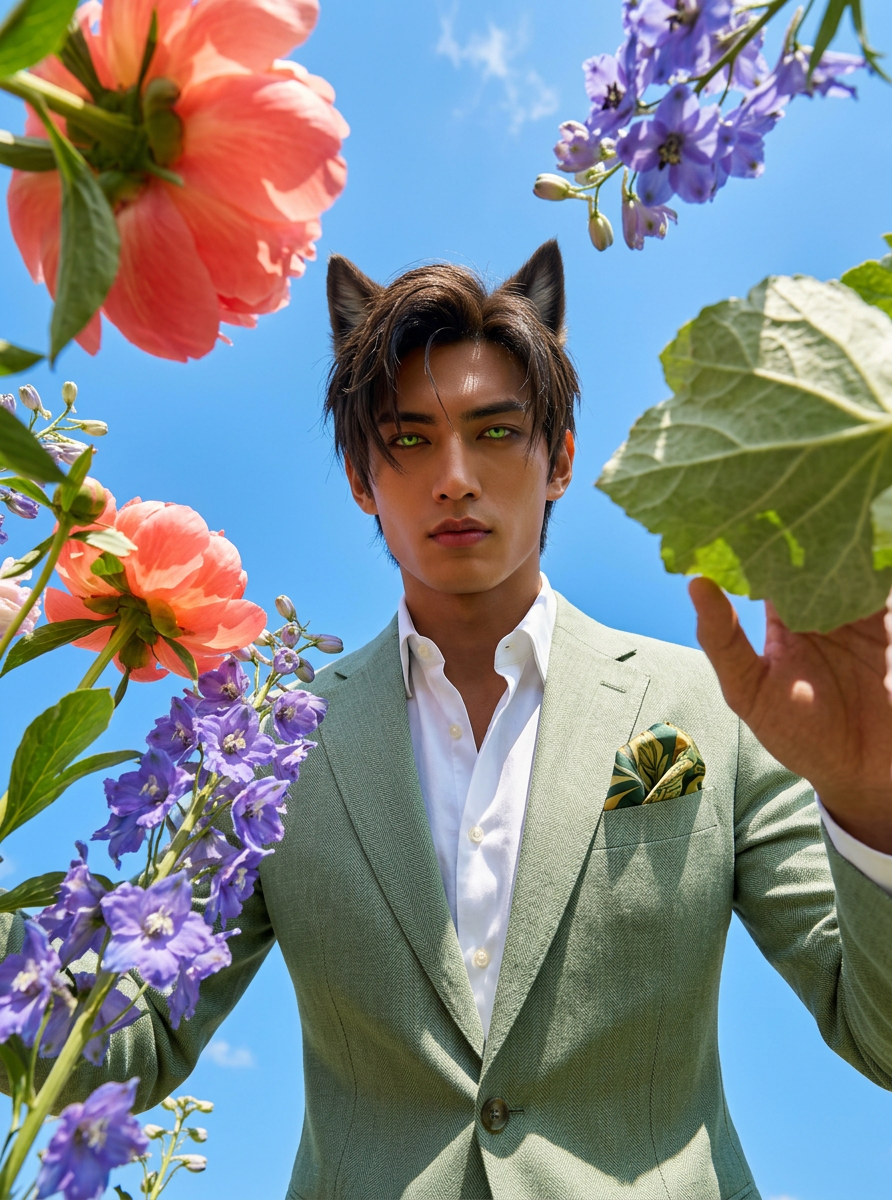
Wide Bloom
- Model
- Nano Banana 2
- Image
- 892 × 1200 px
Prompt
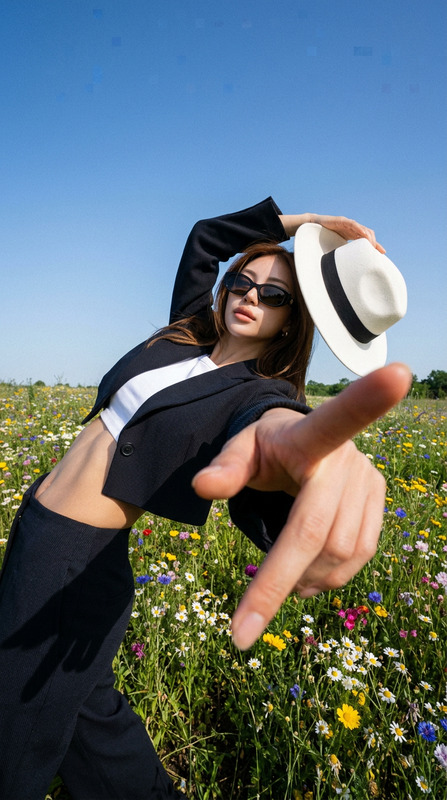
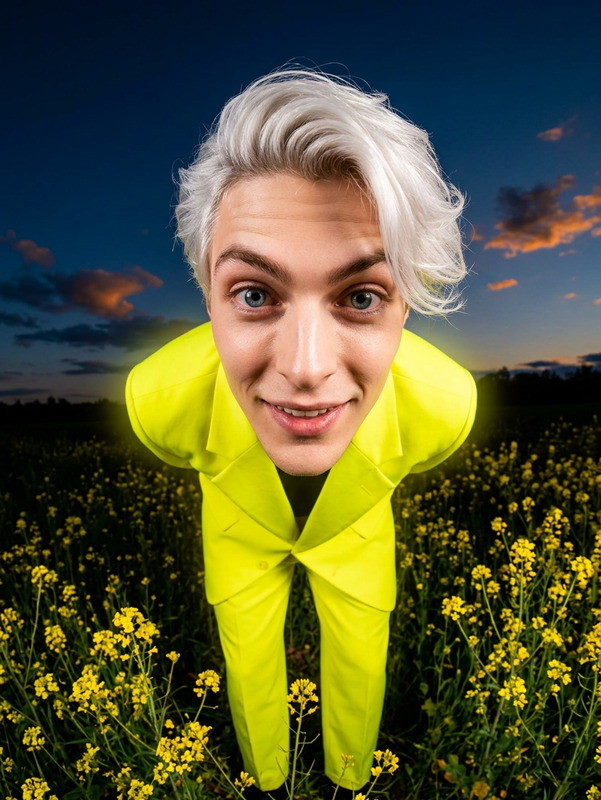
Transform my photo into an ultra wide-angle, ground-level portrait looking up, with only me as the subject and all original background removed. Frame the scene with oversized spring flowers inches from the lens, overlapping the edges and rising toward me to create depth. Place me above the camera, lightly interacting with the foreground in bright daylight with vivid color and strong shadows. Restyle my outfit into fashionable, modern spring clothing. Preserve my likeness and create a bold, immersive editorial feel.
Any aspect ratio
Overview
Welcome to Wide Bloom, an AI Image Editor template crafted with the powerful nano-banana-2 model. This tool revolutionizes your photos into stunning visual narratives, perfect for those seeking bold and immersive images.
With Wide Bloom, you can transform your photo into an ultra wide-angle portrait, framing the scene with oversized spring flowers and capturing bright, vivid daylight.
What It Does
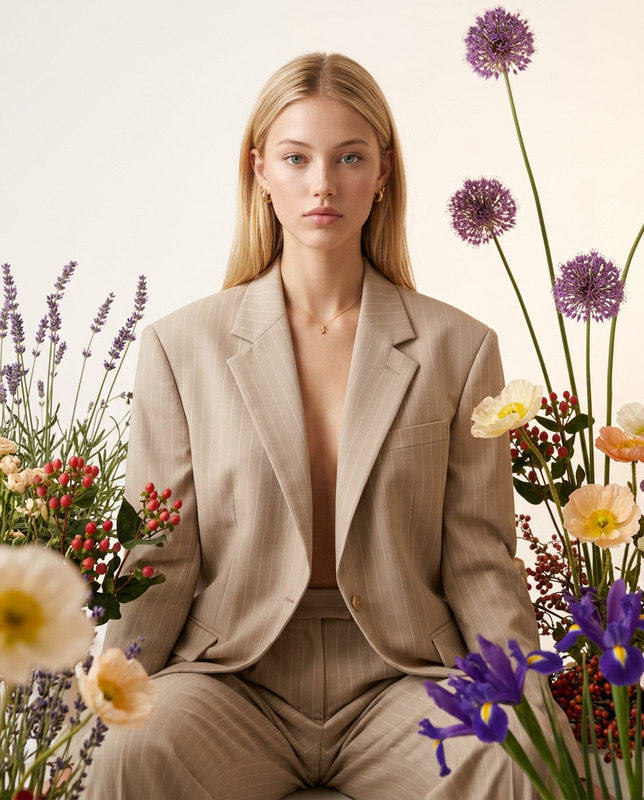
Wide Bloom converts ordinary photos into extraordinary visuals by altering perspectives to a ground-level, wide-angle shot. It eliminates the original background and introduces oversized, vividly colored spring flowers for depth and interest. This template restyles your outfit into modern spring fashion while maintaining your likeness and adding editorial flair.
For more similar transformations, explore our Face Swap product.
Who It's For
This template is perfect for artists, photographers, social media influencers, and anyone looking to create standout visual content. If your aim is to add depth and dynamism to your imagery, Wide Bloom's transformative capabilities are sure to enhance your portfolio and social media posts.
Summary
Wide Bloom is an essential tool for those ready to take their visual storytelling to the next level. By capturing yourself from a unique angle and style, you gain the ability to create eye-popping editorial-like images that tell your story vibrantly. For further enhancements, consider integrating with our AI Photo Relighting tool to adjust lighting aspects effortlessly.
How to Use
Choose Your Template

Customize Your Photo

Generate Your Image

Use Cases
Social Media Content
- Enhance Instagram posts
- Craft engaging Facebook album photos
Fashion Photography
- Add depth with wide angles
- Redesign outfits for seasonal collections
Personal Branding
- Showcase creative concepts
- Highlight individuality with bold visuals
Best Practices
Choose High-Quality Photos
Start with a high-resolution image to make the most of the template's transformative capabilities.Play with Depth
Adjust the flower positioning in the prompt for varied depth effects, ensuring they complement your subject.Update Clothing Elements
Focus on clothing elements to ensure they align with the modern, fashionable look you aim to achieve with your images.