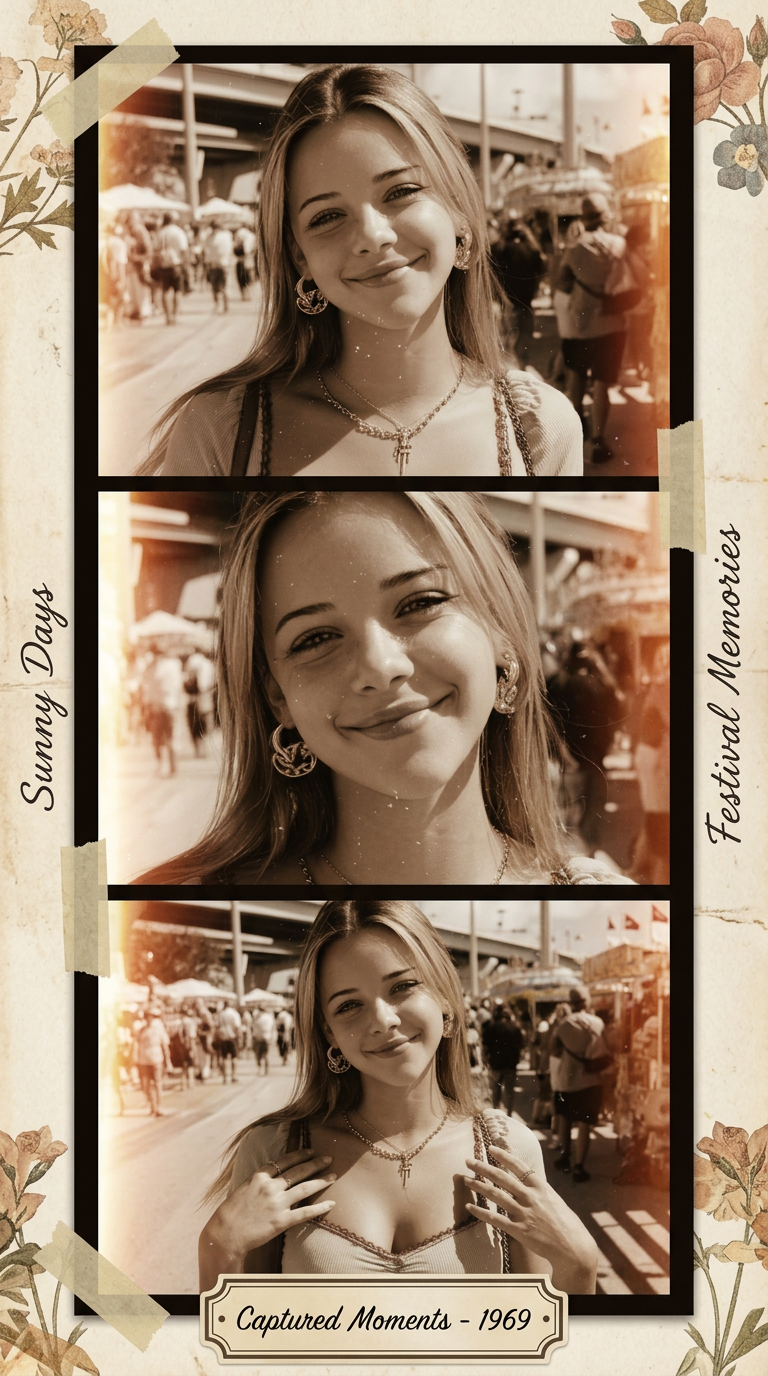
Vintage Film Strip
- Model
- Nano Banana 2
- Image
- 768 × 1376 px
Prompt
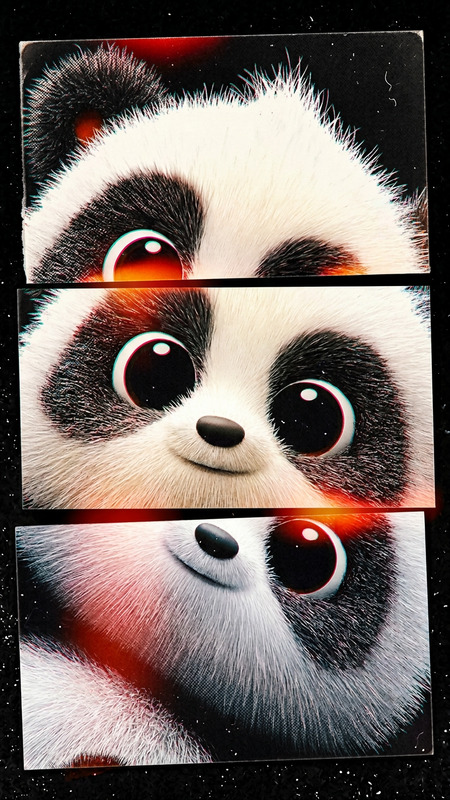
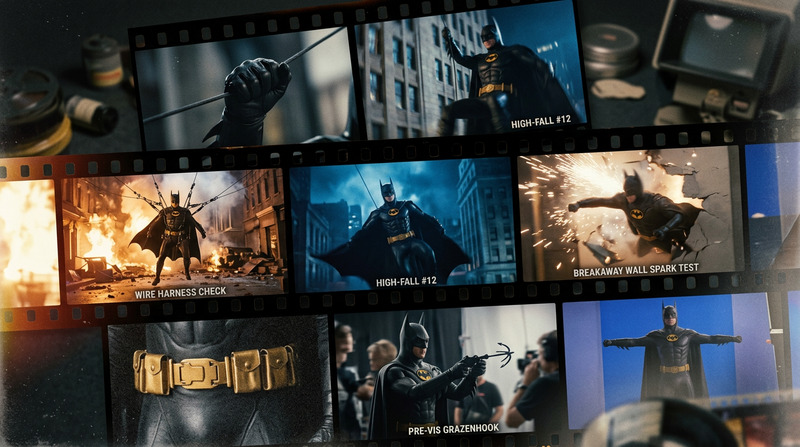
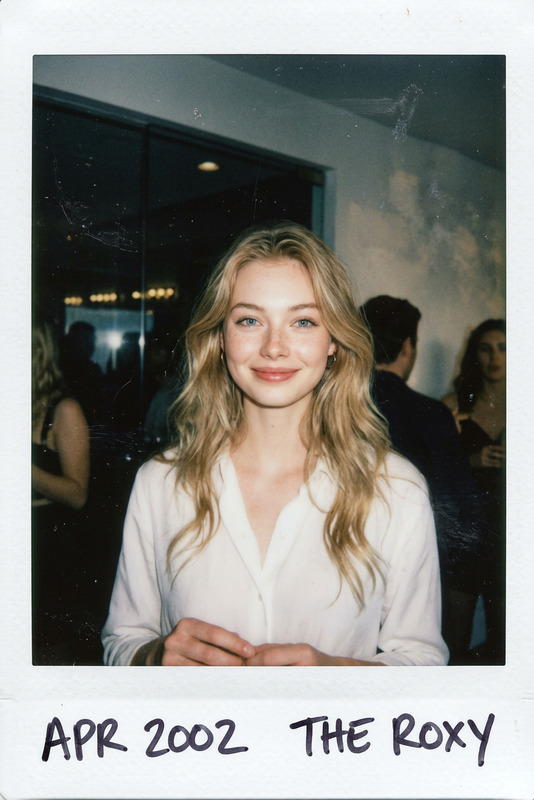
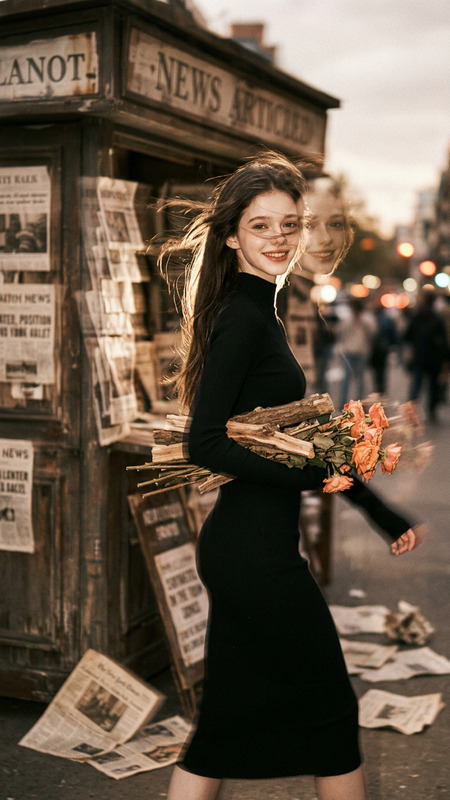
<<<Image1>>>Create a film strip vintage scrapbook from the uploaded photo, preserving facial identity and expression. Design a vertical film strip border with 3 to 4 frames showing the same person in slightly different crops and angles. Add aged paper background between frames, small handwritten annotations, vintage tape pieces, and faded floral corner details. Use warm sepia, brown, and cream tones with authentic film grain, subtle light leaks, soft scratches, and a 1960s photo studio feel. Include a decorative vintage label at the bottom with handwritten-style text. Vertical 9:16, analog film scrapbook mood.
Any aspect ratio
Overview
The Vintage Film Strip template transforms your ordinary photos into charming film strip scrapbooks that capture the quintessential mid-20th-century photographic style. Leveraging the AI Image Editor, this template layers your images with warm sepia tones, light leaks, and nostalgic embellishments to evoke the ambiance of a 1960s photo studio.
What It Does
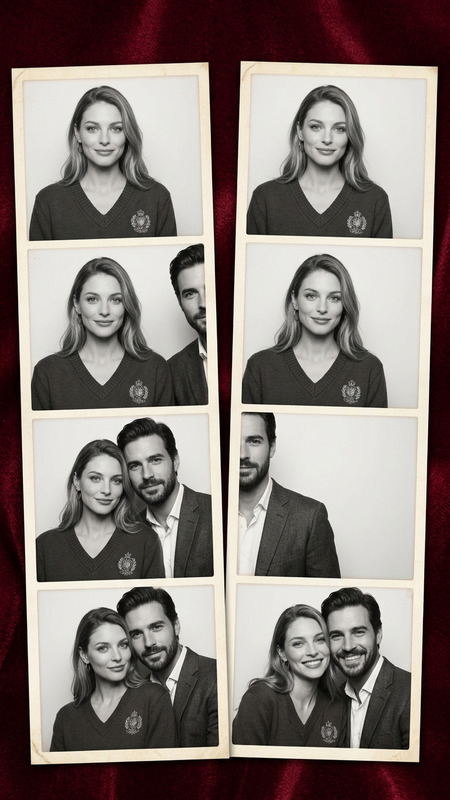
This template meticulously transforms your uploaded images into a vertical film strip, maintaining the subject's facial identity and expression. It features 3 to 4 frames with slight variations, surrounded by vintage tape, handwritten annotations, and faded floral details. The result is an analog film scrapbook effect with authentic film grain and subtle aged paper textures between frames.
Who It's For
Designed for photographers, scrapbook enthusiasts, and creators in the nostalgia niche, this template offers an easy way to create vintage-themed visuals. It's perfect for anyone looking to add a personal touch to family photo albums, social media stories, or creative projects that require a retro look.
Summary
With the Vintage Film Strip template, turn any photo into a beautifully aged scrapbook film strip. It's ideal for personalizing content with a throwback feel, suitable for various creative and commercial uses. The AI Talking Photo and AI Clothes Changer tools complement this template well, enhancing any retro-themed photo project.
How-To
Choose Your Template

Customize Your Image

Generate and Download

Use Cases
Creating Nostalgic Family Albums
- Design albums with a classic look
- Add personalized annotations
- Share with family on social media
Social Media Storytelling
- Perfect for Instagram stories
- Creates engaging TikTok backgrounds
- Enhance Pinterest projects
Commercial Creative Projects
- Brand campaigns requiring retro themes
- Vintage-inspired advertisements
- Incorporate in video production backdrops
Best Practices
Use High-Quality Photos
For the best results, upload high-resolution images. This ensures the vintage effects will apply smoothly and vividly.Plan Your Composition
Before applying the template, consider how the composition will look across multiple frames. Use varied angles and crops for more dynamic visual storytelling.Fine-Tune Annotations
Personalize handwritten annotations for added authenticity. Use details that connect with the image or the moment to enhance the scrapbook feel.