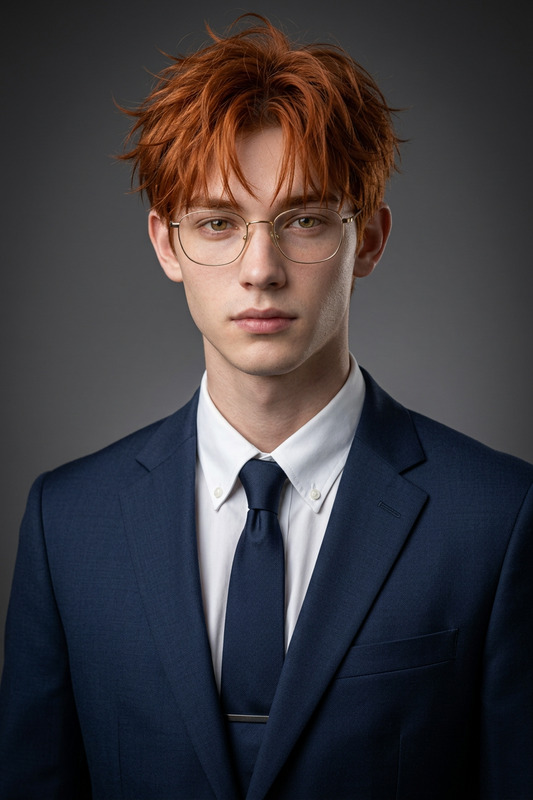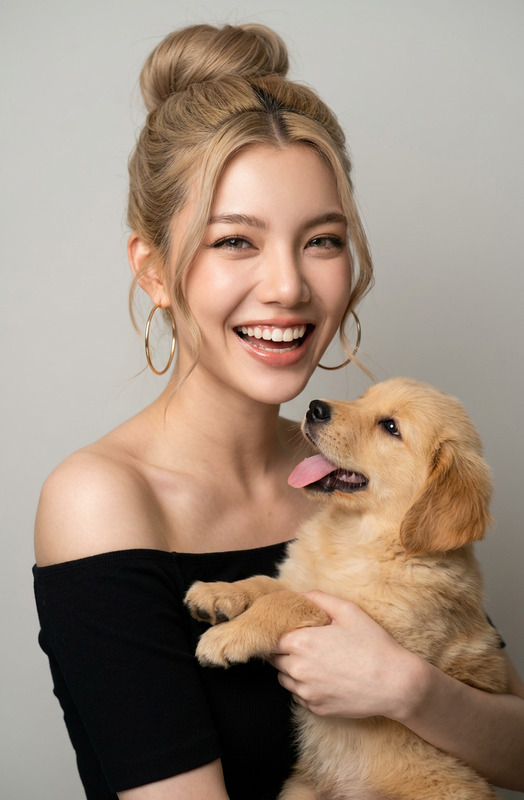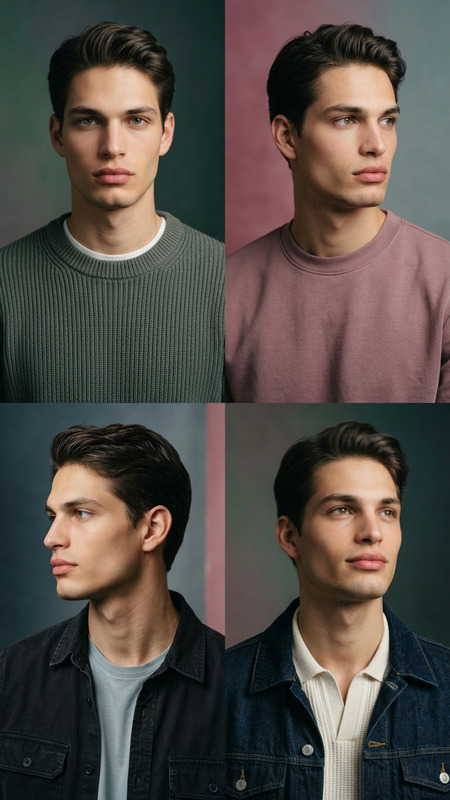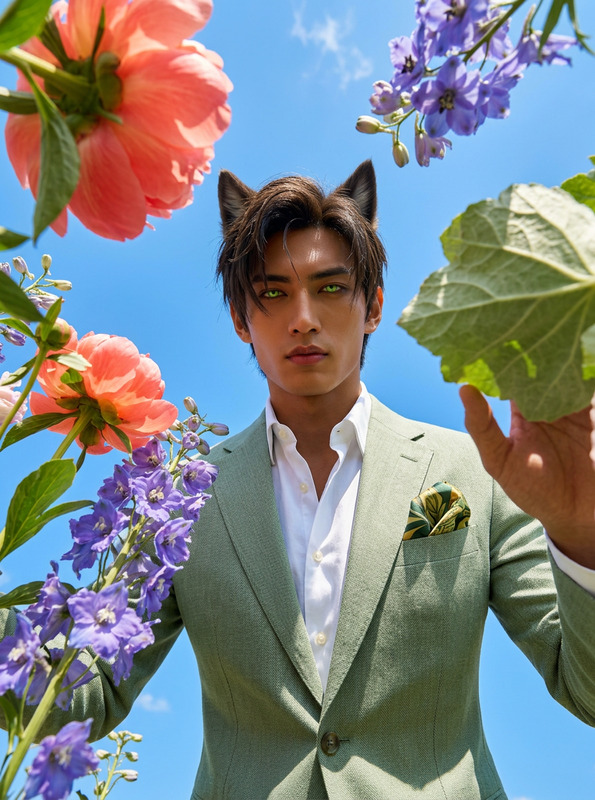
Studio Edit
- Model
- Nano Banana 2
- Image
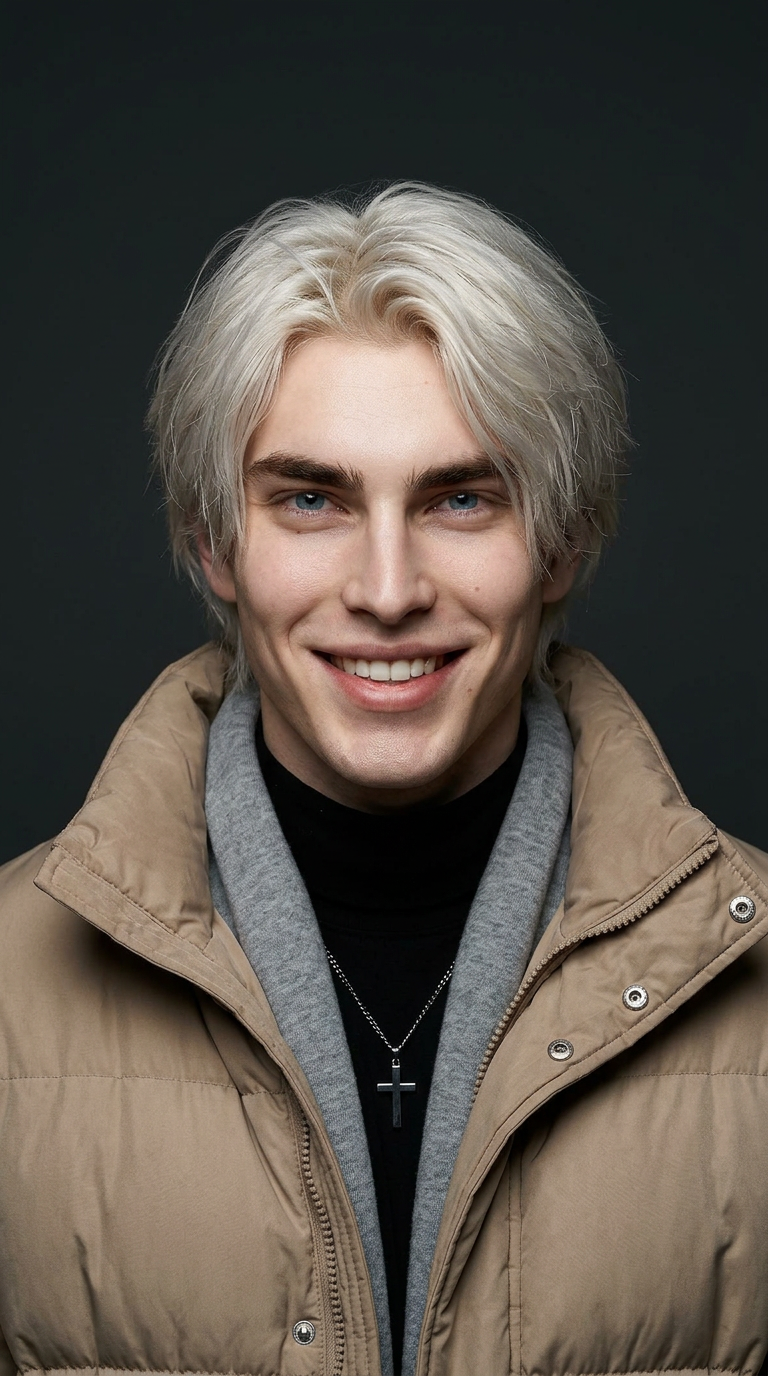
- 768 × 1376 px
Prompt
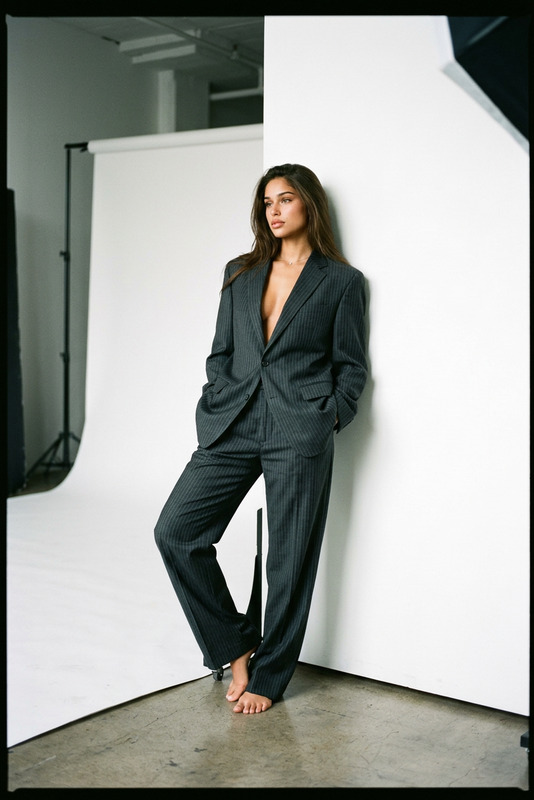
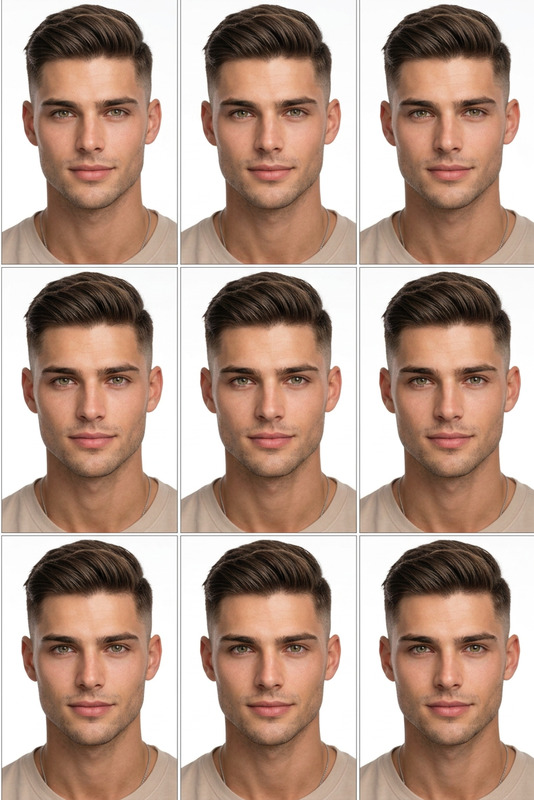
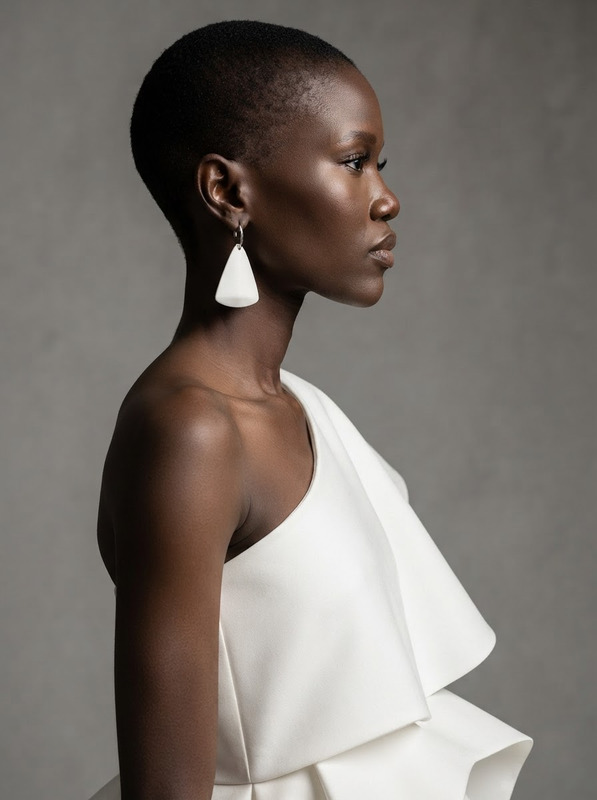
Transform this photo into an elevated fashion studio portrait. Choose a complementing-color background that enhances the subject's skin tone. Keep a tight head-and-shoulder composition with the subject centered and facing the camera straight with an optimistic expression. Apply directional lighting with subtle shadows. Preserve natural skin tones while making the image polished, minimal, and editorial—like a magazine photoshoot.
Any aspect ratio
Overview
The Studio Edit template transforms ordinary photos into high-end fashion studio portraits using AI technology. It's perfect for photographers and creators who want to elevate their images with professional-level editing.
What It Does
Studio Edit uses the powerful AI Image Editor to turn casual shots into glamorous editorial photos. It refines images by adjusting lighting and shadows, selecting a background that complements skin tones, and ensuring the subject is expertly composed. This template retains natural skin tones and delivers a polished look reminiscent of magazine covers.
Who It's For
This template is ideal for fashion photographers, influencers, and brands looking to create standout images for their portfolios or social media. It's also perfect for anyone who needs to deliver polished, editorial-quality portraits quickly and without needing advanced photo editing skills.
Summary
With Studio Edit, producing magazine-quality portraits is straightforward and accessible. The template streamlines the editing process while ensuring the results are both natural and professionally refined, making it an essential tool in any visual creator's toolkit. Experience its capabilities alongside other powerful tools like the AI Image Generator and the Photo Colorizer to elevate your creative projects even further.
How-To
Choose the Template

Customize Your Inputs

Generate the Output

Use Cases
Fashion Photography
- Use for modeling shoots
- Enhance portfolio images
Brand Campaigns
- Produce advertorial images
- Design campaign visuals
Social Media Content
- Capture attention with quality images
- Build a consistent visual brand
Best Practices
Choose the Right Background
Select a background color that complements the subject's skin tone for best results.Set Proper Lighting
Ensure your image has good lighting to fully benefit from the AI's directional lighting adjustments.Keep Composition Simple
Focus on a head-and-shoulder composition to maintain the editorial look and feel.