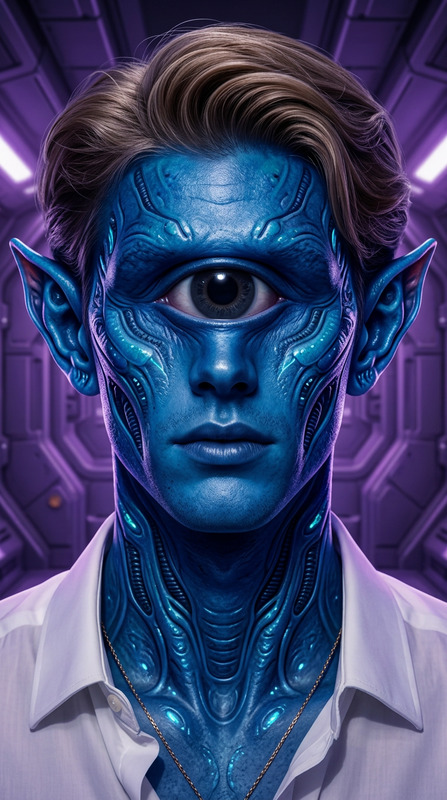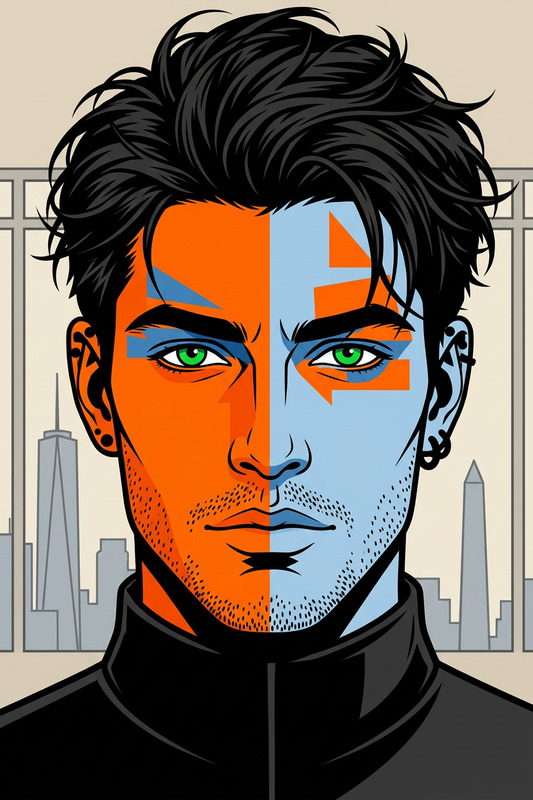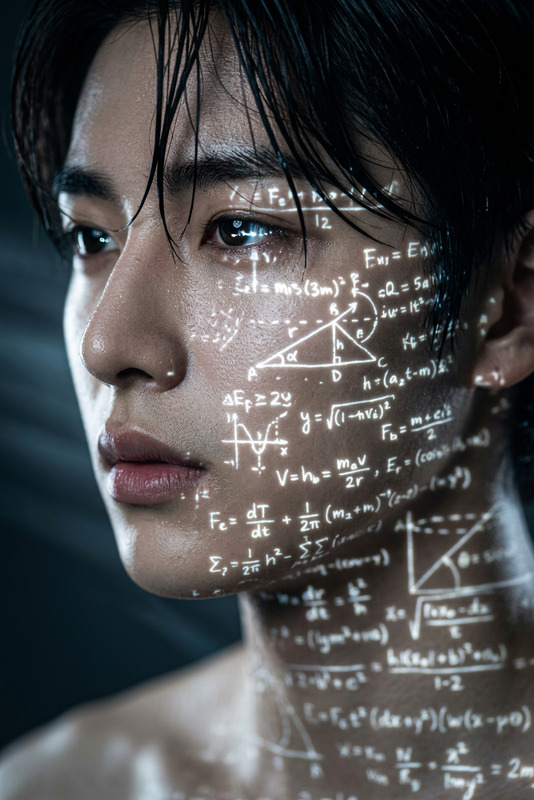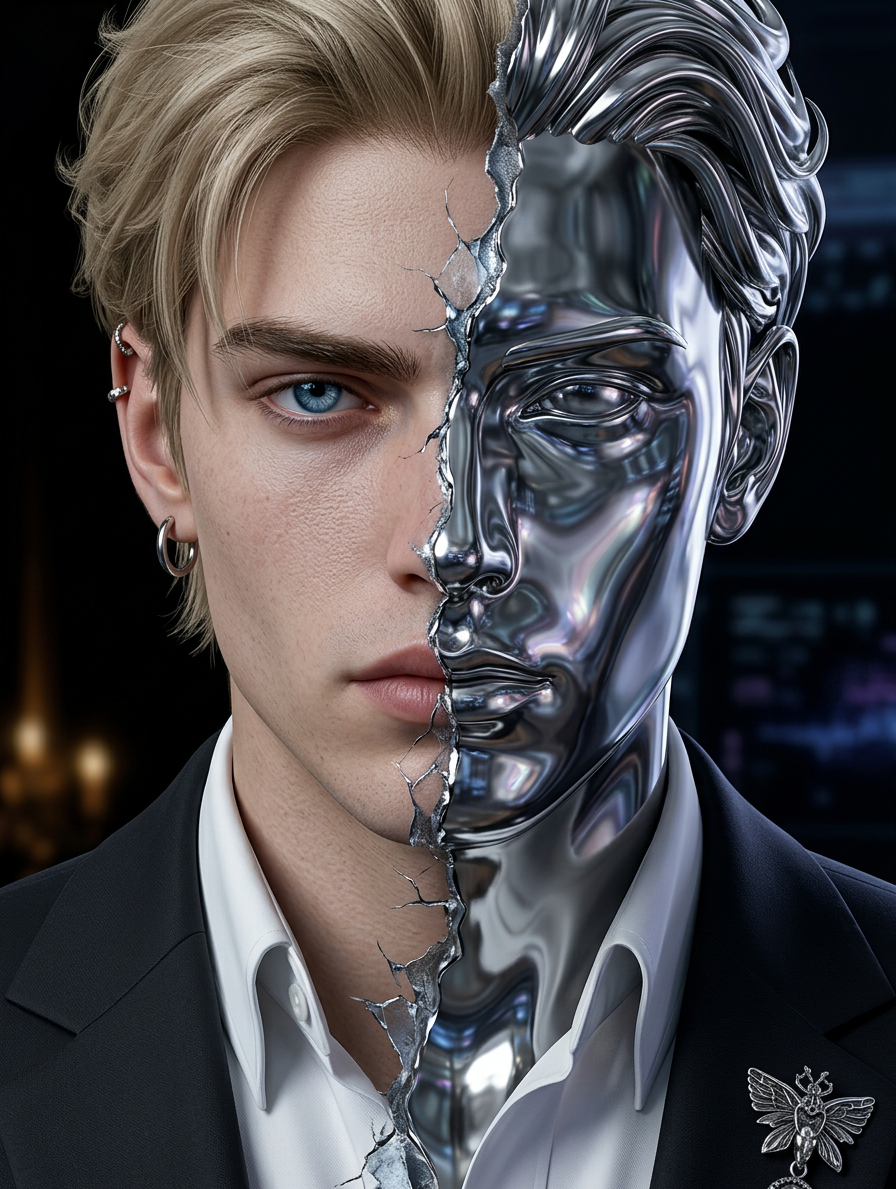
Human–Machine Split Portrait
- Model
- Nano Banana 2
- Image
- 896 × 1189 px
Prompt
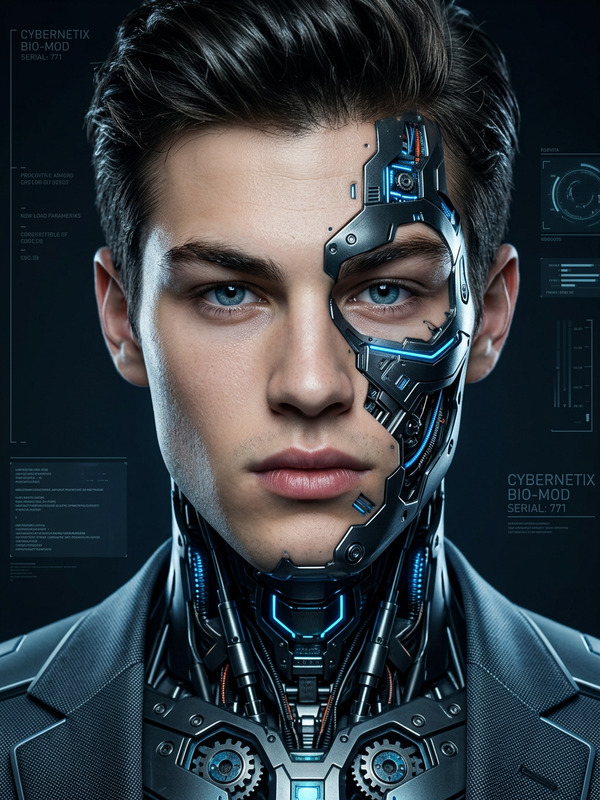
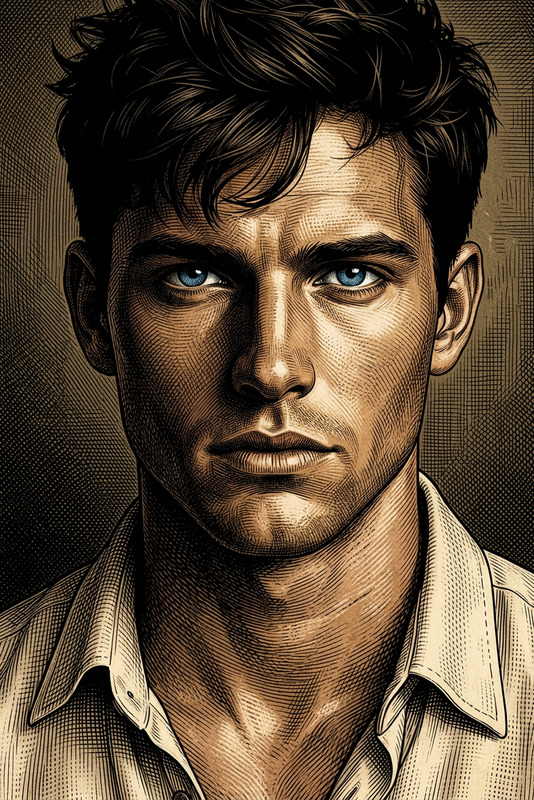
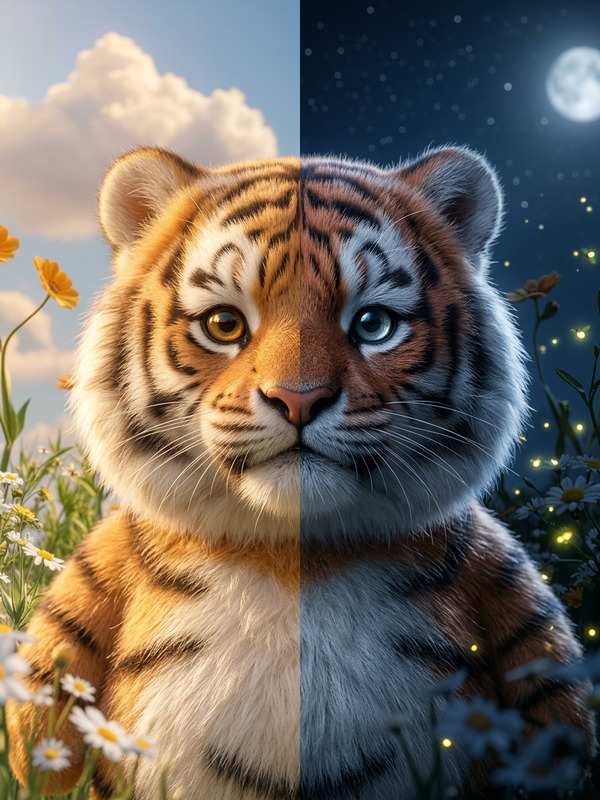
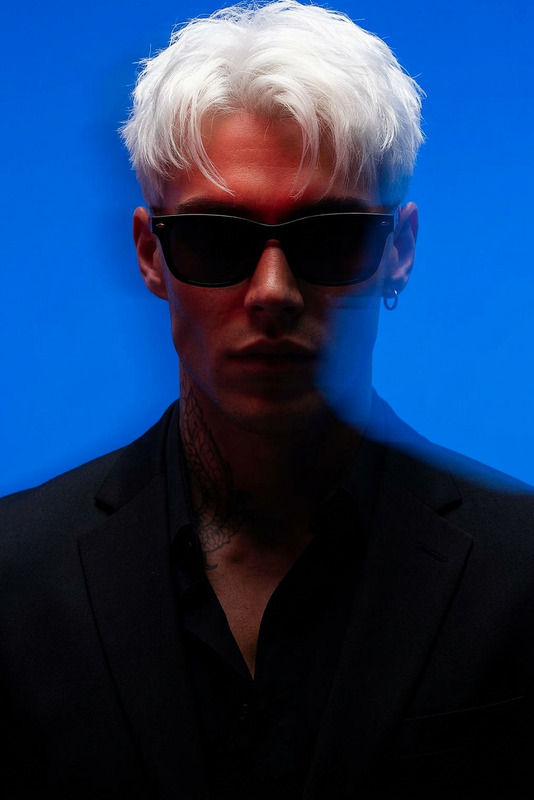
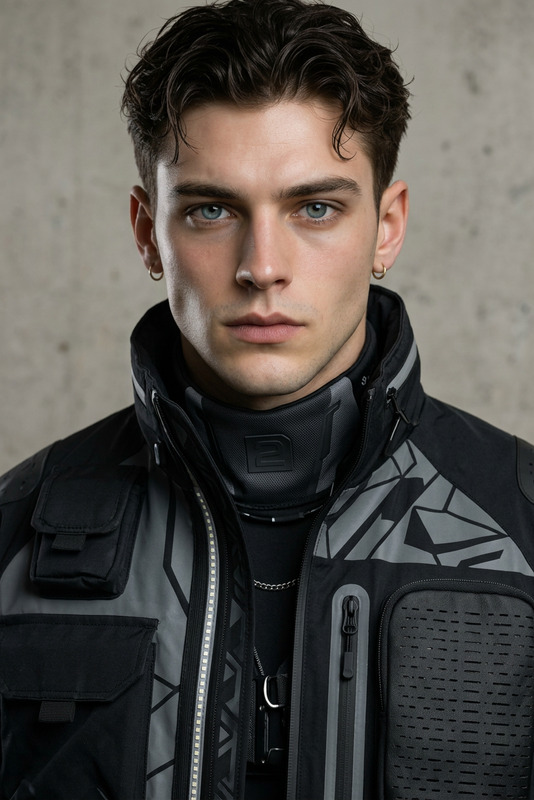
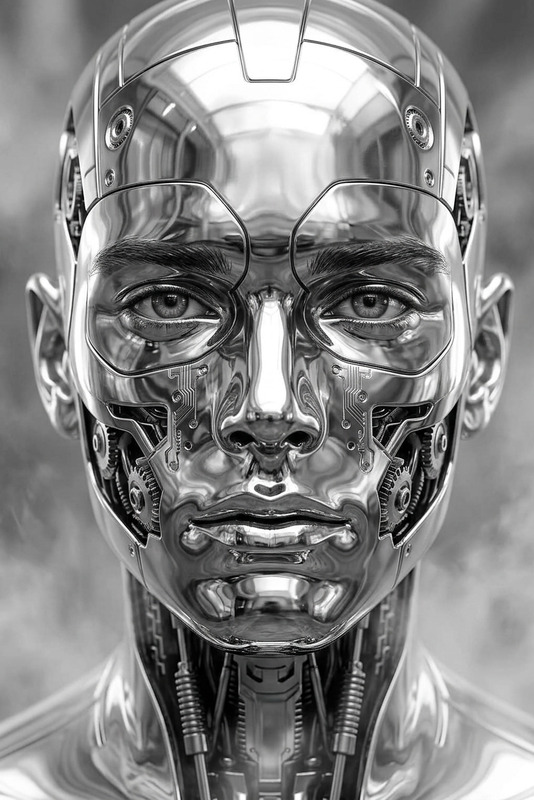
Generate a striking, symmetrical close-up portrait of a formal-suited subject, front-facing, with the face vertically split into two contrasting halves; one side is rendered in hyper-realistic detail with lifelike skin texture, sharp features, and intense eyes under cinematic lighting, while the other side transforms into smooth liquid metal with reflective, mirror-like qualities, evoking a futuristic shape-shifting form; the transition between the two halves is jagged and organic, resembling torn steel or cracking ice; the expression remains calm, controlled, and subtly menacing; the background is minimal and subdued to emphasize the duality between human and machine, creating a bold, high-contrast, cinematic sci-fi portrait.
Any aspect ratio
Overview
The Human-Machine Split Portrait template uses the power of AI to create a visually stunning and symmetrical portrait that combines the organic with the futuristic. This template is perfect for artists, designers, and content creators looking to explore the confluence of human and machine elements in their visual storytelling.
What It Does
This template renders a split portrait where one half showcases hyper-realistic human features, and the other morphs into a metallic, shape-shifting entity. The transition between these two halves is dynamic and visually engaging, resembling torn steel or cracking ice. This duality offers a deep visual narrative, ideal for storytelling in sci-fi and tech-centric projects.
For additional editing needs, consider using our AI Image Generator to enhance background elements and overall mood.
Who It’s For
This template is designed for video producers, digital artists, and marketers who wish to create compelling visuals that resonate with a modern, tech-savvy audience. It's an excellent choice for creators focused on AI-themed content, sci-fi narratives, or any projects highlighting the intersection between humanity and technology.
Summary
The Human-Machine Split Portrait provides a striking visual experience, blending lifelike human detail with a sleek, metallic finish. Suitable for both personal portfolios and professional marketing materials, this template can help differentiate your content by adding a unique, high-contrast aesthetic.
Explore more tools like the AI Ad Creative Generator to complement this design with engaging advertisements.
How to
Choose Your Template

Customize Your Inputs

Generate Your Image

Use Cases
Digital Art Portfolios
- Add depth to digital portfolios
- Showcase AI capabilities in art
Corporate Presentations
- Impress stakeholders
- Illustrate futuristic concepts
Marketing Campaigns
- Create memorable ads
- Engage a tech-savvy audience
Best Practices
Select High-Quality Source Images
Ensure the initial image is high-resolution for the best results, focusing on clear, frontal facial features.Adjust Contrast Carefully
Balance the hyper-realistic and metallic sides to maintain visual harmony. Too much contrast can diminish the intended effect.Emphasize the Background
Use a subtle background to highlight the subject's duality. The AI Background Changer can assist in achieving this.