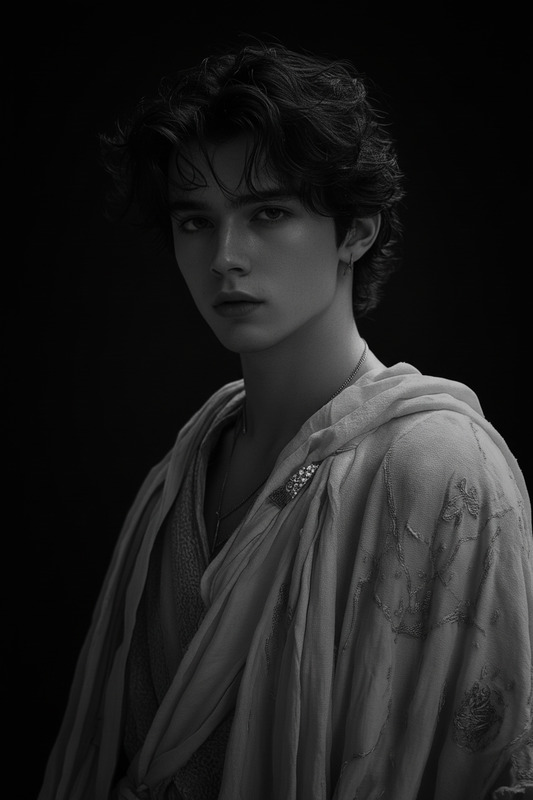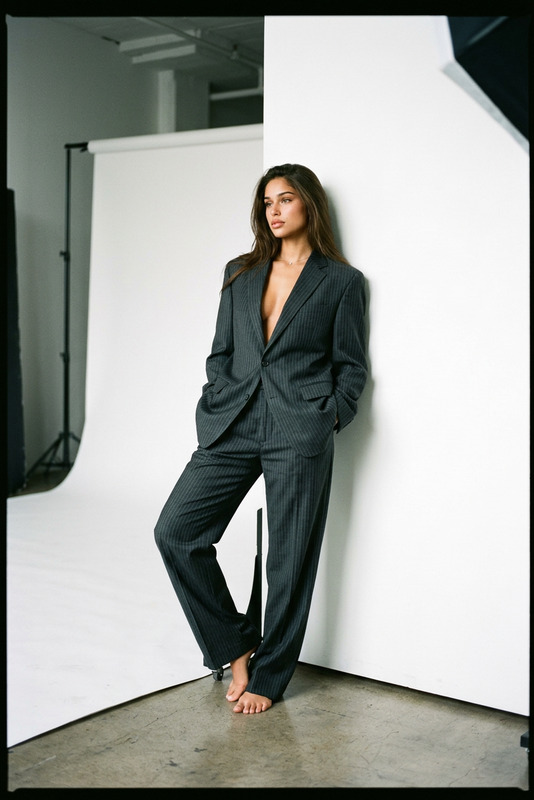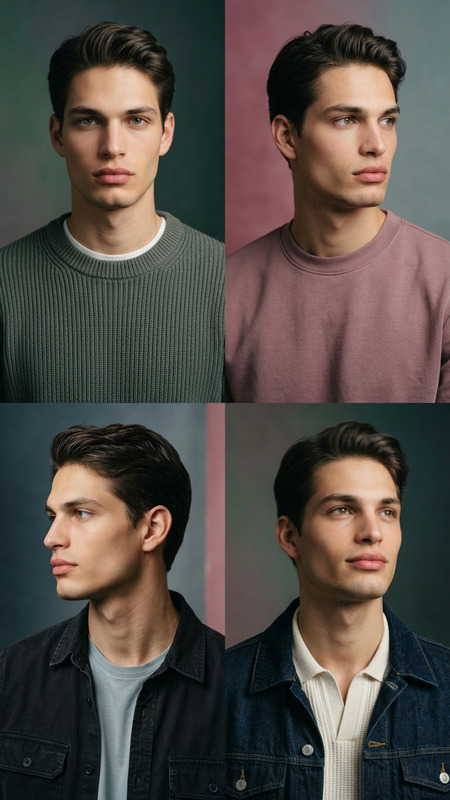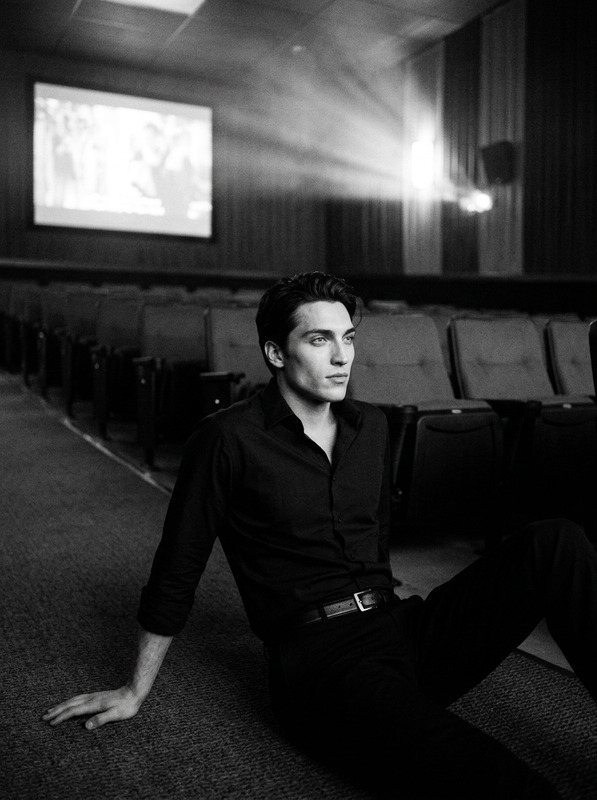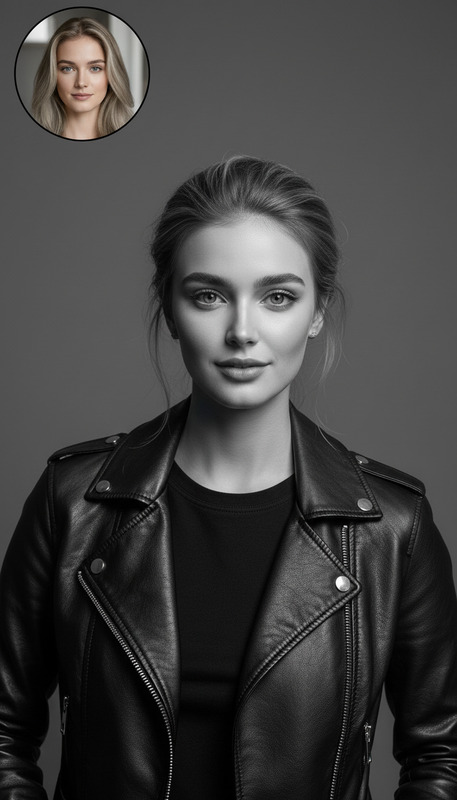
Studio Bw
- Model
- Nano Banana 2
- Image
- 843 × 1264 px
Prompt
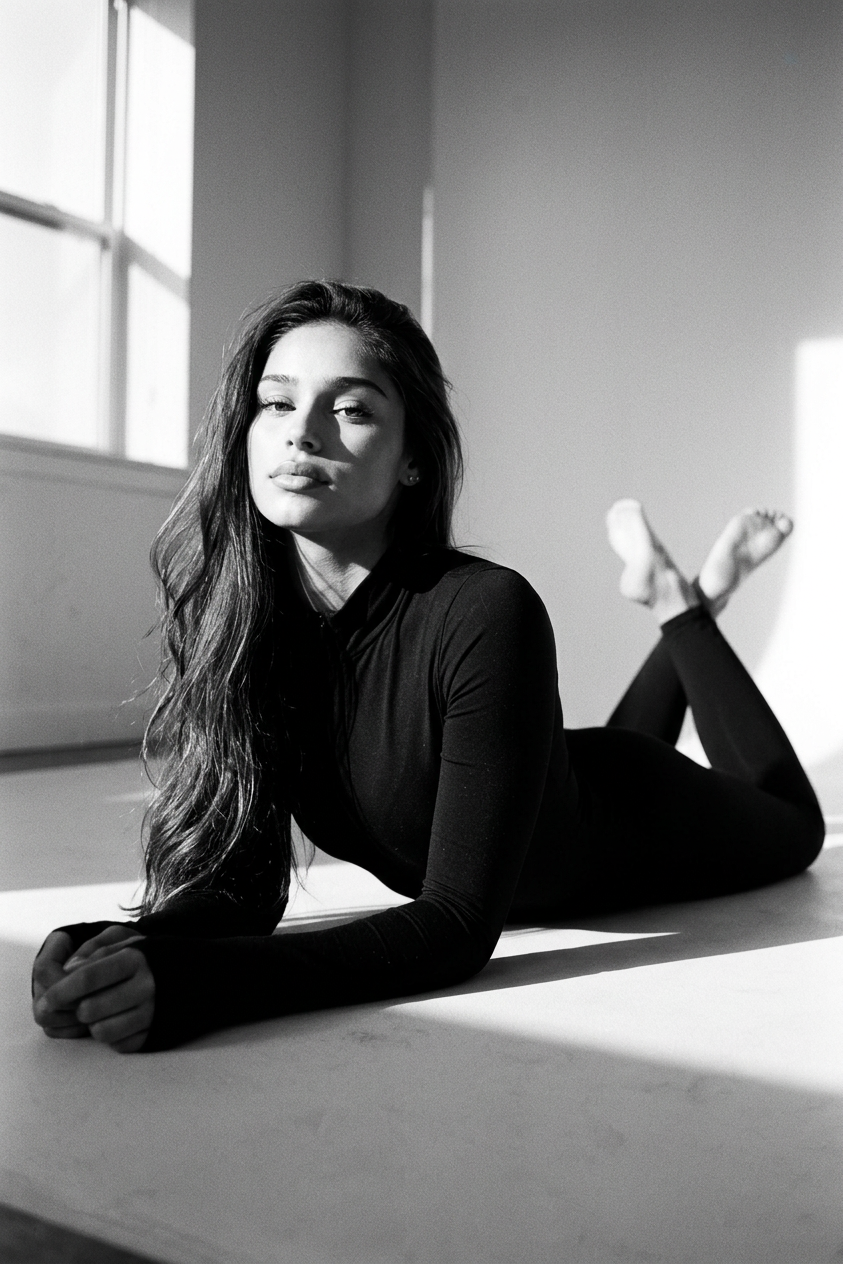
A classic black-and-white 35mm film portrait in an empty studio: the subject lies on the floor, resting on his elbows behind him, legs extended and crossed at the ankles, chin slightly raised, gaze direct and confident; the woman wears a form-fitting black jumpsuit with a high collar. Shot at a low angle on 85mm, strong sidelight from the window creates soft, dramatic shadows. The Kodak Portra 400 style features fine grain, deep blacks, and smooth transitions of light and shadow.
Any aspect ratio
Overview
Bring classic photography charm to your digital images with the Studio Bw template, powered by the nano-banana-2 model. This AI Image Editor template emulates the aesthetic of black-and-white film photography, producing portraits with fine grain and dramatic lighting effects. Ideal for creating striking visuals without the need for physical film tools.
What It Does
The Studio Bw template transforms your images into timeless black-and-white portraits. The low-angle shot captures drama and elegance, while the sidelight enhances shadows, mirroring the style of classic 35mm film. The inclusion of the Kodak Portra 400 look ensures your images feature deep blacks and smooth tonal transitions.
If you're exploring more editing options, consider the Face Swap or the AI Clothes Changer to complement your creative toolkit.
Who It's For
Perfect for photographers, designers, and creatives who want to deliver a vintage film quality without extensive manual editing. Whether you're prepping visuals for a social media campaign or enhancing a mood board, this template offers the tools to elevate your project with a classic, timeless look.
Summary
The Studio Bw template offers a straightforward approach to creating classic black-and-white portraits with a compelling visual style. Utilize this template to quickly set up and customize images that stand out with a vintage charm, ready for various artistic and professional presentations.
Explore complementary enhancements with tools like AI Image Upscaler to refine the finer details in your creations.
How To
Choose Your Template

Customize the Settings

Generate and Save

Use Cases
Social Media Imagery
Artistic Portfolios
Marketing Materials
Best Practices
Focus on Lighting
Ensure your images have pronounced shadows and highlights to fully capitalize on the template's lighting features.Match the Pose
Encourage subjects to replicate the described pose for authenticity in the final output.Leverage AI Tools
Pair this template with other AI editing tools like AI GIF Generator for diverse content creation.