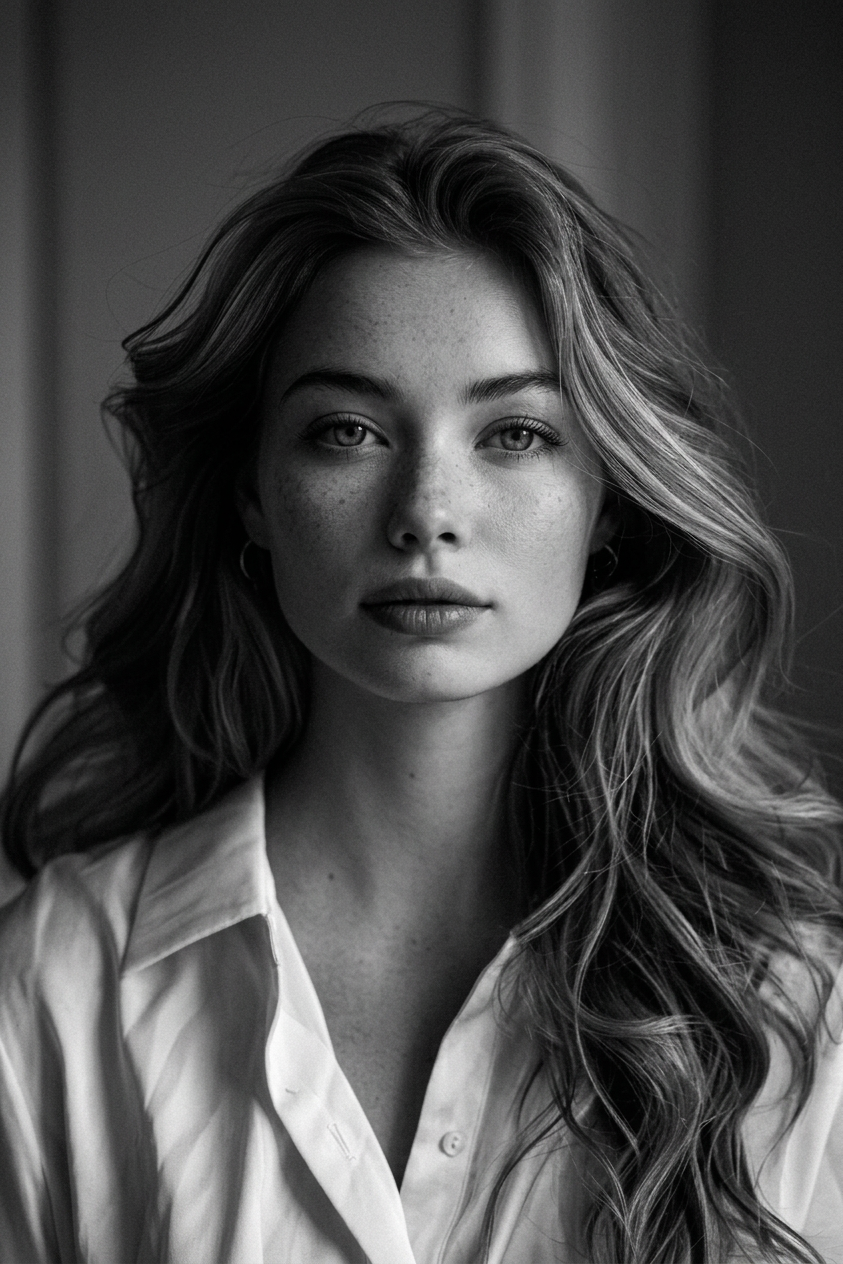
Noir
- Model
- Nano Banana 2
- Image
- 843 × 1264 px
Prompt
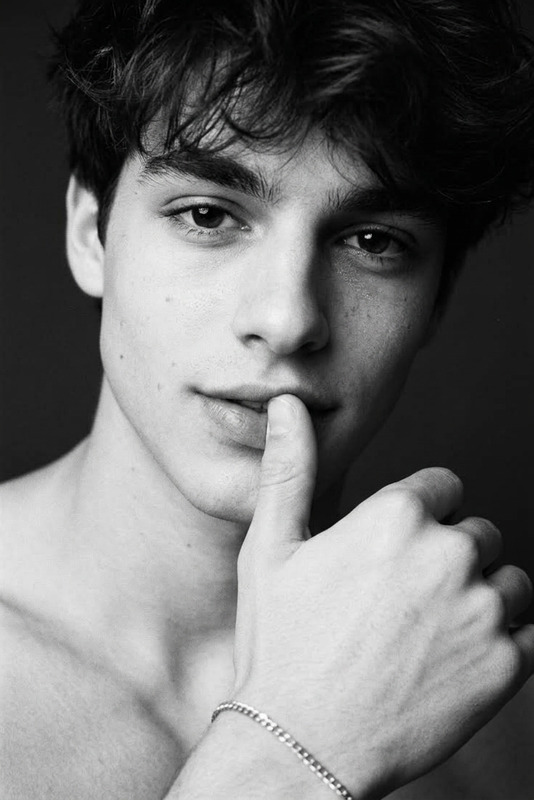
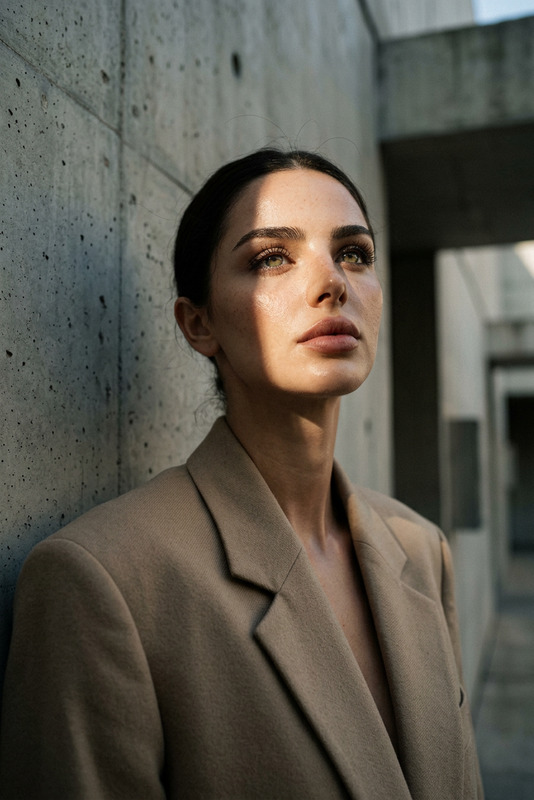
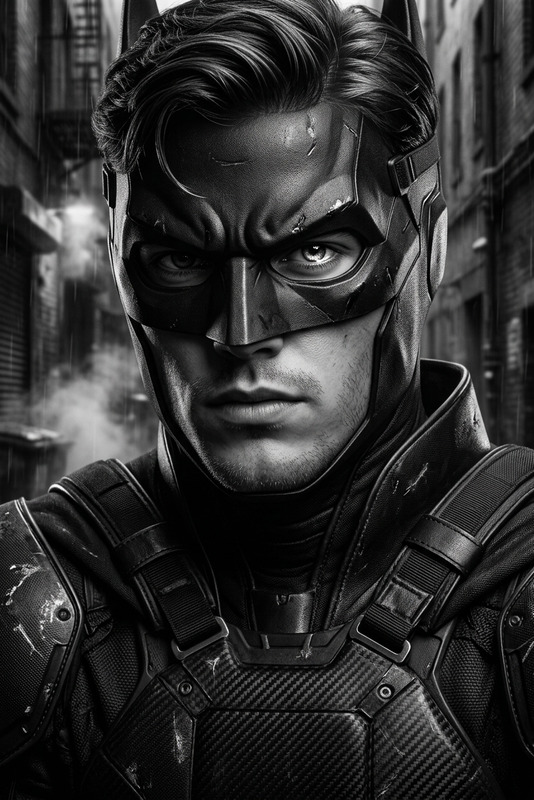
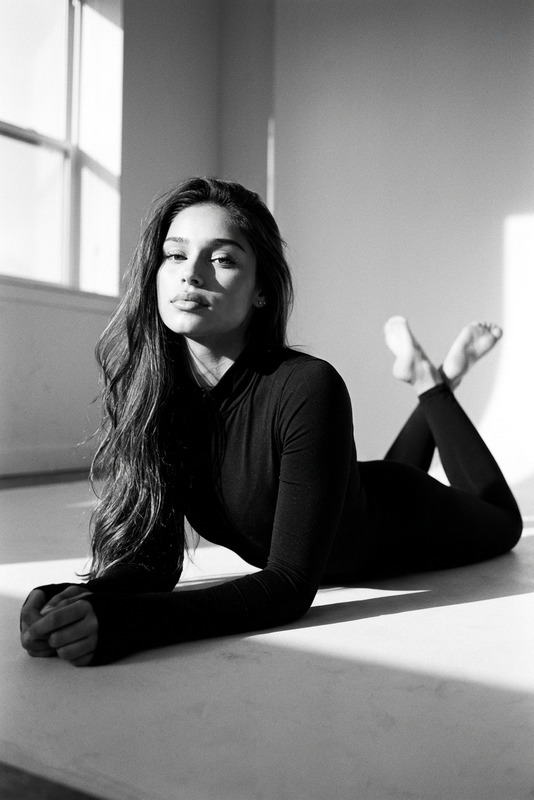
A black-and-white cinematic portrait in the style of classic film noir: a close-up shot of the chest, soft, directional lighting with dramatic shadows, subtle film grain, and emphasis on the face, shoulders, and skin texture. The model is in a relaxed pose with a slight tilt of the head and a calm, confident gaze; the retro hairstyle evokes Old Hollywood style and minimalist details, while the neutral, blurred background evokes the atmosphere of a vintage, intimate fashion shoot.
Any aspect ratio
Overview
The Noir template is designed to transform your images into stunning black-and-white portraits reminiscent of classic film noir. Leveraging the nano-banana-2 model, this template brings out dramatic shadows and textures, perfect for a cinematic look.
What It Does
Using advanced AI algorithms, the Noir template adds subtle film grain, dramatic shadows, and soft, directional lighting to create an image with an authentic vintage feel. The emphasis lies on the face, shoulders, and skin texture, along with a retro hairstyle to complete the classic look. The blurred background provides an intimate atmosphere reminiscent of Old Hollywood fashion shoots.
Who It's For
This template is perfect for photographers and creatives looking to add a timeless, artistic flair to their image editing projects. It's suitable for those in the fashion industry, film enthusiasts, and anyone looking to create high-class visual content.
Summary
Embrace the elegance of classic film noir with the Noir template. Ideal for creating black-and-white portraits with detailed texture and dramatic lighting, it offers an opportunity to craft images with a vintage, cinematic essence. Whether for professional use or personal projects, this template gives you the tools to produce truly striking visuals.
How-To
Choose Your Template

Customize Your Image

Generate Your Noir Image

Use Cases
Fashion Photography
- Cinematic headshots
- High-end fashion campaigns
Film Still Recreation
- Classic movie poster designs
- Stylized film covers
Artistic Portraiture
- Gallery pieces
- Personal branding visuals
Best Practices
Select the Right Source Image
Choose images with clear contrasts and detailed textures to enhance the noir effect.Adjust Lighting and Shadows
Experiment with soft lighting and pronounced shadows to capture the film noir atmosphere.Incorporate Retro Elements
Utilize props and styling that resonate with the film noir era for more authenticity.