Monochrome Intensity
- Model
- Nano Banana 2
- Image
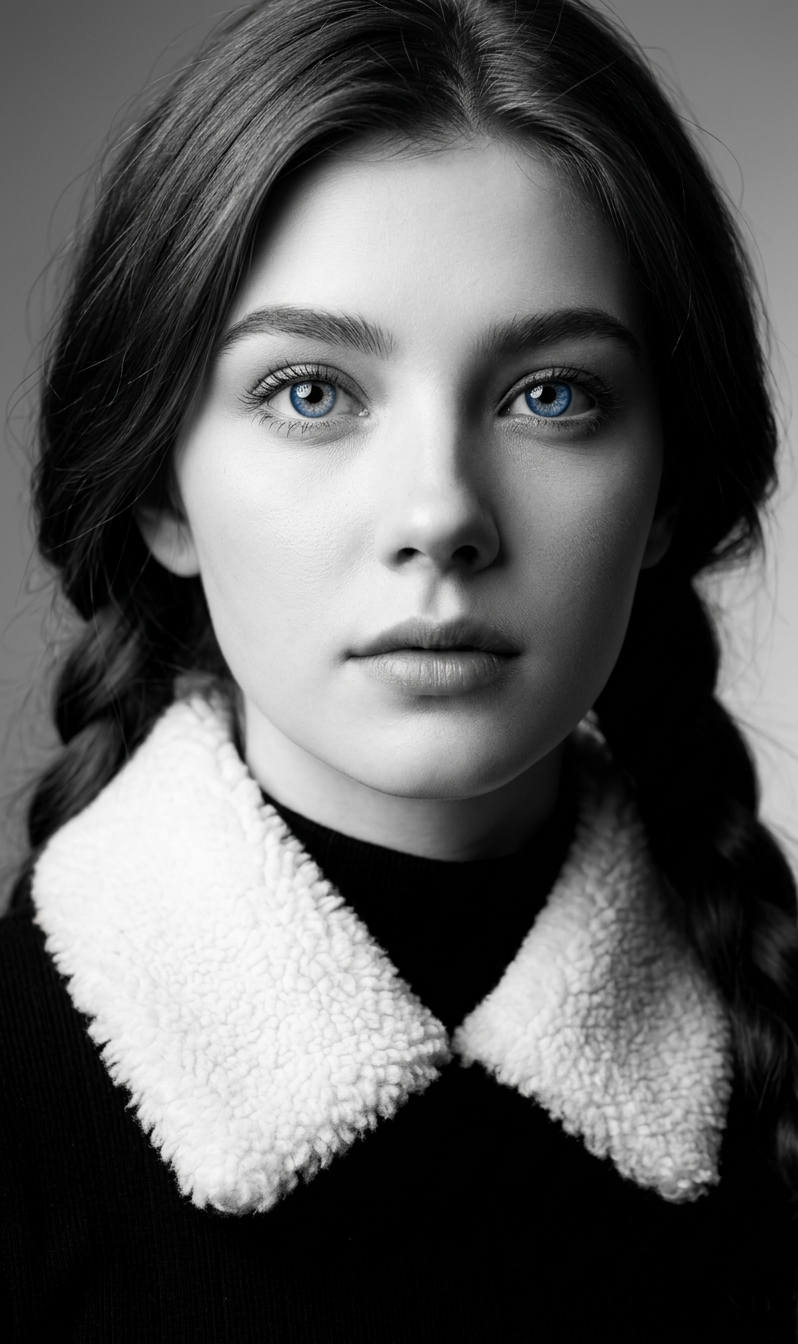
- 798 × 1344 px
Prompt
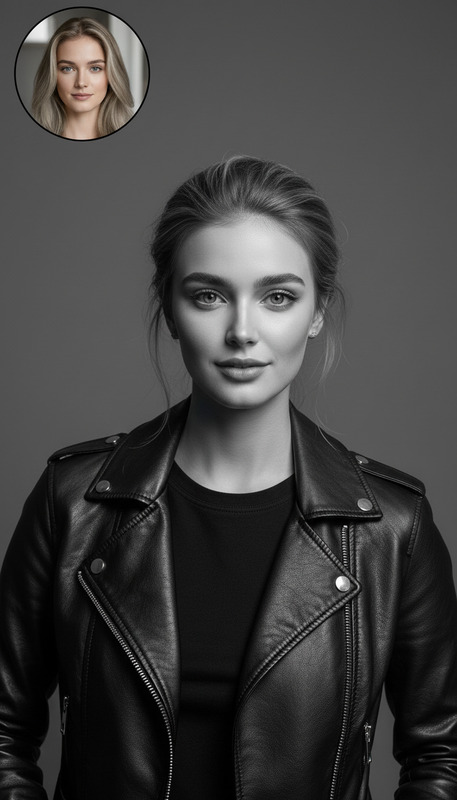
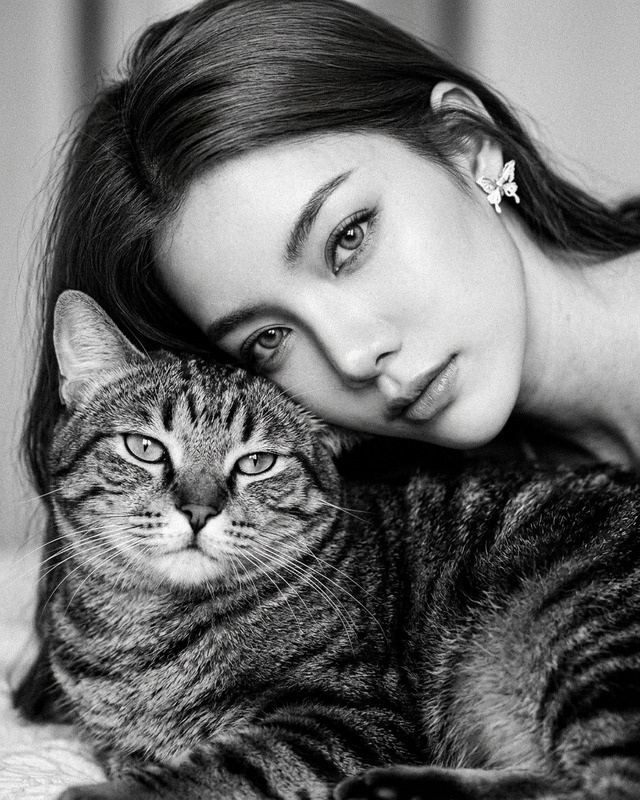
A cinematic, ultra-realistic monochrome close-up portrait of a subject with expressive eyes and a calm, intense gaze. The subject wears black attire with a white textured collar creating strong contrast. The composition features a smooth monochrome gradient background, minimalist and clean to draw full focus to the face. Soft yet high-contrast monochrome lighting adds gentle highlights and subtle shadow depth, enhancing facial details and texture. Ultra-high resolution, crisp rendering, sharp focus on the eyes, elegant, artistic, and refined aesthetic.
Any aspect ratio
Overview
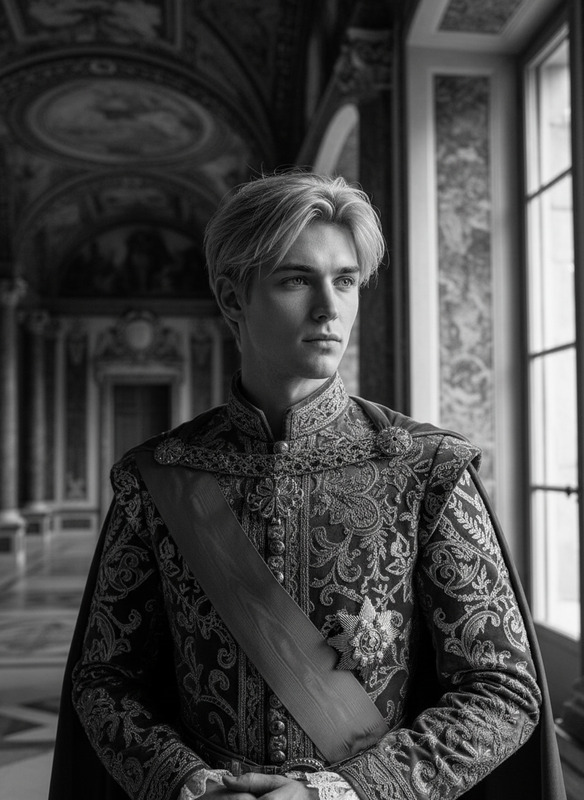
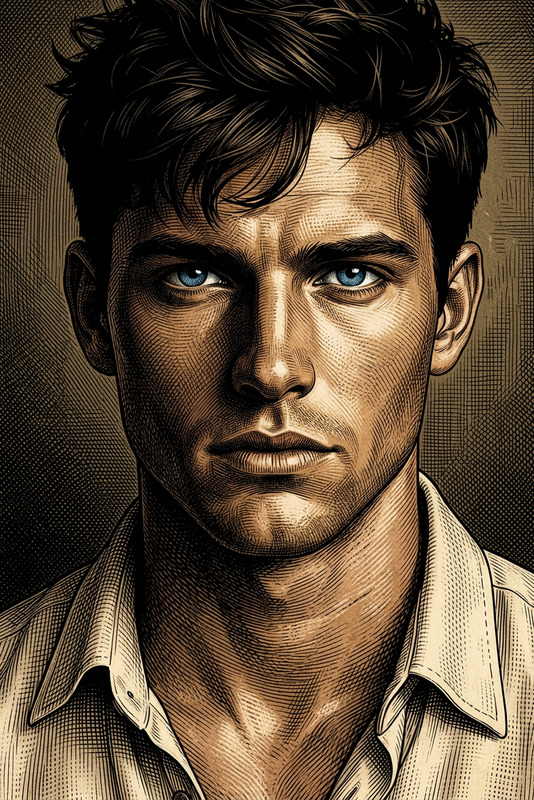
The Monochrome Intensity template leverages the Nano Banana 2 model to deliver stunning, ultra-realistic monochrome portraits. This template is meticulously crafted to enhance facial features, using high-contrast lighting and a minimalist background to ensure that every detail is crisply captured.
What It Does
Our AI Image Editor template, focusing on monochrome intensity, transforms portraits into high-resolution works of art. It emphasizes eye detail, facial texture, and contrast through precise monochrome lighting. The result is a powerful visual story told through a single image, perfect for artistic portfolios or striking visual content. AI Image Generator users will appreciate how it complements their work by adding a unique monochrome dimension.
Who It's For
This template is ideal for photographers, digital artists, and content creators who seek to craft compelling visual narratives in monochrome. It's also perfect for designers looking to highlight facial expressions with precision or enhance their AI Profile Picture Generator projects with artistic elegance.
Summary
Gain a dramatic edge in your image editing with the Monochrome Intensity template. This tool empowers creators to produce images with refined aesthetics using advanced AI capabilities. Pair it with other tools such as the AI Clothes Changer for added customization and depth.
How to Create an Impactful Monochrome Image
Choose Your Template

Customize Your Inputs

Generate Your Image

Perfect Use Cases
Artistic Photography
- Dramatic portraits
- Exhibition displays
Portfolio Enhancement
- Showcase unique styles
- Elevate visual appeal
Social Media Impact
- Boost engagement
- Strong visual identity
Expert Tips to Maximize Impact
Focus on the Eyes
Ensure the eyes are sharp and detailed as they are the focal point of the image.Use High-Quality Originals
Start with high-resolution images for the best monochrome results.Play with Contrast Settings
Experiment with different contrast levels to highlight textures and depth.