Monochrome Confidence
- Model
- Nano Banana
- Image
- 768 × 1344 px
Prompt
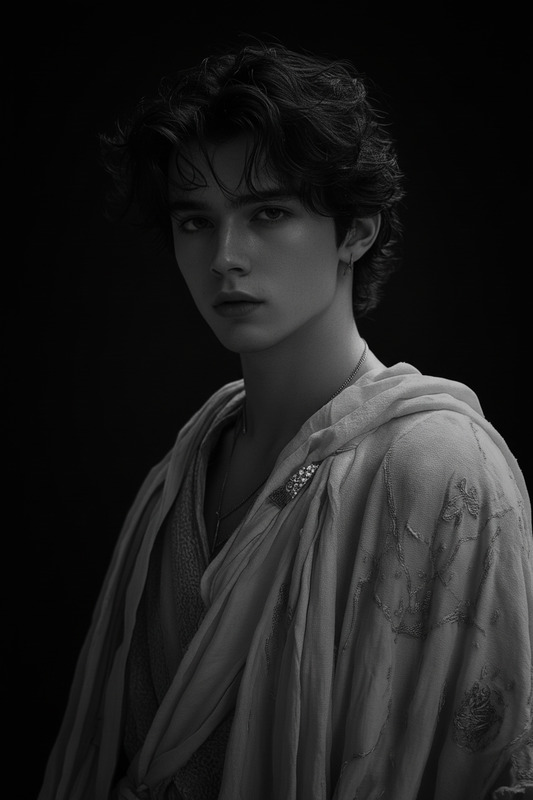
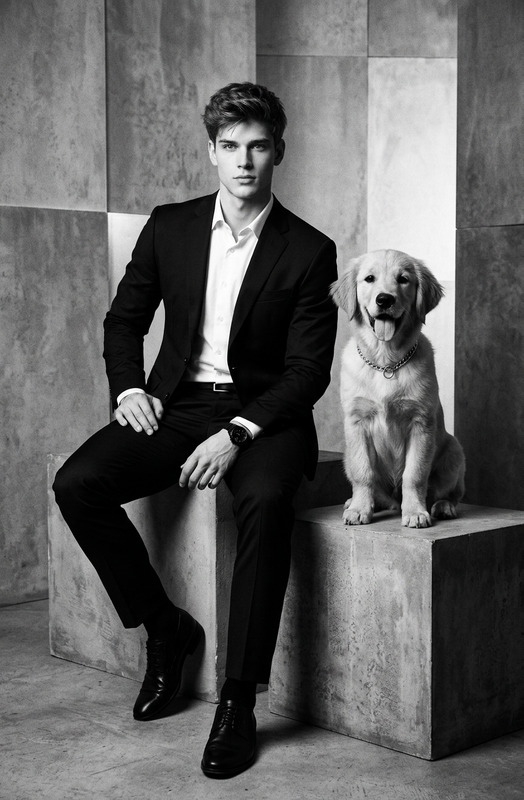
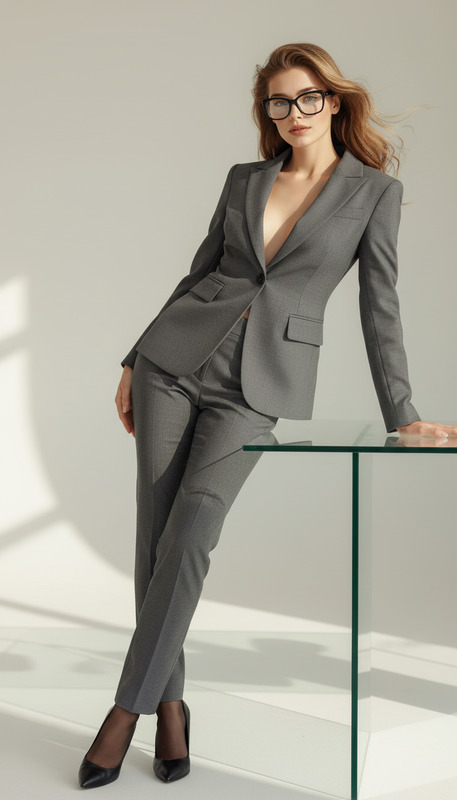
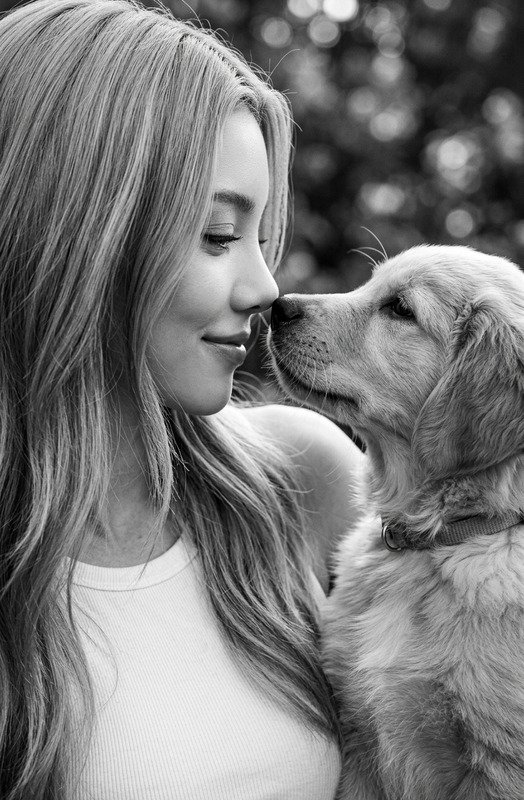
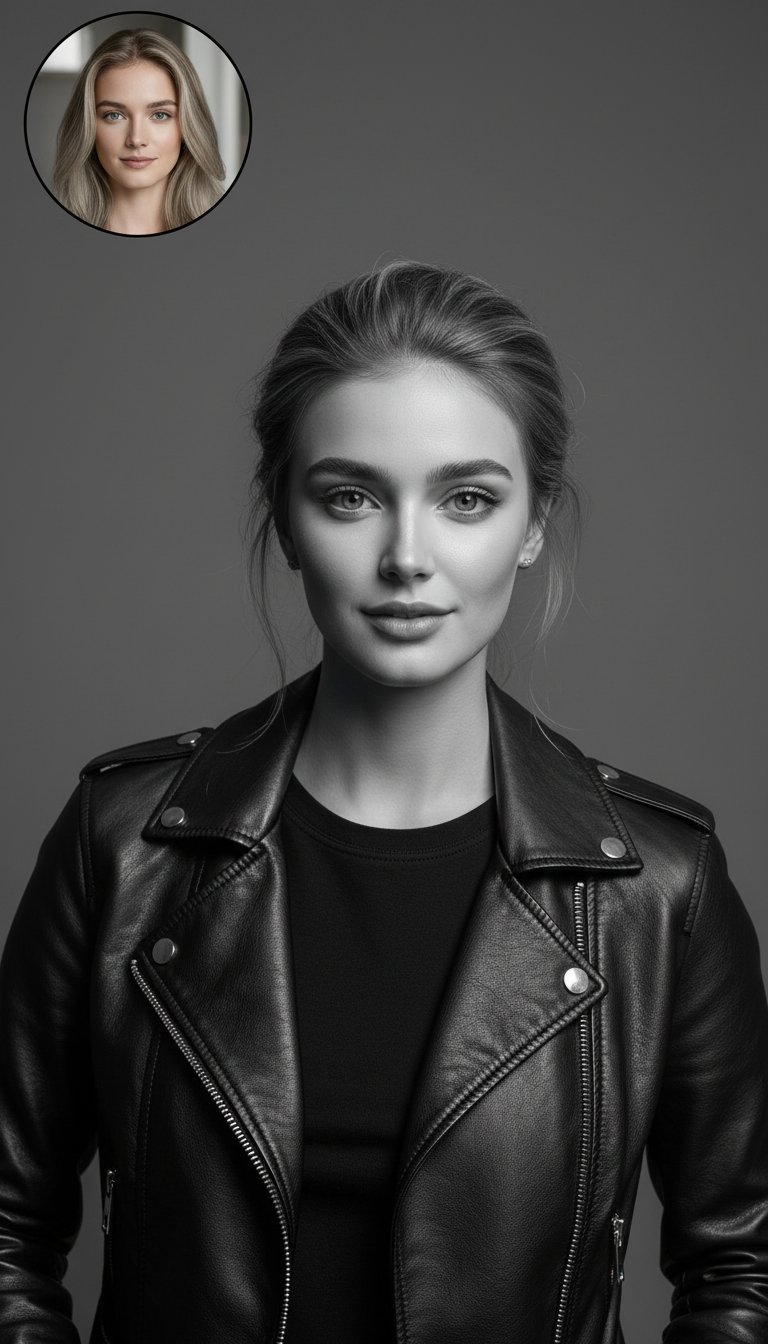
A black-and-white portrait of the subject against a plain gray background. Preserve exact facial features and identity from the reference image. The subject wears a black leather jacket over a black shirt, displaying a calm and confident expression. A smaller circular inset photo shows the same subject with blonde hair under warm indoor lighting. Sharp details, classic editorial style, clean composition, and minimal distractions.
Any aspect ratio
Overview
Monochrome Confidence is an AI Image Editor template designed to transform your reference photos into striking black-and-white portraits. By using the advanced nano-banana model, this template retains every intricate feature and detail of your subject. Ideal for producing classic editorial-style images with a clean and sharp composition.
What it Does
This template creates a monochrome portrait that retains the subject's identity, emphasizing fine details and a confident expression. In addition to a grayscale main image, it includes a color inset highlighting the subject's blonde hair in warm indoor lighting. This dual representation offers a rich contrast, ensuring your subject stands out with both softness and sharpness.
Leverage the AI Image Editor capabilities to achieve impeccable detail and composition, making your images suitable for editorial use or personal projects.
Who it's For
Designed for photographers, content creators, and designers aiming for high-quality editorial visuals. Whether you are crafting product videos or updating social media profiles, this template caters to both amateur and professional needs, providing results that are polished and professional.
Summary
Monochrome Confidence offers a sophisticated approach to image editing by converting photos into elegant black-and-white portraits. Utilize this tool for creating visuals with sharp details and minimal distractions. Explore more options in AI Profile Picture Generator or enhance photographs with the Photo Colorizer to bring different aspects of your creative vision to life.
How To
Choose Monochrome Confidence

Customize Your Image

Generate and Download

Use Cases
Editorial Photography
- Balance between dramatic grayscale and color insets
- Highlight subject's features with precision
Brand Imagery
- Cultivate a timeless appearance
- Employ consistent themes across materials
Social Media Content
- Attract audience with distinct stylistic choices
- Eliminate noise with clean compositions
Best Practices
Select High-Quality References
Use sharp and well-lit reference images to ensure the best outcome when translating to monochrome.Focus on Expression and Pose
Choose subject photos where the expression reflects confidence, aligning with the template's theme.Experiment With Inset Placement
Adjust the inset positioning to complement the main image, ensuring it enhances rather than distracts.