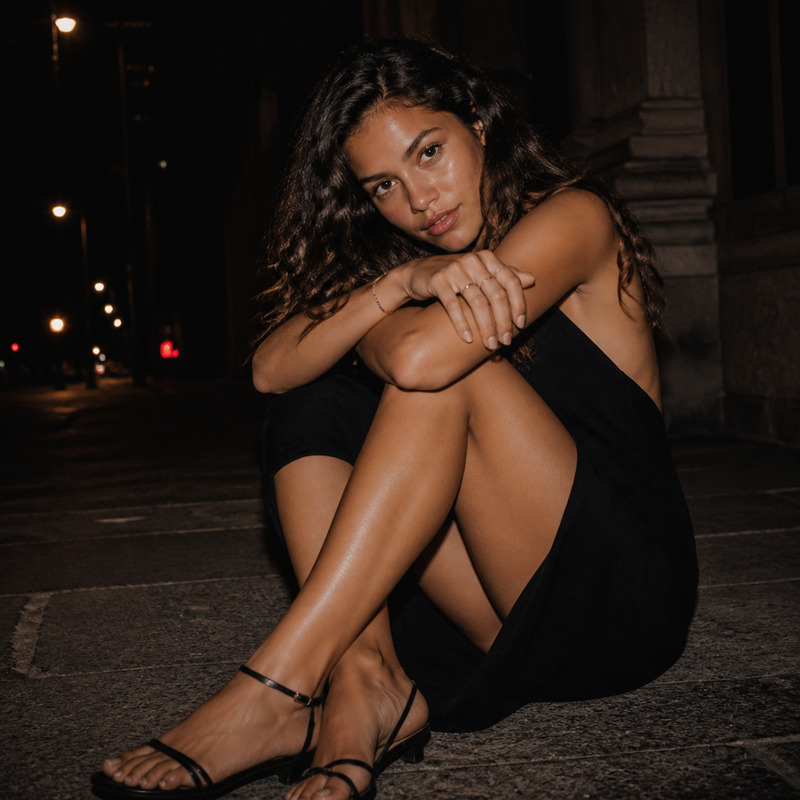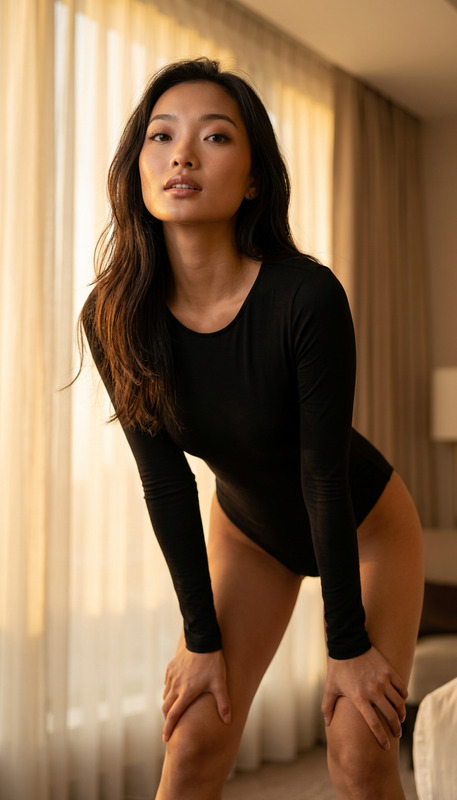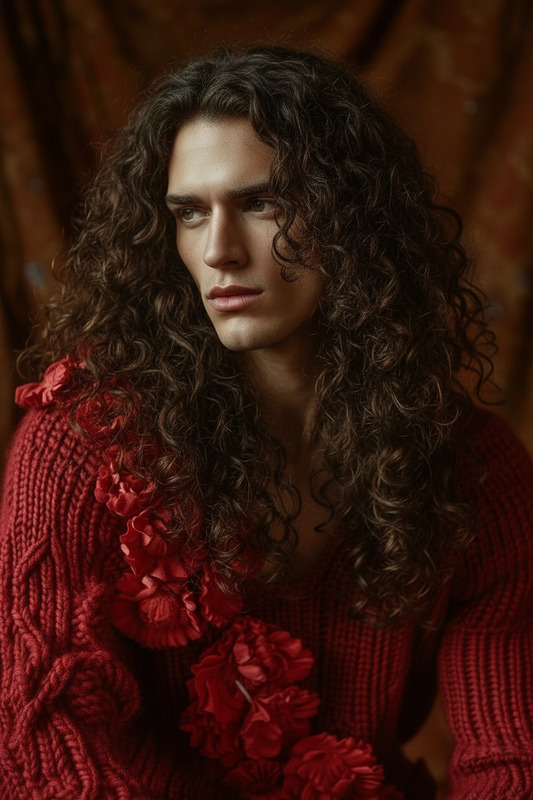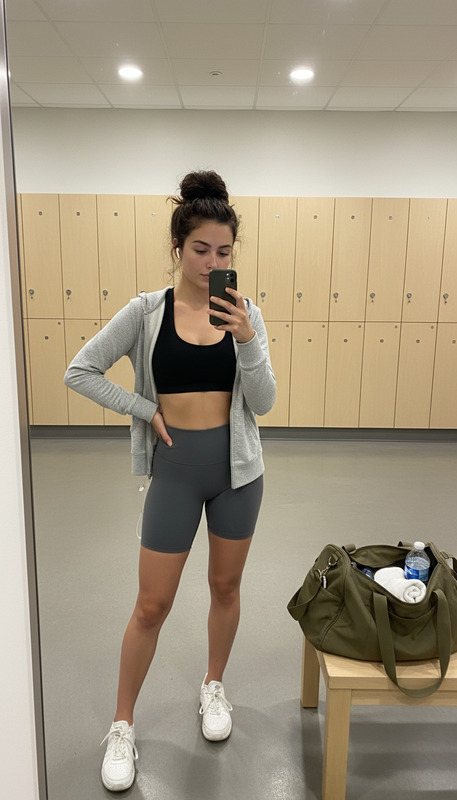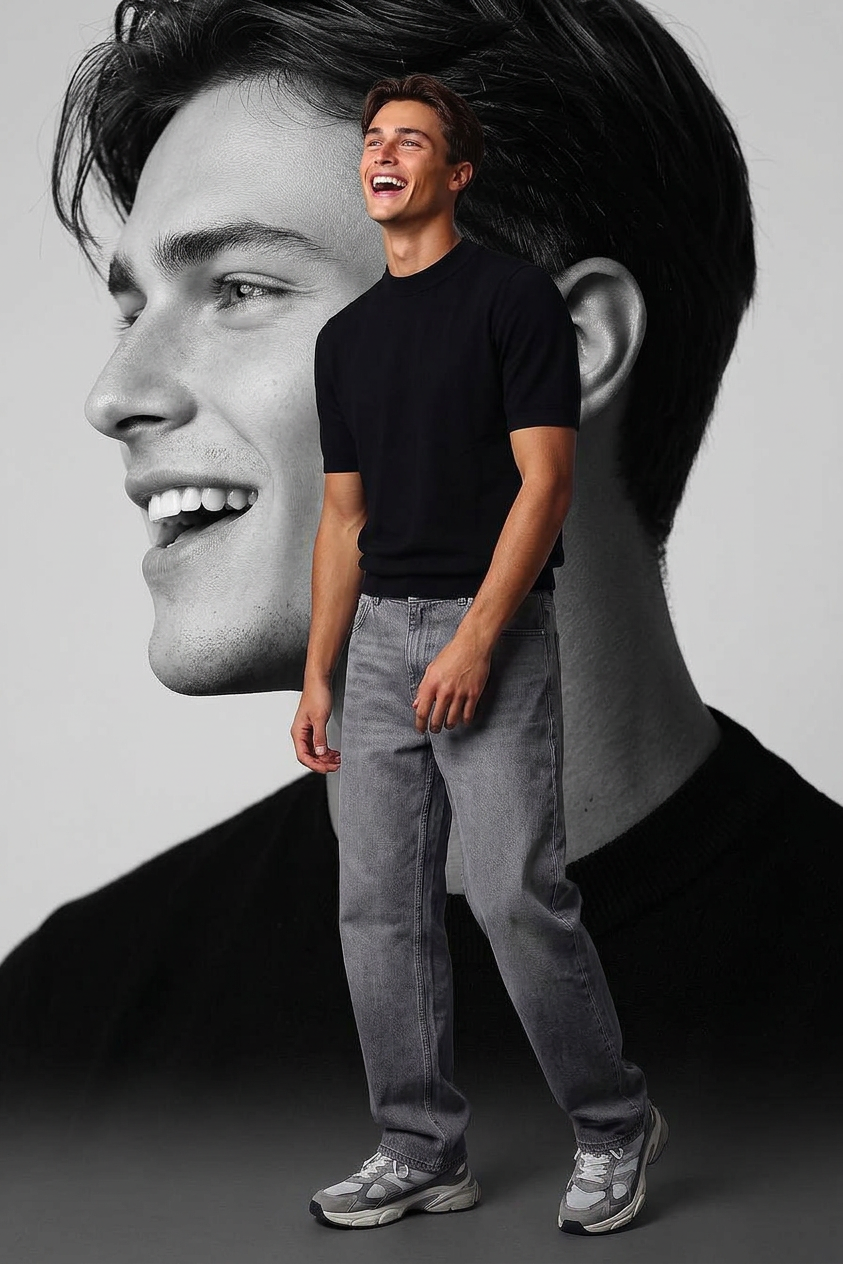
Monochrome Dual Mood Portrait

Monochrome Dual Mood Portrait

ai-image-editor

1 clip
17 uses

Any aspect ratio

Prompt

subject laughing while looking upwards with a joyful expression. Wearing a modern black top, soft loose gray jeans, and chunky gray and white sneakers. The composition features a dual-layer artistic style: the main subject in natural tones, while the background is an artistic monochrome black-and-white composition showing a soft close-up side profile of the same face. Cinematic lighting, fashion editorial style, shallow depth of field, high detail, elegant contrast between color and monochrome layers.

AI Image Editor Template: Smart Object Removal & Background Cleanup

Clean up photos in seconds with this AI Image Editor template. Remove unwanted objects, people, text, logos, or distractions while keeping the rest of your image sharp, detailed, and on-brand—no Photoshop skills required.

This template is built on the AI Image Editor and is ideal for:

  • Creators cleaning up product shots or social content
  • Marketers editing campaign assets at scale
  • Founders and teams iterating visuals quickly for landing pages, decks, and ads

What This Template Does Best

Use this template any time you need to:

  • Remove objects from photos – people in the background, clutter, signage, reflections, or gear
  • Erase text or logos – clean mockups, brand-agnostic screenshots, or white-label visuals
  • Fix compositions – remove distracting elements so the subject stands out
  • Prep e‑commerce images – remove props, stands, tags, or unwanted shadows before listing

For object-specific workflows, you can also pair this with:


How to Remix This Template in Magic Hour

You can use this template as-is, or treat it as a starting point and customize it for your own workflow. To create your own version in Magic Hour:

  1. Open AI Image Editor
    Go to the AI Image Editor. Upload the image you want to clean up.

  2. Define What You Want to Remove

    • Clearly describe what should disappear (for example: “remove the person in the red jacket on the left,” “erase the logo on the coffee cup,” “remove wires above the building”).
    • If you’re working on products, describe the scene style you want preserved (e.g., “simple studio scene,” “minimal lifestyle shot”).
  3. Describe the Desired Fill / Background
    Guiding the AI improves results. Be explicit about what the empty area should look like, such as:

    • “Extend the existing white wall and floor”
    • “Continue the beach sand and water naturally”
    • “Fill with blurred city background consistent with the photo”
  4. Iterate Quickly

    • Run multiple variations and keep the best one.
    • If something looks off, refine your prompt using more specific language about light, texture, or context (for example, “soft daylight, matching existing shadows,” “matte texture, no reflections”).
  5. Save Your Workflow as a Template
    Once you find prompts and a process that work well for your use case (e.g., product photos, user portraits, screenshots), save it as your own Magic Hour template so your team can reuse it without having to re-think the instructions each time.


Practical Prompt Patterns That Work Well

You can adapt these to your own assets:

  • Product photos
    • “Remove all background clutter and props, keep only the product on a clean seamless surface. Extend the existing surface and background so it looks like a studio shot.”
  • Portraits & headshots
    • “Remove people in the background and fill with softly blurred office environment matching current colors and lighting.”
    • For more control over portraits, pair with the AI Face Editor or AI Headshot Generator.
  • Screenshots & UI mocks
    • “Remove all branding and logos from the interface. Replace them with neutral, generic placeholders that look like part of the original UI.”
  • Real estate & interiors
    • “Remove personal items from the table and counters. Extend the existing countertop and flooring pattern realistically.”
    • For concepting new layouts, you can combine this workflow with the AI Interior Design Generator.

Advanced Use Cases for Teams and Power Users

This template is especially useful when combined with other Magic Hour tools in a multi-step workflow:


Related Templates and Tools You Can Chain With

Depending on your use case, you may want to combine this template with other Magic Hour templates and products:


Tips for Reliable, High-Quality Results

  • Be specific in your prompts
    Clearly state what should be removed and how the scene should look afterward. Vague prompts (“clean this up”) tend to produce less predictable results than concrete ones (“remove the coffee cup and continue the wooden table texture”).

  • Match context, lighting, and texture
    Reference what’s already in the image: “match the current lighting,” “same type of tiles,” “same wood grain as the existing table.”

  • Iterate and compare
    Run multiple passes and compare. For images that matter (landing page hero, ad creative), it’s worth exploring a few variations before finalizing.

  • Combine with enhancement tools
    After cleanup, improve clarity with:


When to Use This Template vs. Other Magic Hour Tools

Use this AI Image Editor template when your primary goal is removing or cleaning elements inside an existing image while preserving the rest of the scene.

Consider other tools when you need to:


Build Your Own Reusable Editing System

Because this template is prompt-driven, it’s easy to standardize it across your team:

  • Document your best-performing prompts for each asset type (product, portrait, UI, etc.).
  • Save your flows as Magic Hour templates so designers, marketers, and founders can get consistent, on-brand results without manual retouching.
  • Chain it with other Magic Hour tools to build a repeatable pipeline—from raw photo to polished, campaign-ready asset—in a few minutes.

Start by loading this AI Image Editor template, upload a test image, and iterate your first custom version directly inside Magic Hour.

More Like This

Insufficient credits