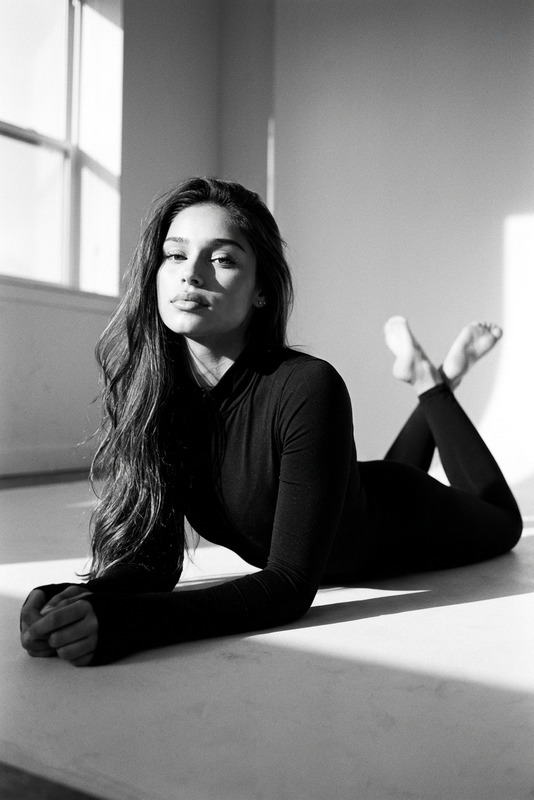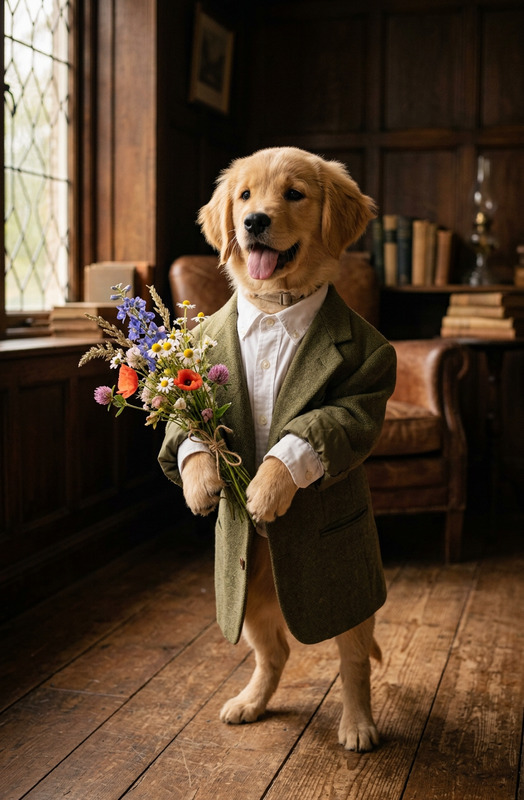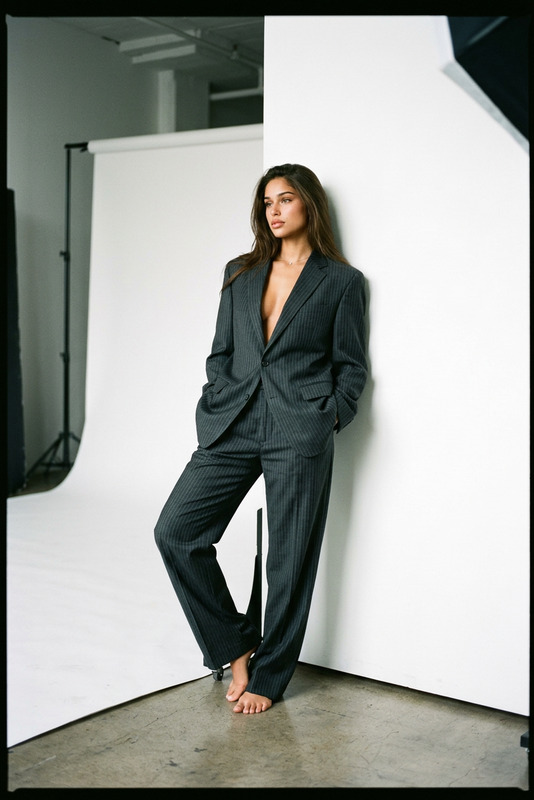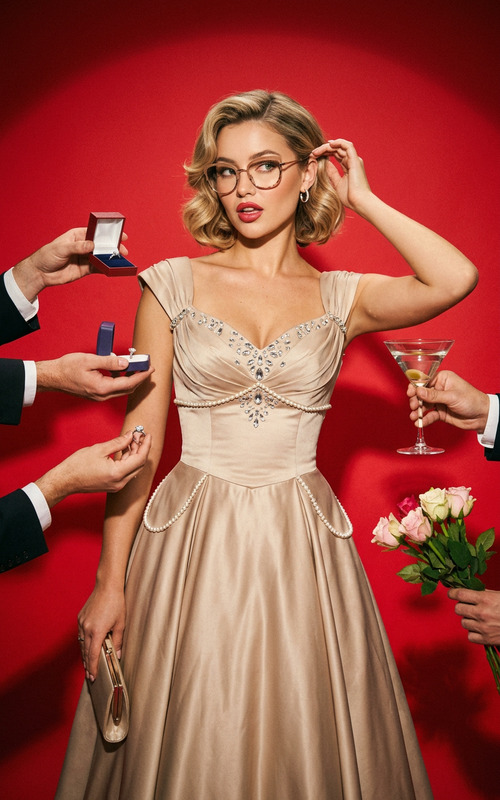
Cute Studio
- Model
- Nano Banana 2
- Image
- 843 × 1264 px
Prompt
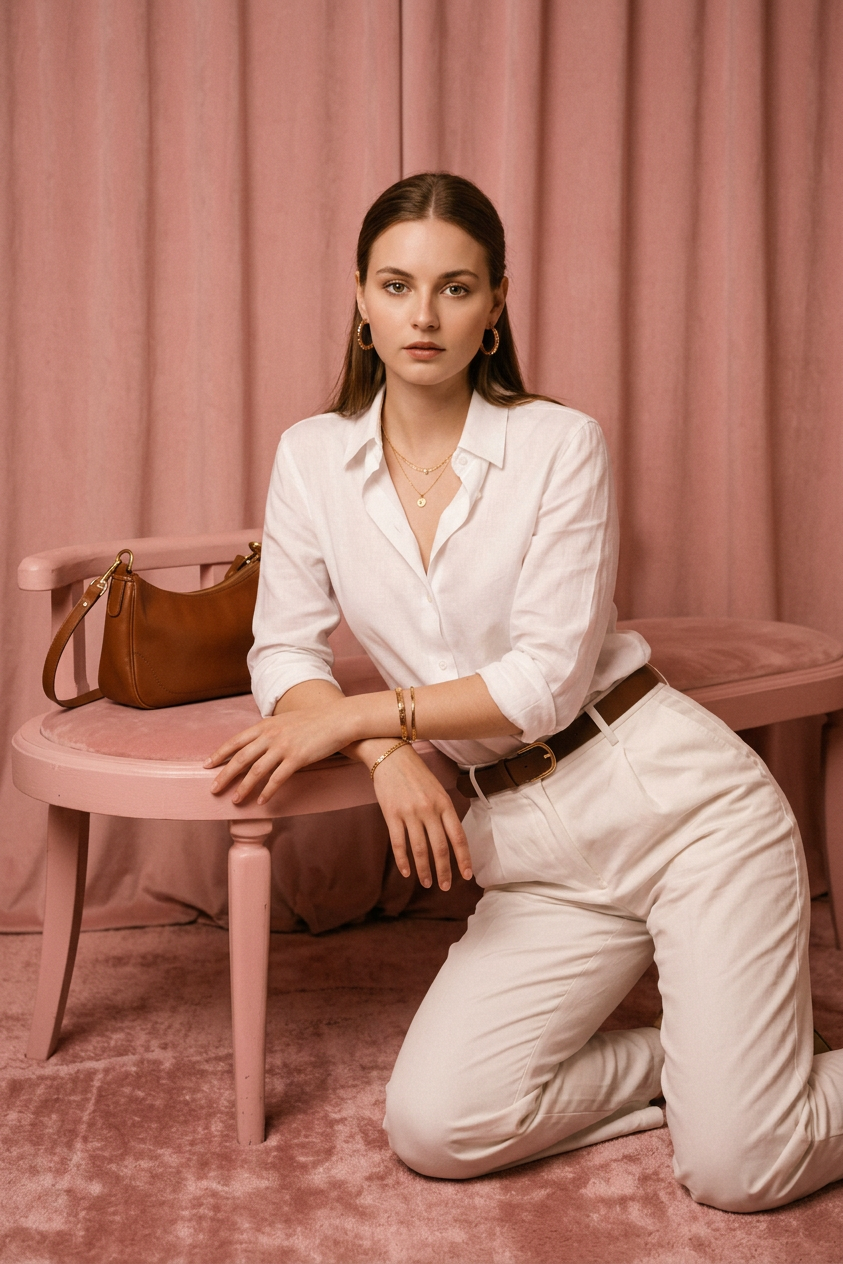
A vintage studio photograph of a reference character, faithful to his appearance, in a soft pink setup: he's kneeling, leaning forward, looking directly into the camera. Soft, warm lighting, a shallow depth of field, and pronounced film grain create the authentic atmosphere of a 1960s photo shoot.
Any aspect ratio
Overview
Cute Studio is an innovative AI Image Editor template designed to craft vintage studio photographs with a modern twist. Using the nano-banana-2 model, this template recreates the charm of 1960s photography by applying soft, warm lighting and creating a shallow depth of field with film grain effects.
What It Does
This template takes your reference character and places them in a soft pink studio setup evocative of high-quality vintage photography. The AI applies a specific set of atmospheric conditions including lighting and film grain to convey authenticity. Ideal for projects where the retro aesthetic is essential, Cute Studio helps elevate a photo's creativity without manual editing.
Pair this with the AI Image Upscaler to ensure high-resolution outputs while maintaining the retro feel.
Who It's For
Cute Studio is perfect for photographers, designers, and creators looking to integrate nostalgic elements into their visual projects. Whether you're designing artwork for social media profiles, creating mood boards, or developing advertising materials, this template provides a quick way to achieve a classic look. It also suits agencies focusing on branding that aligns with vintage themes.
Summary
By using the AI Image Editor capabilities of the Cute Studio template, you can transform modern photos into timeless pieces with ease. The combination of nano-banana-2 model's precision and deliberate effects like film grain ensures your projects have a distinctive, photogenic quality.
Check out the AI Profile Picture Generator to create stylish, vintage-themed profiles for various platforms.
How-To Structure

Customize

Generate

Use Cases
Vintage Photography Projects
- Retro-themed studio shots
- Authentic 1960s feel
- Consistent look with other photography styles
Advertising and Branding
- Vintage posters
- Classic advertisements
- Stylized product shots
Social Media Content
- Profile pictures with a retro twist
- Cinematic social media stories
- Unique content for diverse platforms
Best Practices
Image Consistency
Ensure that the reference character’s image is of high quality and matches the vintage theme for best results.Lighting Adjustments
Experiment with soft, warm lighting to capture the desired retro effect, aligning your settings with the intended 1960s atmosphere.Use Film Grain Sparingly
While film grain can add authenticity, excessive application can distract from the image's main focus. Aim for balance to maintain clarity.