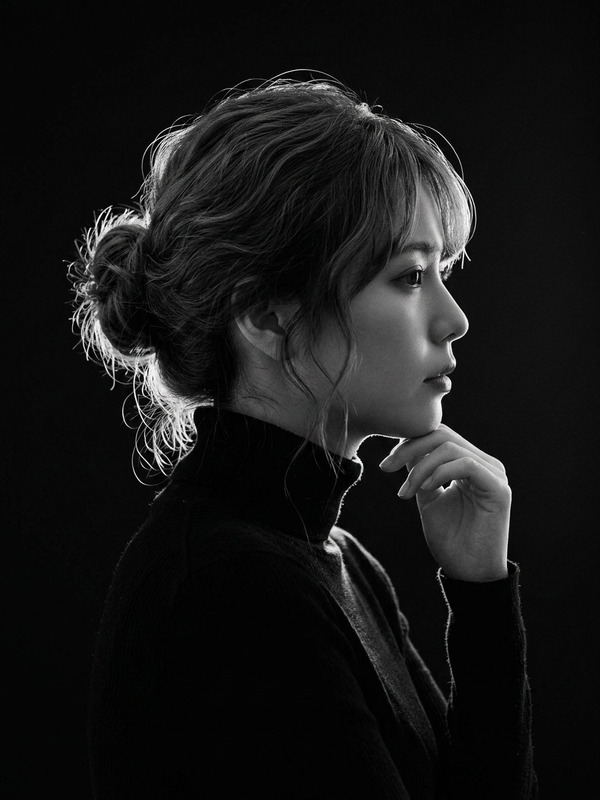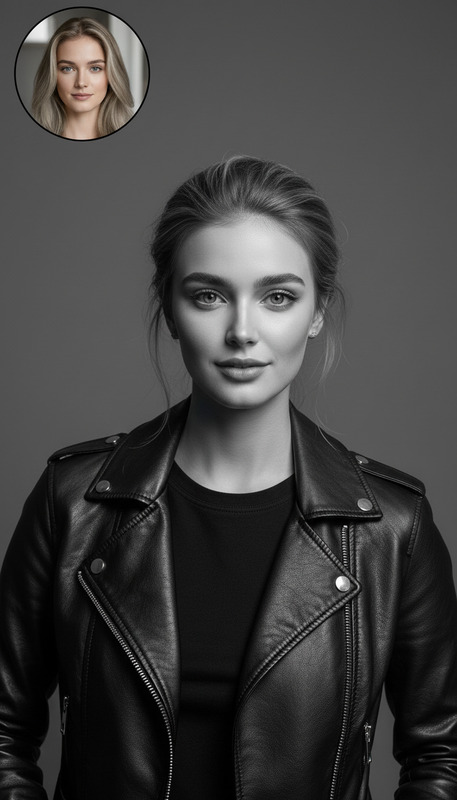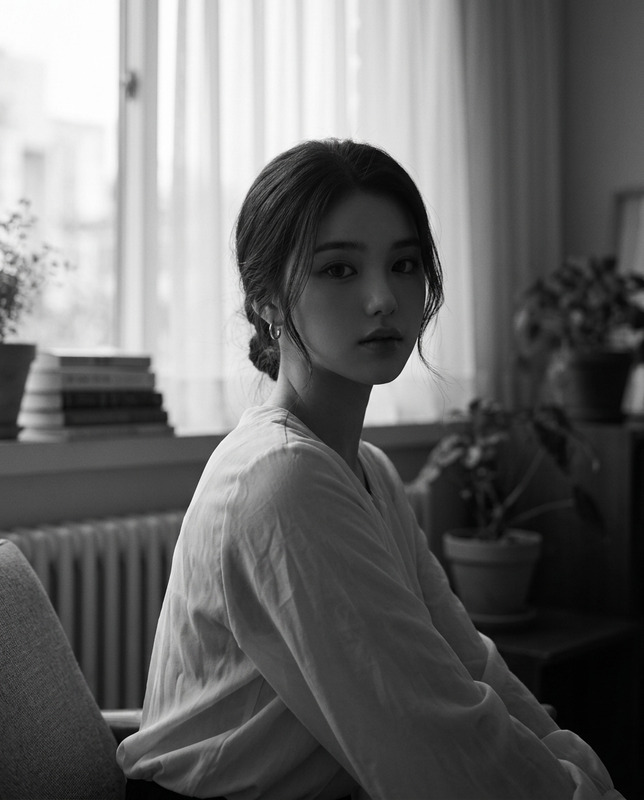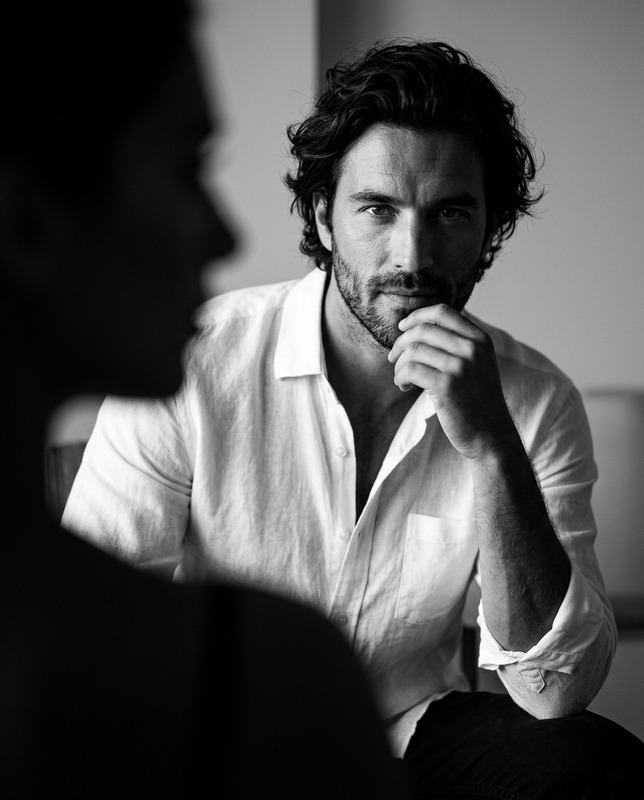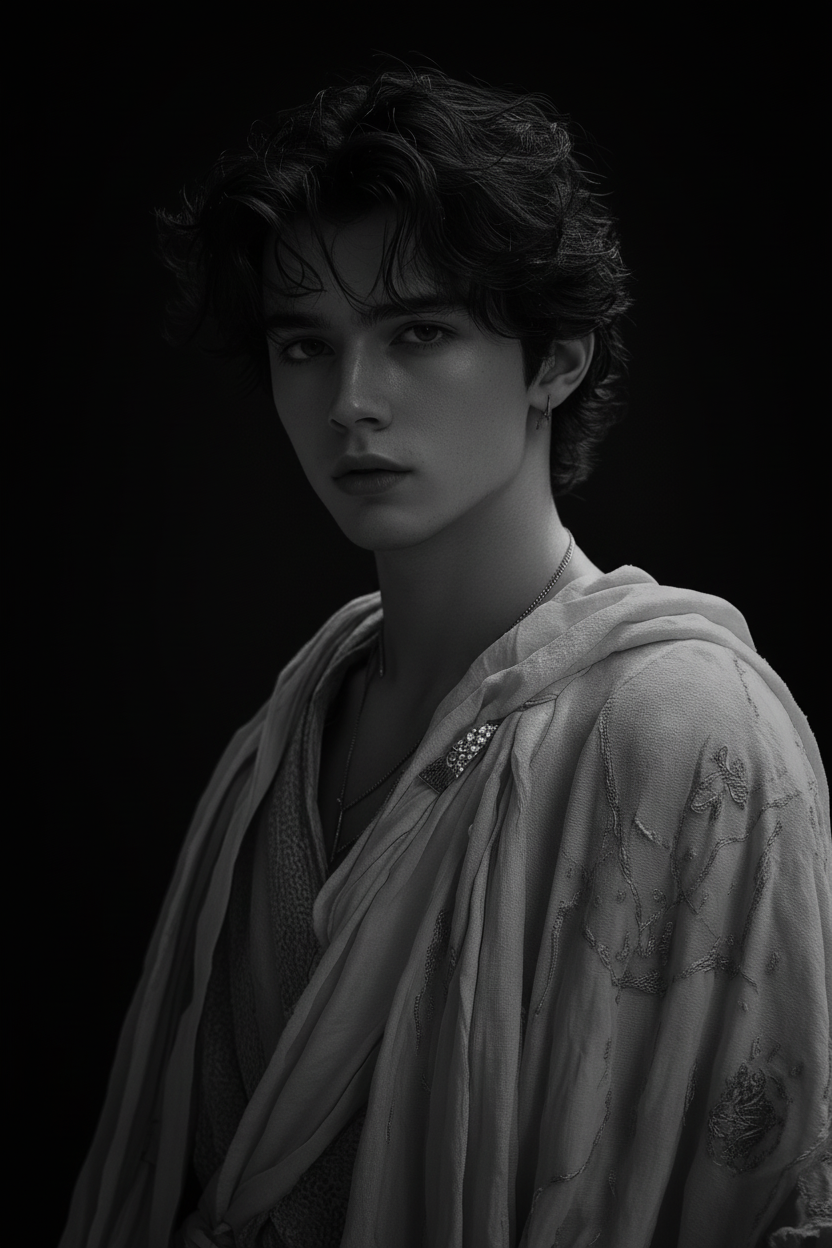
Timeless B&W Portrait
- Model
- Nano Banana
- Image
- 832 × 1248 px
Prompt
Create a high-quality black and white portrait with a classic fine art composition. Position the subject at a slight three-quarter angle, head turned toward the camera, chin slightly lowered for a contemplative, dignified expression. Use a 35mm lens aesthetic with ultra-high resolution (10.7K, 4HD). Apply dramatic lighting with strong contrast and soft shadows to define facial contours. Set against a deep black background that subtly fades, revealing only the face, neck, and upper shoulders. Maintain an elegant, timeless portrait style.
Any aspect ratio
Overview
The Timeless B&W Portrait template utilizes our AI Image Editor capabilities to convert your images into classic black and white portraits. Leveraging the nano-banana model, this template emphasizes a fine art composition with dramatic lighting and contrast.
What It Does
This template crafts high-resolution black and white portraits, ideal for both personal and professional use. It positions subjects at a three-quarter angle with a dignified expression. The use of a 35mm lens aesthetic ensures your images uphold a timeless quality, enhanced by a sophisticated play of light and shadow.
Who It's For
Designed for photographers and creators seeking to produce elegant and artistic portraits, this template suits anyone interested in elevating their portrait photography. Whether for fashion, editorial, or individual artistic projects, it provides a reliable tool for achieving classic aesthetics.
Summary
The Timeless B&W Portrait template is an essential asset for anyone aiming to enhance their photography with classic black and white aesthetics. The tailored prompt ensures a dignified and contemplative expression, perfect for capturing the subject's personality.
How to Use
Choose the Timeless B&W Portrait Template

Customize Your Portrait

Generate and Download

Use Cases
Editorial Photography
- Fashion editorials
- Celebrity profiles
- Feature articles
Fine Art Projects
- Art shows
- Gallery pieces
- Private collections
Social Media Profiles
- Profile pictures
- Cover photos
- Personal branding
Best Practices
Lighting Adjustments
To achieve the best results, ensure your original image has balanced lighting to complement the template's dramatic contrast settings.Subject Positioning
Position the subject's chin slightly lower to maximize the dignified look recommended in the prompt.Use High-Resolution Images
Choose high-resolution images to capitalize on the template's ability to create ultra-high resolution outputs, enhancing detail and clarity.