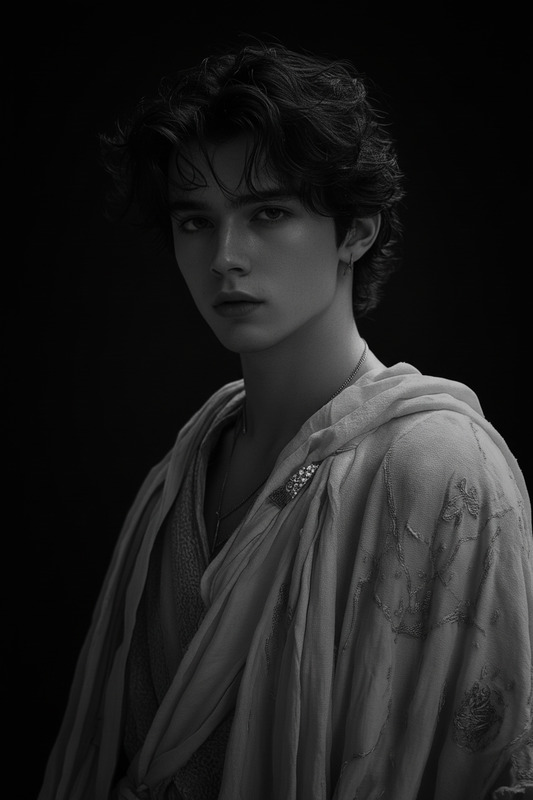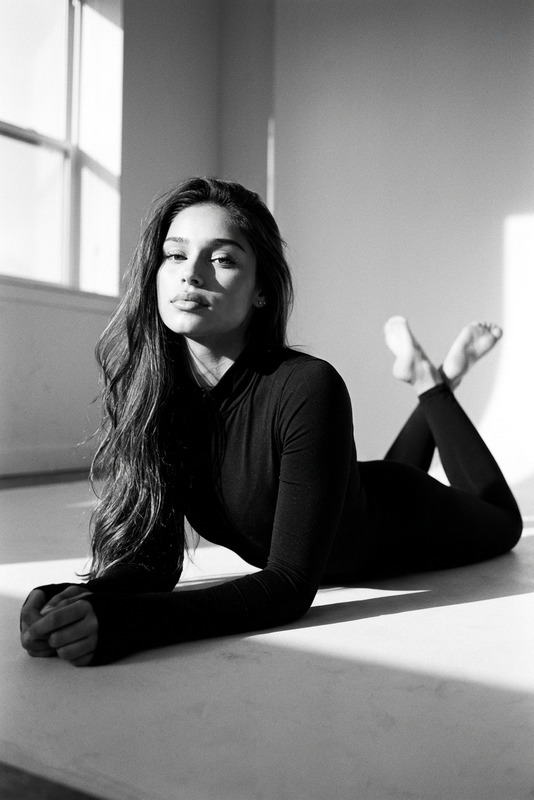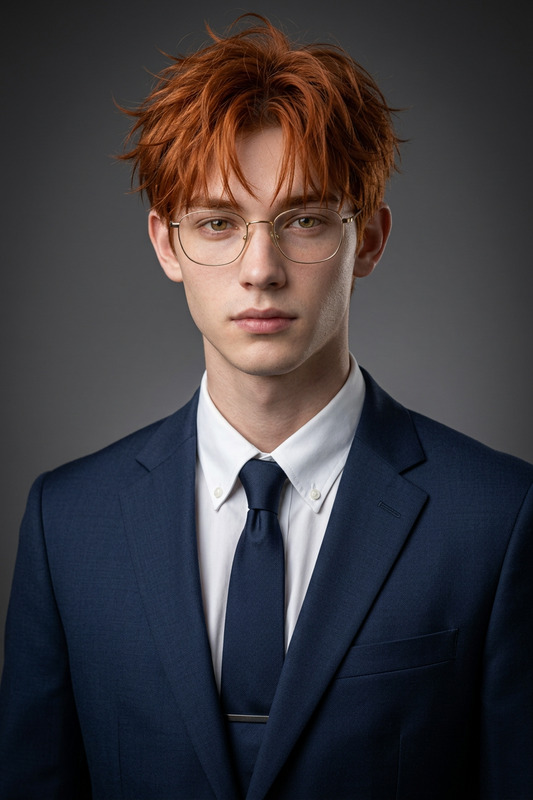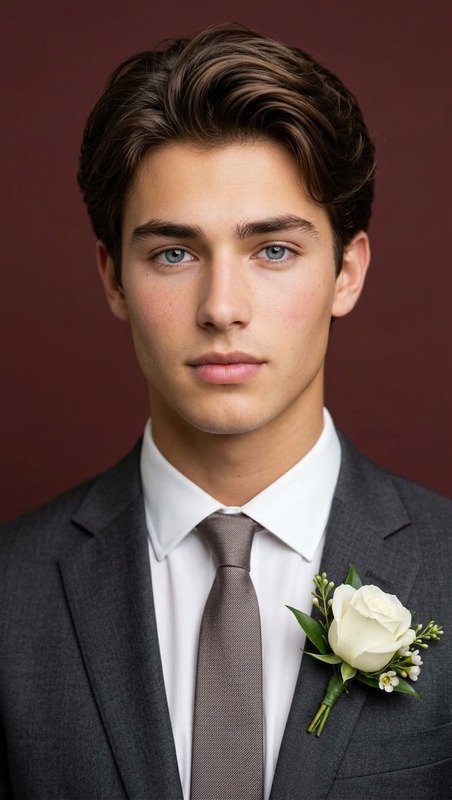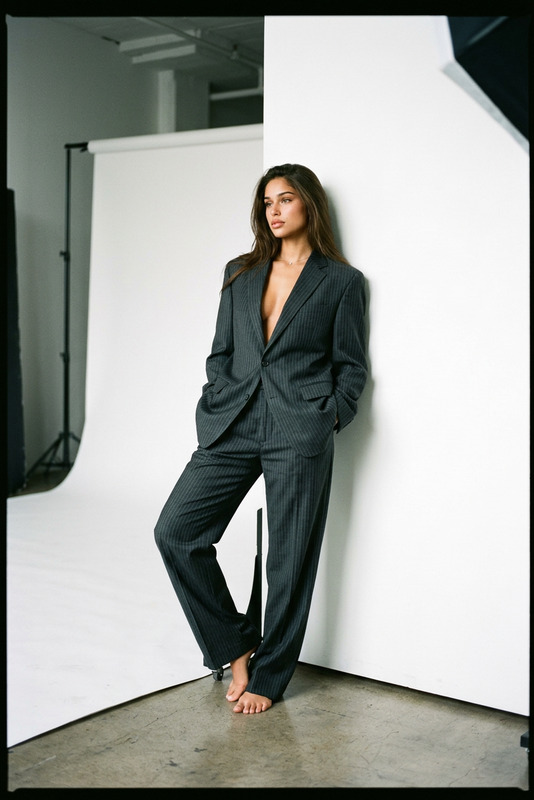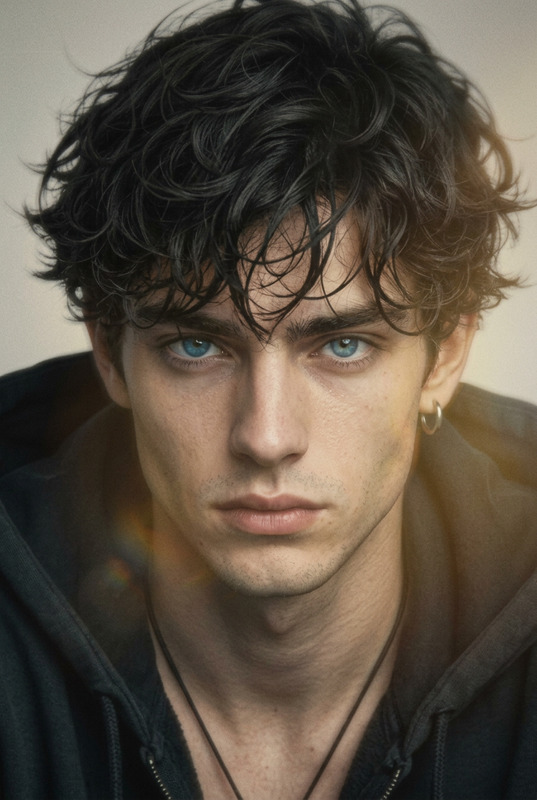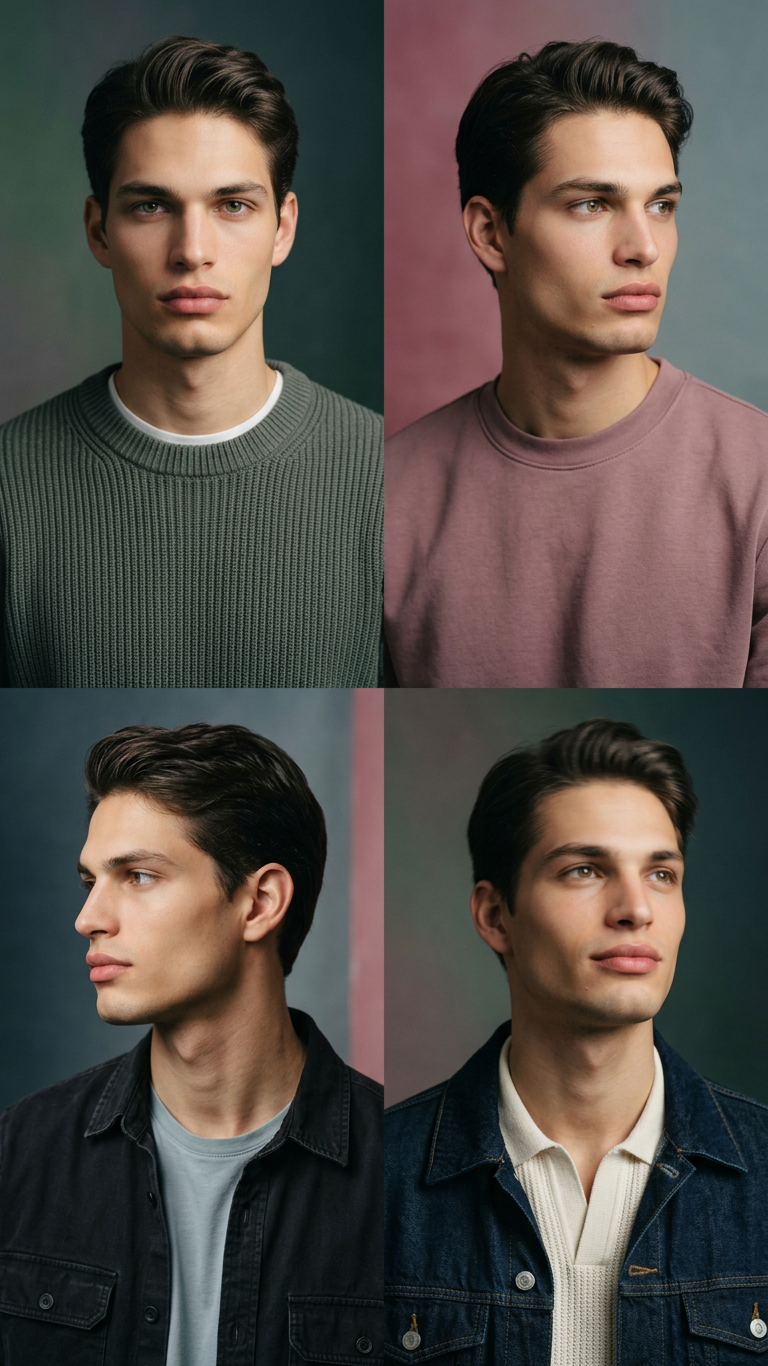
Kodak Portra Studio Portrait Set
- Model
- Nano Banana 2
- Image
- 768 × 1366 px
Prompt
Transform the subject into a high-resolution color studio portrait set inspired by Kodak Portra film. Create 4 variations with different poses and camera angles (e.g., front-facing, slight profile, looking away, subtle motion). Frame as half-length portraits with natural movement, focusing on the face. Style the subject in a casual, contemporary urban outfit. Set a quiet, deep, and gentle atmosphere. Use a soft gradient background with ample negative space for a calm, layered feel. Apply soft directional lighting to highlight facial contours and subtle eye reflections. Color grade with Portra-like tones: slightly saturated, creamy and healthy skin tones, warm yet balanced hues. Add fine film grain for analog texture. Maintain strong likeness, natural expression, and photorealistic detail. No text or logos.
Any aspect ratio
Overview
The Kodak Portra Studio Portrait Set allows you to transform any subject into a high-resolution color studio portrait with the unique aesthetics of Kodak Portra film. This template within our AI Image Editor tool makes it simple to generate stunning portraits featuring natural expressions and photorealistic details.
What It Does
This template utilizes the nano-banana-2 model to create four variations of studio portraits with different poses and angles. The process involves color grading with Portra-like tones, adding an analog texture with fine film grain, and applying soft directional lighting for a professional finish.
Who It's For
Ideal for photographers, designers, and marketers looking to enhance visuals effortlessly. Whether you're creating ecommerce ads or crafting social media content, this template provides a perfect backdrop that highlights your subject in a stylish, contemporary manner.
Summary
The Kodak Portra Studio Portrait Set is your go-to for creating professional, studio-quality portraits. With a focus on natural expressions and high fidelity to the subject's likeness, this template helps users navigate the complexities of studio photography with ease, especially when combined with our AI Image Editor features.
How To
Choose Your Template

Customize Your Inputs

Generate Portraits

Use Cases
Ecommerce Ads
- Styled product shots
- Professional-grade visual aesthetic
Social Media Content
- Instagram-ready visuals
- Consistency in brand aesthetics
Marketing Campaigns
- Ads with high visual impact
- Targeted audience engagement
Photography Portfolios
- Showcases stylistic versatility
- Improves client presentation
Best Practices
Optimize Subject Placement
Ensure the subject is well-framed within the photo to allow for natural, balanced compositions.Adjust Light Settings
Experiment with lighting prompts to highlight specific facial features and add depth to the portrait.Focus on Expression
Encourage natural expressions to capture the subject’s personality and make portraits relatable.