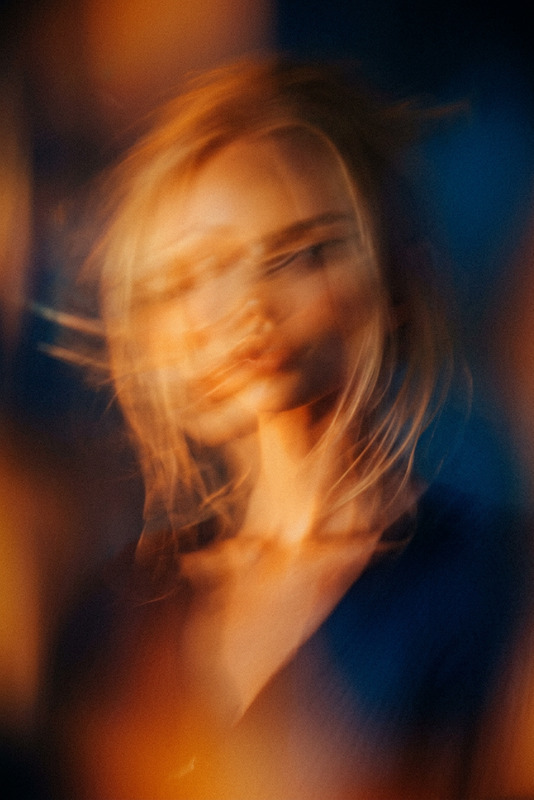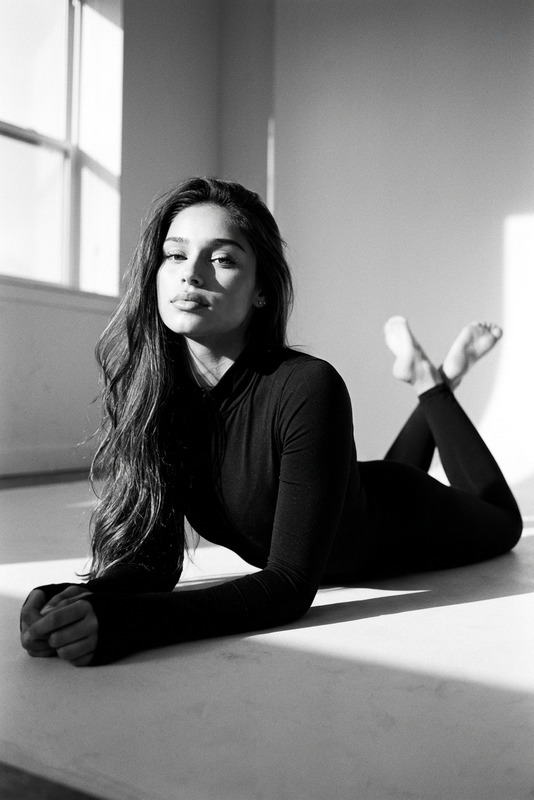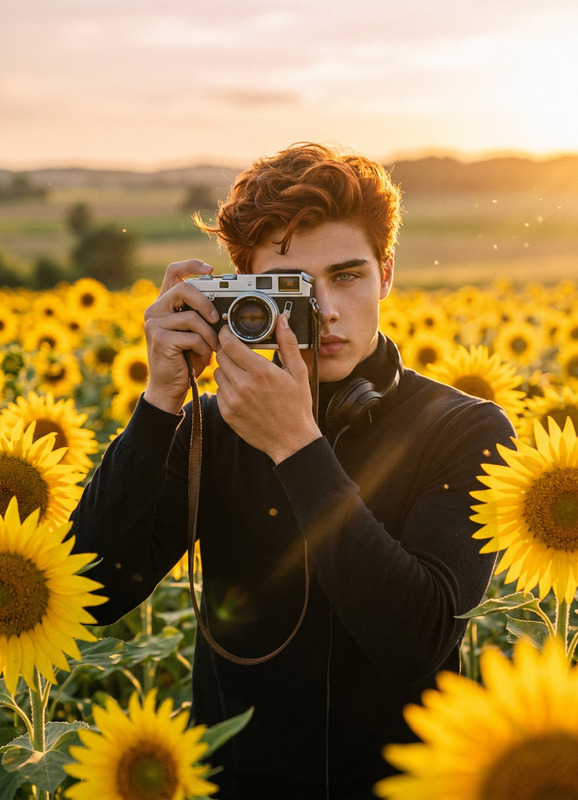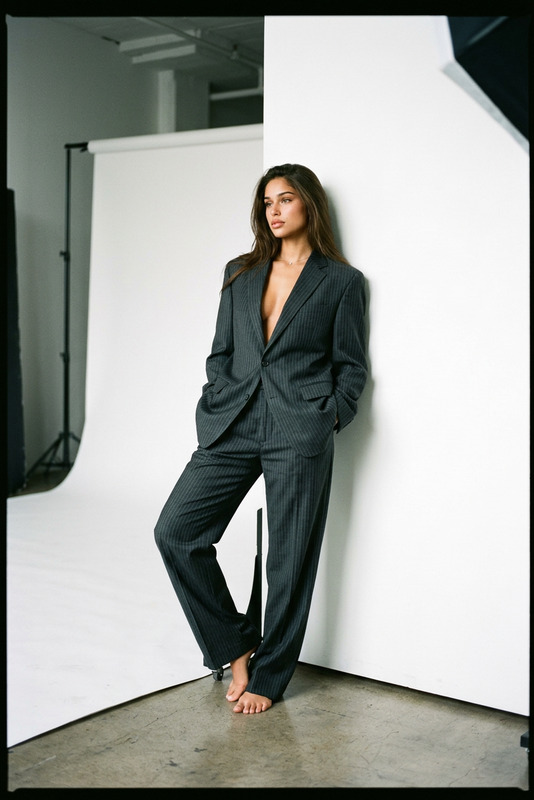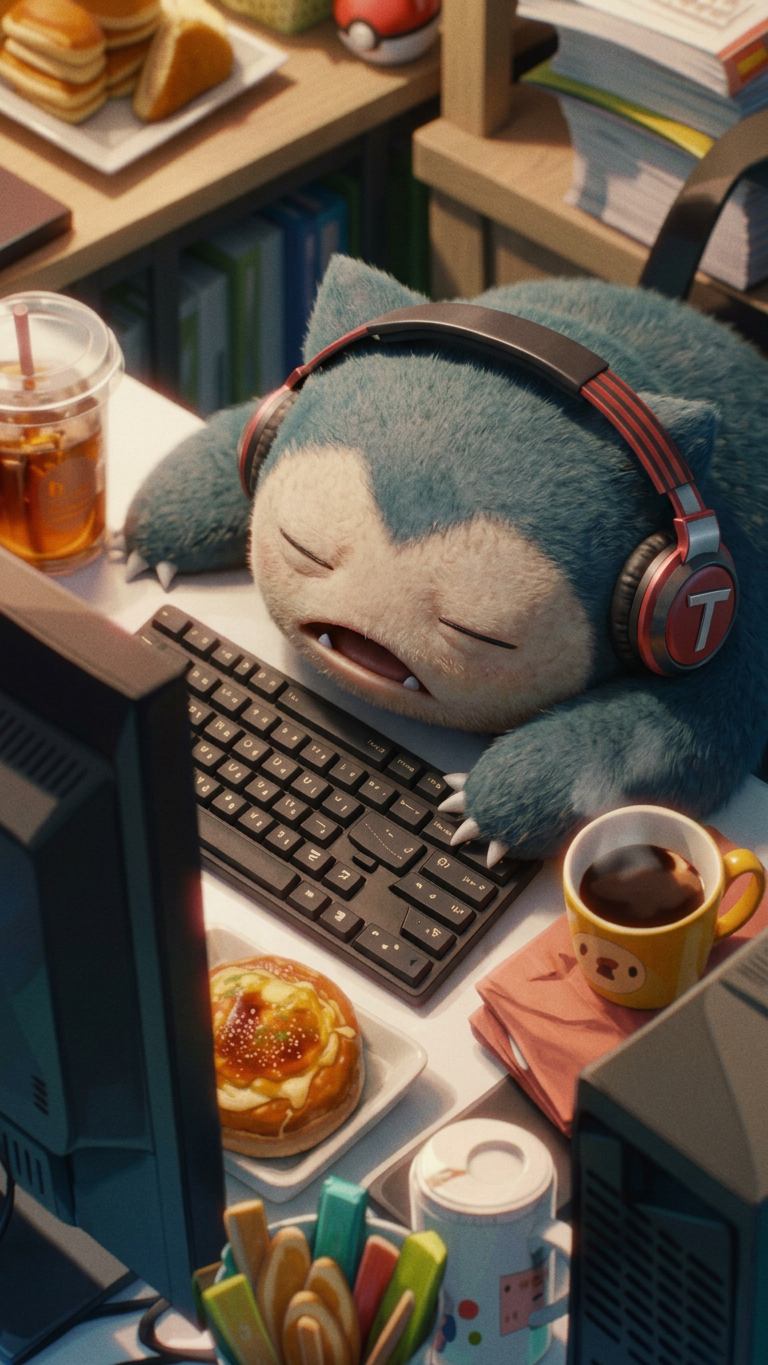
Style of an Eastman Color filmed movie
- Model
- Nano Banana 2
- Image
- 768 × 1365 px
Prompt
A cinematic portrait of {subject}, rendered in the style of an Eastman Color filmed movie, with rich analog film tones, warm slightly faded color palette, soft grain, and natural halation around highlights. Shot with classic mid-century cinematography aesthetics, shallow depth of field, subtle motion realism, and organic lighting. Moody yet timeless atmosphere, evoking vintage Hollywood film stock, with gentle contrast roll-off and nostalgic cinematic texture.
Any aspect ratio
Overview
Step into the world of classic cinema with the "Style of an Eastman Color filmed movie" template, part of our AI Image Editor. Bring the rich textures and vibrant colors of vintage film to your AI-generated images. This template enhances images with warm, slightly faded tones and soft grain effects, replicating the aesthetic of mid-century cinematography.
What It Does
This template leverages the capabilities of the nano-banana-2 model to transform your images into timeless cinematic portraits. It captures the essence of Eastman Color with analog film tones, creating a warm and moody atmosphere reminiscent of Hollywood's golden era. Perfect for vintage-style projects requiring a touch of nostalgia.
Who It's For
Designed for filmmakers, photographers, and content creators aiming to add a cinematic flair to their work. Whether producing a new video masterpiece or enhancing a photo series, use this template to evoke classic cinema vibes. Ideal for those interested in video style transfer or enhancing photo collections with a vintage layer.
Summary
The "Style of an Eastman Color filmed movie" template enriches your creative projects with a distinctive, nostalgic charm. Including features like gentle contrast roll-off and organic lighting, it's a great choice for both image and video projects desiring an authentic vintage look. These characteristics are especially beneficial for AI video generation projects seeking a retro aesthetic.
How to Use
Choose the Template

Customize Your Inputs

Generate Your Image

Use Cases
Vintage Film Projects
- Classic cinema-themed marketing materials
- Promotional trailers for film festivals
- Retro-inspired online campaigns
Photography Enhancement
- Timeless portrait series
- Themed photography exhibitions
- Nostalgic social media posts
Cinematic Video Productions
- Period piece scenes
- Historical documentary visuals
- Engaging video essays
Best Practices
Select the Right Content
Choose subjects that benefit from a vintage makeover, especially those in settings that evoke classic cinema or historical themes.Refine the Prompt
Use the prompt to specify the emotional tone and specific attributes of the piece, ensuring alignment with the mid-century aesthetic.Leverage in Combination
Use this template alongside the AI Clothes Changer to adjust attire for a fully immersive retro transformation.