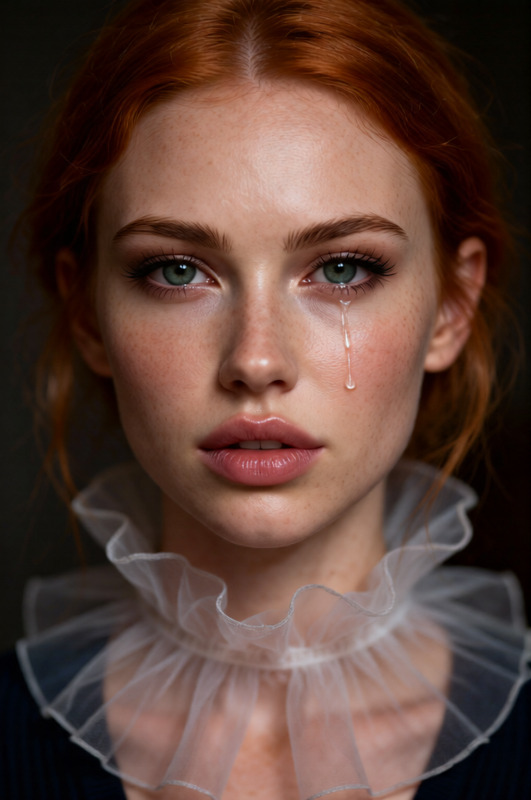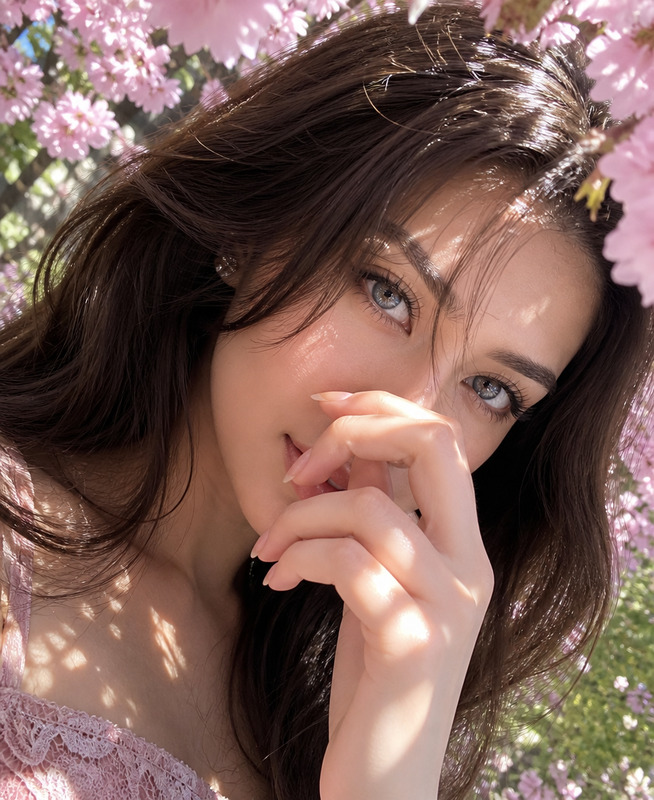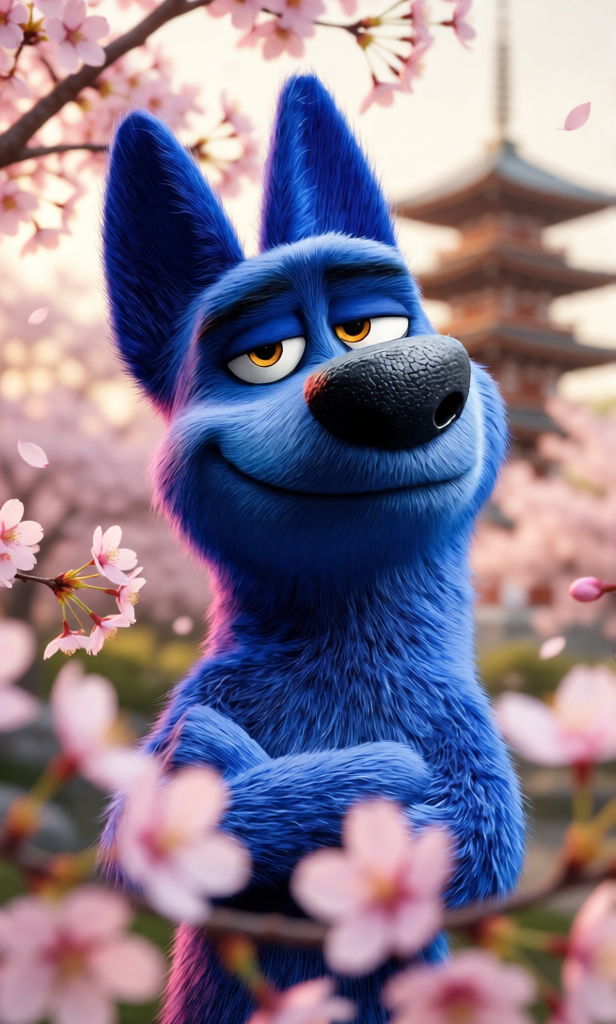
Shallow Focus
- Model
- Qwen Edit
- Image
- 616 × 1024 px
Prompt
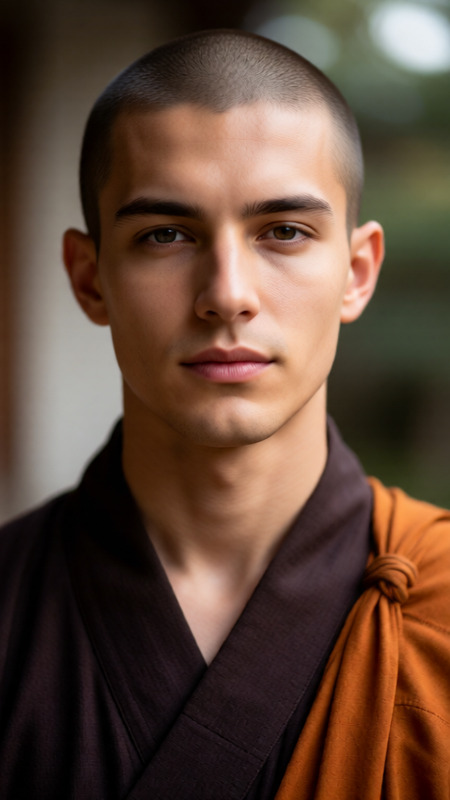
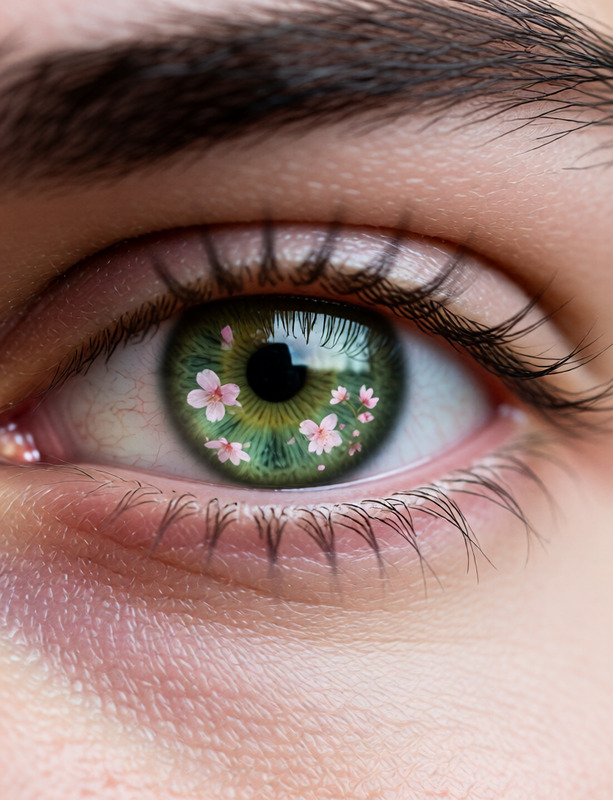
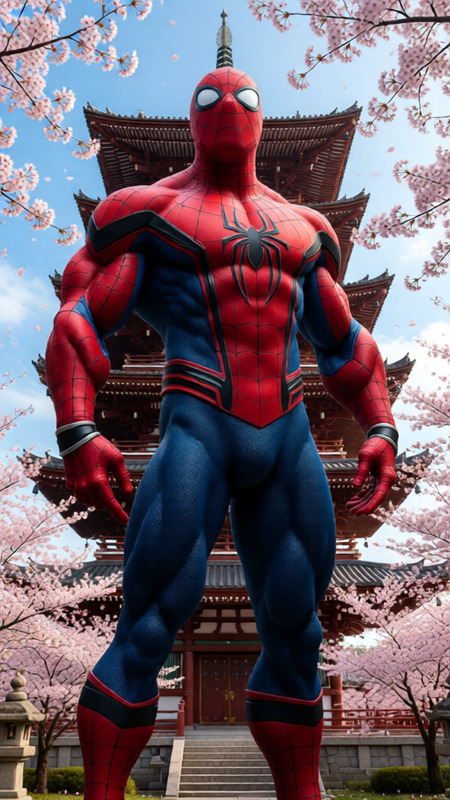
Shallow depth of field at f/1.2, subject’s face in razor-sharp focus, cherry blossoms in foreground blurred into soft pink shapes, pagoda in background melting into creamy bokeh. Extreme subject isolation, photorealistic, cinematic.
Any aspect ratio
Overview
The Shallow Focus template in our AI Image Editor suite leverages the Qwen Edit model to deliver photorealistic, cinematic effects. Ideal for creators looking to enhance image depth, this tool highlights your subject while beautifully blending the background and foreground.
What It Does
This template creates a shallow depth of field effect, simulating an f/1.2 aperture for artistic control over focus. It sharpens the subject's face while ensuring the cherry blossoms and a pagoda blur into aesthetic bokeh. This offers extreme subject isolation ideal for storytelling visuals.
By using AI Image Editor, you can bring cinematic style and clarity to any photo.
Who It's For
This tool is designed for filmmakers, photographers, and content creators who seek a polished, cinematic look without needing to adjust camera settings. It's perfect for anyone looking to add depth and focus to portraits, travel photography, or promotional images.
Summary
The Shallow Focus template uses advanced AI to deliver professional-grade focus adjustments to your images. It emphasizes the subject while converting other elements into dreamy, blurred aesthetics. Ideal for those who need precise focus control in their images.
How To
Choose Your Template

Customize Your Image

Generate and Download

Use Cases
Portrait Enhancement
Travel Photography
Social Media Posts
Best Practices
Center Your Subject
Ensure that your main focus, such as a person’s face, is centered to maximize the tool's sharp focus capability.Use High-Resolution Images
Start with high-resolution images to maintain clarity and detail, especially in the sharp focus areas.Experiment with Backgrounds
Try different backgrounds to see how the bokeh effect changes the mood and feel of your images.