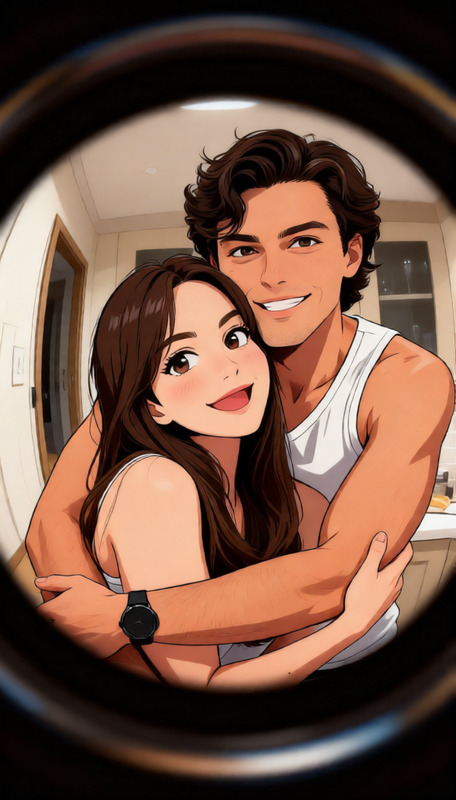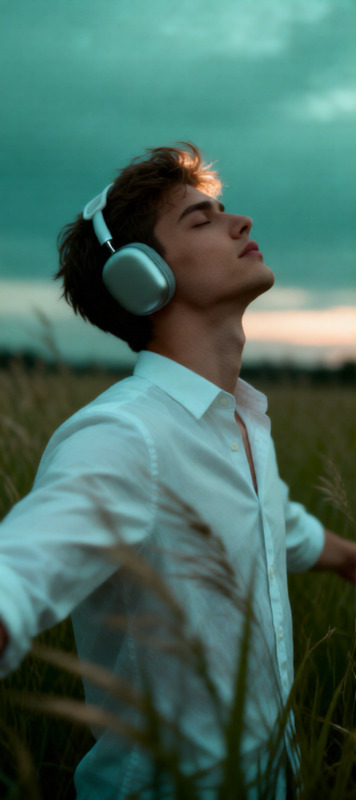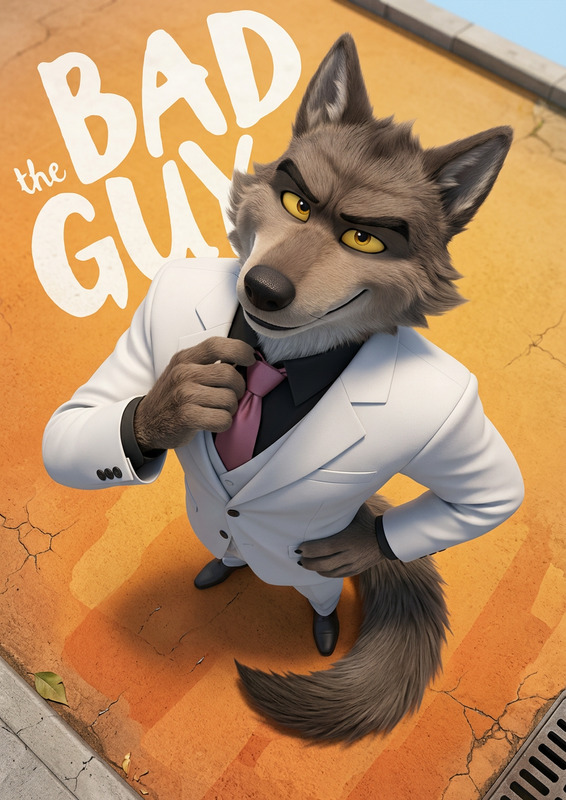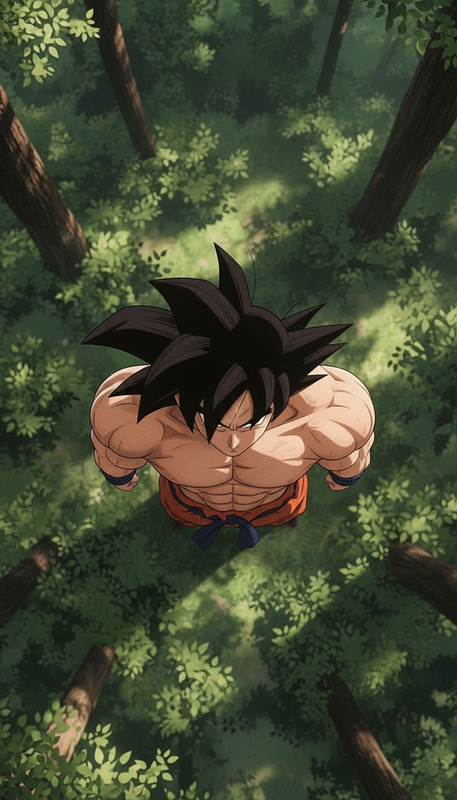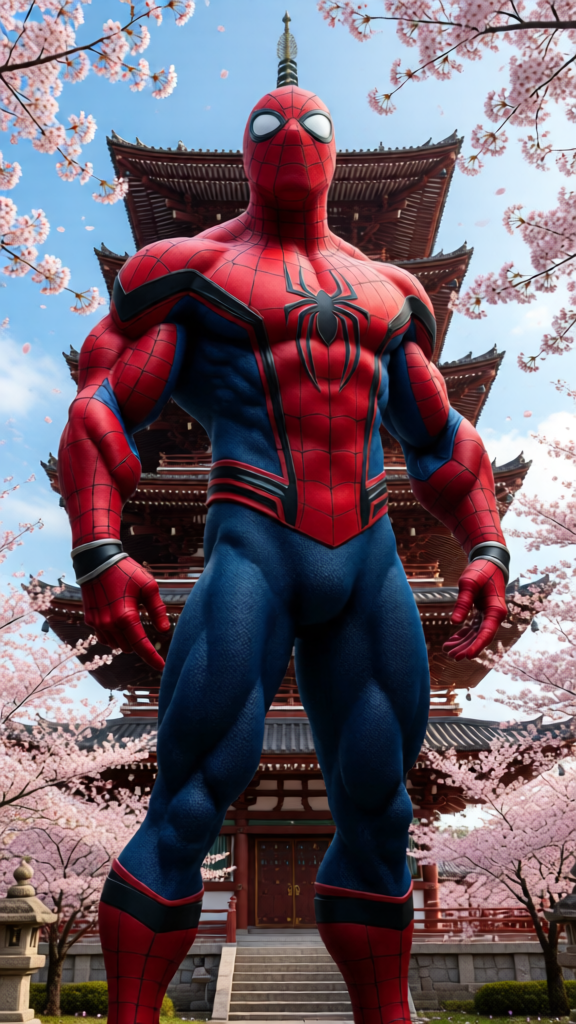
Worm’s Eye Perspective
ai-image-editor
Any aspect ratio
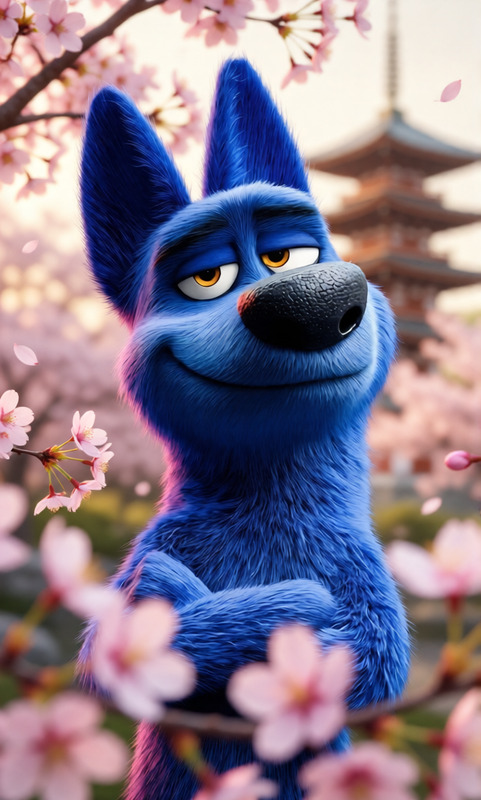
Worm’s-eye view, camera flat on the ground pointing straight up. Subject unchanged, standing above and looking down at camera with a curious expression. Extreme foreshortening, subject towering. Pagoda and cherry blossoms rise into the sky behind. Cinematic composition, photorealistic, natural light.
AI Image Editor Template: Clean Up & Enhance Product Photos in Minutes
Turn quick snapshots into polished, high-converting product images using this AI Image Editor–powered template on Magic Hour. Ideal for ecommerce founders, marketers, and creators who need studio-quality visuals fast—without a designer or complex tools.
What this template is for
Use this template to:
- Remove distractions and unwanted objects from product photos
- Clean up backgrounds (wrinkles, clutter, shadows, logos)
- Fix small visual issues (scuffs, reflections, stray cables, people in the background)
- Refine lighting, color, and contrast for a more “studio” look
- Prepare images for marketplaces, landing pages, ads, and social media
It’s designed for:
- Ecommerce product shots
- SaaS and startup landing page visuals
- Amazon, Etsy, Shopify listings
- Paid ads, hero images, and social content
- Pitch decks and investor updates
How to remix this template in Magic Hour
You can create your own version of this template in a few steps inside Magic Hour:
Open the AI Image Editor
Start from the template or go directly to the AI Image Editor product page.Upload your base image
- Product shot on a simple or messy background
- Lifestyle photo where you want to remove or adjust certain elements
- Existing marketplace image you want to clean up or standardize
Mark what you want to change
Use the editor to select:- Objects to remove (props, hands, stands, logos, background items)
- Areas to refine (wrinkles in fabric, dirty floors, unwanted text or signage)
- Regions to enhance (product edges, shadows, lighting)
Describe your edits clearly
In your prompt, be explicit about the change you want. For example:- “Remove the person in the background and extend the white wall”
- “Clean up the floor, remove all cables, keep the lighting consistent”
- “Replace the background with a soft, light-gray gradient, keep product colors true”
- “Remove all text and logos from the image, keep the bottle shape and label color”
Iterate and save variations
- Generate multiple versions to test different backgrounds or levels of cleanup
- Download your best result for web, ads, or print
- Keep one “clean master” image you can later reuse across other Magic Hour tools
Because this template is built on the core AI Image Editor workflow, you can freely remix it: swap the prompts, change the types of objects you remove, and adapt it to new products or campaigns without touching any settings.
Proven use cases and workflows
1. Marketplace-ready product photos
Use this template to standardize your catalog:
- Remove clutter and make backgrounds consistent across SKUs
- Clean up packaging imperfections and minor defects (without misrepresenting the product)
- Ensure the product remains the focal point with clear contrast
For high-volume catalogs, pair this with:
- AI Image Upscaler to meet minimum resolution requirements
- Image Background Remover if you need transparent or pure-white backgrounds at scale
- AI Photo Generator to create complementary lifestyle images once your core product visual is clean
2. Startup & SaaS marketing visuals
If you’re building landing pages or decks:
- Clean up device mockups, remove messy office backgrounds, and standardize visuals
- Remove placeholder UI or outdated logos from screens and swap them with your latest product interface using text prompts
- Create multiple variants to A/B test hero visuals and pricing-section images
Helpful tools to combine with this template:
- Thumbnail Maker for YouTube and webinar thumbnails that reuse your cleaned product shots
- AI Logo Generator and AI Icon Generator to build consistent brand elements around your edited images
3. Social ads and creator content
Use this workflow to quickly adapt a single good photo into a campaign set:
- Duplicate the cleaned base image and prompt different backgrounds, environments, or props
- Remove any platform-specific elements (watermarks, UI overlays) you don’t own, then rebuild “native-looking” scenes for each channel
- Keep the product identical while experimenting with context, seasonality, and aesthetics
To extend this further:
- AI Gif Generator for lightweight motion ads using your edited frames
- AI Meme Generator to spin off meme variations that still feature your cleaned core asset
How to write effective edit prompts
When using this template, your prompts are the main “control surface.” Some practical guidelines:
- Be concrete and visual
- Instead of “make it better,” say: “Brighten the scene slightly, increase contrast, keep skin tones natural, don’t change the product color.”
- Specify what must stay the same
- “Keep the product shape and logo exactly the same, only clean up the background.”
- Describe the desired end use
- “Prepare this for an ecommerce product detail page with a clean light-gray background and no harsh shadows.”
- Avoid conflicting instructions
- Don’t combine “pure white background” with “keep the natural environment” in one request; split into separate variations.
For more exploratory image creation, you can start new visuals from scratch with the AI Image Generator and then fine-tune them in the AI Image Editor using the same style of prompts.
Advanced workflows with other Magic Hour tools
This template is a strong base layer for more complex AI content pipelines:
Refine faces and people in product shots
- Use AI Face Editor or AI Face Generator to adjust expressions, age, or facial features while keeping the product fixed.
- For creator brands, generate polished profile assets with the AI Headshot Generator using backgrounds or styles consistent with your product imagery.
Transform images into video content
- Start with a cleaned product photo from this template, then animate it with Image to Video or Text to Video for product demos, reveal sequences, or social clips.
- If you’re working with talking presenters, consider enriching your content with AI Talking Photo or AI Voice Generator.
Experiment with styles for campaigns
- Use the clean base image as a “ground truth” and apply stylization using:
- AI Art Generator for stylized marketing visuals
- AI Background Generator to place the same product in multiple environments (studio, outdoor, seasonal themes)
- AI Fashion Generator or AI Outfit Generator if you’re in apparel and want to explore on-model context shots
- Use the clean base image as a “ground truth” and apply stylization using:
Prepare assets for print or higher-end production
- Upscale and sharpen edited images with AI Image Upscaler or Unblur Image before using them in print, billboards, or high-res campaigns.
Why use an AI Image Editor for product and marketing visuals?
Recent advances in diffusion and generative models have made object-aware editing highly reliable for commercial use. Research from Google, OpenAI, and academic groups (see, for example, “SDEdit: Image Synthesis and Editing with Stochastic Differential Equations” and “Diffusion Models Beat GANs on Image Synthesis”) shows that modern diffusion-based editors preserve global structure while enabling fine-grained local edits.
In practice, this means:
- You can remove or adjust elements without re-shooting
- The product and composition stay consistent across edits
- Iteration cycles shrink from days (reshoots, retouching) to minutes
Magic Hour’s AI Image Editor brings these capabilities into a straightforward, browser-based workflow built for creators and teams, rather than ML researchers.
How to adapt this template to your own use case
To remix this template effectively inside Magic Hour:
Change the subject, keep the workflow
- Swap “product” for “UI mockup,” “event photo,” “portfolio shot,” or “real estate listing.” The same cleanup-and-enhance pattern applies.
Build your own prompt library
- Save a short set of prompts you reuse: one for marketplace images, one for landing pages, one for social ads. Keep wording consistent so your output stays on-brand.
Combine with other Magic Hour templates
- Once you have a consistent set of cleaned product images, you can:
- Turn them into animated explainers with the Animation template
- Create short promo clips using Video to Video if you have existing footage that needs a more polished, AI-enhanced look
- Experiment with expressive content using Lip Sync or Face Swap Video for more experimental creator campaigns
- Once you have a consistent set of cleaned product images, you can:
Summary
This AI Image Editor template gives you a reusable, remixable workflow for:
- Cleaning and standardizing product and marketing images
- Removing objects, clutter, and artifacts with natural-looking results
- Preparing visuals that can be extended across Magic Hour’s broader ecosystem of tools
Start with a single photo, apply precise edits via natural language, then expand into entire campaigns by combining your cleaned assets with other Magic Hour products.