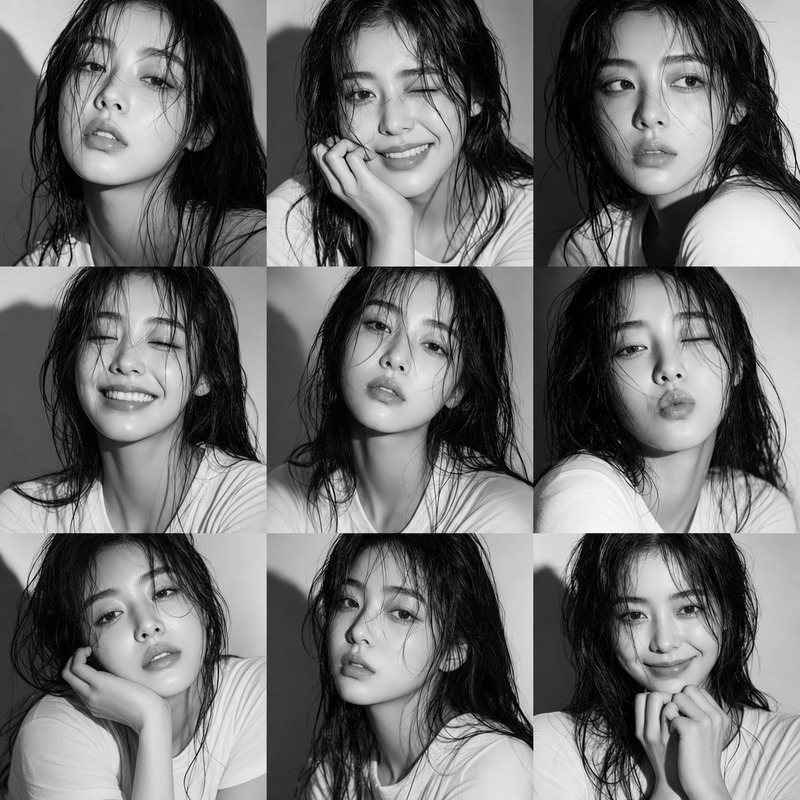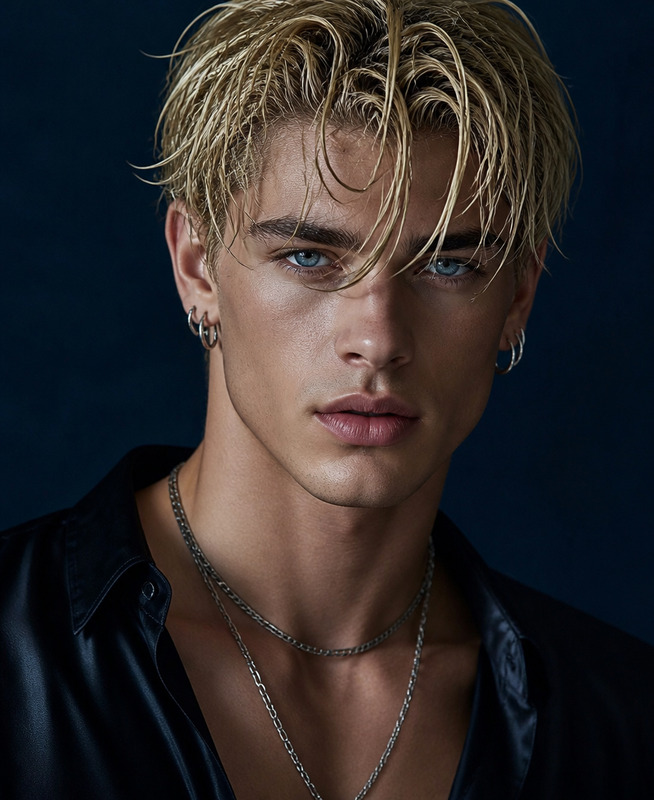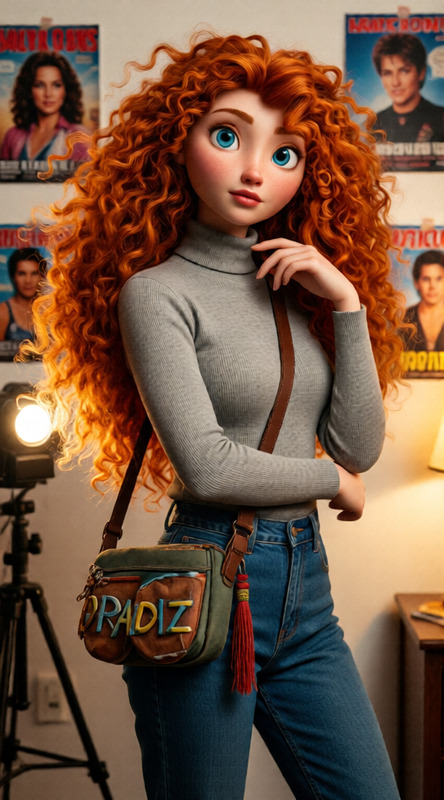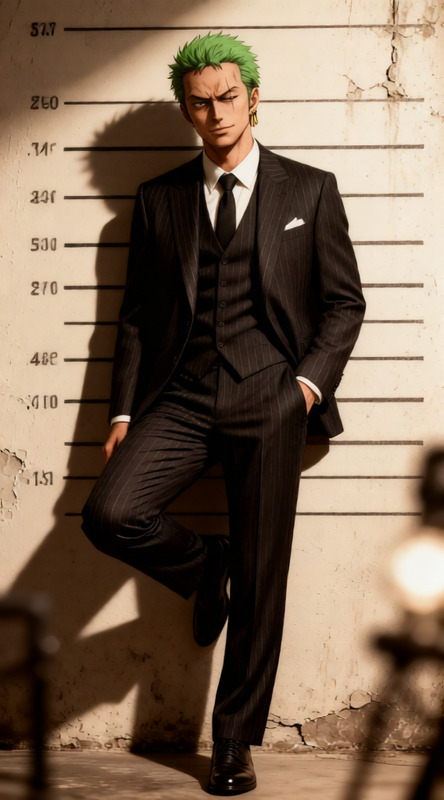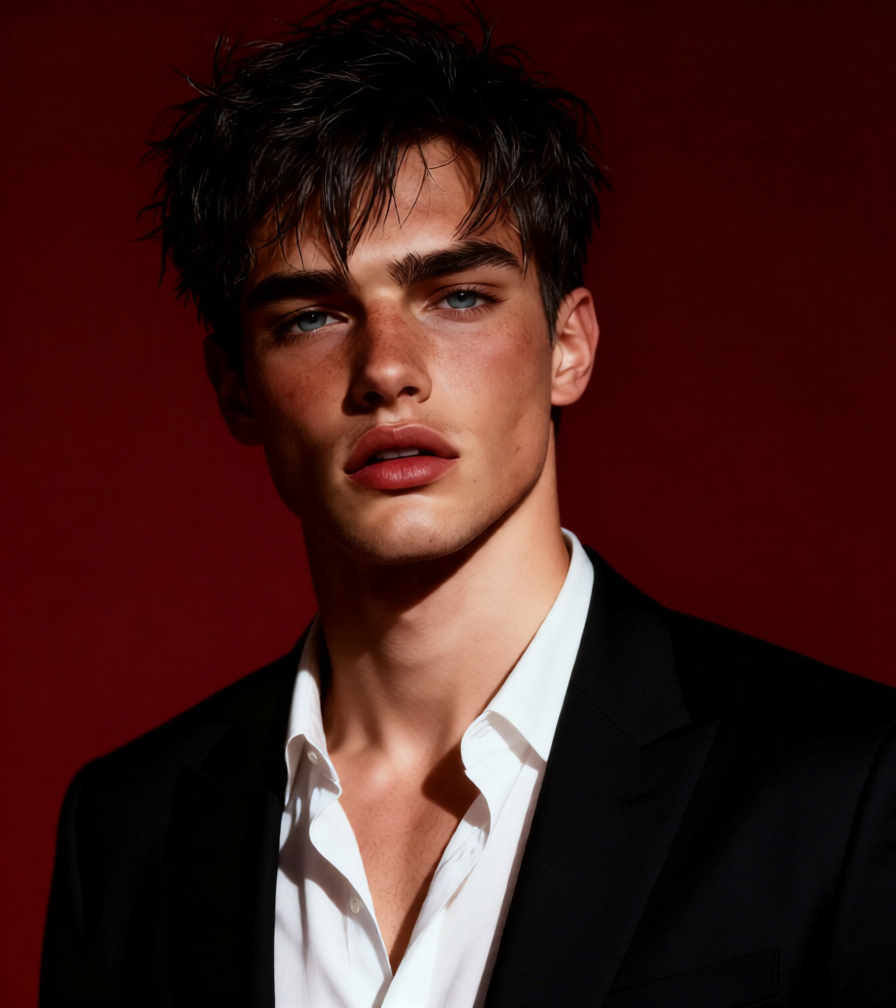
Crimson Power Portrait
ai-image-editor
Any aspect ratio
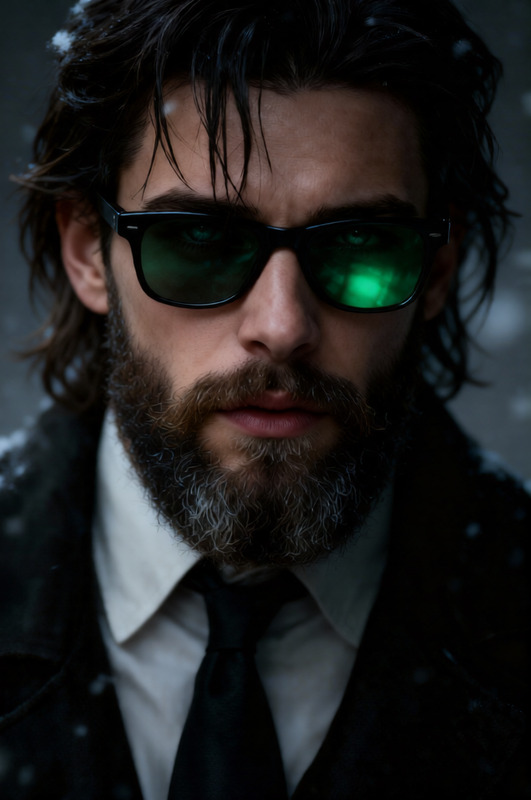
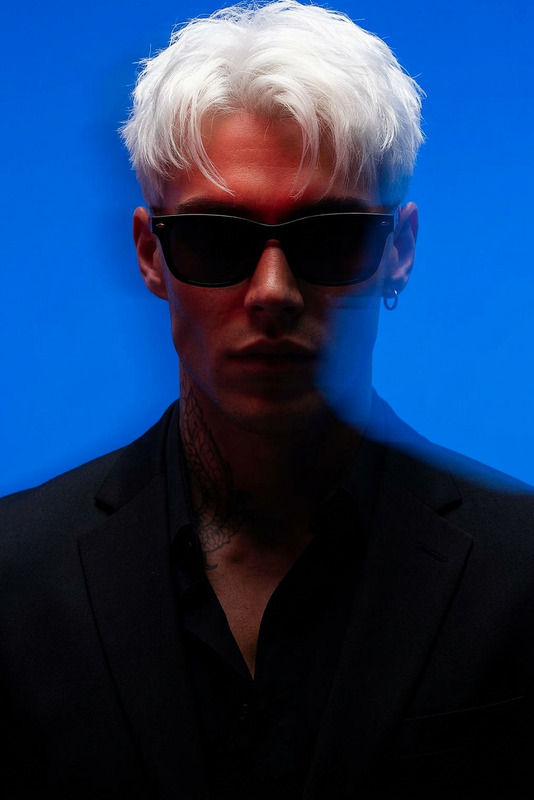
Ultra-realistic 8K portrait of a subject standing against a deep red background. Sharp facial features, defined jawline, and neck emphasized for a cinematic, powerful, moody atmosphere. Messy styled dark hair with a confident, slightly intense expression. Wearing a black suit jacket over a white shirt with an open collar. Dramatic lighting, high contrast shadows, ultra-detailed skin texture, fashion editorial style, cinematic portrait photography.
AI Image Editor Template: Instantly Upgrade Any Photo with AI
Turn rough drafts, screenshots, and quick snaps into polished, on-brand visuals in minutes. This template is built on the AI Image Editor, so you can quickly clean up, enhance, and repurpose images without opening Photoshop or writing a single line of code.
What This Template Does
Use this template to:
- Remove unwanted objects or distractions from photos
- Swap or refine backgrounds to match your brand or campaign
- Clean up screenshots and UI mockups for decks, docs, and product pages
- Enhance faces, outfits, and lighting for more professional-looking images
- Reframe or extend images for social media, ads, thumbnails, and landing pages
Under the hood, it uses the same diffusion and image-editing techniques powering state-of-the-art tools like Stable Diffusion Inpainting and generative fill, wrapped in a workflow that stays out of your way and lets you move fast.
Best For
This template is built for teams who need production-ready visuals quickly:
- Founders & marketers: polish product images, pitch decks, and ads
- Designers & growth teams: generate variations for A/B tests and campaigns
- Developers & PMs: create clean UI/UX screenshots and feature visuals
- Content & social teams: adapt one asset across multiple channels
If your work touches landing pages, app stores, investor updates, social, or paid acquisition, this template is meant to save you hours every week.
How to Use This Template in Magic Hour
You can use this template as-is, or remix it to fit your workflow in a few steps:
Open the Template in Magic Hour
- Start from the existing template in the Magic Hour gallery.
- Or open the AI Image Editor and create a new workflow inspired by this template.
Upload Your Base Image
- Use product photos, app screenshots, portraits, marketing creatives, or even rough sketches.
- High-resolution sources work best, but you can later enhance low-res images with the AI Image Upscaler.
Describe the Edit You Want
- Use natural language prompts like:
- “Remove the person in the background and make the wall clean white.”
- “Change the background to a modern office with soft daylight.”
- “Turn this casual photo into a professional LinkedIn-style headshot.”
- The model uses your prompt to guide generative edits while preserving the core subject.
- Use natural language prompts like:
Mask or Target the Area (Optional)
- If you want localized edits—such as removing an object, changing only the outfit, or editing the background—select just that region before applying the change.
- This is ideal for workflows similar to “content-aware fill” or “inpainting.”
Generate, Review, and Refine
- Generate multiple candidates and pick the strongest.
- If needed, refine your prompt (e.g., specify lighting, color tones, setting, or style) and re-run.
Chain with Other Magic Hour Tools (Optional but Powerful)
- Upscale or sharpen the result with AI Image Upscaler.
- Turn a static image into short motion content with Image-to-Video or Text-to-Video.
- Create talking avatars from edited portraits using AI Talking Photo.
- Generate additional stylistic variants with the AI Image Generator or AI Art Generator.
How to Remix This Template for Your Own Use Case
You can duplicate this template and turn it into a custom “one-click” workflow for your team:
1. Create a Branded Image Cleanup Flow
Ideal for startup teams who constantly need clean, consistent visuals.
- Use the AI Image Editor as your base.
- Define a consistent guidance prompt like:
- “Studio-quality, soft lighting, subtle shadows, clean background in brand colors, high contrast, sharp details.”
- Add a final pass with AI Image Upscaler for crisp output.
- Reuse this remix whenever you upload new product shots or UI screens.
2. Build a “From Selfie to Headshot” Pipeline
For founders and teams who need fast, professional-looking profile photos.
- Start from this template to clean up or adjust your photo.
- Use AI Face Editor or AI Headshot Generator to refine facial details, lighting, and framing.
- Optionally, change outfits with AI Clothes Changer.
- Save this as a remix so your team can standardize headshots across LinkedIn, pitch decks, and your “About” page.
3. Turn Static Creatives into Motion Assets
Useful for performance marketers and growth teams.
- Start with on-brand, edited images from this template.
- Animate them into scroll-stopping clips using:
- Layer voice or dialogue with AI Voice Generator or AI Voice Cloner for more immersive campaigns.
4. Create Social-Ready Variants Fast
For content and social teams shipping daily.
- Use the template to standardize your visual style (backgrounds, tones, overall look).
- Generate tailored versions for:
- Thumbnails via the Thumbnail Maker
- Avatars with the Avatar Generator
- Memes through the AI Meme Generator
- Save these remix flows so others on your team can reproduce them without manual design work.
Common Use Cases (With Practical Examples)
Here are realistic ways teams are using workflows like this in production:
Product marketing
- Remove cluttered backgrounds from hardware or app photos.
- Replace them with clean, abstract gradients using AI Background Generator.
- Then reuse assets across your website, blog, and paid ads.
App & SaaS screenshots
- Capture raw screenshots → clean borders, remove PII or internal data with the AI Remover.
- Add consistent background and subtle shadow for a “hero mockup” feel.
Founders updating decks
- Upgrade casual event or office photos into more intentional visuals.
- Use Photo Colorizer or Old Photo Restoration for legacy or historical imagery.
Creators and YouTubers
- Clean up photos and frames, then feed them into AI Talking Photo or Video-to-Video for stylized, talking characters.
- Generate eye-catching video covers with the Album Cover Generator or Book Cover Generator.
Related Magic Hour Tools You Might Combine with This Template
Depending on your workflow, you may want to connect or follow up with:
For faces & people
For creative and branded art styles
For backgrounds, layouts, and design
For cleanup and repair
For advanced content flows (video, voice, and beyond)
Why Use Magic Hour Instead of Doing This Manually?
Teams typically move to AI-based image editing for three reasons:
- Speed – You can go from rough asset to polished creative in minutes instead of hours of manual editing.
- Consistency – Once you dial in a remix of this template, your team can repeatedly generate visuals that look like they came from the same designer and brand system.
- Scalability – You can generate dozens or hundreds of variations for campaigns, experiments, and localization without a proportional increase in design time.
Underlying this is a stack of generative models similar to those referenced in research like the Stable Diffusion and Imagen families, as well as modern inpainting, upscaling, and face-editing approaches. Magic Hour wraps these capabilities into tools and templates—like this AI Image Editor workflow—that are accessible to non-technical teams while still useful to developers and power users.
Getting Started
To create your own version of this template:
- Open the template in Magic Hour.
- Duplicate it to your workspace.
- Adjust the prompts and steps to match your brand, product, or content style.
- Save it as a remix so your team can reuse it as a standard “image polish” flow.
From there, you can layer on other Magic Hour tools to build a complete pipeline—from raw snapshot to finished ad creative, social post, or product hero image—without ever leaving the platform.