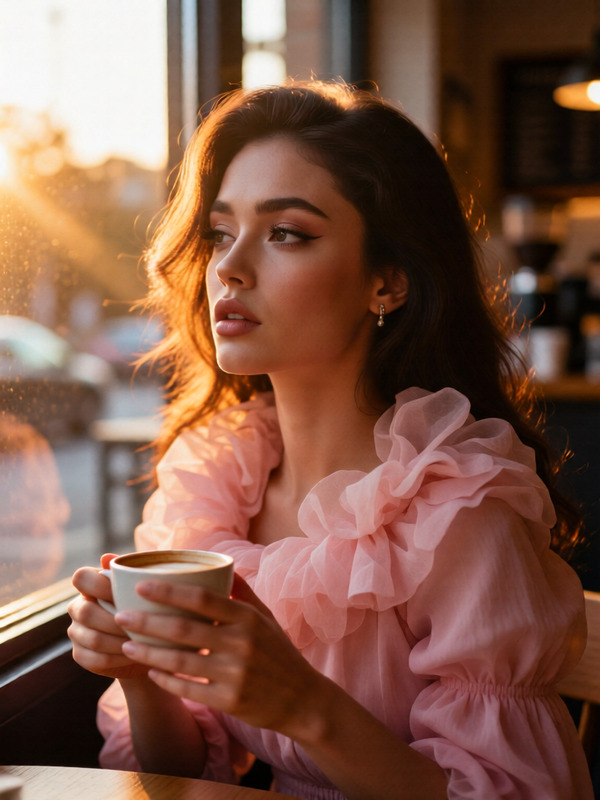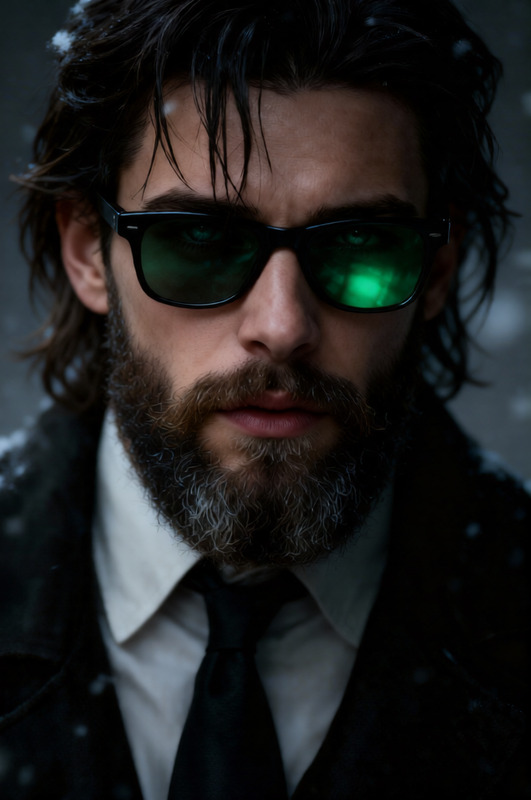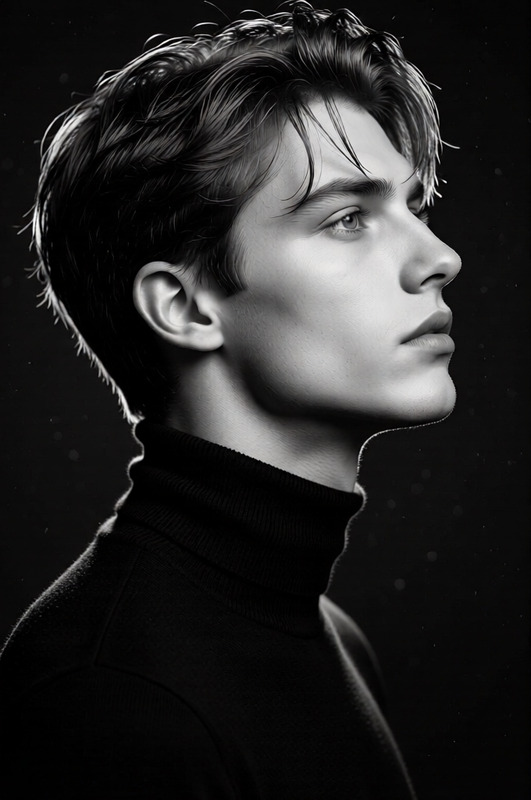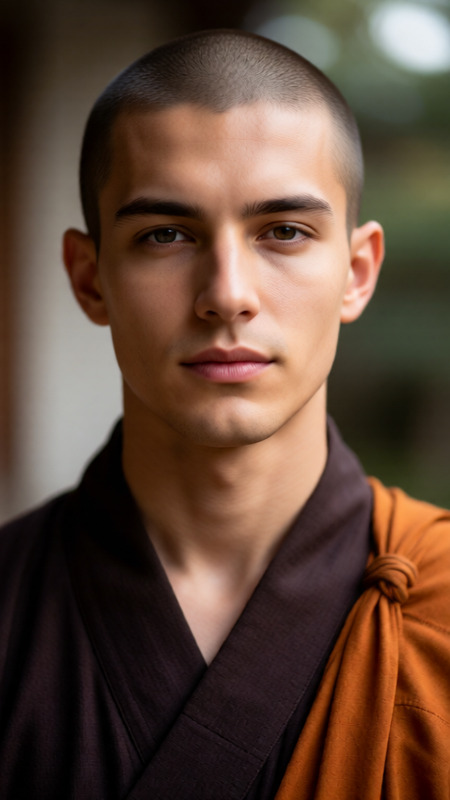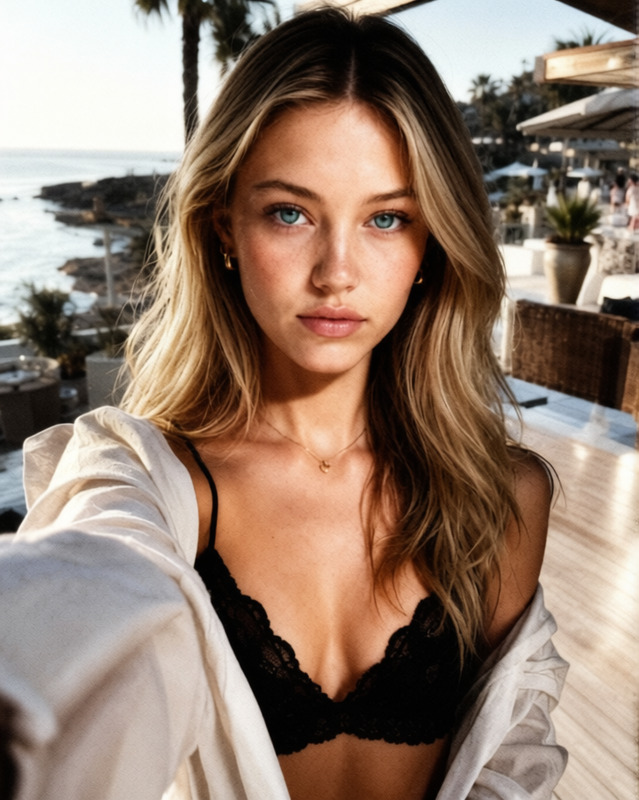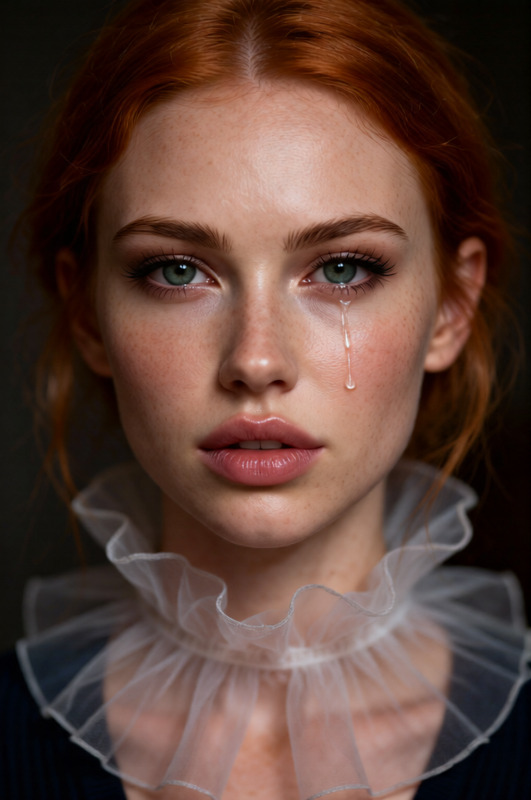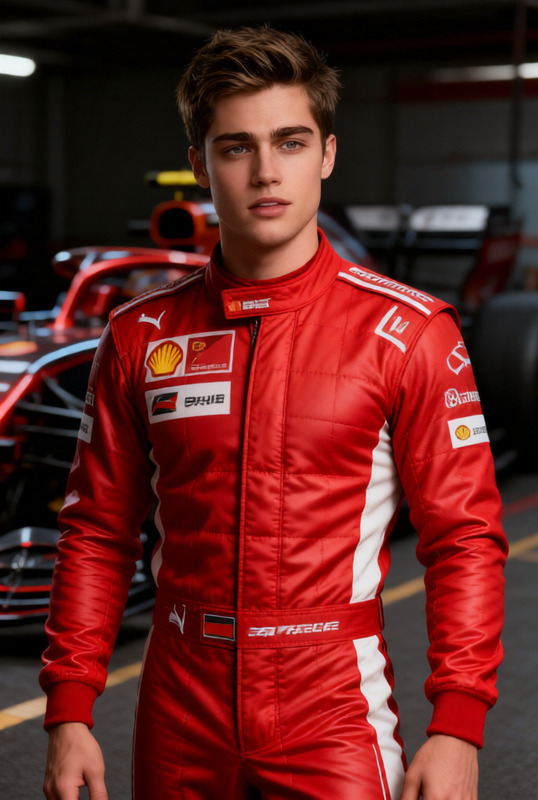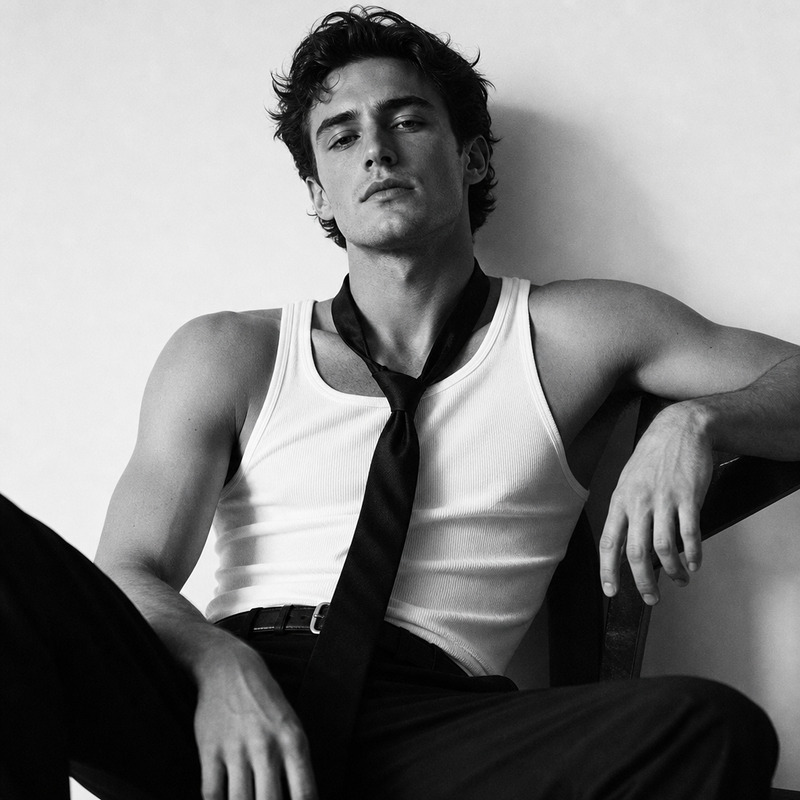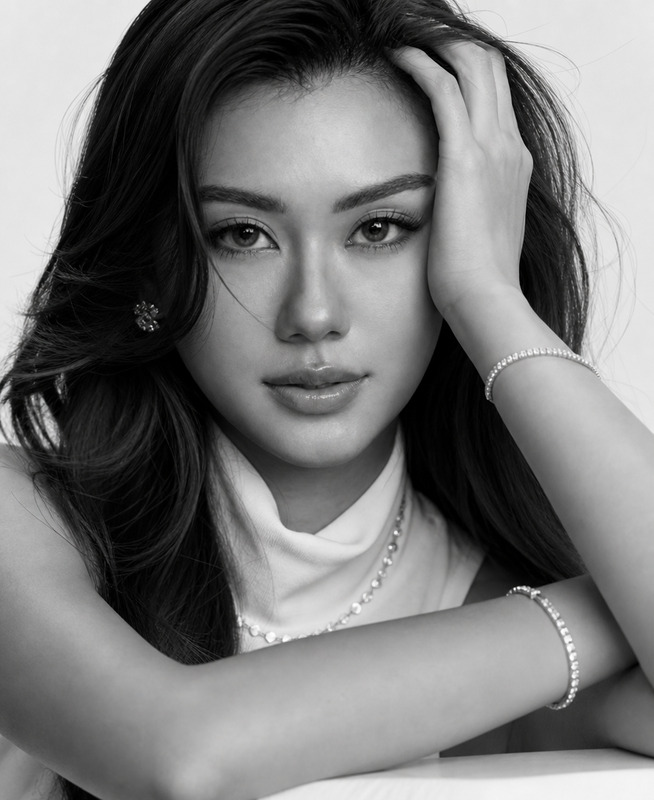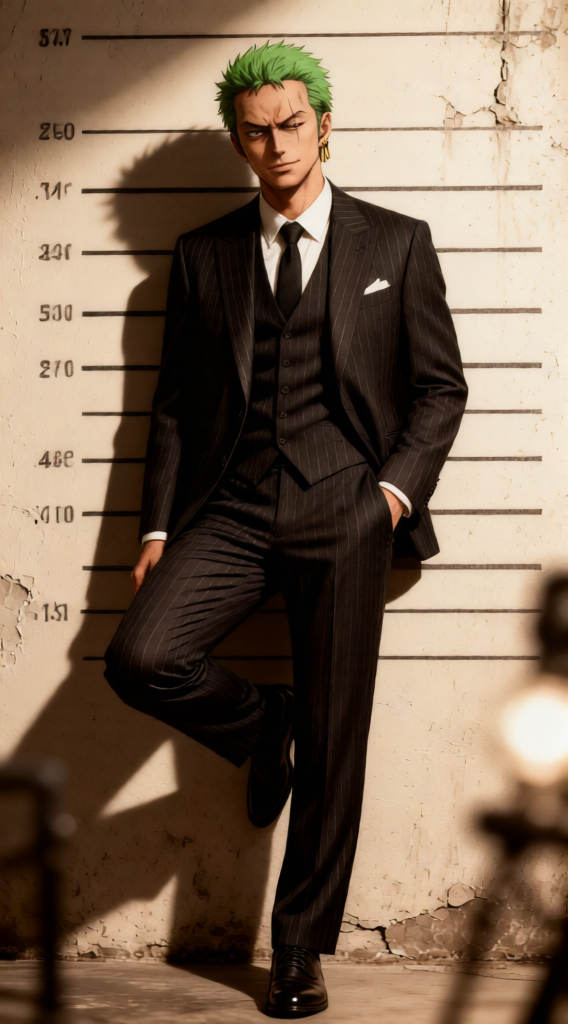
Mugshot Editorial Portrait
- Model
- Qwen Edit
- Image
- 568 × 1024 px
Prompt
Hyper-realistic 8K DSLR portrait, 50mm lens, full-body mugshot-style composition. Subject in vintage tailored dark pinstripe suit, standing against marked wall with height lines, leaning pose, one knee bent. Gritty studio wall, soft bokeh, slightly sepia archival tone. Strong frontal/overhead lighting with dramatic shadows. Clean sharp focus, natural color grading, editorial fashion realism, 1080x1350 (4:5).
Any aspect ratio
Overview
The Mugshot Editorial Portrait template in our AI Image Editor category delivers hyper-realistic images with an editorial touch. Using the qwen-edit model, this template offers a sophisticated approach to capturing mugshot-style images with artistic flair.
What It Does
This template transforms standard photos into striking editorial portraits. The result is a high-quality, full-body image with precise detailing, vintage elements, and editorial fashion realism. Ideal for fashion designers or photographers aiming to create high-impact visuals.
Elevate your visual projects by producing images that demonstrate clean sharp focus, natural color grading, and strong lighting effects.
Who It's For
The Mugshot Editorial Portrait template is tailored for editorial creatives, fashion photographers, and designers seeking to enhance their portfolios with unique, high-quality images. If you're in the business of producing visually arresting content, this is also perfect for you.
Leverage this tool to create compelling fashion editorials or artistic photography projects that captivate and engage viewers.
Summary
With our Mugshot Editorial Portrait template, take your projects to a new level. This template provides practical solutions for generating aesthetic and professional-grade images. For those interested in extending their abilities further, consider tools like the Image to Video for dynamic visual storytelling or the AI Profile Picture Generator for optimized personal branding imagery.
How to Use
Choose Your Template

Customize Your Image

Generate and Refine

Use Cases
Editorial Fashion Photography
Marketing Campaigns
Portfolio Development
Best Practices
Optimize Lighting and Focus
Ensure the prompt includes details on lighting and focus to maximize the visual impact of your editorial portrait.Tailor the Pose and Attire
Adjust the subject's pose and clothing in the prompt to fit the narrative of your project for more compelling images.Experiment with Background Settings
Alter the background to add unique elements like a gritty studio wall or bokeh effects to enrich the portrait's depth.