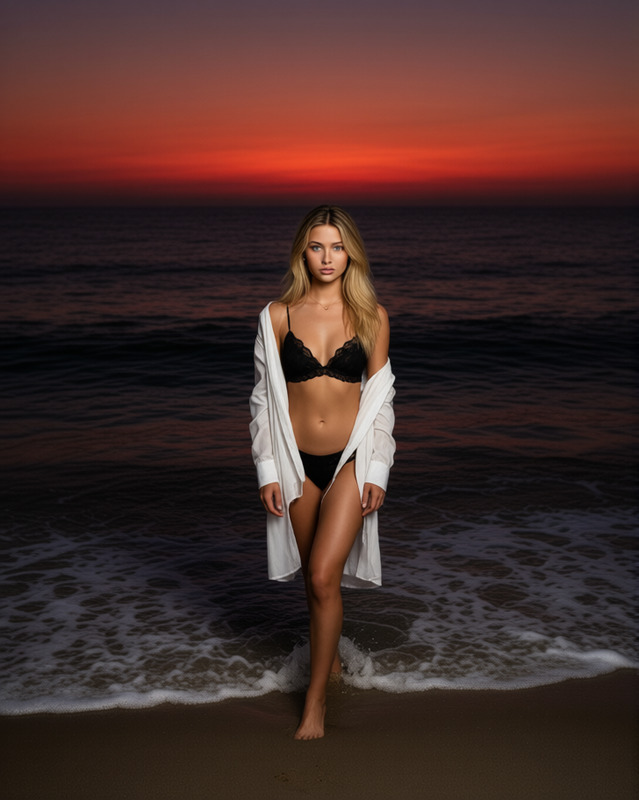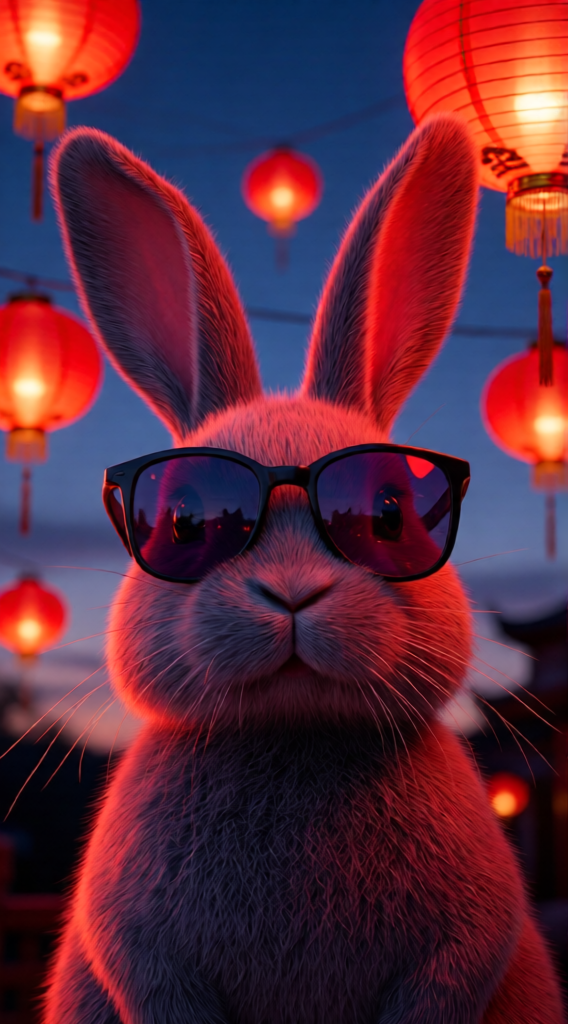
Lantern Glow Portrait
- Model
- Qwen Edit
- Image
- 568 × 1024 px
Prompt
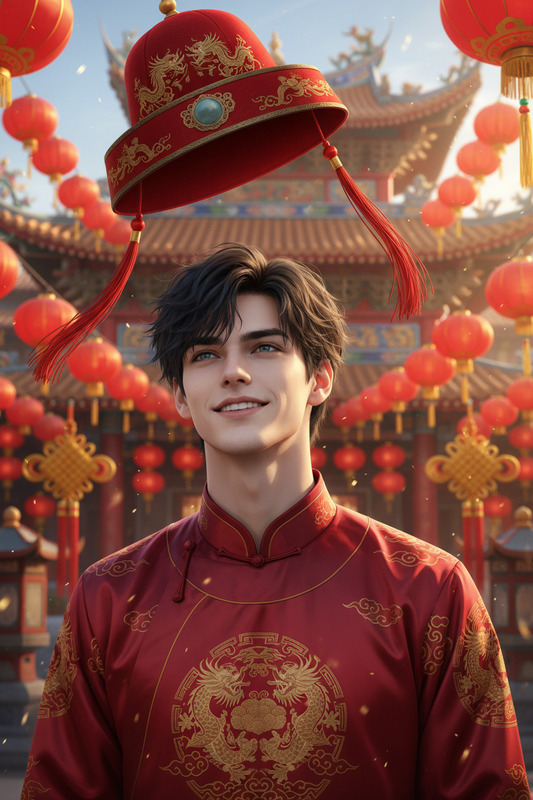
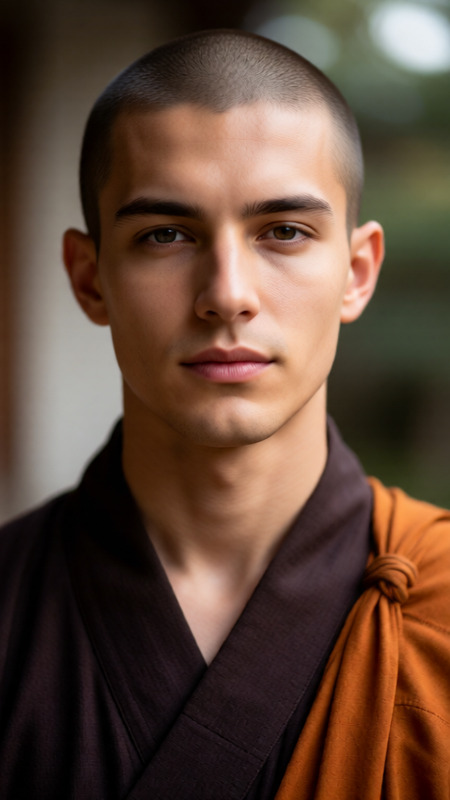
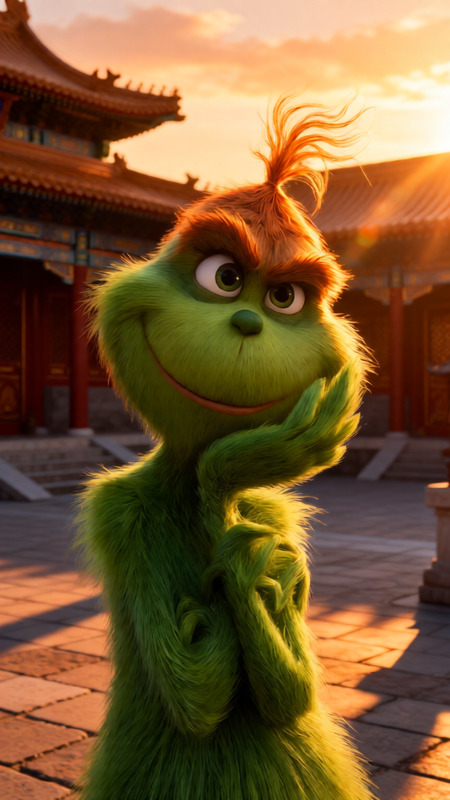
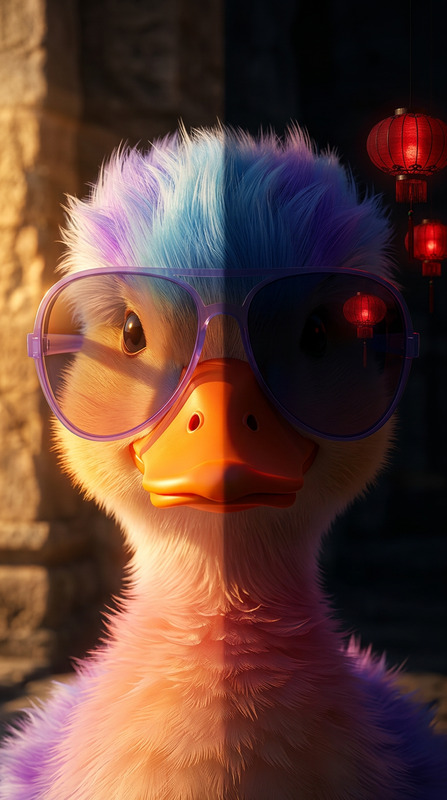
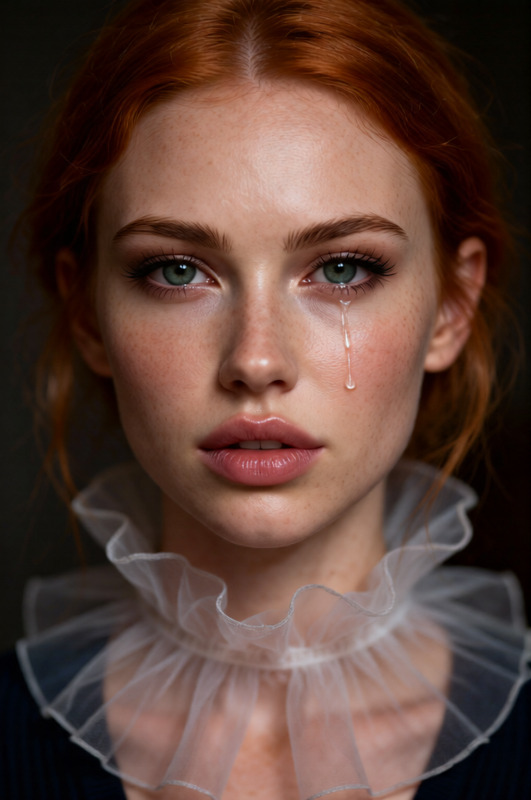
Practical lighting at twilight, glowing red Chinese paper lanterns visible in frame, casting warm red light onto the subject’s face and hair. Multiple lanterns at varying distances create depth. Cinematic, photorealistic.
Any aspect ratio
Overview
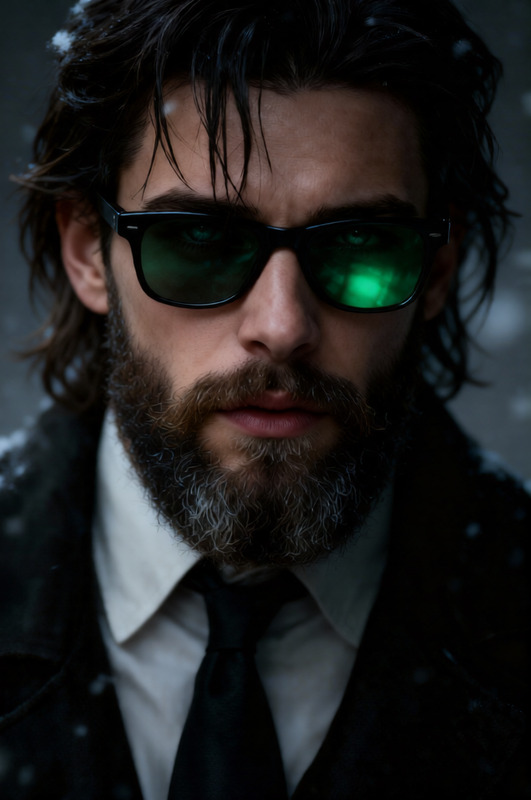
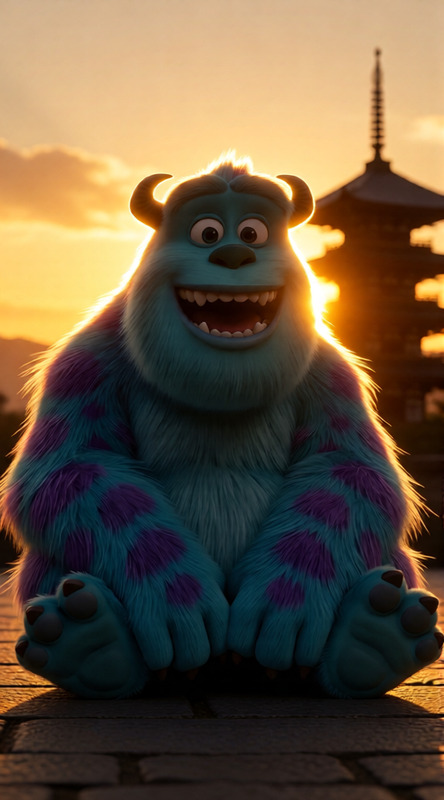
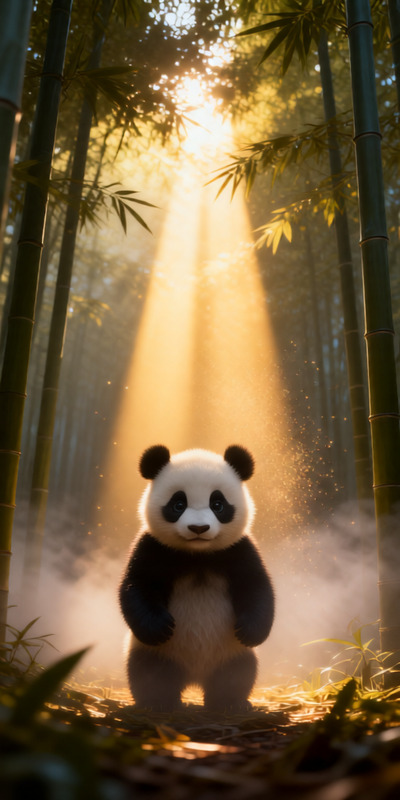
The Lantern Glow Portrait template is designed to bring your images to life with a rich, cinematic feel. Utilizing the AI Image Editor model, Qwen-Edit, you can infuse everyday images with the warm glow of traditional Chinese lanterns. This template is perfect for creating depth and photorealism in your portraits, making each detail come to life with dramatic lighting effects.
What It Does
This template leverages advanced AI technologies to edit images, emphasizing lighting and atmosphere. By incorporating multiple glowing lanterns, it adds a soft, warm red light that enhances the subject’s features, creating a three-dimensional effect. Paired with the AI Photo Relighting capabilities, it ensures that the lighting feels natural and engaging, offering a cinematic touch to your portraits.
Who It's For
The Lantern Glow Portrait template is ideal for photographers, content creators, and marketers who want to add an artistic flair to their visuals. It's particularly useful for professionals looking to enhance their portfolio with unique lighting effects or marketers aiming to create captivating visuals for campaigns and social media posts. Additionally, it is suitable for use cases in social media ads, where eye-catching imagery is crucial.
Summary
Transform your images with the Lantern Glow Portrait template, using AI to create photorealistic, cinematic portraits. This tool brings the warmth and depth of glowing lanterns into your images, enhancing the subject's features and creating eye-catching visuals. Integrate this with tools like the AI Image Upscaler to ensure high-quality outputs, elevating your visual content strategy.
How To
Choose Your Template

Customize the Scene

Generate and Download

Use Cases
Elevating Portrait Photography
- Highlight facial features with warm lighting
- Create a storytelling element with the lantern glow
- Enhance depth and mood in portraits
Marketing Campaign Visuals
- Attract attention with unique lighting
- Improve engagement with artistic visuals
- Create themed advertising content
Social Media Enhancement
- Add a creative touch to profile pictures
- Produce engaging content for posts and stories
- Boost your brand's visual identity
Best Practices
Optimize Lighting Placement
Consider the angle and distance of each lantern when setting up your scene to ensure the lighting highlights your subject effectively.Balance Light and Shadow
Adjust the prompt parameters to find the right balance between light and shadow, contributing to the depth and dimensionality of the portrait.Use with Photo Relighting Tools
Combine this template with the AI Photo Relighting tool to fine-tune lighting effects and achieve a more natural look.